
Where Am I?
Project Zomboid: Never Get Lost Again with the “Where Am I?” Mod
Navigating the vast and dangerous world of Project Zomboid can be a daunting task, especially with the proliferation of incredible map expansion mods. For both seasoned survivors and newcomers alike, pinpointing your exact location amidst sprawling towns and unfamiliar territories has always been a challenge. Thankfully, the “Where Am I?” mod is here to solve that problem, offering a simple yet indispensable tool for any player.
Effortless Location Identification
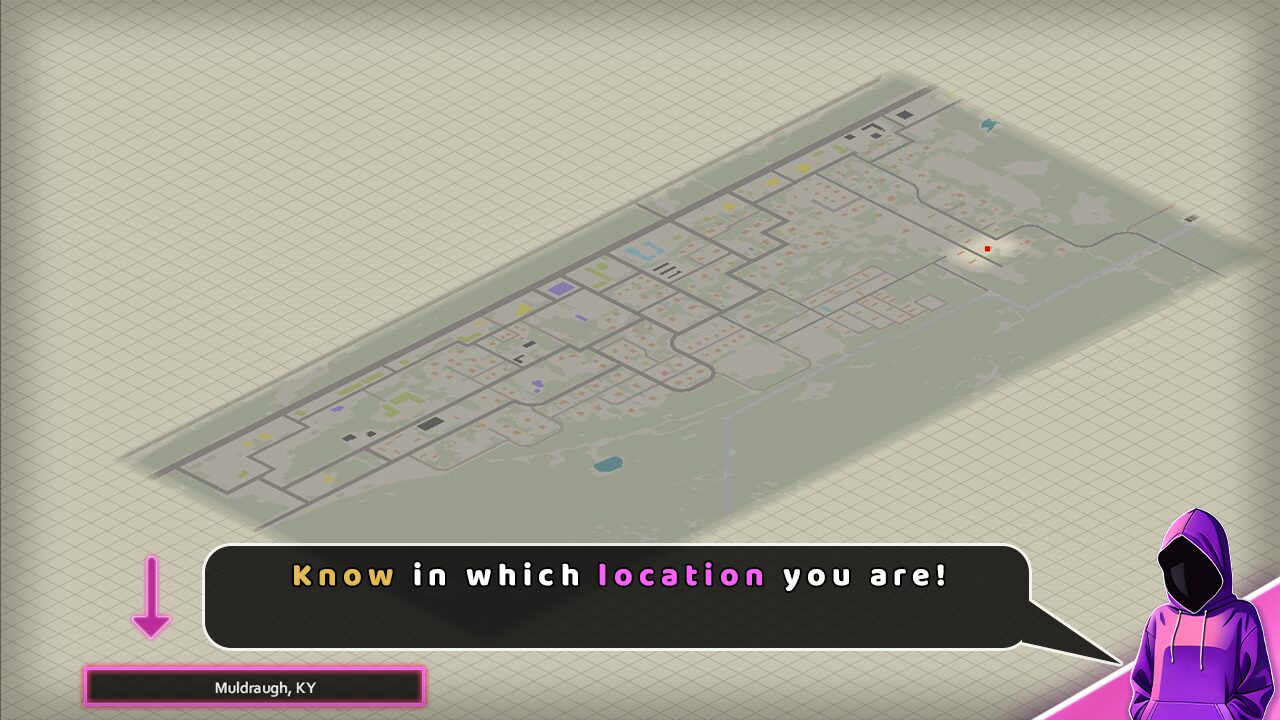
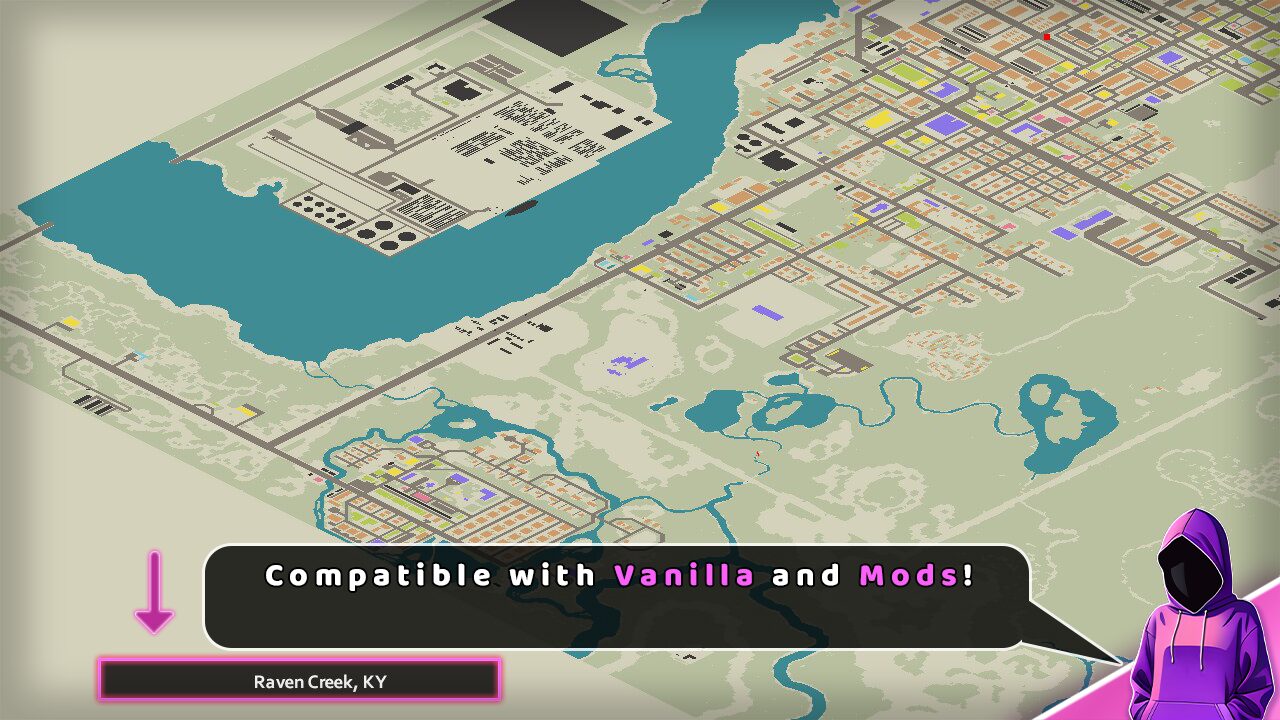
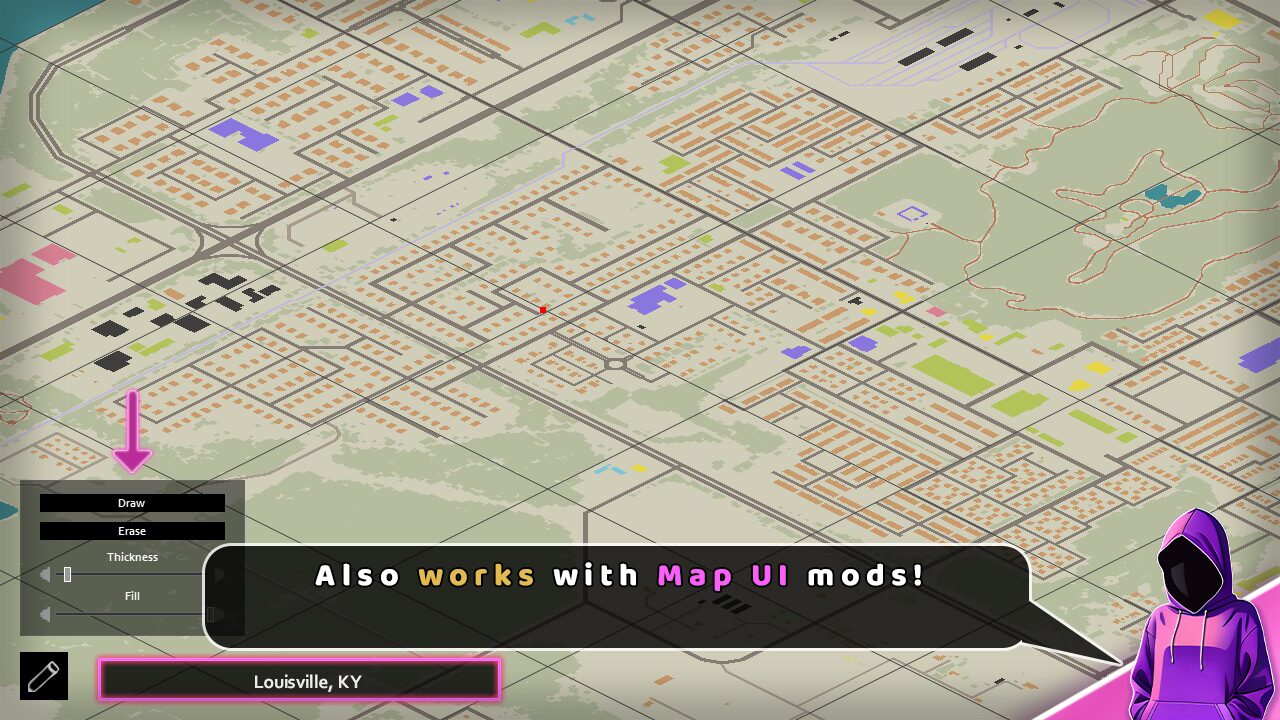
The brilliance of the “Where Am I?” mod lies in its seamless integration and straightforward functionality. Whenever you bring up your in-game map, a clear and concise header will appear in the bottom left corner. This header dynamically displays the specific town, region, or area you are currently situated in. This information is presented regardless of whether you are exploring the vanilla map or venturing into territories added by other map mods.
Key Features of the “Where Am I?” Mod:
- Instant Location Display: Clearly see your current area on the map screen.
- Universal Compatibility: Works with both vanilla Project Zomboid locations and most popular map mods.
- Seamless Integration: Appears automatically when the map is opened, requiring no extra steps.
- Multiplayer Ready: Fully functional in multiplayer servers, ensuring everyone knows where they stand.
- Save Game Compatible: Integrate it into your existing survival runs without issue.
Designed for Every Survivor
The “Where Am I?” mod is designed with ease of use and broad compatibility in mind. It functions flawlessly with the latest builds of Project Zomboid, ensuring you can implement it immediately. Furthermore, its multiplayer capabilities mean that you and your fellow survivors can coordinate your efforts with greater precision, no longer needing to rely on guesswork or external tools to determine your whereabouts. Whether you’re deep into a long-term save or starting a fresh apocalyptic journey, this mod is a valuable addition to your gameplay experience.
The developer has put significant effort into ensuring compatibility with a wide array of popular map mods. For a comprehensive list of supported areas and to check for any known conflicts, please refer to the mod’s dedicated discussion pages.