
Weapon Condition Indicator 简中汉化
Enhance Your Project Zomboid Experience with Weapon Condition Indicator
Keeping track of your gear’s condition is crucial for survival in Project Zomboid. Introducing the Weapon Condition Indicator mod, a vital tool designed to provide you with immediate, at-a-glance information about the durability of your equipped items. This mod ensures you’re never caught off guard with a breaking weapon or a depleted magazine when it matters most.
Key Features for Improved Awareness
The Weapon Condition Indicator mod offers several intuitive ways to monitor your equipment’s status:
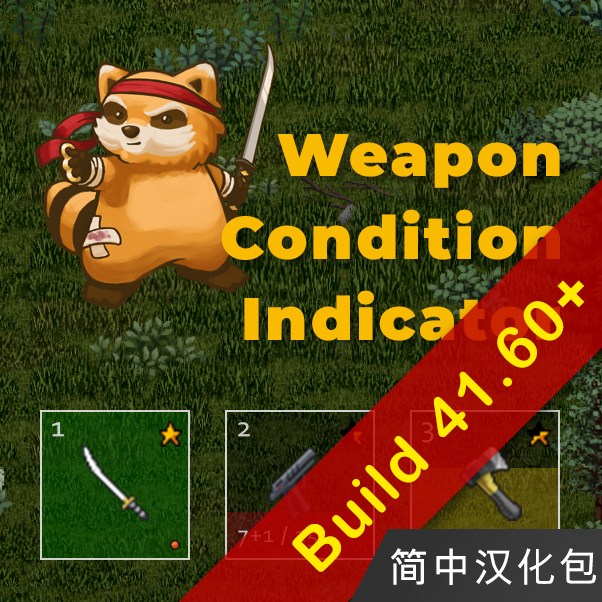
- Dual Durability Indicators: Choose between a visual icon-based system (like bubbles or stars) or a clear progress bar to represent the condition of your weapons and other equipped items.
- Visual and Auditory Alerts: Receive a flashing notification when an item’s durability starts to degrade. Additionally, a message will appear above your character’s head, ensuring you don’t miss critical warnings.
- Dropping Item Notifications: The mod also alerts you with an in-game message if your character accidentally drops a held item.
- Ammo and Battery Statistics: Easily view the remaining ammunition or battery levels for your equipped items directly next to their icons in the hotbar and the top-left equipment display.
Customization at Your Fingertips
Tailor the Weapon Condition Indicator to your preferences. The mod integrates with the Mod Options framework, allowing you to fine-tune various settings to suit your playstyle. Adjust the appearance and behavior of the indicators, alerts, and statistics to create the perfect heads-up display for your Zomboid adventures.
Important Notes on Installation
This mod provides essential localization text. To ensure it functions correctly, please make sure the primary Weapon Condition Indicator mod is enabled in your game before activating this translation mod. In cases where other translation compilation mods or the original mod include their own localization files, you may need to adjust the load order. For optimal results, load the original mod or a comprehensive translation compilation first, followed by this specific localization mod. If you encounter issues or believe text is missing, unsubscribing and re-subscribing may be necessary to download the latest text updates.