
Warm Up
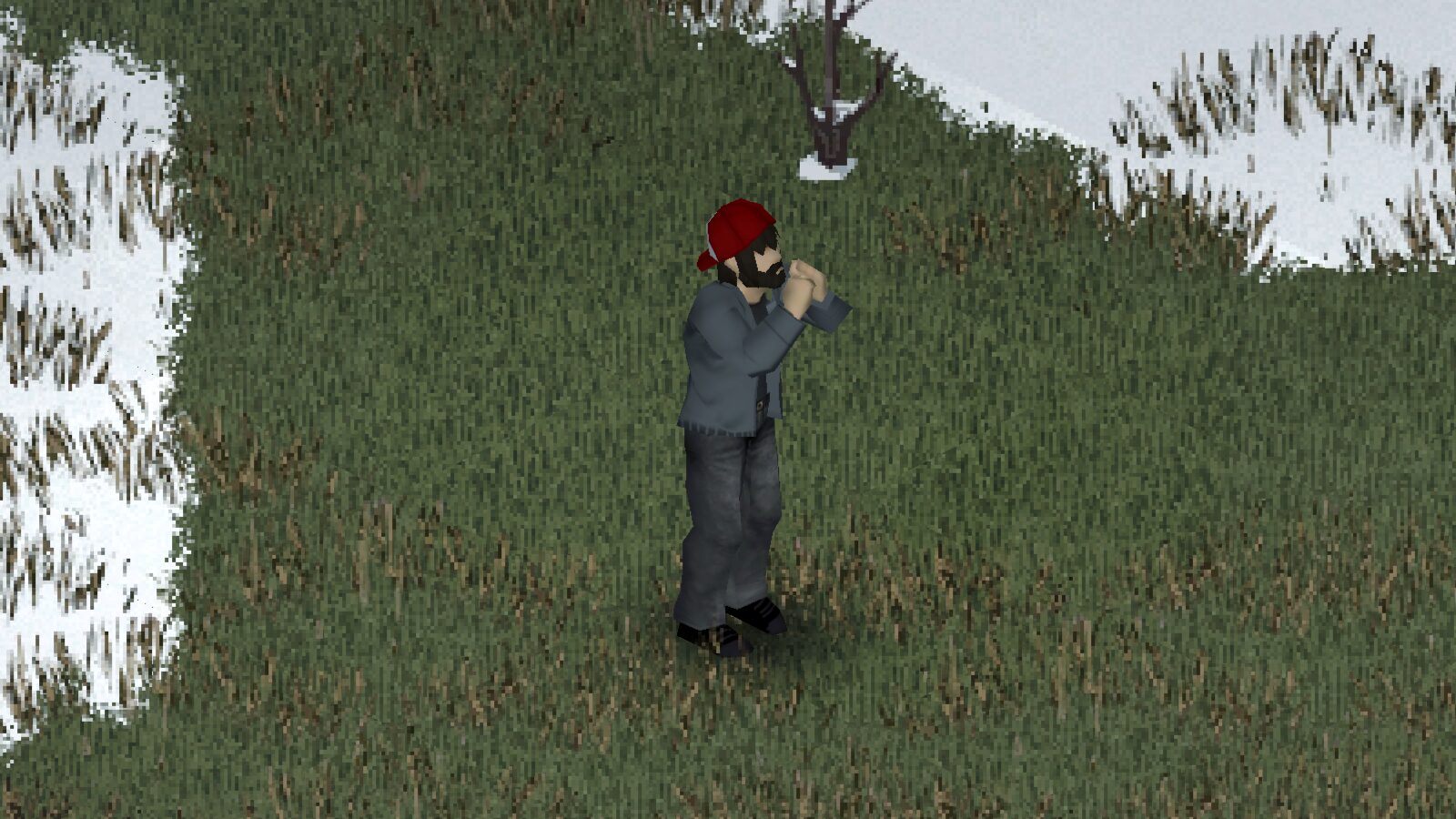
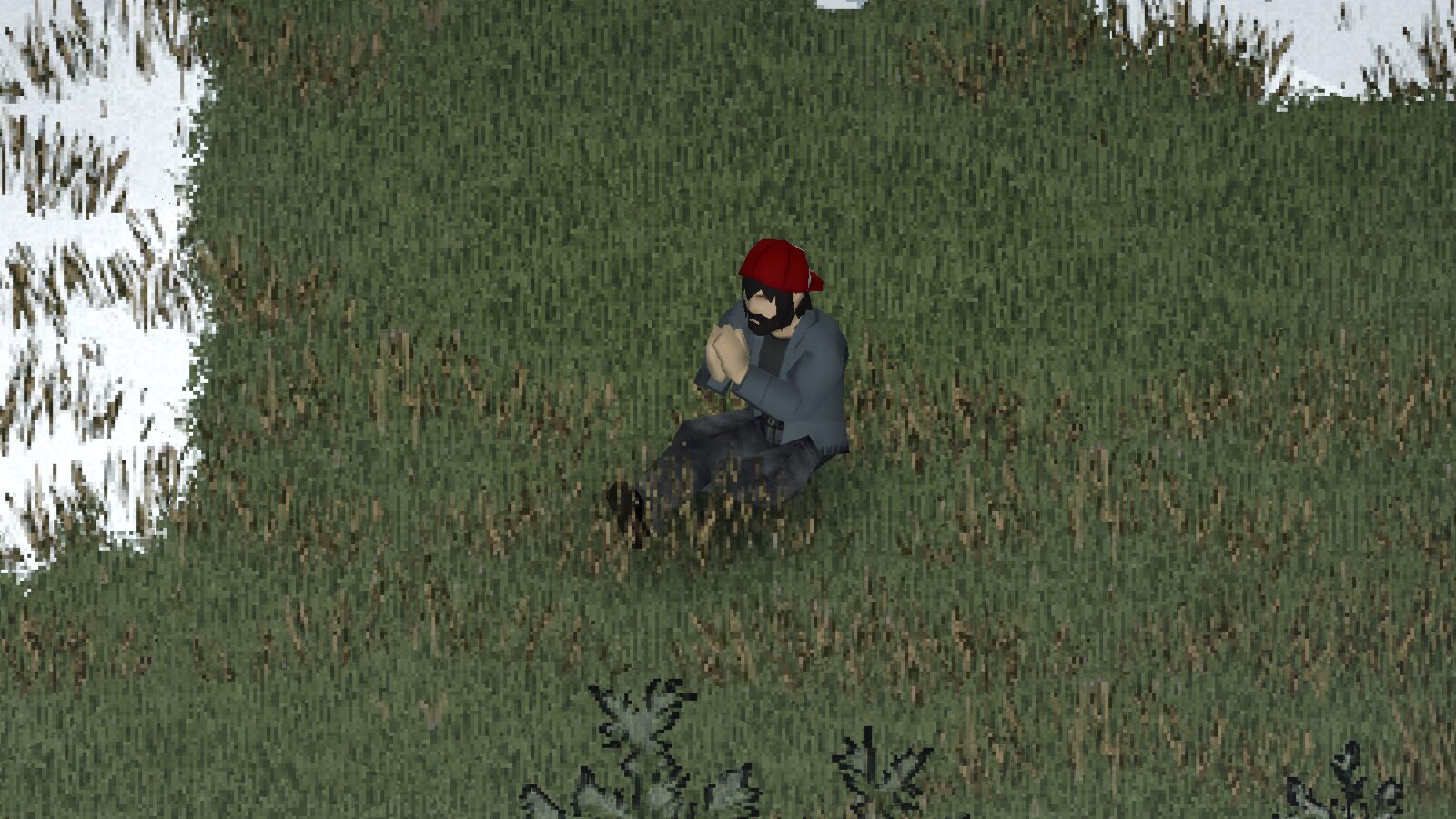
Project Zomboid Mod: Stay Warm with the “Warm Up” Action
Surviving the relentless zombie apocalypse in Project Zomboid means contending with more than just the undead. The biting cold can be just as deadly, and now, a new mod introduces a simple yet vital mechanic to help you combat the chill. Introducing the “Warm Up” mod, designed to provide a much-needed interactive way to regain body heat when hypothermia starts to set in.
Combatting the Cold, One Action at a Time
When the dreaded Hypothermia moodle appears, you’ll want every advantage. The “Warm Up” mod seamlessly integrates a new action into your gameplay. By simply accessing the context menu, you can initiate the “Warm Up” action. This is more than just a passive effect; it’s an active choice that helps you manage your character’s core temperature.
The beauty of this mod lies in its subtlety and flexibility. You aren’t tethered to a specific location or activity to warm up.
- Contextual Activation: The “Warm Up” option appears only when the Hypothermia moodle is active, ensuring it’s always relevant to your immediate survival needs.
- Versatile Application: Perform the action while walking, sneaking, sitting, or even inside a vehicle, allowing you to prioritize staying warm without sacrificing mobility or strategic positioning.
- Balanced Effectiveness: While not as potent as direct heat sources or strenuous exercise, the “Warm Up” action provides a noticeable boost to your body temperature without leading to excessive fatigue, striking a perfect balance for ongoing survival.
- Seamless Integration: The mod utilizes existing in-game animations, ensuring it feels like a natural part of the Project Zomboid experience. It’s also designed to be compatible with other animation-focused mods, such as “True Actions.”
Effortless Integration and Compatibility
One of the significant advantages of the “Warm Up” mod is its ease of use. It’s designed to work with your existing saves, and you can safely enable or disable it at any time without compromising your game progress. For server hosts, ensuring the mod is enabled in both the Steam Workshop and server settings is crucial for multiplayer enjoyment. If you ever encounter issues, a quick check in the in-game MODS menu will confirm its activation.
This mod adds a subtle yet impactful layer to Project Zomboid’s survival mechanics, giving players another tool to manage the environmental hazards of a harsh, unforgiving world.