
Visual Sounds B42
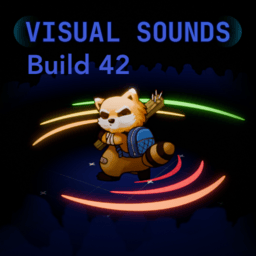
Enhance Your Project Zomboid Awareness with Visual Sounds B42
Navigate the perilous world of Project Zomboid with a newfound level of sensory perception. The Visual Sounds B42 mod transforms how you experience the game’s auditory landscape by introducing crucial visual cues, offering a significant advantage in detecting threats and understanding your surroundings.
Understand Every Sound
This mod, a B42 update for an original creation, provides clear visual indicators for a variety of sounds. You’ll be able to see the type of sound, its direction, and an approximation of its distance. This is particularly invaluable for tracking zombies, especially when they are interacting with the environment, such as banging on doors or walls.
Character Traits and Sound Perception
Your character’s innate traits directly influence the effectiveness of the Visual Sounds B42 mod. These trait interactions add a layer of depth to your survivor’s capabilities:
- Keen Hearing: Characters with this trait will experience a 20% increase in the detection radius of visual sound indicators.
- Hard of Hearing: Conversely, those with Hard of Hearing will have their detection radius reduced by 20%.
- Deaf: This trait will render the visual sound indicators entirely ineffective, as expected.
Customization and Control
The Visual Sounds B42 mod offers extensive customization options to tailor the experience to your playstyle. Within the game’s options menu, you’ll find a dedicated tab where you can:
- Select which specific types of sounds you want to see visual indicators for.
- Enable different game modes to control when and in what situations the indicators appear.
- Adjust the maximum number of visual cues processed, allowing you to balance performance with visual information and reduce potential clutter.
Compatibility and Known Issues
This mod is designed to be compatible with other popular additions, including the “bandits” mod, where these enemy types will be correctly identified as zombies within the visual sound system. A minor known issue exists where, after a character death and respawn, the mod’s indicators may take up to one in-game minute to become fully active. Recent updates have resolved a bug that previously caused errors when accessing the options menu.