
Vanilla Backpacks and bags HD B42
Project Zomboid: Vanilla Backpacks and Bags HD Overhaul
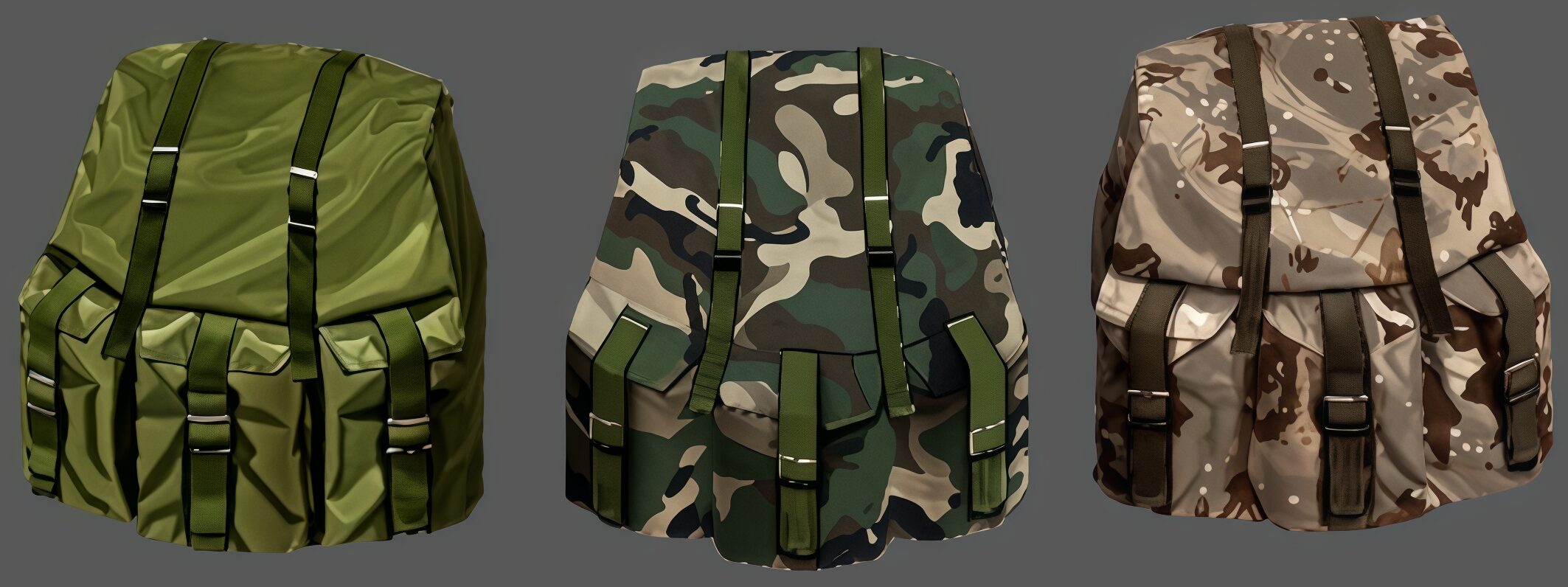
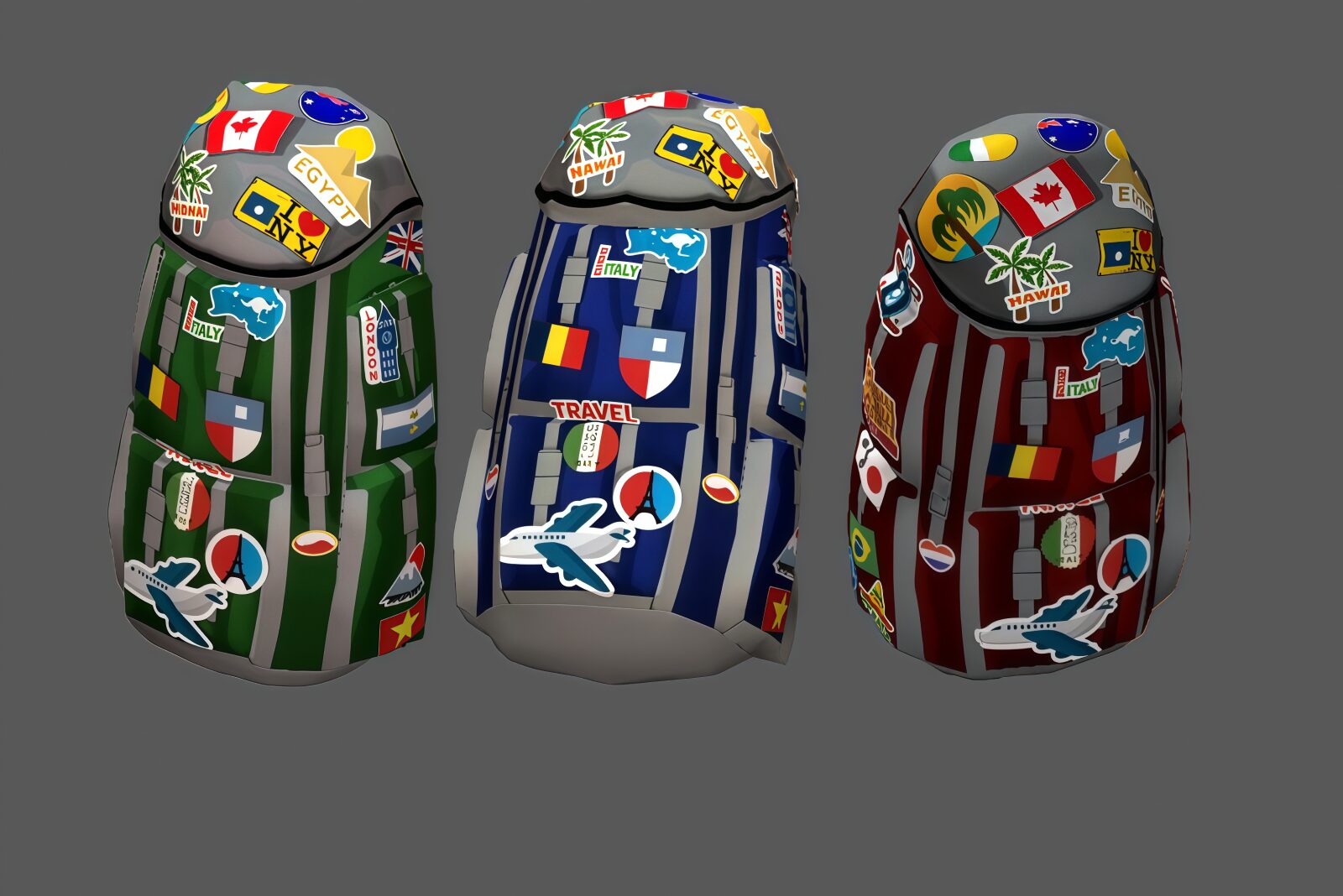
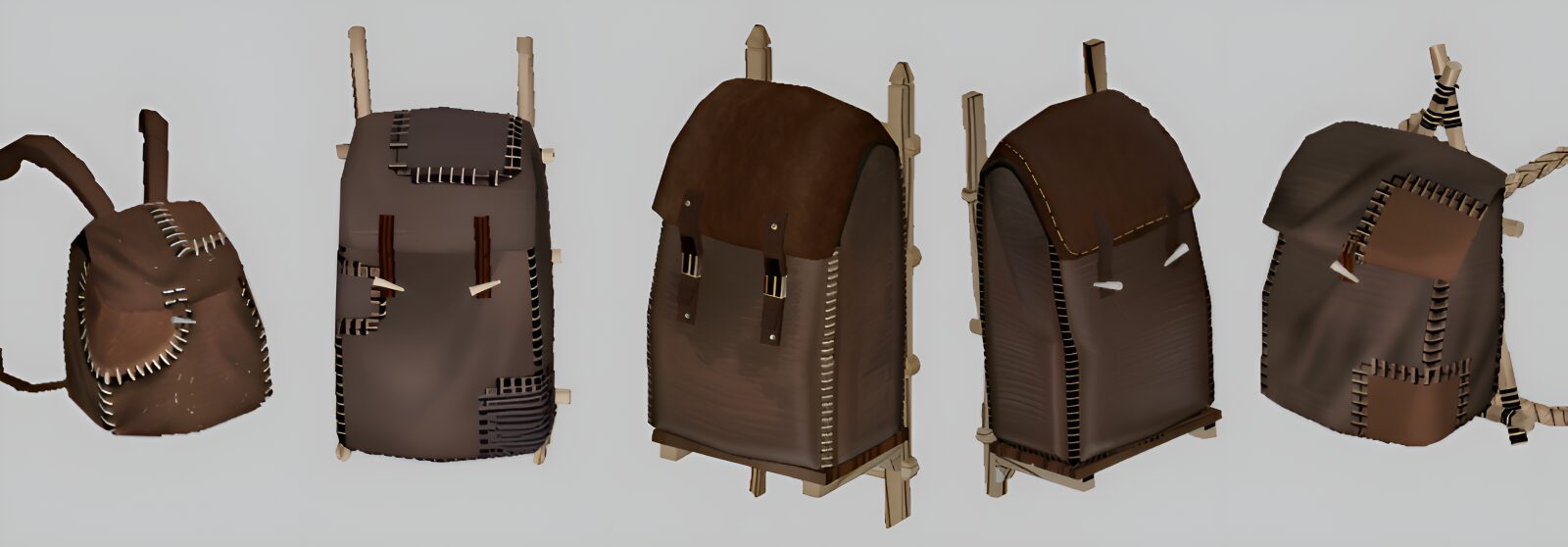
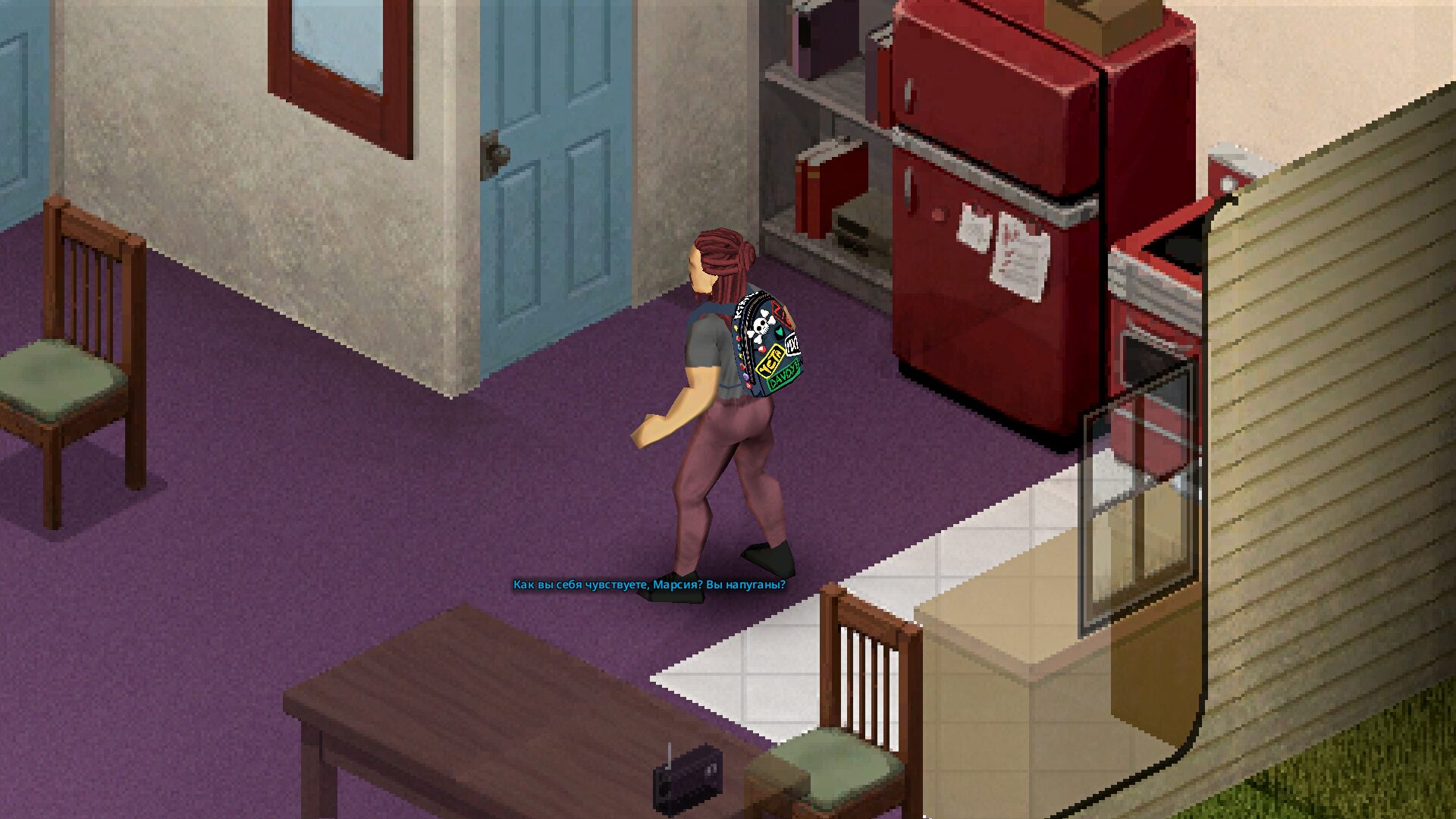
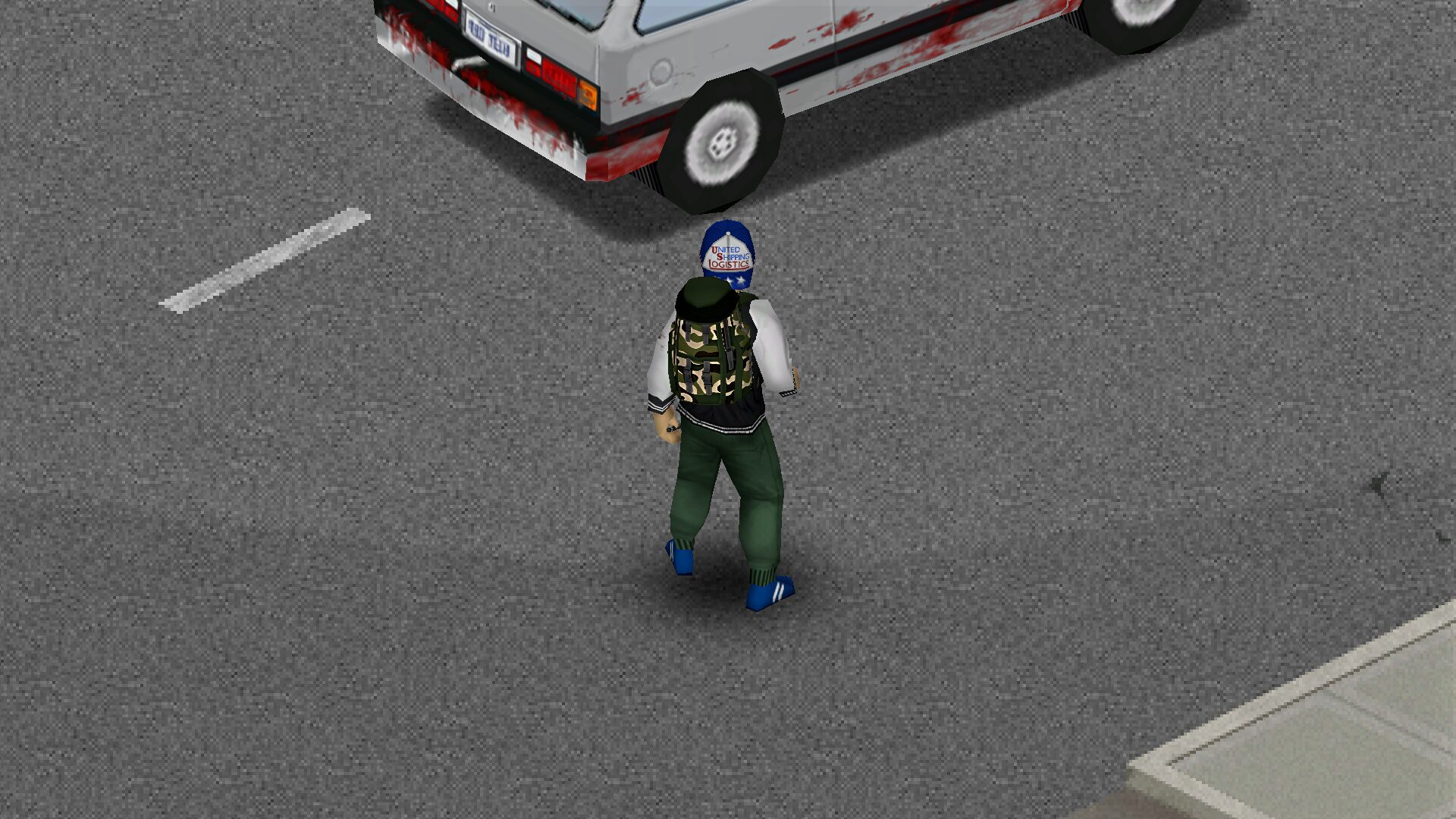
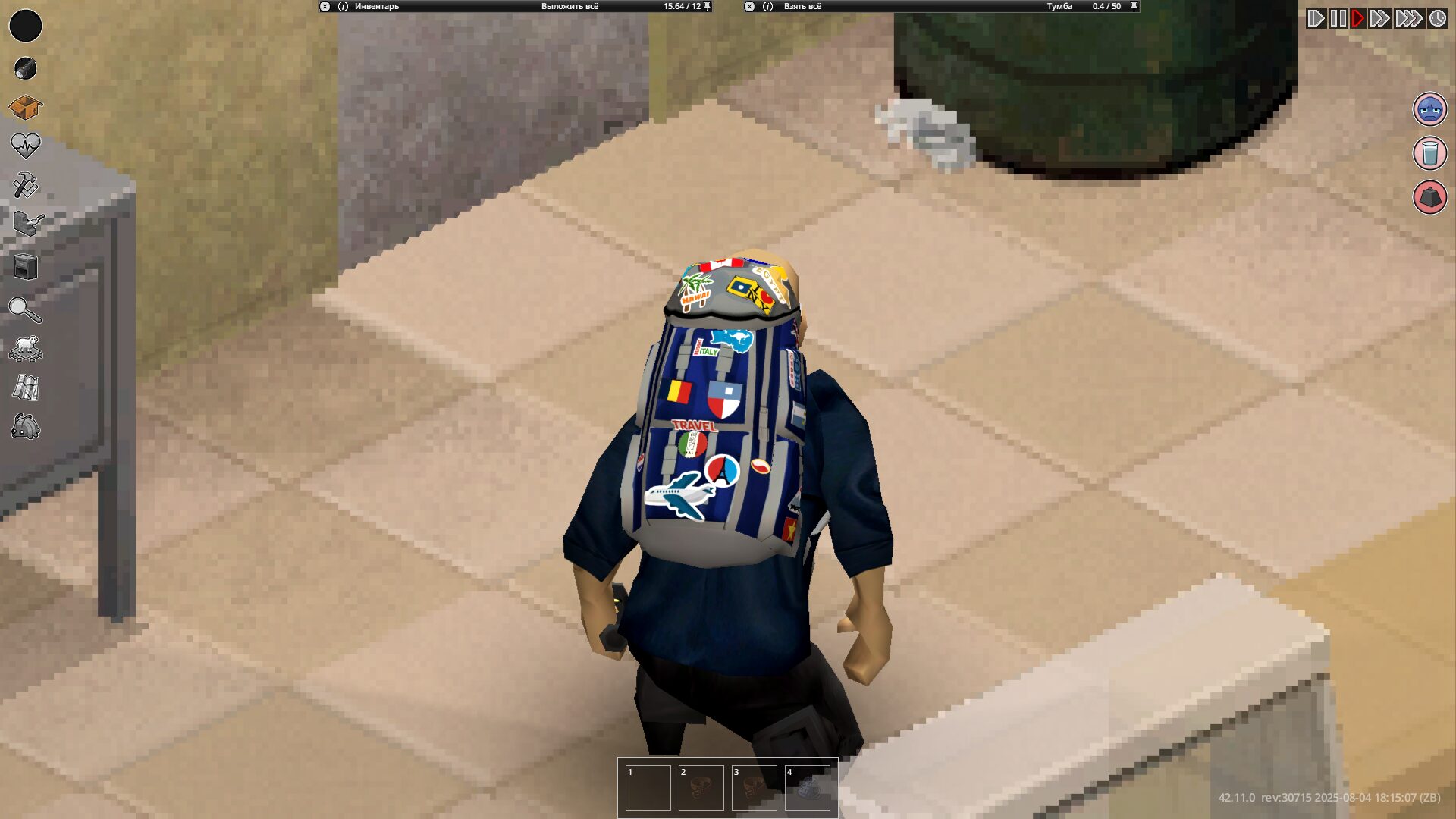
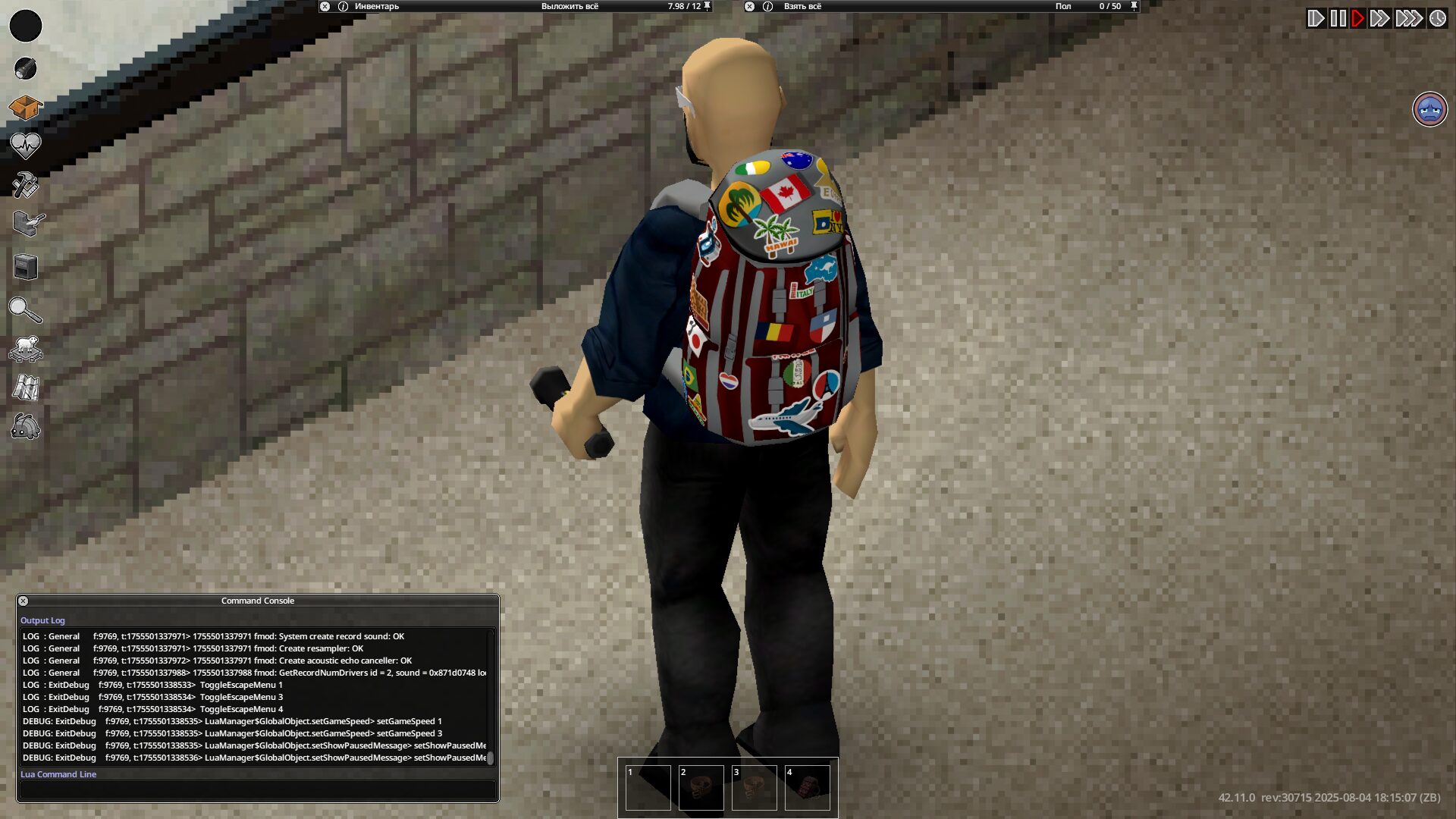
Tired of the low-resolution look of essential survival gear in Project Zomboid? The Vanilla Backpacks and Bags HD mod breathes new life into your inventory management, offering a significant visual upgrade to common containers and a host of other useful items. This mod focuses on enhancing the fidelity of your carrying solutions, ensuring that even the most mundane backpack now boasts crisp, detailed textures.
Enhanced Visuals for Essential Gear
This mod replaces the default, often blocky textures for a wide array of items with significantly higher-definition equivalents. Gone are the “soapy” or pixelated visuals; instead, expect to see your backpacks, duffel bags, and various other containers rendered with much greater clarity. This attention to detail extends beyond just bags.
Expanded Container Variety
The Vanilla Backpacks and Bags HD mod doesn’t just stop at the basics. It impressively broadens the scope of items that receive a high-definition treatment. This includes:
- Various cases and suitcases for organizing your loot.
- Dedicated weapon cases and ammo boxes for your firearms and ammunition.
- Practical baskets and food containers for managing provisions.
- Specialized cases for musical instruments, adding a touch of realism for those aspiring to master a new skill.
With over 145 files improved, the mod provides a comprehensive visual upgrade across a substantial portion of the game’s item assets. The developer has meticulously reworked each texture to fit seamlessly within the Project Zomboid aesthetic while elevating its quality.
Integration with Game Mechanics
Crucially, the mod also incorporates visually updated sleeping bags and tents. These items are now presented with textures that reflect their integration as attachments to the bottom of backpacks, a design choice observed in later builds of Project Zomboid. This thoughtful addition ensures that your survival gear looks not only better but also more logically represented within the game’s world.
To ensure all the new, high-resolution textures take effect, a simple restart of Project Zomboid after enabling the mod is all that’s required. Prepare to embark on your zombie-slaying adventures with a more visually satisfying and immersive inventory.