
TwisTonFire – Better Trapping
Project Zomboid: Master the Art of Trapping with TwisTonFire’s Mod
Tired of setting traps in Project Zomboid only to be met with disappointing results? The TwisTonFire – Better Trapping mod aims to revolutionize your survival experience by making the often frustrating mechanic of trapping significantly more intuitive and rewarding. This comprehensive mod provides essential tools and improvements designed to clarify the vanilla trapping system, ensuring you can efficiently gather resources and food.
Two Paths to Trapping Success
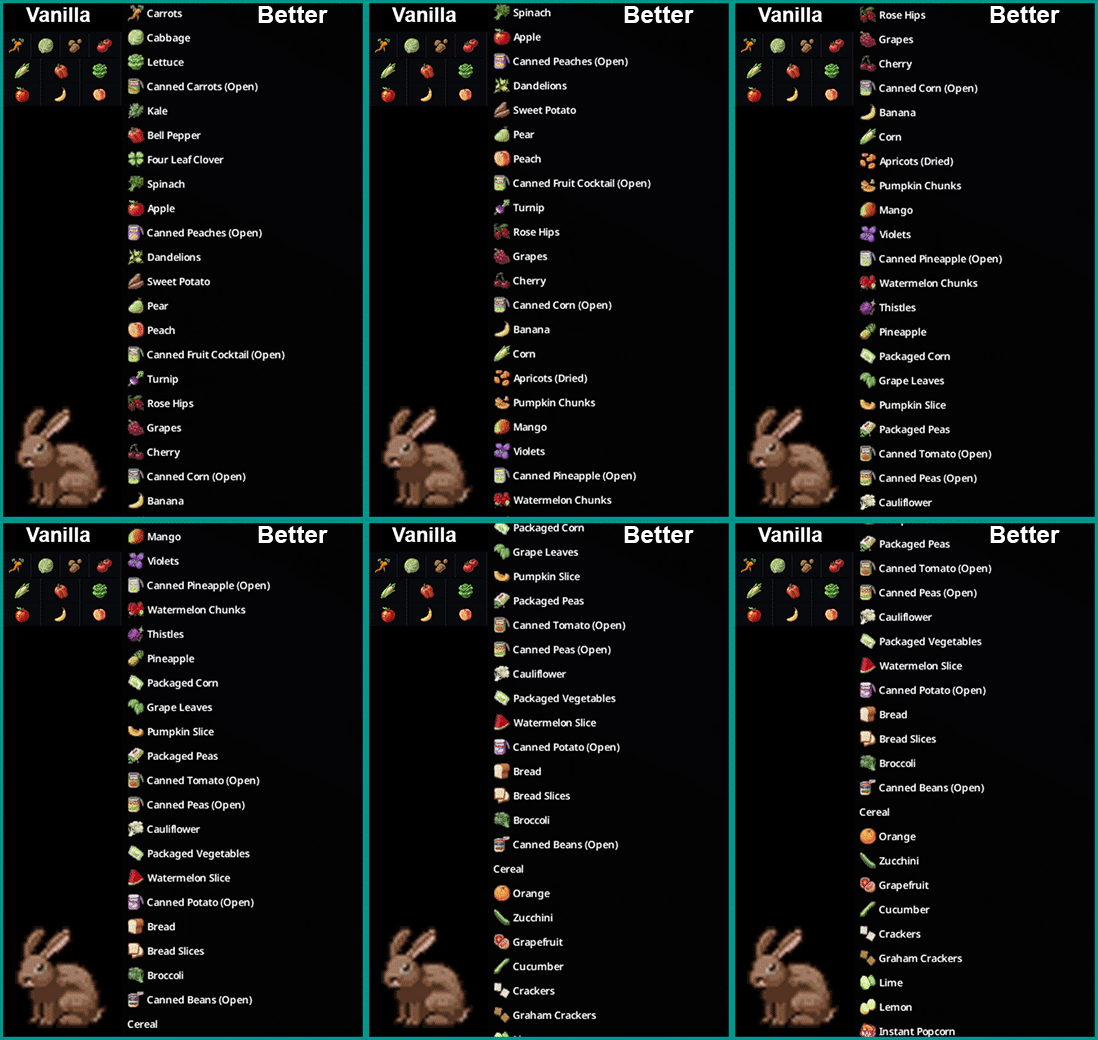
TwisTonFire offers two distinct variants to suit your playstyle. The “Better Trapping” version introduces an expanded bait table, addressing the imbalance that arose with Project Zomboid’s recent game updates. With a wider variety of potential baits, you’ll find it easier to attract a broader range of animals. For those who prefer to stick closer to the original game mechanics, the “Better Vanilla Trapping” variant provides all the quality-of-life improvements without altering the bait tables. Crucially, you should only enable one of these variants at a time to avoid conflicts.
Enhanced In-Game Guidance
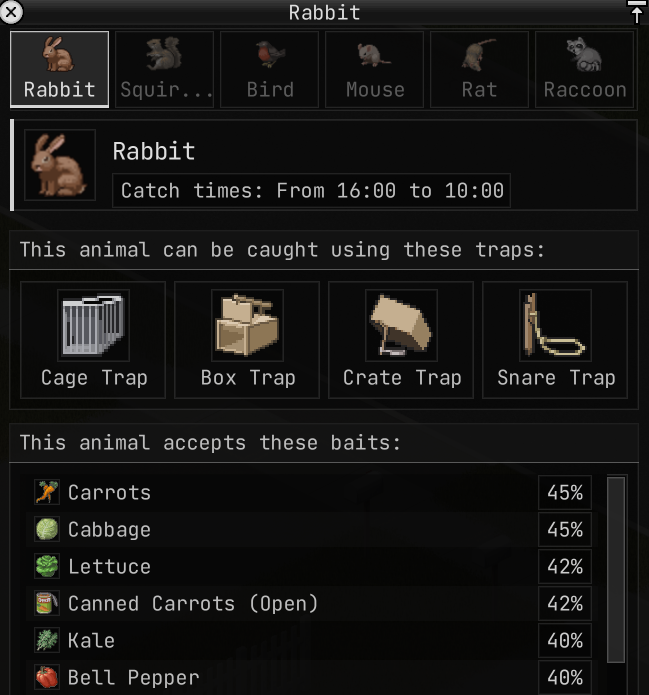
One of the standout features of this mod is the integrated trapping helper and in-game wiki. With a few simple clicks, you can access vital information directly within the game:
- Discover which animals can be caught.
- Identify the specific zones where these animals are active.
- Learn their active periods.
- Determine which traps are effective for each animal.
- Find out the most suitable bait that each animal will accept.
Streamlined Quality-of-Life Improvements
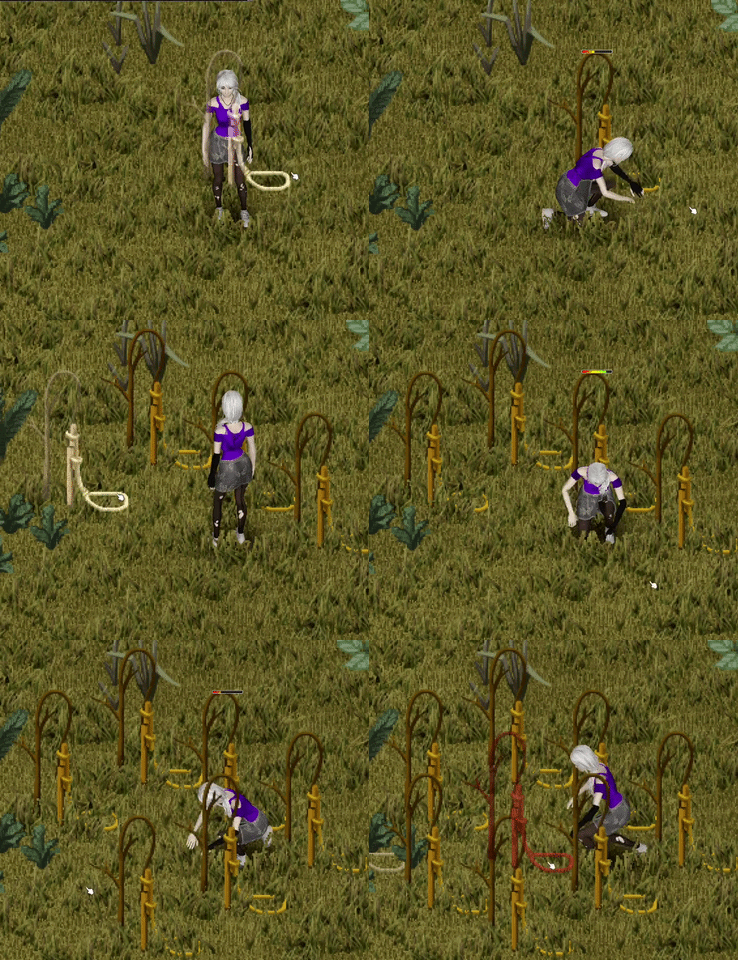
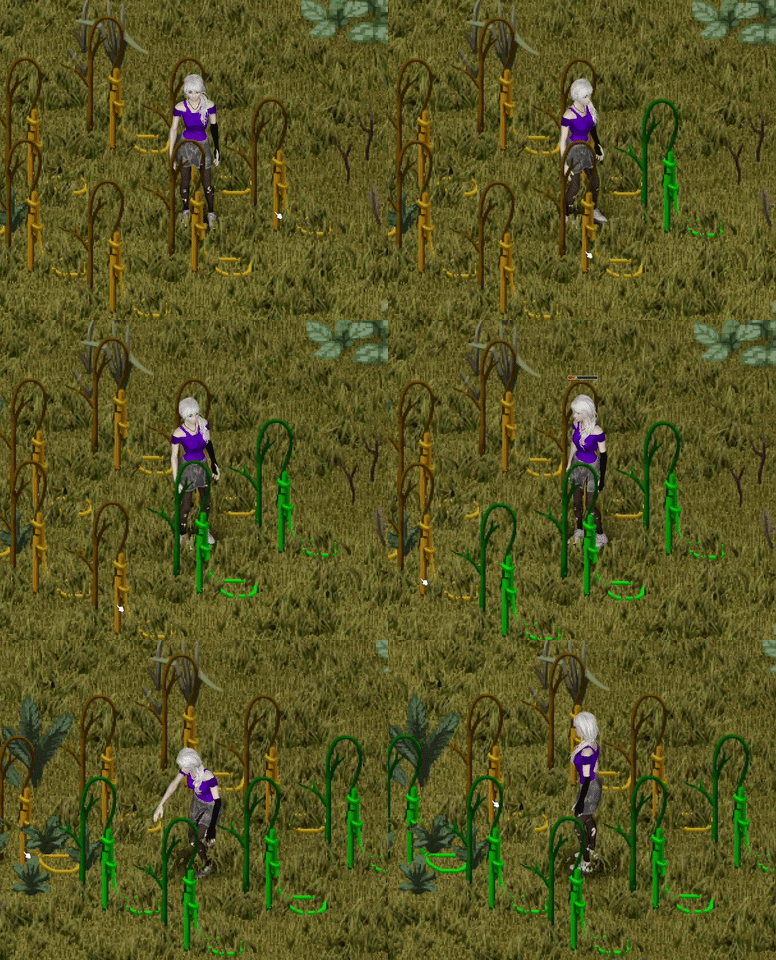
Beyond the expanded information, TwisTonFire significantly smooths out the trapping process with several quality-of-life enhancements. Double-clicking on an empty trap will automatically fill it with the best available bait from your inventory, prioritizing options that match the trap’s potential catches. The mod intelligently selects appropriate bait for various trap types, avoiding spoiled or unusable items. Additionally, bait can be drawn directly from containers like backpacks, and placing multiple traps of the same type becomes faster. Traps also receive visual cues to indicate their bait status, and the frustrating random destruction of off-screen traps has been eliminated.
Accessing the Tools
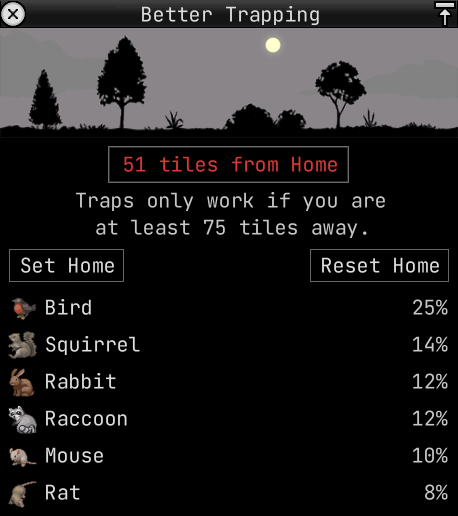
Once installed, you can access the mod’s features through a small, movable bar at the bottom of your screen. This bar provides quick access to the Trapping Helper and the Wiki. Further customization options for the quality-of-life improvements are available within the mod’s dedicated menu, allowing you to tailor the experience to your preferences.