
TwisTonFire – Better Character Info
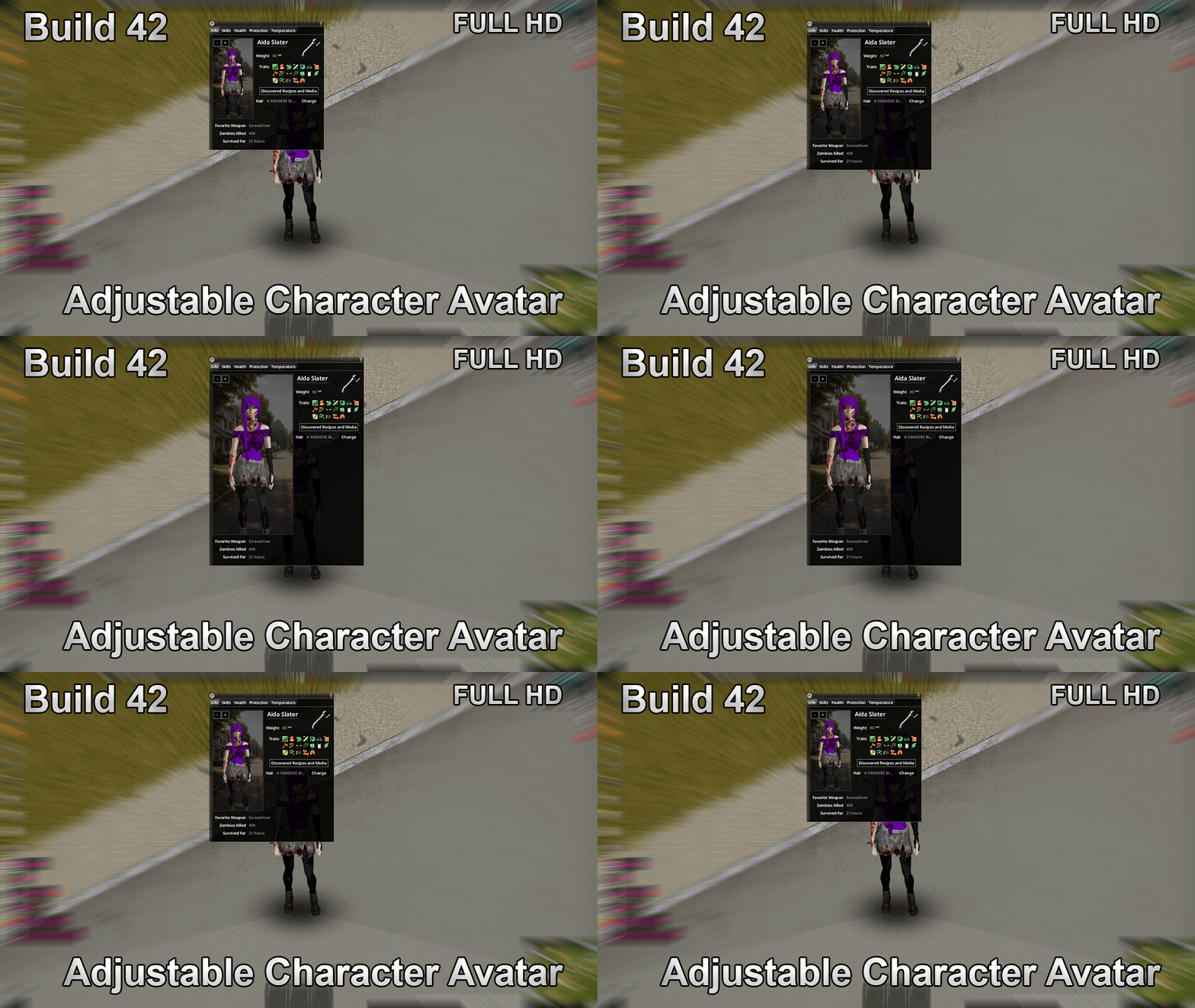
TwisTonFire – Better Character Info for Project Zomboid
Tired of the default character screen in Project Zomboid? The TwisTonFire – Better Character Info mod offers a significant visual and functional upgrade, bringing a cleaner, more modern aesthetic and enhanced usability to your survivor’s details.
Revamped Character Display
This mod completely overhauls the character information screen, presenting a more organized and visually appealing layout. Gone is the clutter; in its place is a streamlined interface designed for better readability. Whether you’re playing in Full HD or diving into the details with 4K resolution, this mod ensures your character’s stats and information are presented beautifully.
Dynamic and Interactive Avatar
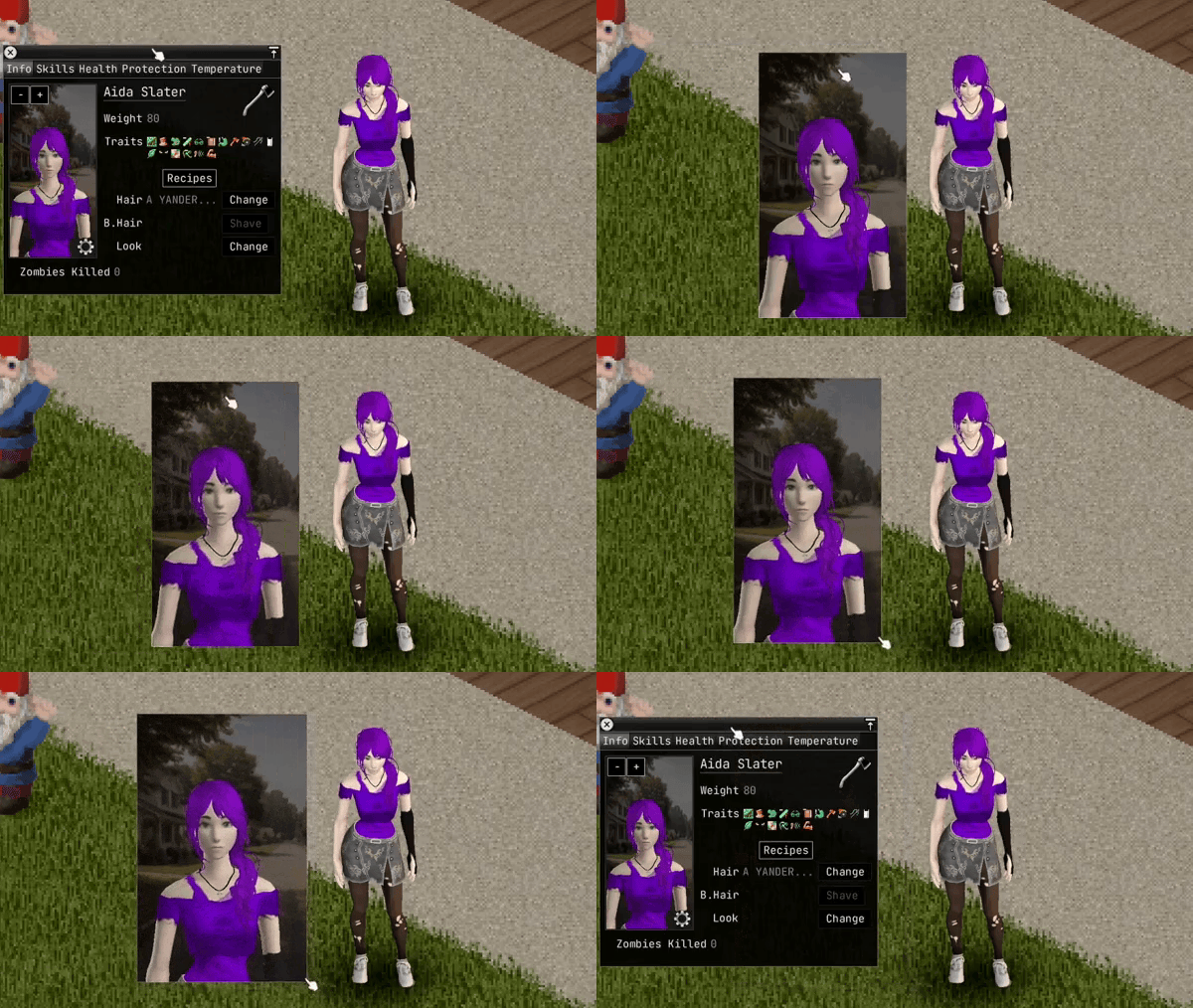
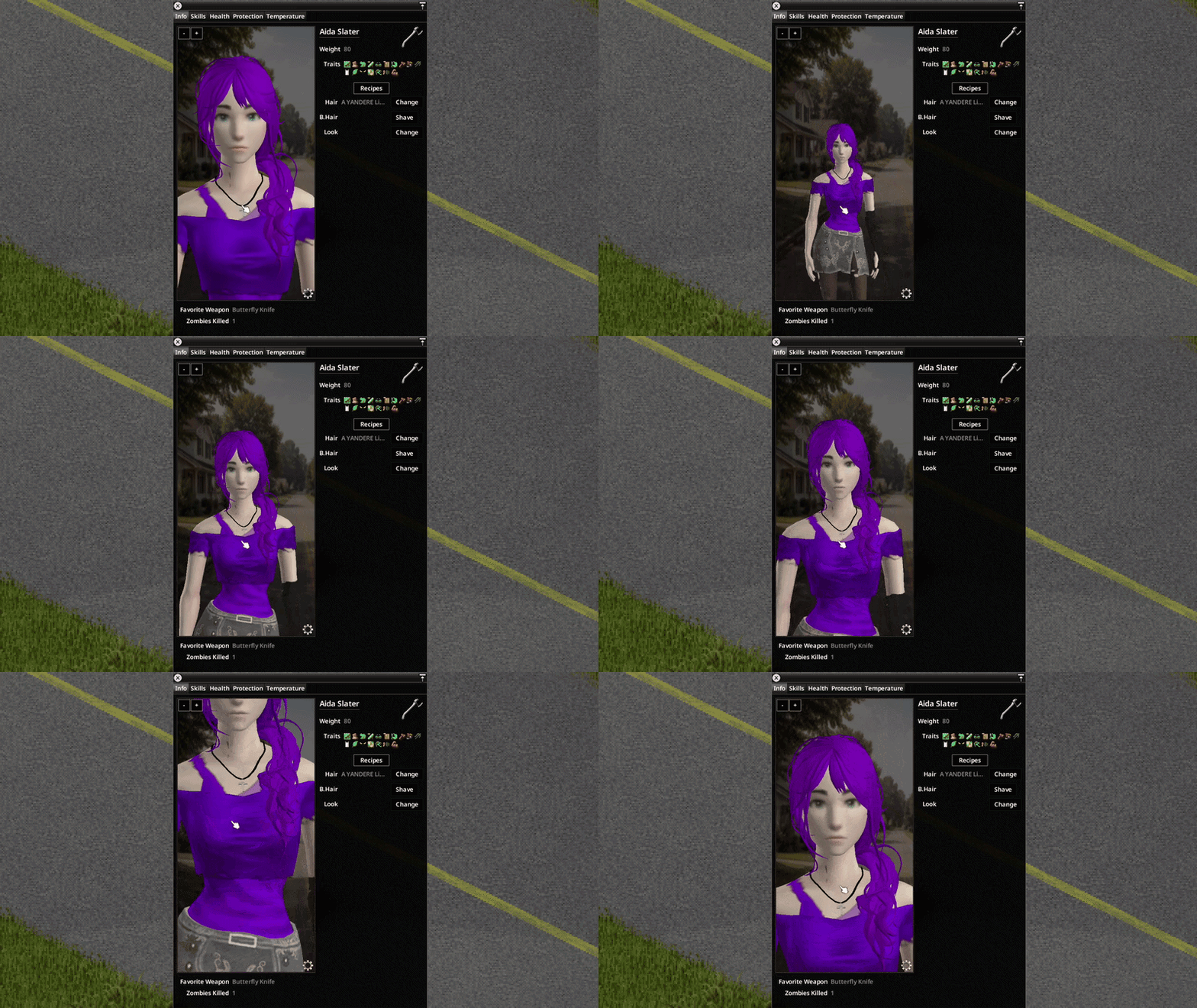
A standout feature is the highly customizable avatar system. You can now freely adjust your character’s avatar directly within the character screen. Zoom, reposition, and frame your survivor exactly how you want them. Even better, these avatar settings are automatically saved, so your preferred view persists.
Key Features of TwisTonFire – Better Character Info:
- Resizable and fully adjustable avatar with zoom, position, and framing controls.
- Saved avatar settings that persist automatically between sessions.
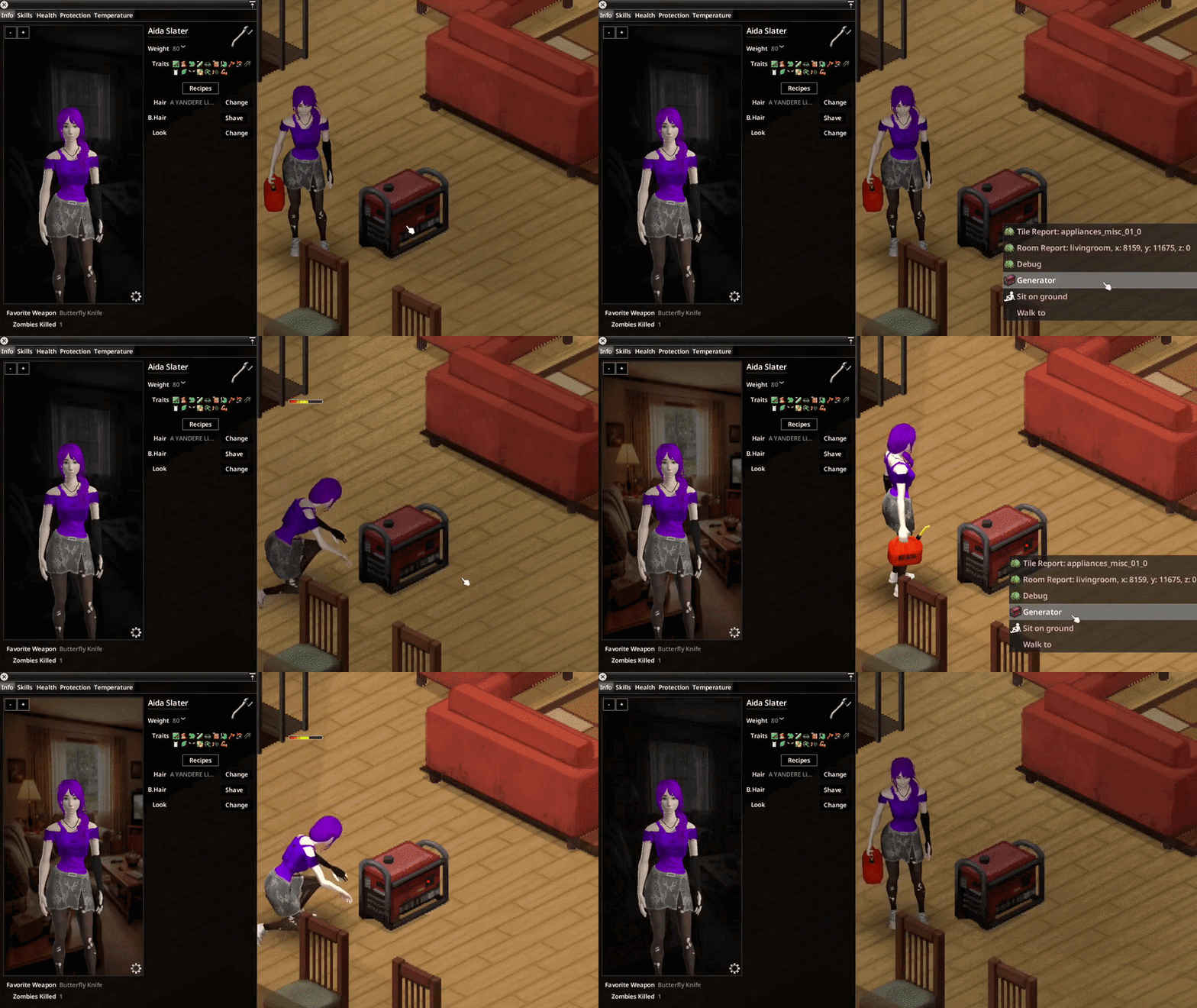
- Dynamic backgrounds that adapt to your survivor’s current environment.
- Powered and unpowered interior variants for a more immersive feel.
- Specialized interior detection for homes, shops, industrial areas, and more.
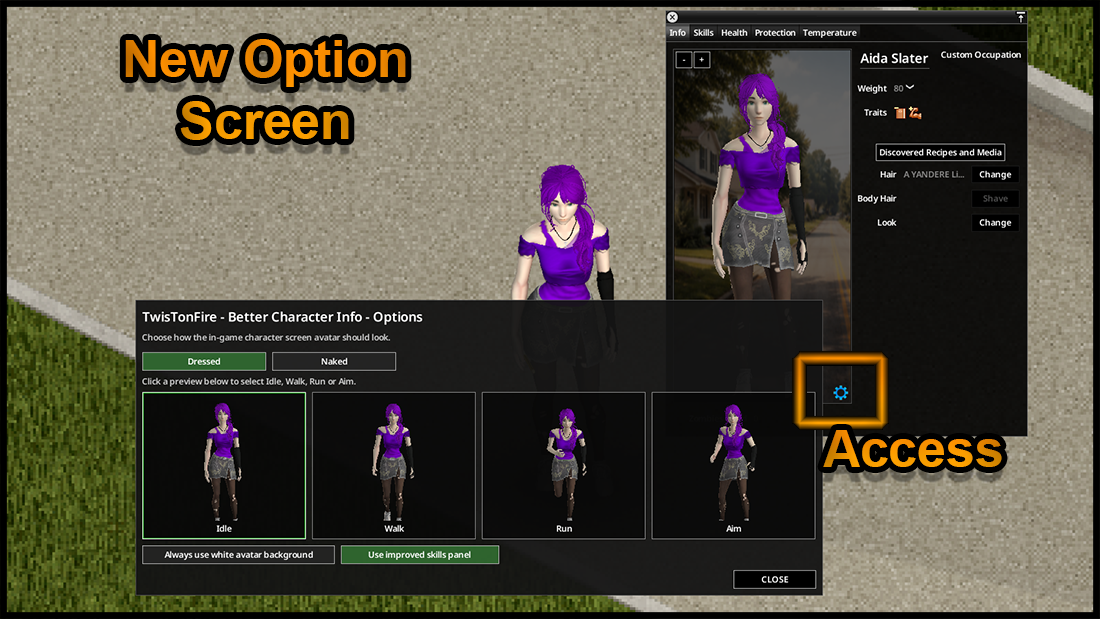
- Optional clean white background for a minimalist look.
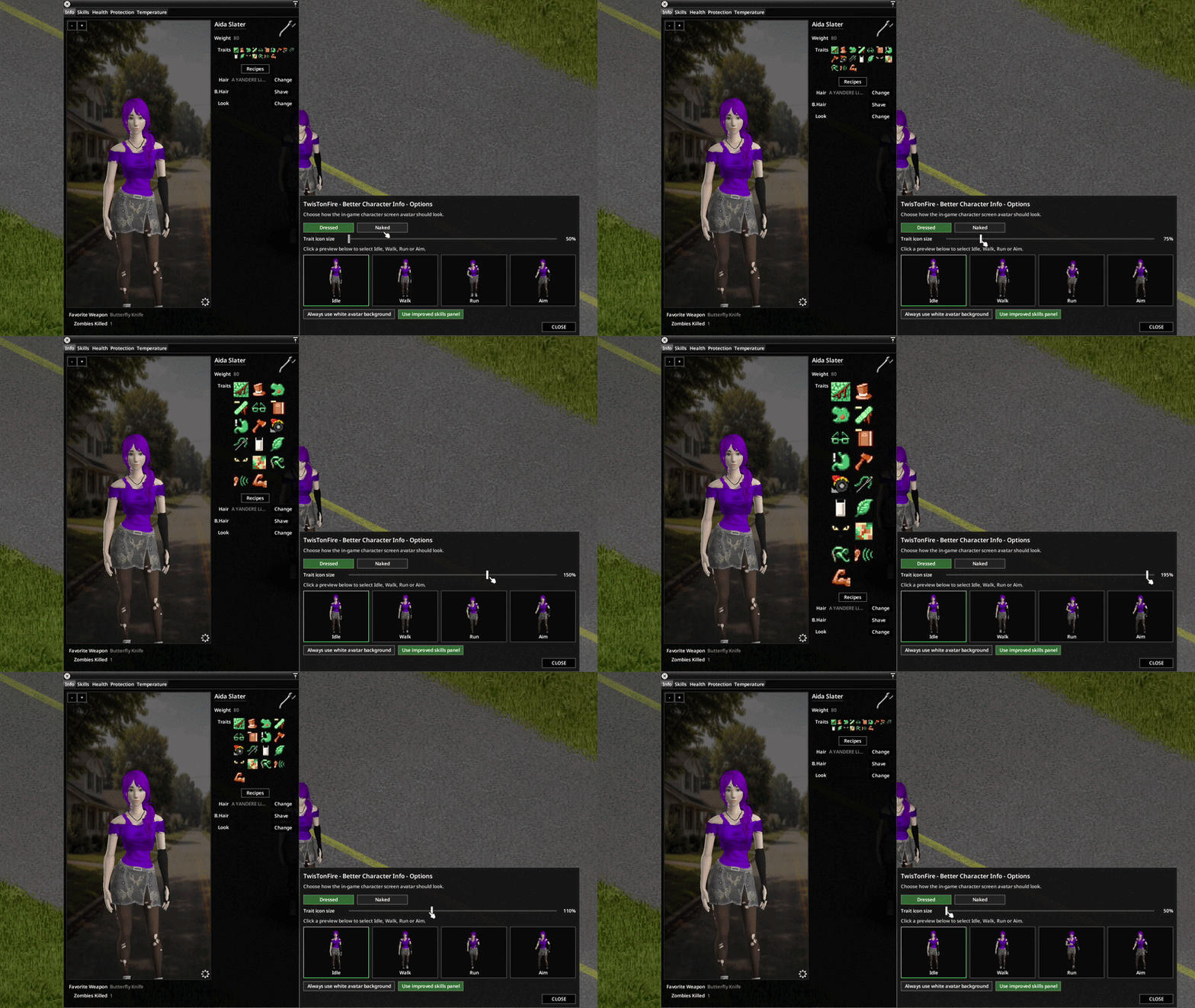
- New avatar options menu directly accessible on the character screen.
- Pose selection including Idle, Walk, Run, and Aim.
- Dressed and Naked avatar display modes.
- Pop-out avatar mode: right-click your avatar to display it in a separate, freely resizable floating window.
- Synchronized avatar state between the main character screen and the floating window.
- Improved layout for enhanced readability and reduced clutter.
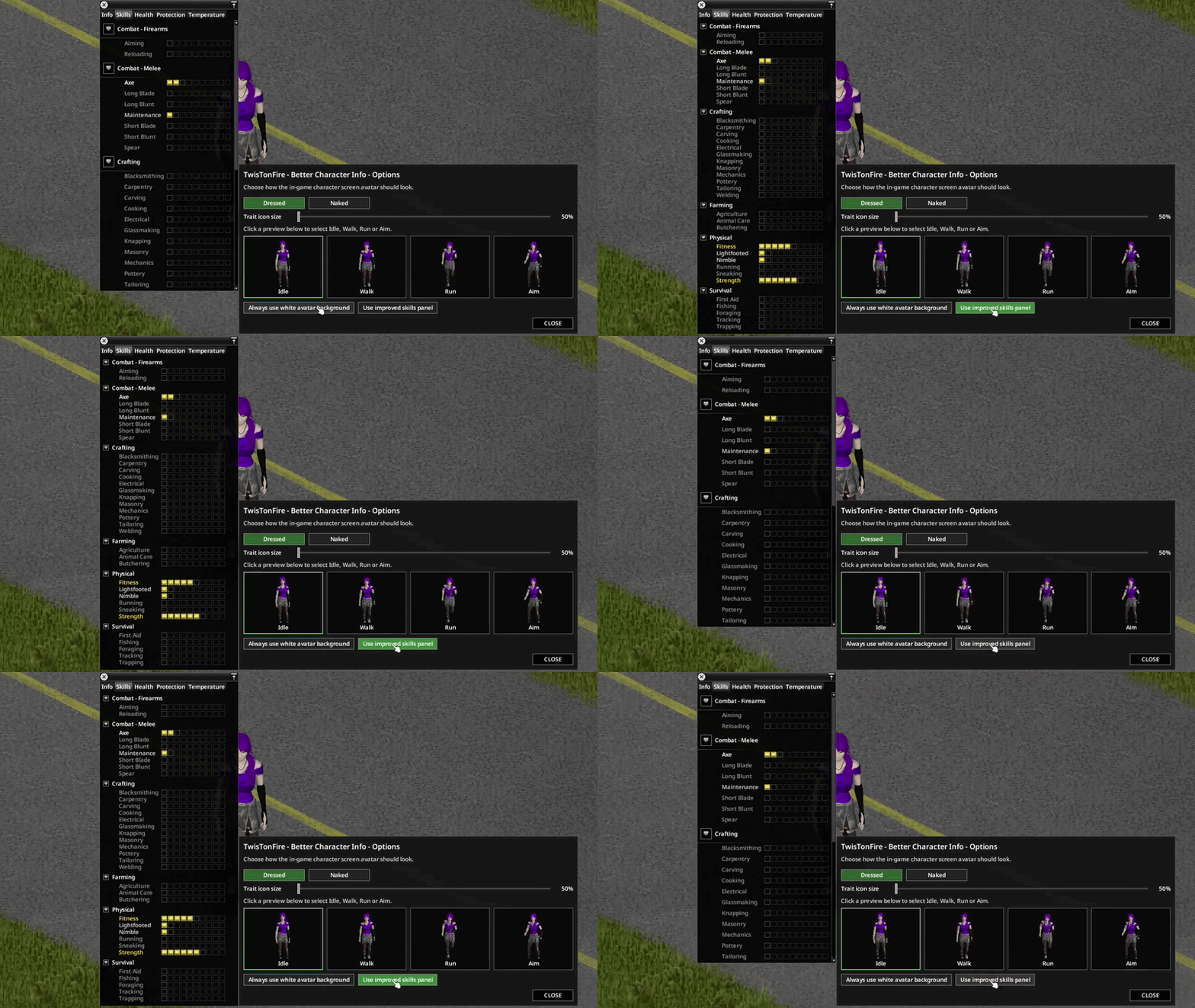
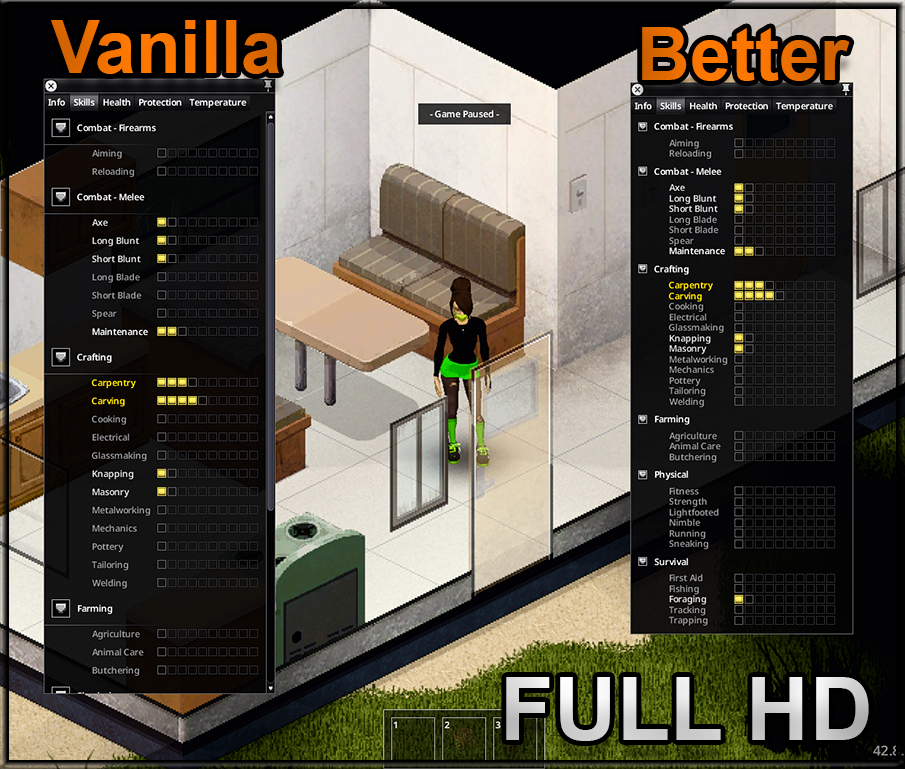
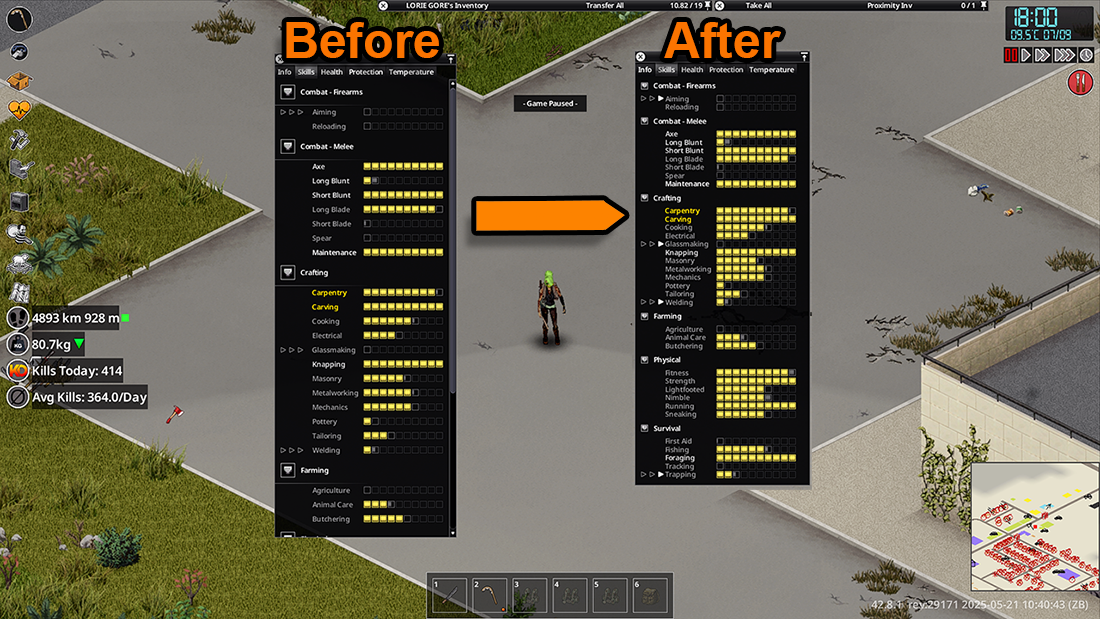
- Optional improved skills panel with better scaling and presentation.
- Scalable trait icons within the Character Info Screen.
Immersive Environmental Integration
One of the most engaging additions is the dynamic background system. Your character’s backdrop will now change based on their current location. From cozy interiors to the desolate outdoors, the environment subtly reflects your survivor’s surroundings. This extends to powered interiors, with distinct visuals for when electricity is active or absent. The mod even features special detection for various interior types, adding another layer of immersion.
For those who like their character details readily available, the pop-out avatar feature is a game-changer. Right-click your avatar to have it appear in a separate floating window that can remain on screen independently. The settings for this floating avatar are synchronized with the main character screen, ensuring a consistent experience. This mod also includes support for multiple languages, making it accessible to a global audience of Project Zomboid fans.