
Tomb’s Player Body Overhaul – Compatibility
Project Zomboid: Enhance Your Survivor’s Style with Tomb’s Player Body Overhaul – Compatibility
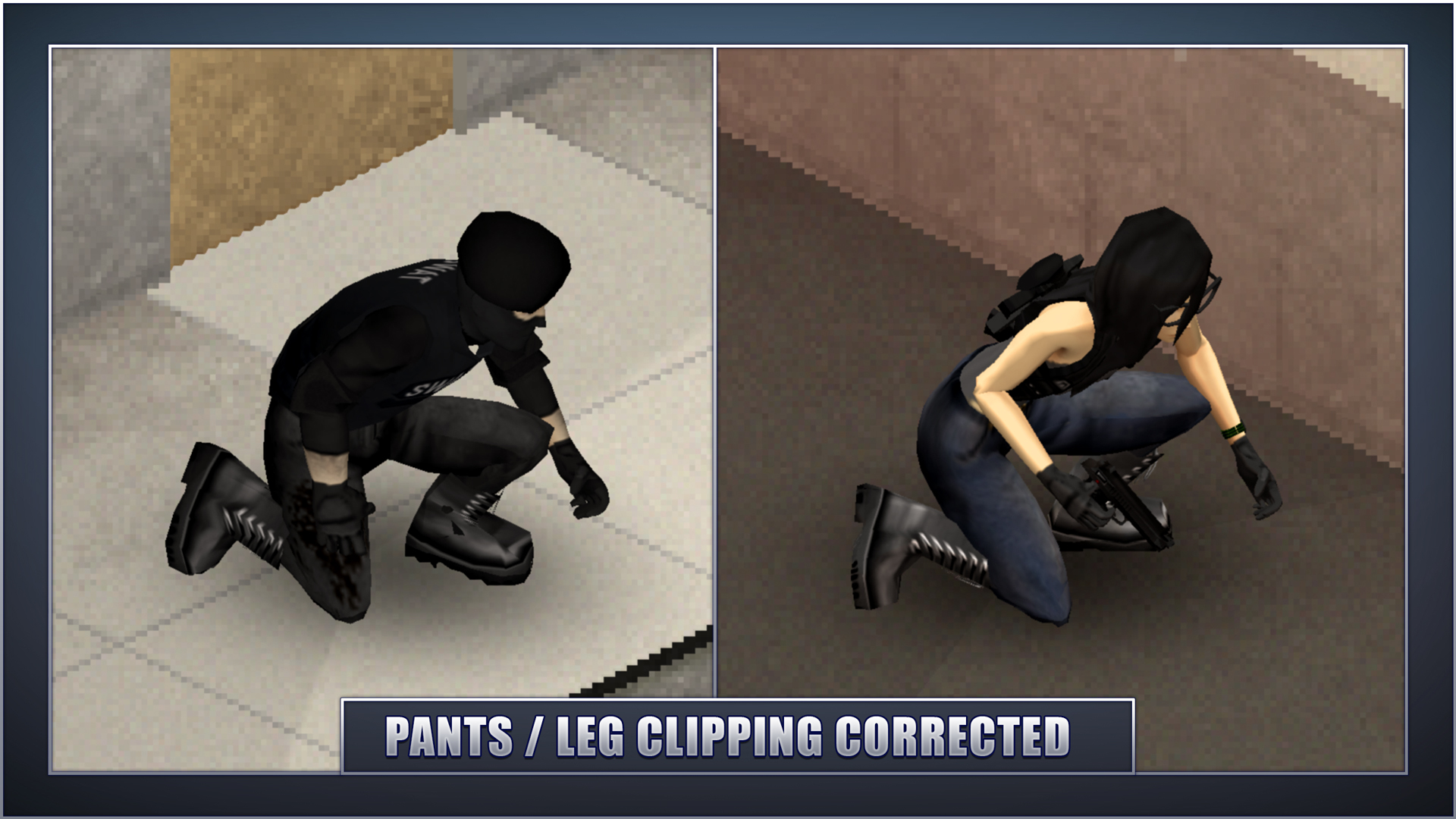
Tired of visual glitches and awkward clipping when equipping your survivor in Project Zomboid? Tomb’s Player Body Overhaul – Compatibility mod is here to seamlessly integrate a vast array of clothing options, ensuring your character looks sharp and stays immersed in the zombie apocalypse. This mod acts as a crucial compatibility layer, working in conjunction with the main Player Body Overhaul mod to address and resolve visual issues with various clothing items.
Addressing Clipping Issues
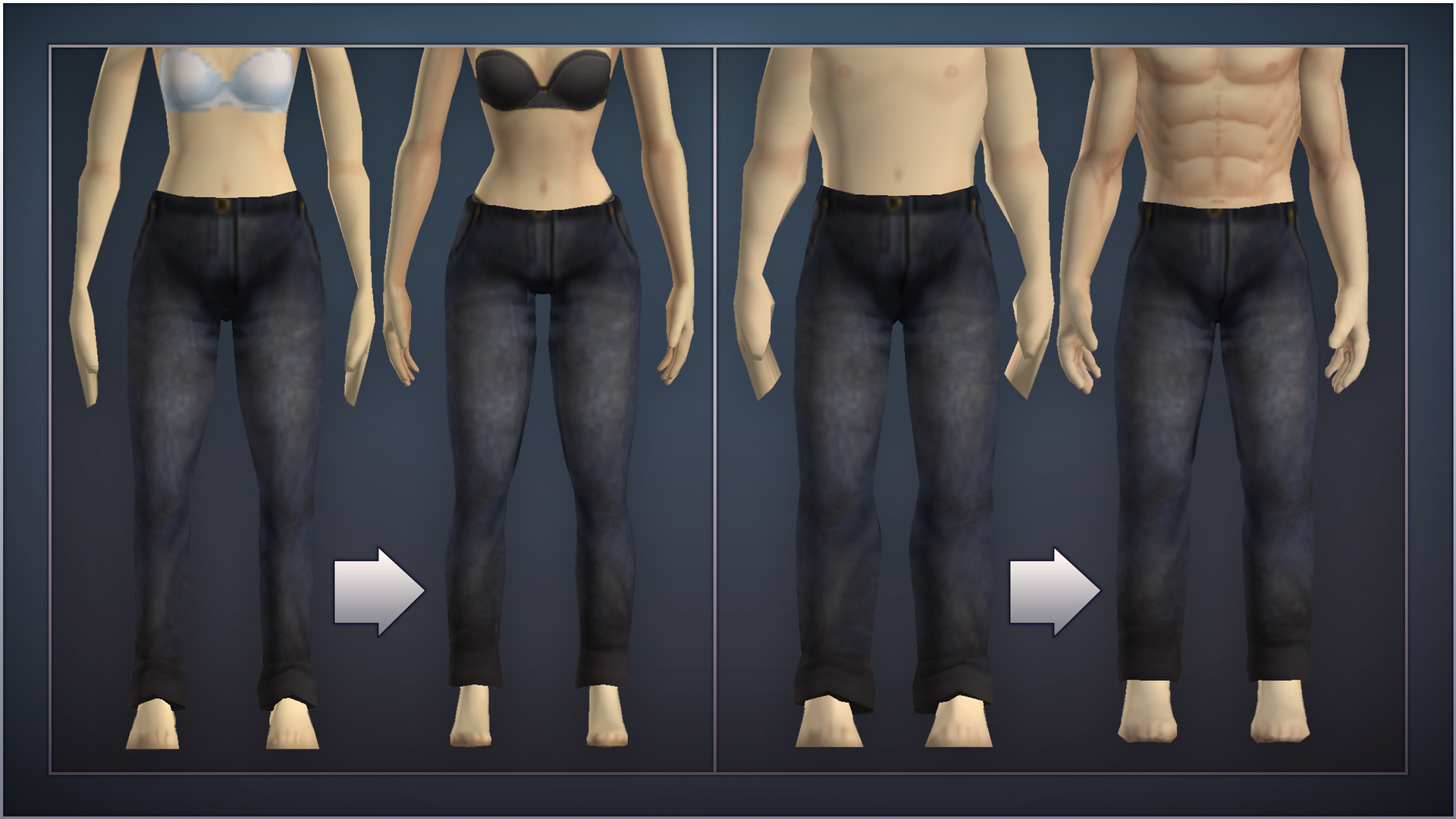
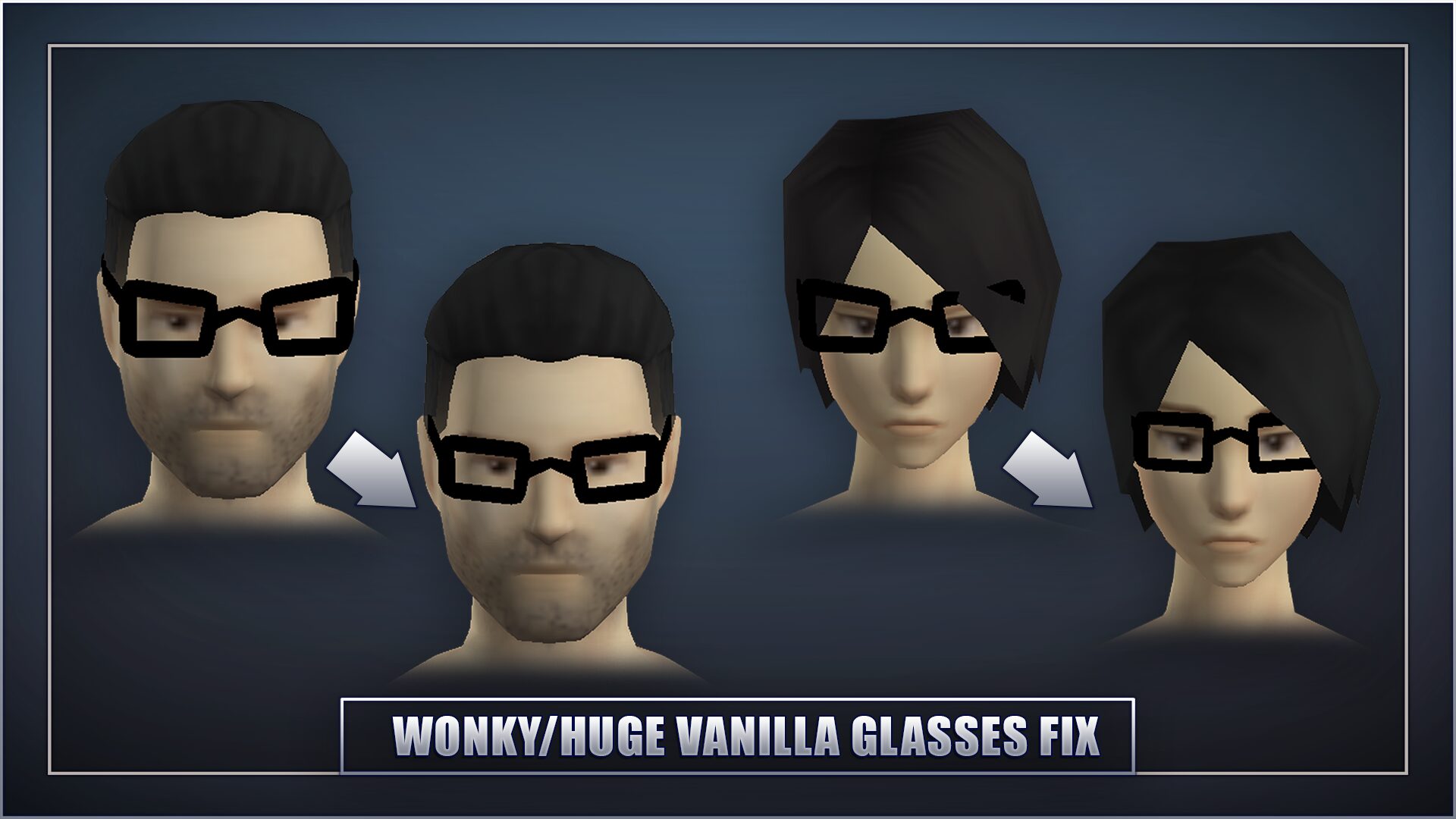
The core of this compatibility mod lies in its ability to tackle the persistent problem of clipping. As new body models and clothing styles are introduced to Project Zomboid, conflicts can arise, leading to unsightly visual imperfections. This mod replaces certain vanilla meshes with updated versions specifically designed to fit the overhauled body models. This process not only eliminates clipping but also often adds a touch of extra detail to the clothing, enhancing the overall aesthetic without drastically altering the original design intent.
Seamless Integration and Load Order
To ensure optimal performance, the compatibility mod utilizes a clever method of injecting new meshes during the game’s loading process. This approach minimizes the need for extensive XML data manipulation, making updates smoother. However, it’s essential to understand how to integrate it into your game:
- The mod files must be enabled in the main menu’s mods screen.
- For existing saves, you’ll also need to add the mod within the save file’s mod configuration.
- Crucially, this mod should be placed below any other clothing mods it is intended to affect in your load order.
- A full restart of Project Zomboid is required after installing or changing the mod’s status for the changes to take effect.
Following these simple steps, particularly placing the mod at the very bottom of your load order, will ensure the compatibility meshes take precedence and function correctly.
Expanded Compatibility
This compatibility mod comes in two convenient files:
Vanilla+
This is the essential file for all users. It covers base game meshes and provides compatibility for a wide range of other clothing mods without any additional dependencies.
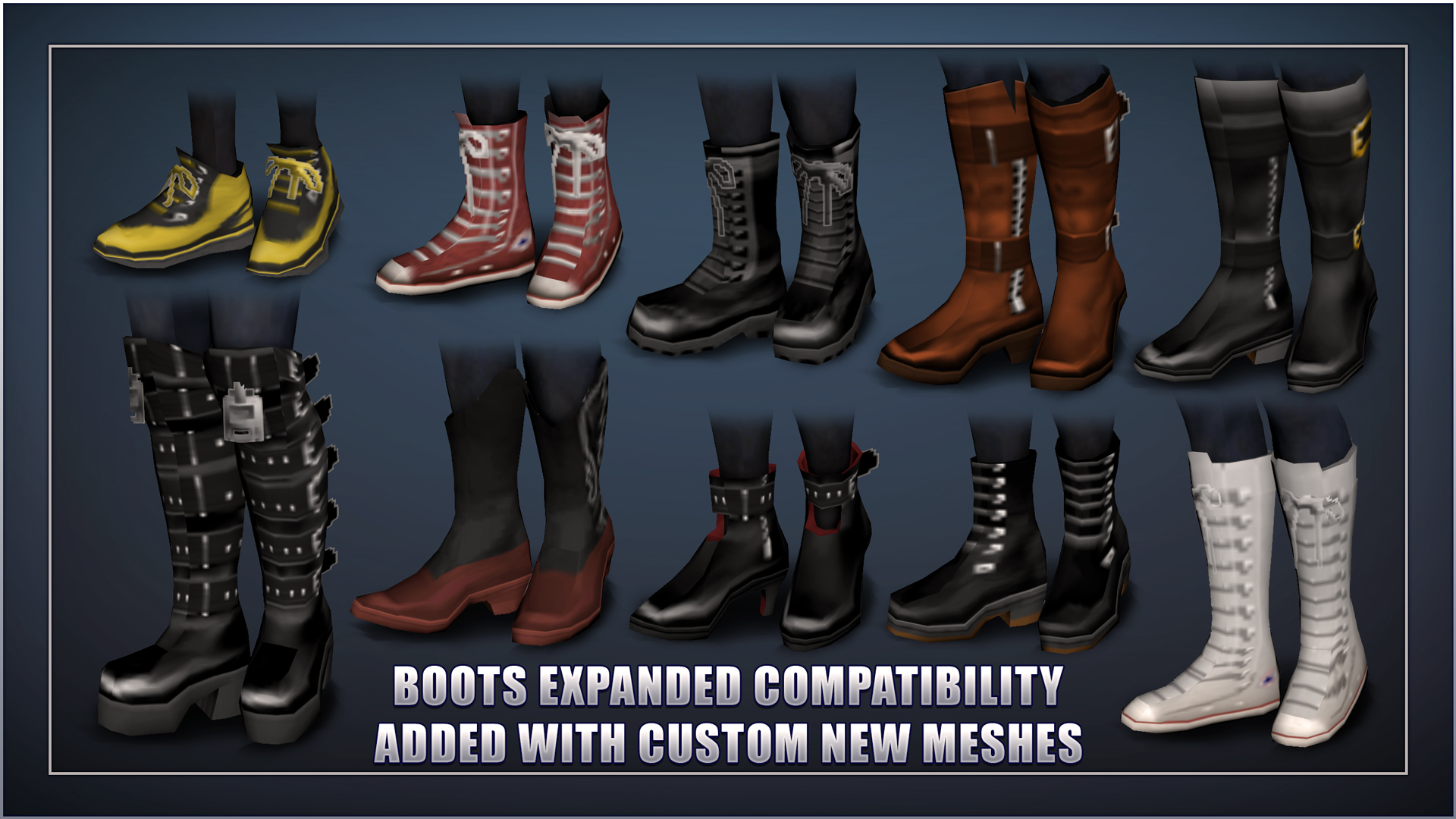
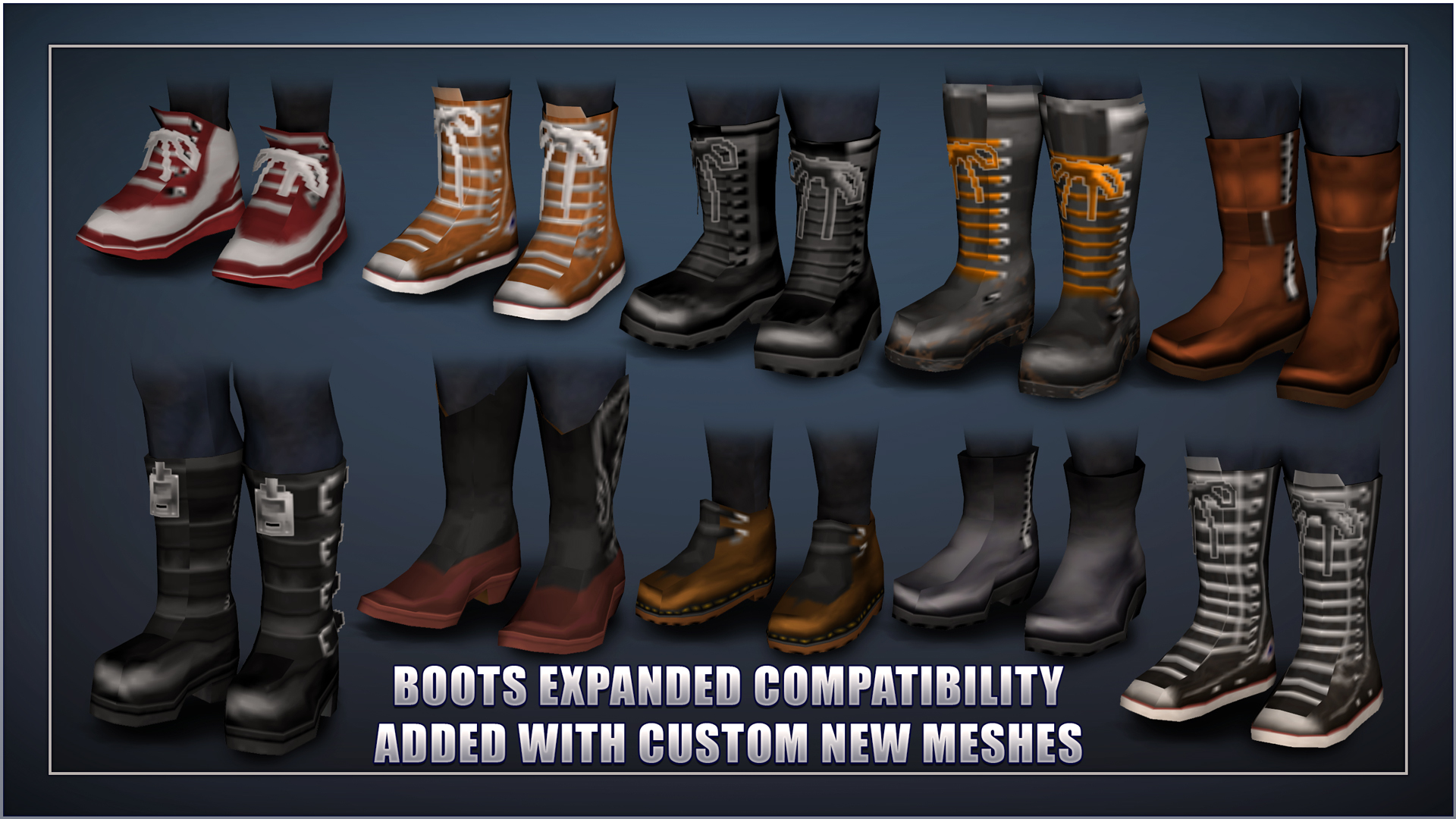
Boots Expanded
This separated file is specifically for users who also have the Boots Expanded mod installed, requiring it as a dependency.
The mod currently boasts support for vanilla models and any mods referencing them, along with custom-modelled items from popular additions like Boots Expanded, Spongie’s Open Jackets, Spongie’s Clothing, Vanilla Gear Expanded, and many more. By resolving clipping and enhancing visual fidelity, Tomb’s Player Body Overhaul – Compatibility ensures your survivor is ready to face the apocalypse in style.