
SpiffUI – Inventory



SpiffUI – Inventory: Streamlining Your Project Zomboid Experience
Tired of navigating the sometimes cumbersome inventory and loot panels in Project Zomboid? SpiffUI – Inventory aims to inject a dose of player-friendly design into these crucial game mechanics. This mod focuses on refining how you access and manage your carried items and the treasures you find scattered across the zombie-infested world.
A More Intuitive Interface
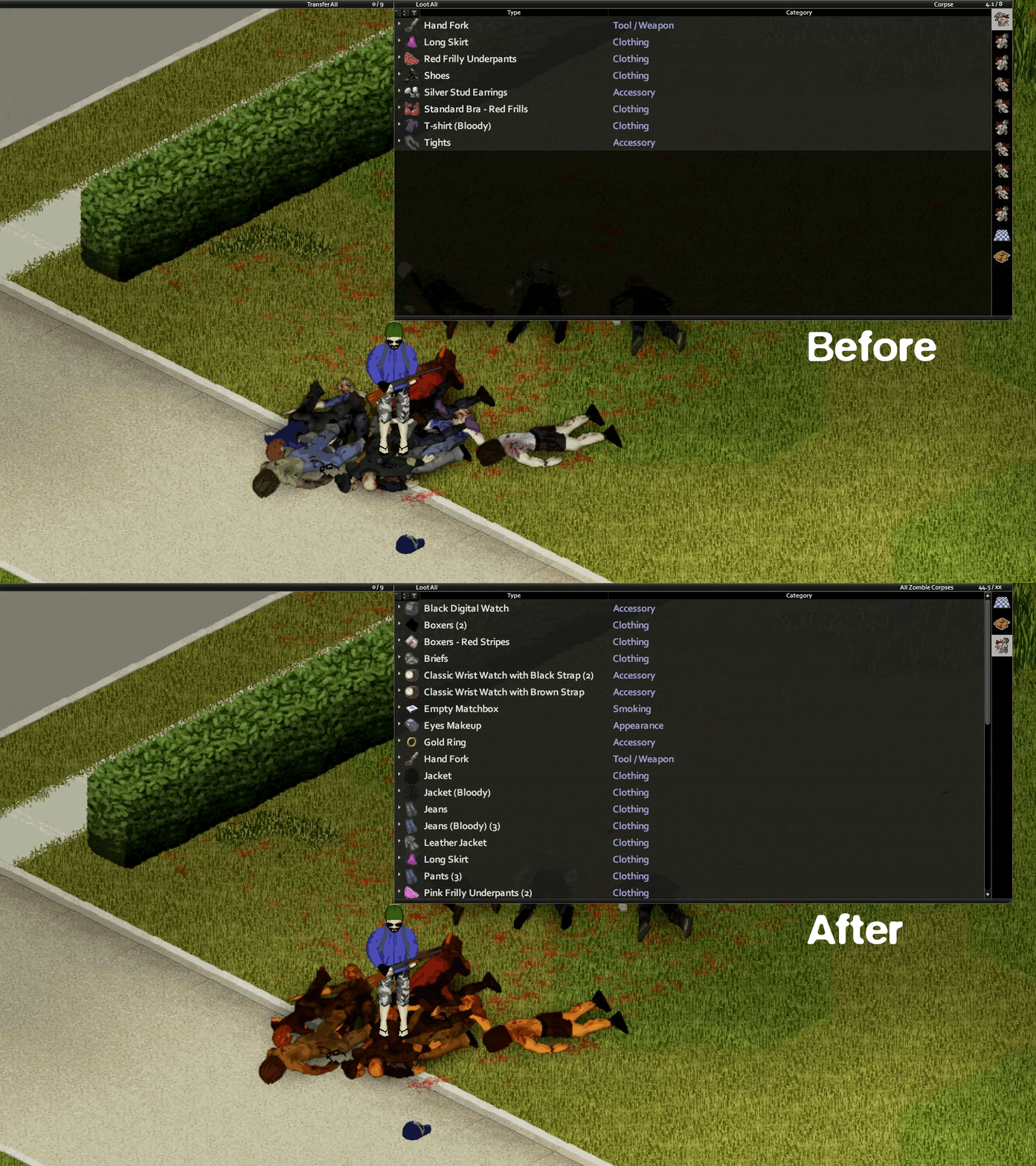
SpiffUI – Inventory rethinks the traditional display of your character’s gear and the lootable containers you encounter. Instead of constantly open panels, SpiffUI introduces a system that prioritizes screen real estate until you actively need to interact with your inventory or the environment. This results in a cleaner, more immersive visual experience, allowing you to focus on survival.
Key Features for Enhanced Gameplay
This modification introduces several notable improvements to the default inventory system:
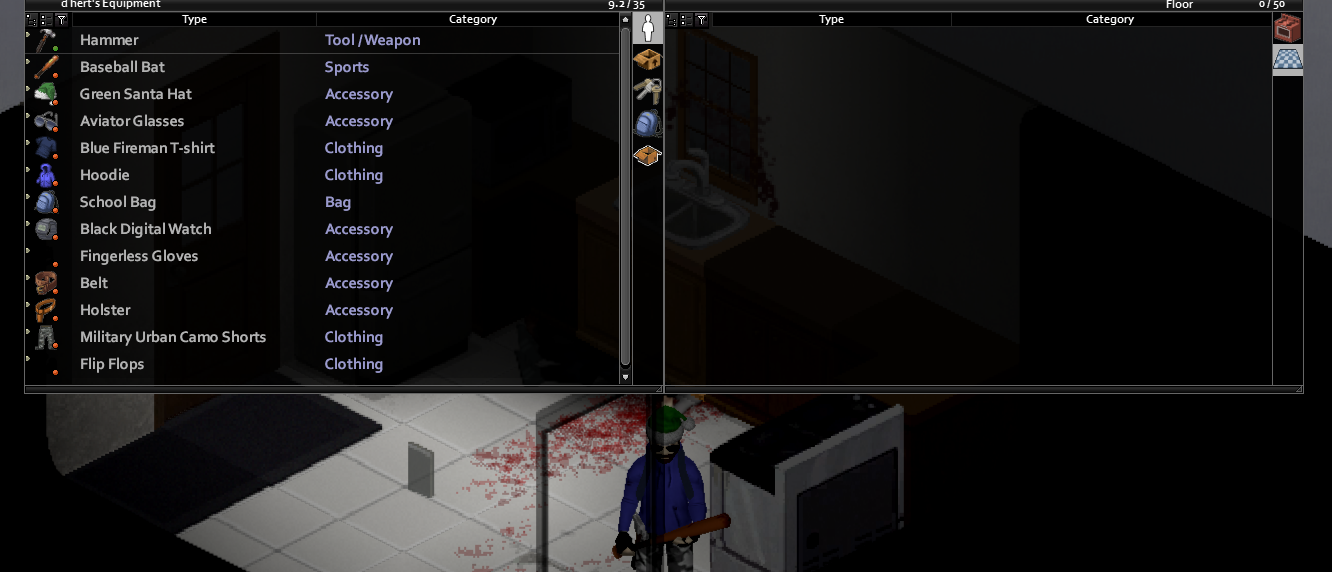
- A dedicated button to quickly view only your equipped items.
- Streamlined access to combined inventories, simplifying item sorting and management.
- Inventory and loot panels that remain hidden until an interaction is triggered, decluttering the screen.
- The inventory is now conveniently bound to the ‘Tab’ key, opening and closing both player and loot panels simultaneously with a single press.
- Quick access by hovering your mouse cursor to the top of the screen, allowing for seamless switching between panels.
- Panels are locked to the top of the screen for a consistent layout and can only be resized vertically, removing horizontal movement and resizing options for a more predictable interface.
- Clicking on world containers will automatically reveal the loot panel, keeping it open until you interact with it, click elsewhere, or move away, causing it to revert to showing the floor.
- An option to hide the ‘Inventory’ button in the left panel for those who prefer using the keybind.
Configuration and Compatibility
For those seeking deeper customization, SpiffUI – Inventory integrates with the ModOptions framework, providing a dedicated category for tweaking various settings. While the mod functions out of the box, using ModOptions is highly recommended to fine-tune the experience and apply recommended configurations.
SpiffUI – Inventory is designed to be compatible with several other popular Project Zomboid mods, including Alternative Inventory Rendering, Reorder Containers – Backpack Orders, Equipment UI – Tarkov Style Interface, and InventoryTetris, further enhancing your modded gameplay experience.
Please note that controller support for the new inventory behavior is not included; players using controllers will experience the vanilla inventory system. The developers are actively working on addressing known issues and welcome community contributions for translations on GitHub.