
Somewhat Water
Enhance Your Project Zomboid Experience with Somewhat Water
Prepare to immerse yourself deeper into the perilous world of Project Zomboid with the “Somewhat Water” mod. This thoughtful modification aims to bring a more natural and visually appealing aesthetic to the game’s bodies of water, enhancing the overall atmosphere without compromising performance. Whether you’re scavenging along a riverbank or contemplating a desperate swim, the updated water visuals will add a new layer of realism to your survival endeavors.
Discover More Naturalistic Waterscapes
The core of the Somewhat Water mod lies in its subtle yet impactful adjustments to the game’s water rendering. Say goodbye to overly simplistic water textures and hello to a more believable depiction. The mod meticulously tweaks the color saturation, wave motion, and the way water transitions to the shoreline, creating a more organic and less jarring visual experience. This attention to detail helps to ground the desolate landscapes of Project Zomboid, making the environments feel more lived-in and, ironically, more dangerous.
Key Features for Enhanced Immersion
The Somewhat Water mod offers flexibility to suit your preferences:
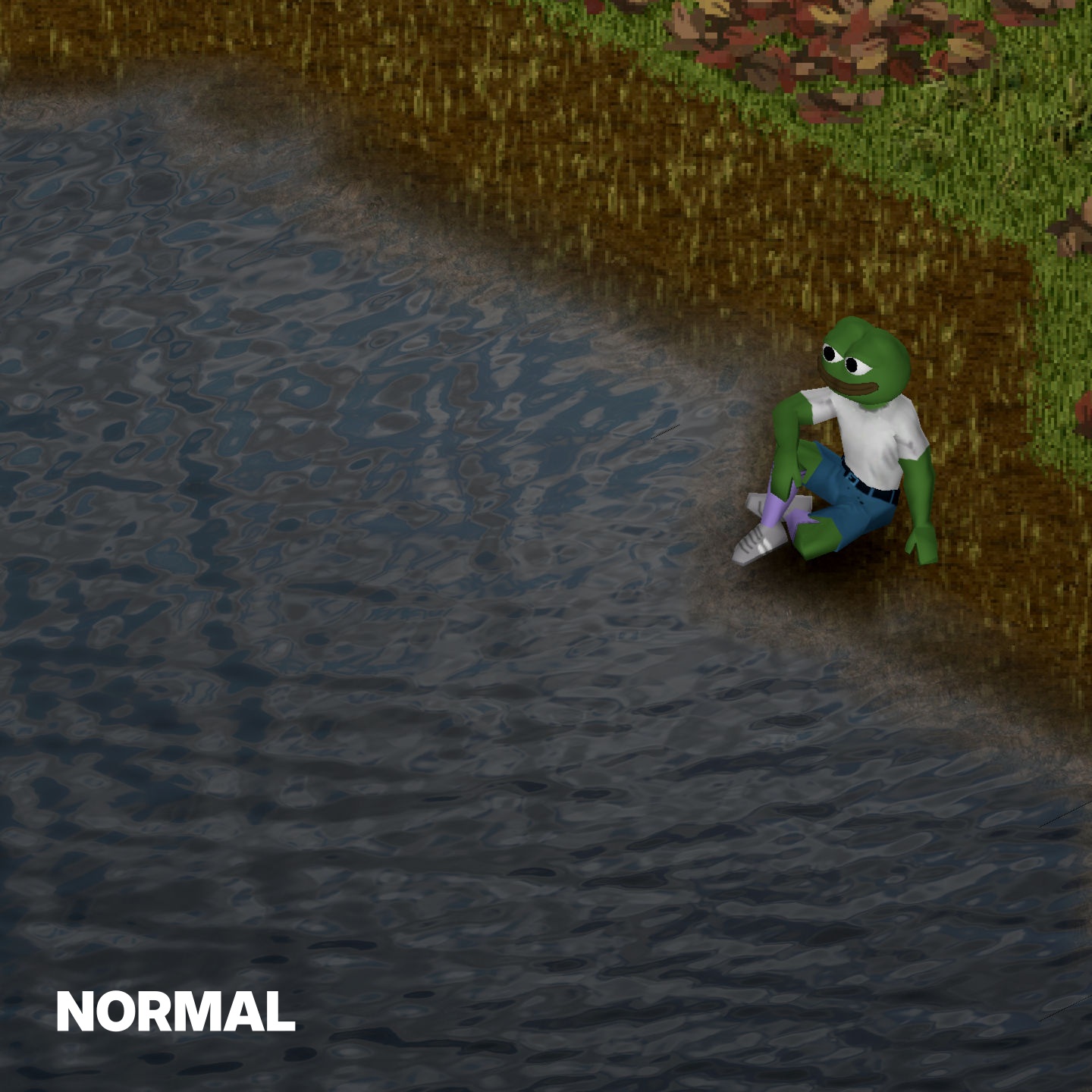
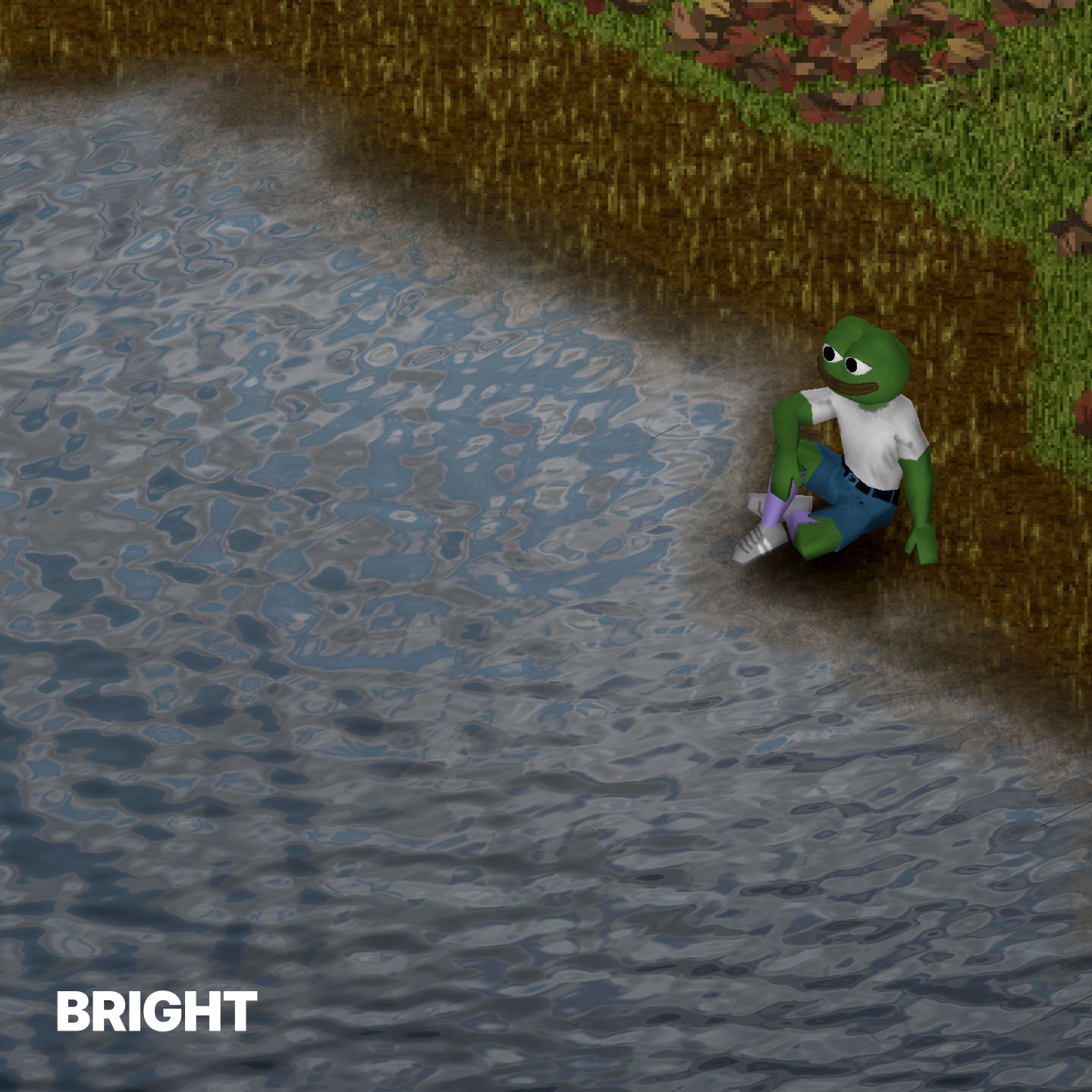
- **Two Distinct Visual Styles:** Choose between a “Normal” version for a more muted, realistic tone or a “Bright” version for slightly more vibrant aquatic scenery.
- **Adjustable Wave Intensity:** Select from “Medium” or “High” settings to fine-tune the dynamism of the water’s surface, matching the mood of your current gameplay.
- **Vanilla Performance:** Rest assured, the mod is designed to have the same performance impact as the base game, ensuring your survival efforts are not hindered by graphical enhancements.
Important Considerations for Installation
When implementing the Somewhat Water mod, it’s important to note that only one version should be active at a time to avoid conflicts. Screenshots provided within the mod’s documentation showcase the “Medium” setting for wave intensity. If you find that the visual changes aren’t immediately apparent after activation, a simple toggle of the in-game graphics quality options should prompt the shaders to update correctly. For those playing on servers, specific client-side installation steps might be required, so always ensure you have backups of original game files and adhere to server rules. Embrace a more visually rich Project Zomboid world with Somewhat Water.