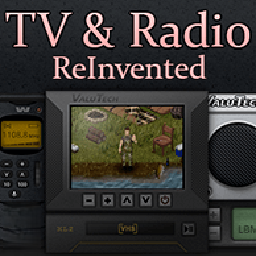
ReInvented TV/Radio + Fixed Scaling
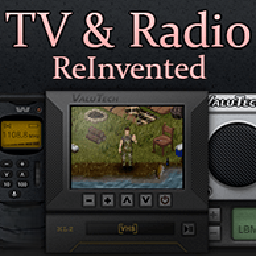
Revitalize Your Media Consumption in Project Zomboid
Navigating the desolate world of Project Zomboid often means finding solace and crucial information through any means available. For survivors looking to enhance their experience with in-game television and radio broadcasts, the “ReInvented TV/Radio + Fixed Scaling” mod offers a significant upgrade. This modification addresses common user interface issues, ensuring that accessing media content is smoother and more intuitive, even on higher-resolution displays.
Addressing UI Scaling Challenges
A persistent challenge for some players, especially those with larger monitors or higher screen resolutions, has been the sometimes diminutive size of interactive elements. The ReInvented TV/Radio + Fixed Scaling mod directly tackles this by refining the scaling of the TV and radio interactive windows. This means that the crucial buttons, information displays, and overall interface will be appropriately sized, making it easier to manage your media consumption without squinting or struggling with precise clicks.
Key Features for Enhanced Media Interaction
This mod brings several improvements to the forefront:
- Improved Scaling: The primary benefit is the corrected scaling of the TV and radio interactive windows, ensuring optimal visibility on various display resolutions.
- Smoother Interaction: Enjoy a more comfortable and accessible way to interact with the in-game media systems.
- Seamless Integration: Designed to work with the core Project Zomboid media mechanics, enhancing rather than replacing them.
Ensuring Compatibility with Existing Saves
For those eager to implement these improvements on their current playthroughs, the mod provides a straightforward method for integration. By locating the `mods.txt` file within your save folder and adding the mod’s identifier, “ReInvented_Media,” you can ensure that the enhanced media features are active in your existing world. This makes it possible to benefit from the fixed scaling and updated interface without having to start a new game.
To ensure the mod functions as intended, players are advised to disable “Texture Compression” and “UI Offscreen Rendering” within the game’s settings. This simple adjustment will guarantee a flawless experience with the ReInvented TV/Radio + Fixed Scaling mod, allowing you to more effectively utilize in-game media for survival and entertainment.