
PZ Map
Project Zomboid’s PZ Map Mod: Your Ultimate Navigation Tool
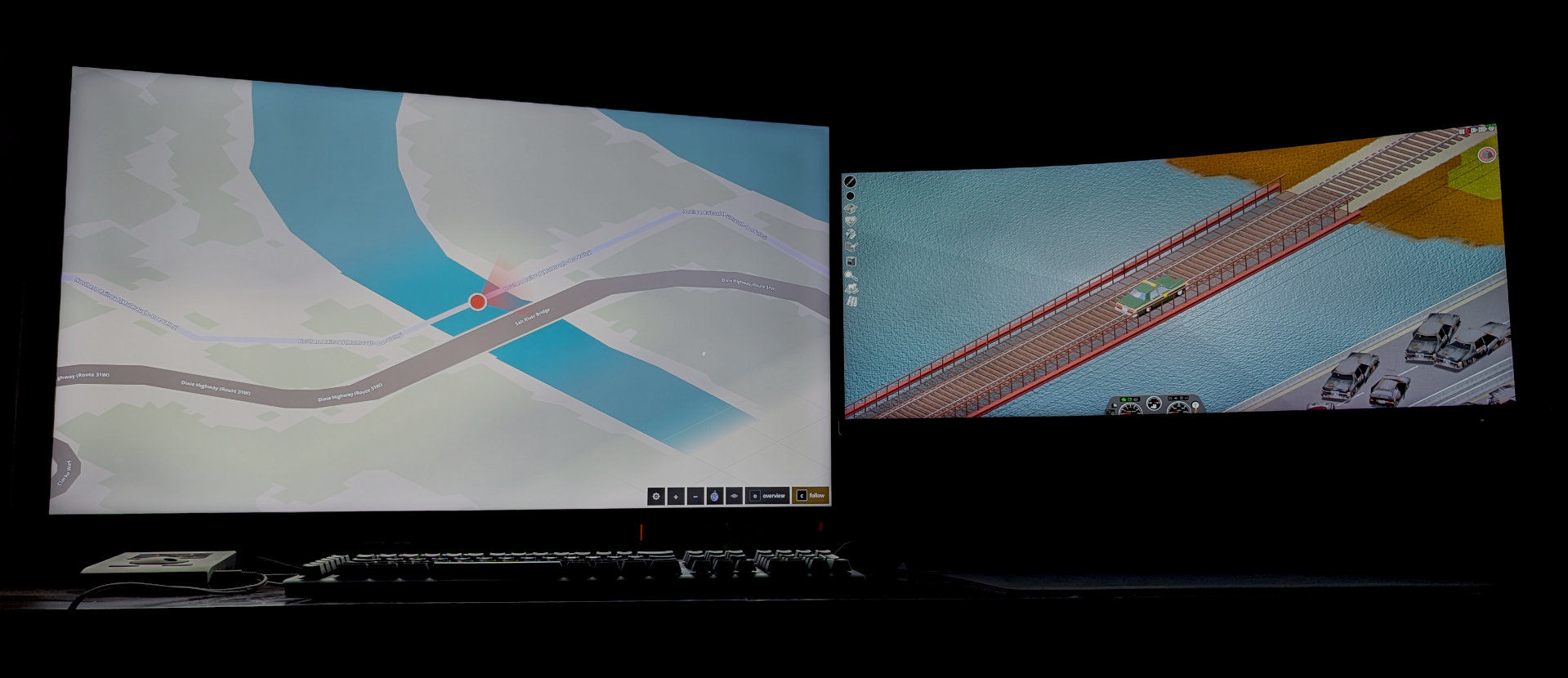
Navigating the perilous world of Project Zomboid just got a whole lot easier. The PZ Map mod offers a revolutionary way to keep your bearings without cluttering your primary game screen. This powerful tool allows you to display a live, interactive map of your in-game world on a separate monitor or browser window, ensuring you never get lost again.
Seamless In-Game Integration
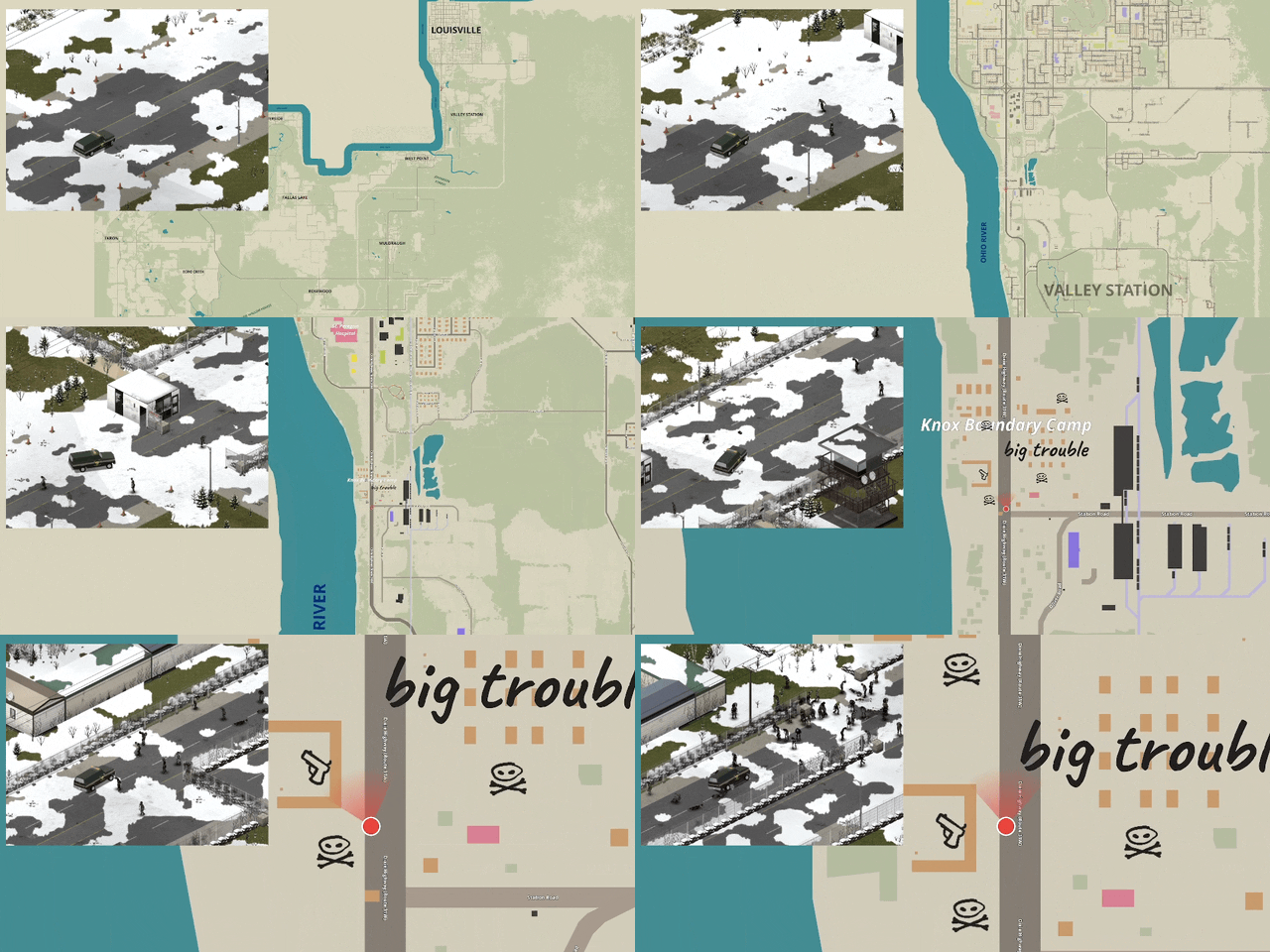
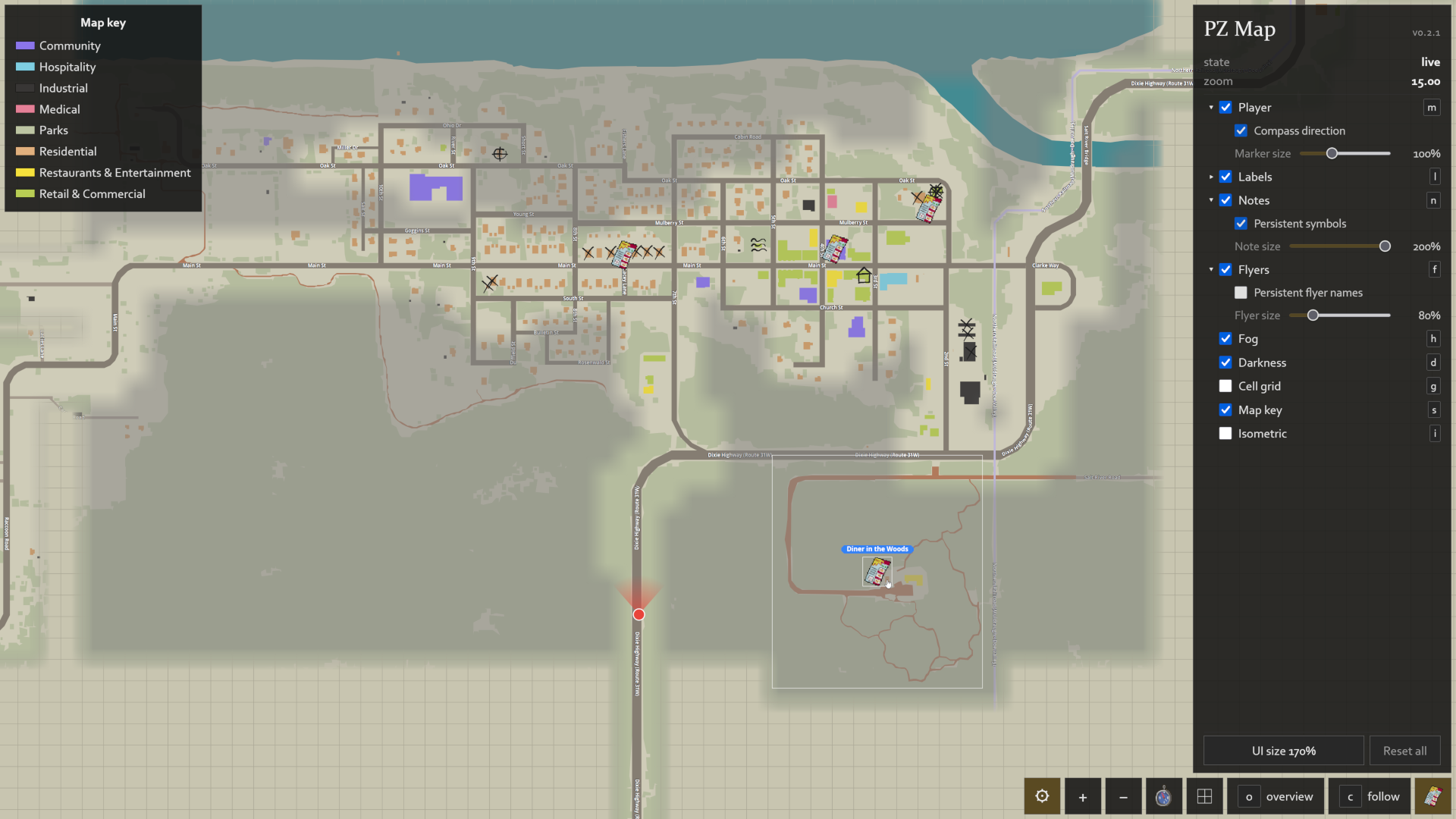
PZ Map mirrors the detail of the vanilla Project Zomboid map, presenting streets, points of interest, and terrain features with remarkable accuracy. Your real-time position is constantly updated, showing exactly where you are on the map as you explore. The fog of war dissipates as you move, revealing newly discovered areas, and any notes you make directly on your in-game map will also appear on the external display. For an even more immersive experience, toggle the isometric view to match the game’s unique perspective.
Key Features at a Glance
- Detailed map rendering, mirroring in-game accuracy.
- Real-time player position tracking.
- Dynamic fog of war reveal.
- Display of in-game map notes.
- Optional isometric view.
- Integrated map key for building and land-use information.
- Visibility of flyer and brochure locations.
Enhanced Functionality for Prepared Survivors
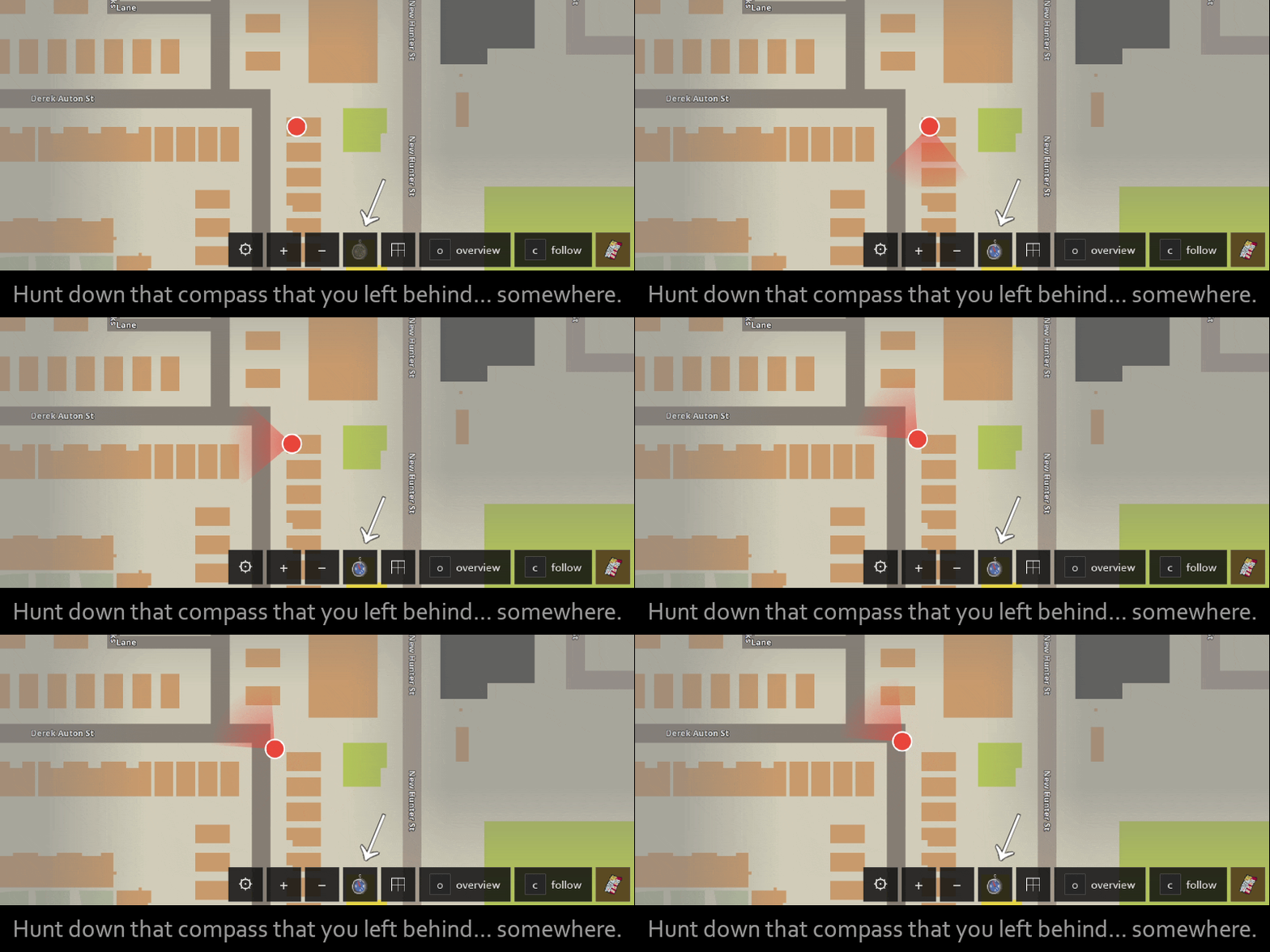
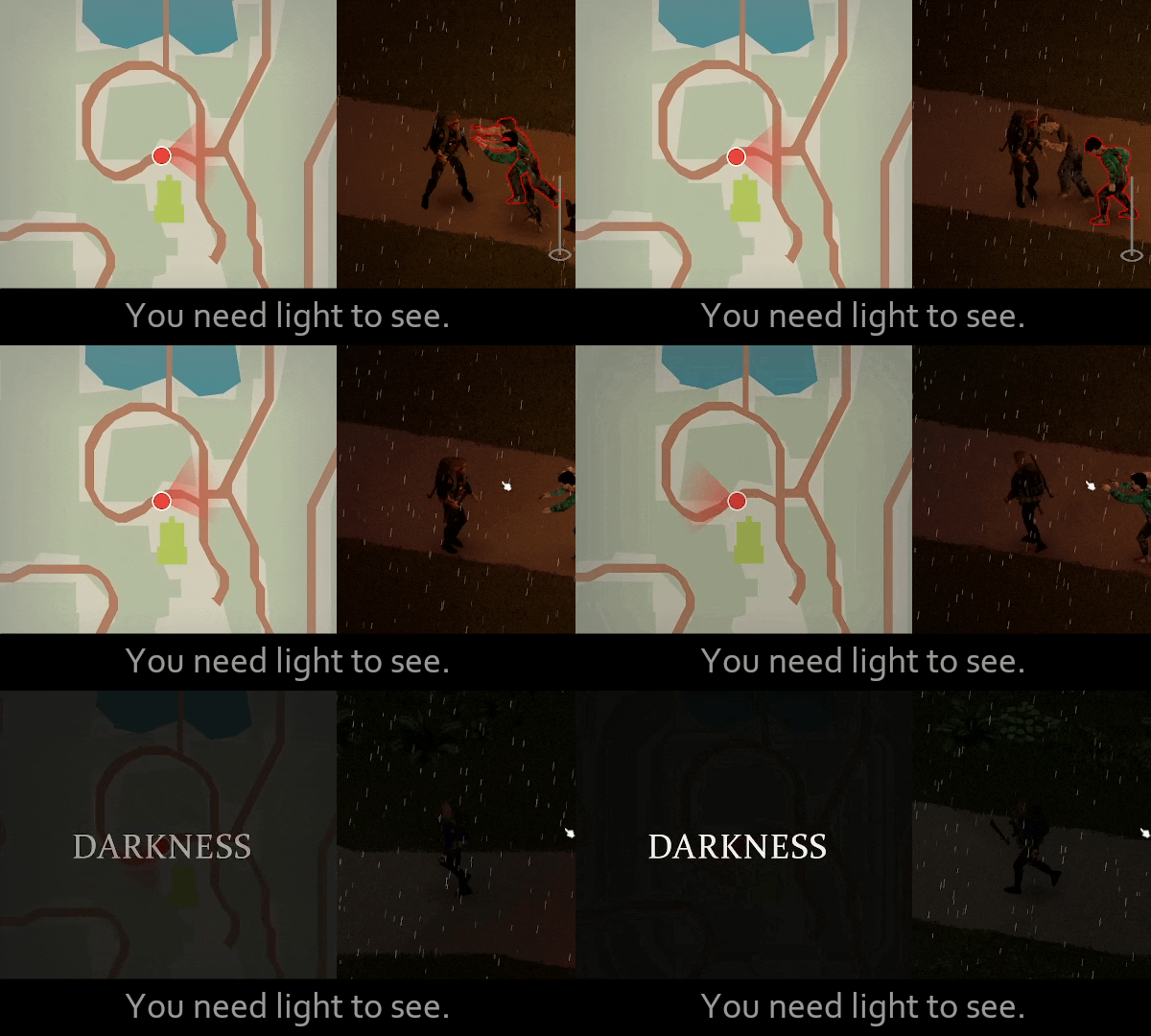
Beyond the core map features, PZ Map boasts several enhancements designed for the dedicated survivor. A direction indicator can be activated if you have a compass in your inventory, displaying your current heading. The darkness overlay requires a light source to view the map, mirroring the in-game mechanic for added realism. Activate follow mode to keep the map centered on your character as you move, perfect for those intense chases or strategic retreats. The mod is meticulously optimized to ensure smooth performance, even during demanding gameplay.
Customization and Accessibility
Tailor PZ Map to your exact preferences. Independently toggle elements like the cell grid, labels, notes, fog, and darkness. An intuitive UI size slider allows you to adjust the scale of the map and its legend, while your layout preferences are conveniently saved within your browser.
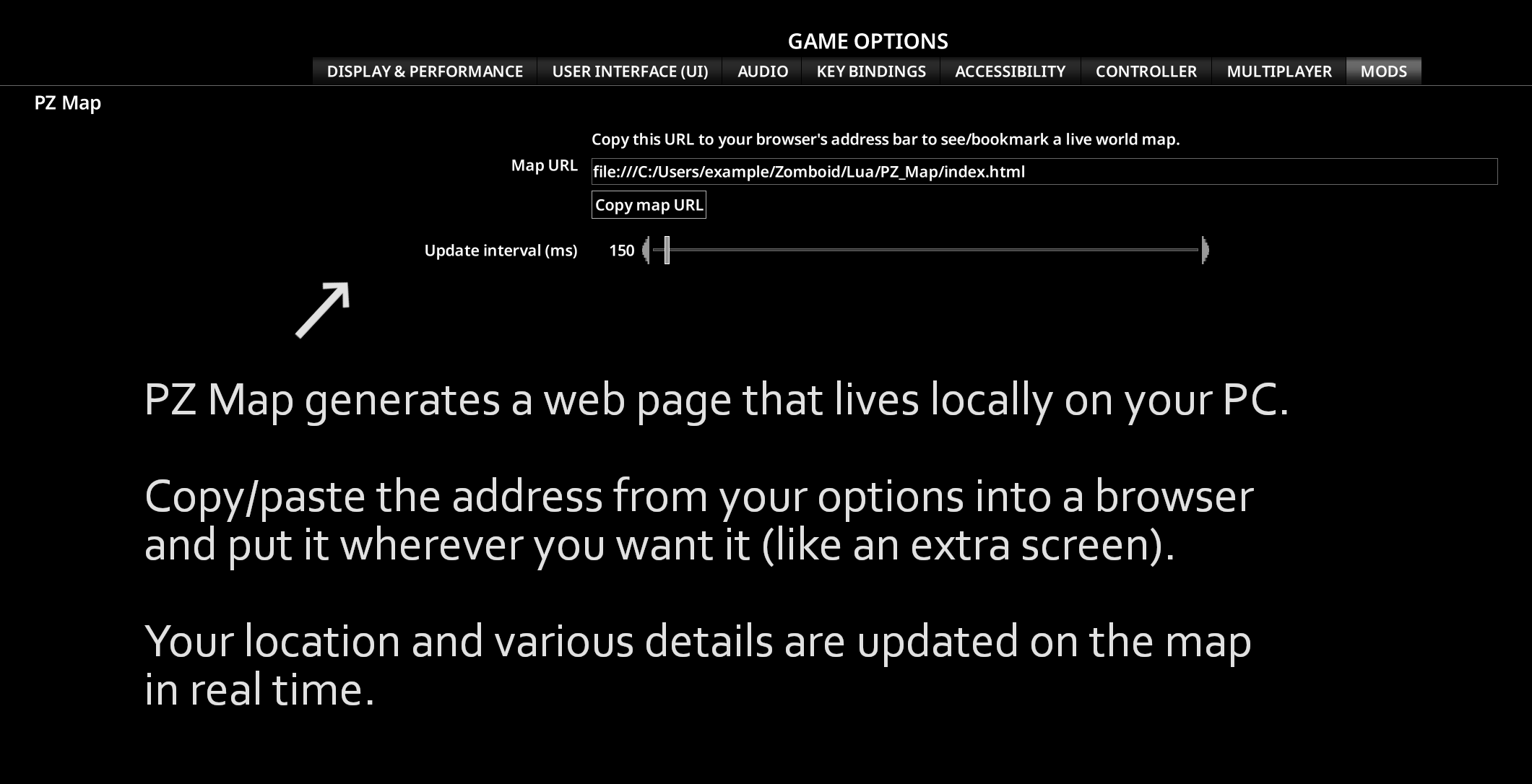
To get started, simply enable the mod in-game, access its options, and copy the provided map URL. Paste this URL into your browser, bookmark it, and drag the window to a secondary display. The map updates live, with a configurable refresh rate available in the mod’s settings. This mod operates entirely offline, ensuring your data remains secure and private.