
Potato textures – better fps for low-end pcs and steam deck (B42 stable)
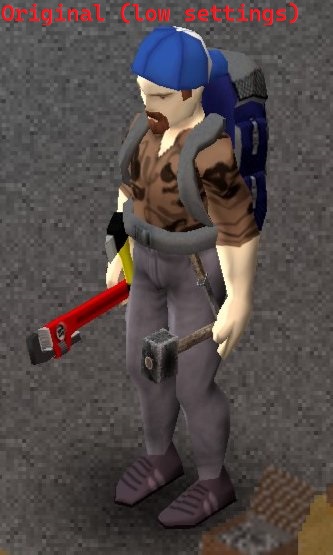
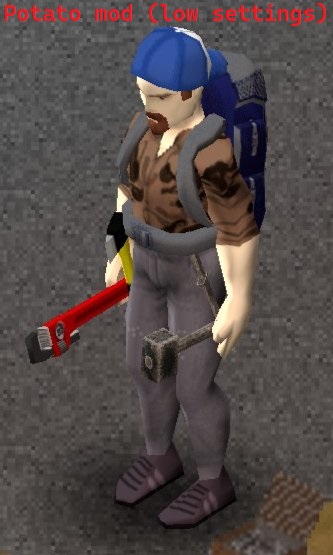
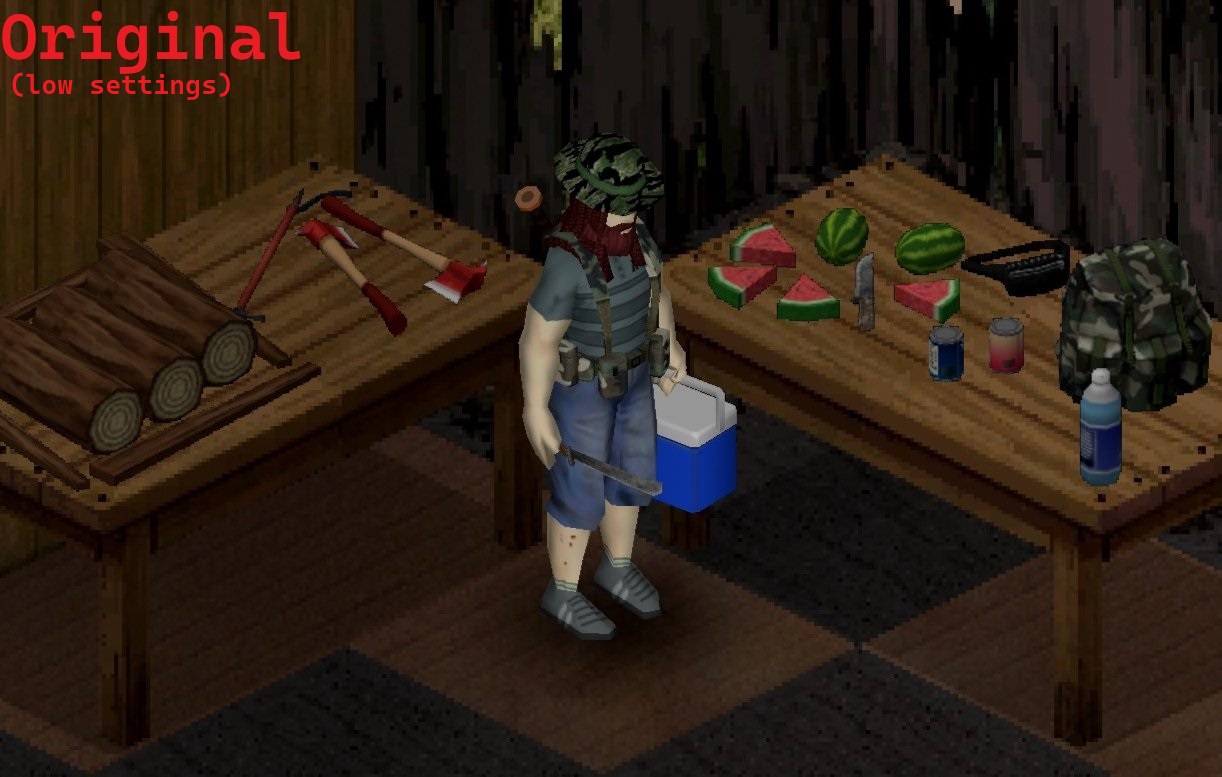
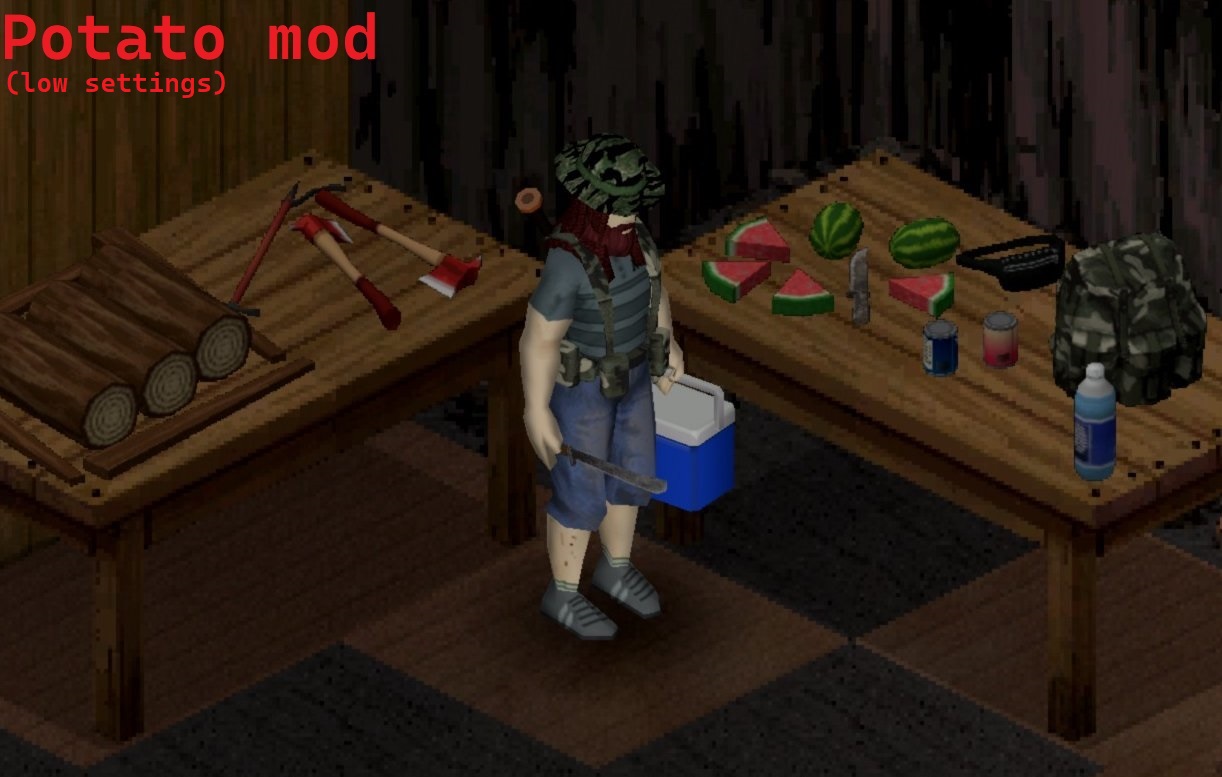
Boost Project Zomboid Performance with Potato Textures
Are you struggling to keep Project Zomboid running smoothly on your less powerful PC or Steam Deck? The latest updates have brought increased demands, but a new mod, Potato Textures, aims to significantly improve your frame rates and reduce stuttering. This mod focuses on optimizing the game’s existing textures, offering a noticeable performance boost with minimal impact on visual fidelity.
How Potato Textures Works
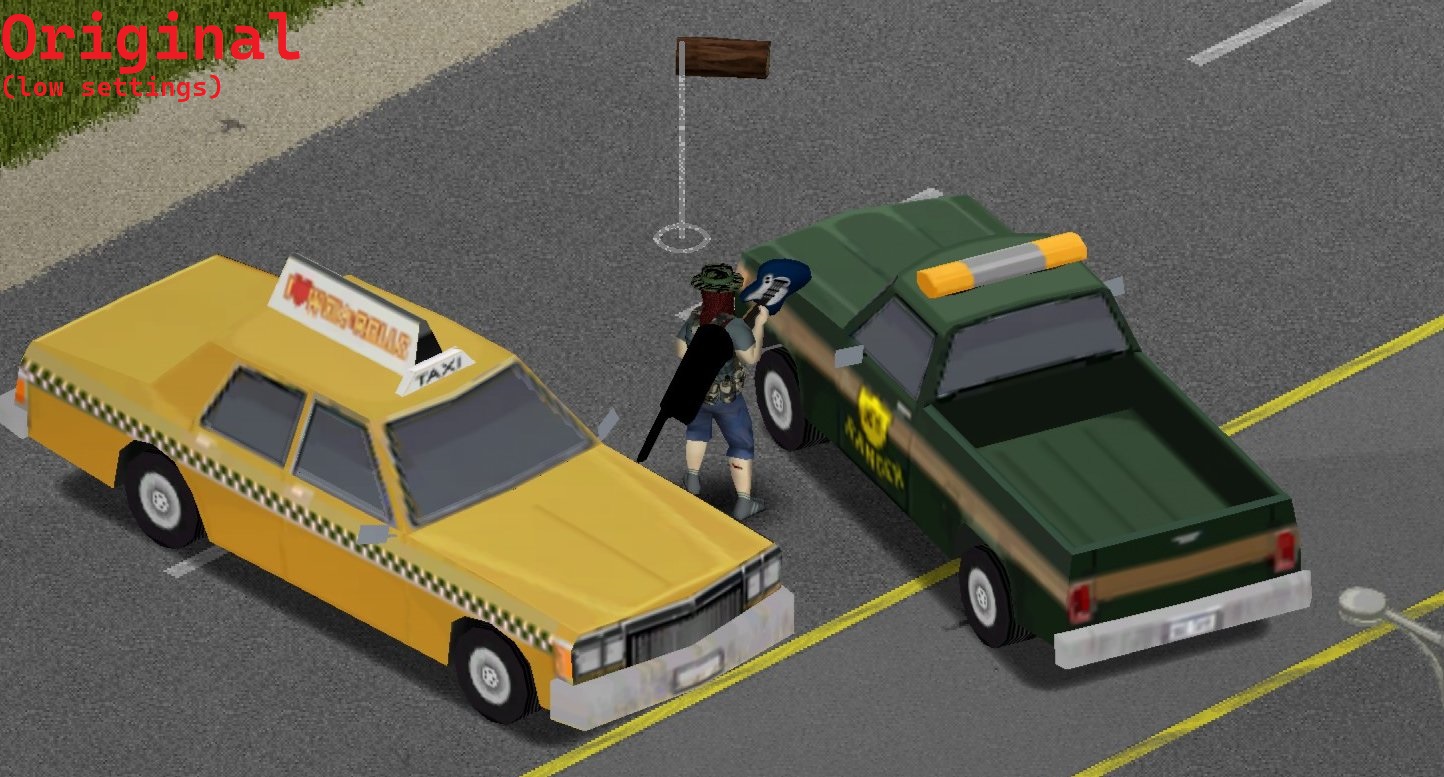
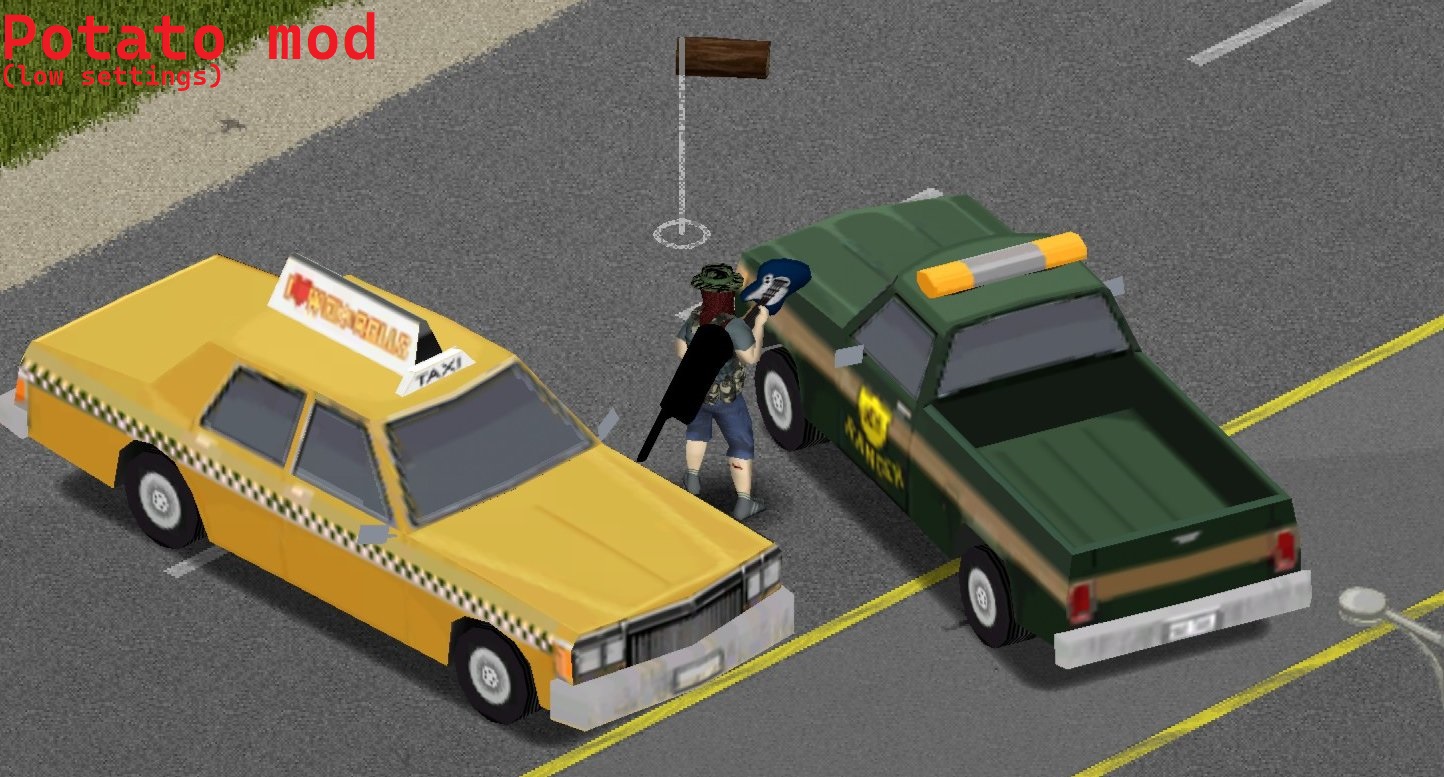
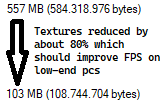
Potato Textures achieves its performance gains through heavy texture compression. By reducing the file size of the game’s 3D model textures, it lessens the strain on your system’s resources, particularly your GPU and RAM. While this does result in a slight loss of texture quality and potential minor artifacts, the trade-off is often well worth it for those seeking a smoother gameplay experience. The mod is designed to make these changes as unobtrusive as possible, ensuring that the core visual appeal of Project Zomboid remains intact.
Key Features and Benefits
- Enhanced Performance: Significantly increases frame rates and reduces stuttering, making the game more playable on lower-end hardware.
- Optimized for Low-End Systems: Ideal for PCs and laptops with limited VRAM, integrated graphics, 8-16GB of RAM, or older CPUs.
- Steam Deck Friendly: Provides a much-needed performance uplift for gaming on the go.
- Multiplayer Compatibility: Works in multiplayer if the server also has the mod active.
- Mod Load Compatibility: Helps mitigate the performance impact of running multiple other mods that add new assets.
Compatibility and Installation
Installing Potato Textures is straightforward: simply enable it in your Project Zomboid mods menu. The mod is designed to be compatible with most other mods, with the caveat that it does not optimize textures added by other mods, nor will it work correctly with other texture optimization mods like “Every Texture Optimized” (you must choose one or the other). For those experiencing visual issues with vehicles, adjusting the “Maximum Vehicle Texture Size” setting in-game to 512 can resolve flat-colored textures.
Potato Textures is a valuable tool for any Project Zomboid player looking to squeeze more performance out of their system. By optimizing existing assets, it makes the zombie apocalypse more accessible and enjoyable, regardless of your hardware’s capabilities.