Navigator | Navigation Mod for Project Zomboid B42
Navigate the Apocalypse with Project Zomboid’s Navigator Mod
Surviving the zombie apocalypse in Project Zomboid is a constant challenge, and getting from point A to point B efficiently can be the difference between life and death. Introducing the Navigator mod, a practical in-car navigation system designed to enhance your road journeys in Project Zomboid Build 42. Forget about fumbling with paper maps or relying solely on your memory; Navigator brings modern convenience to the grimmest of scenarios.
Getting Started with Navigator
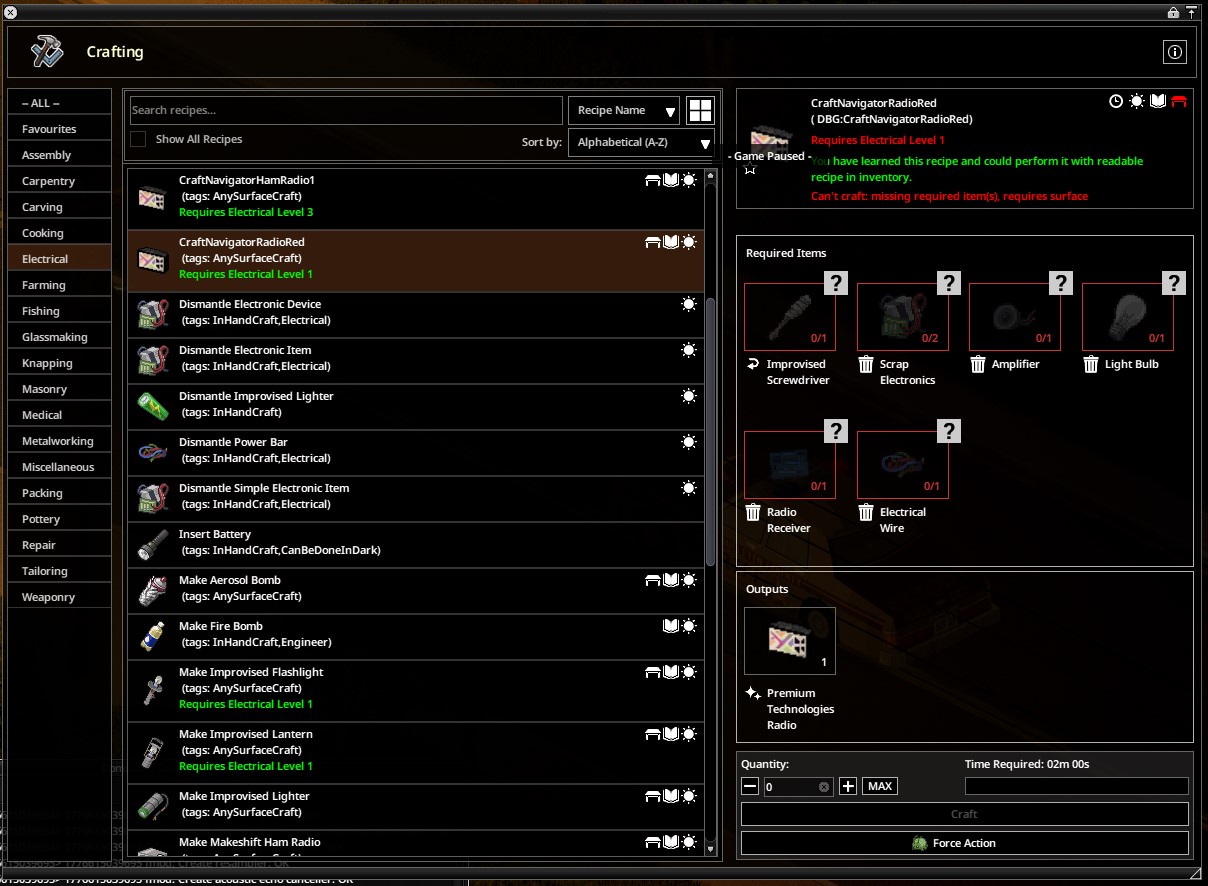
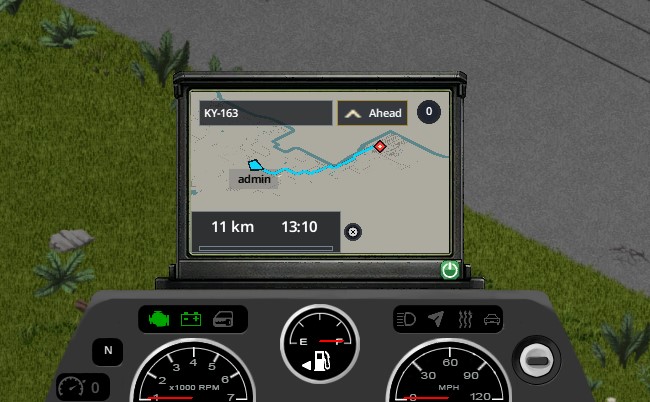
To begin using Navigator, you’ll need to install a compatible Navigator radio into the designated Radio slot of your vehicle. Once the radio is installed, simply enter the vehicle and power on the Navigator’s screen using the provided button. With the screen active, you can then access either the minimap or the world map and right-click to “Build route.” This intuitive system allows you to plot your course with ease.
Key Features of Navigator
The Navigator mod offers a suite of features to streamline your travels:
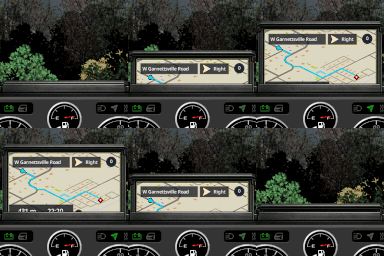
- In-Car Display: Routes are clearly visible on the Navigator’s dedicated screen, ensuring you can keep your eyes on the road.
- Map Integration: For a broader view, routes are also displayed on both the minimap and the world map.
- Route Planning: Effortlessly build navigation routes by interacting with the in-game maps.
- Supported Radios: Compatible with both the standard Navigator radio and the Navigator Micro.
Optimizing Your Routes
For the most accurate and reliable route generation, it is highly recommended to install the Navigator streets.xml patch. This patch significantly improves how the mod generates road data, leading to more dependable navigation. While the mod will function without it, route quality on certain road types may be less precise. You can find detailed installation instructions for the patch in the mod’s Workshop discussions under the title “Important: streets.xml patch, road graph generation, and cache rebuild.”
Customization and Compatibility
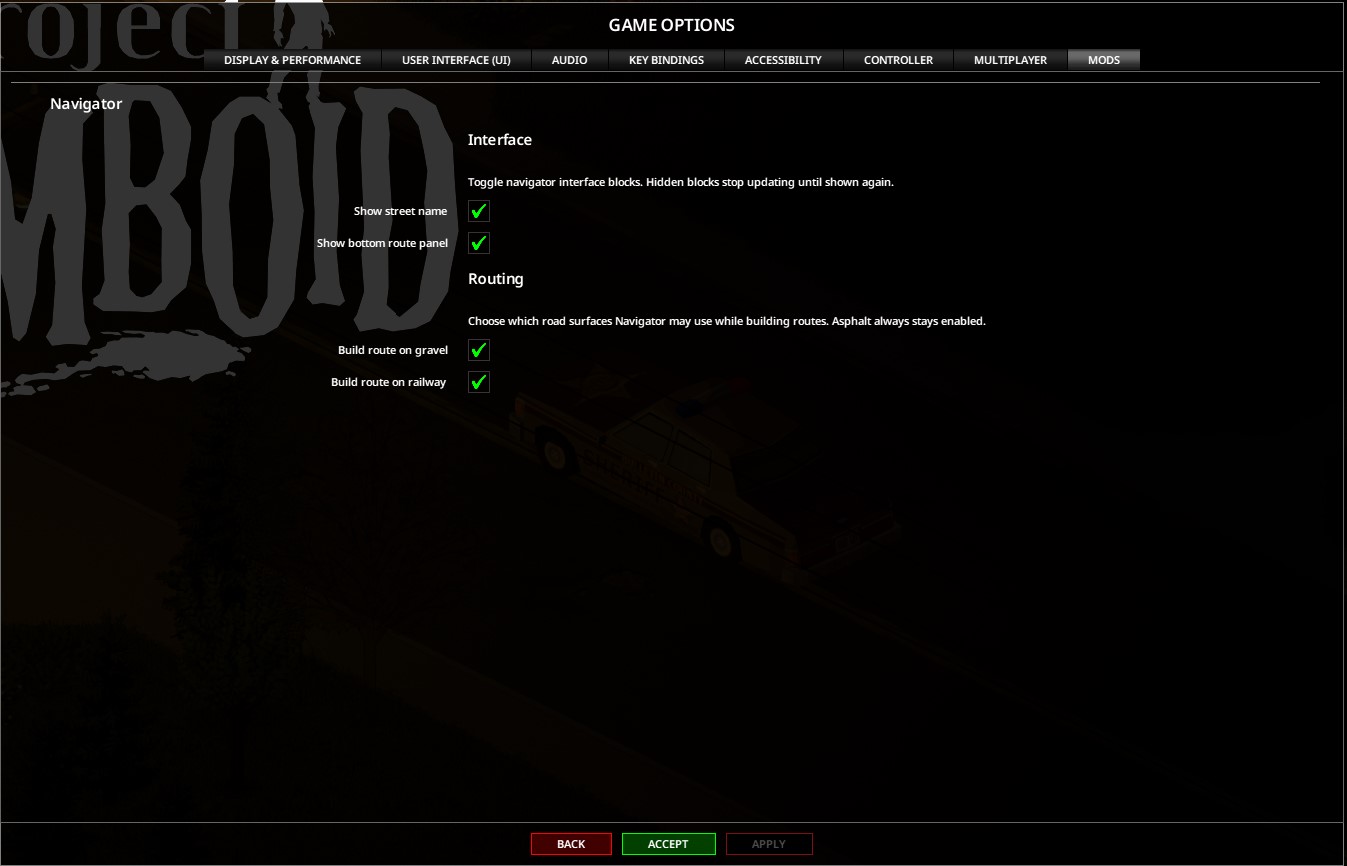
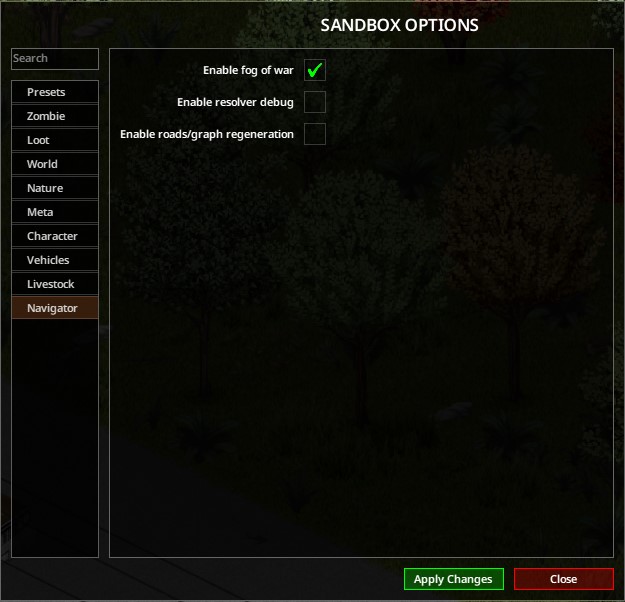
Navigator offers flexibility with in-game and Sandbox settings. You can tailor the experience to your preferences, whether you’re playing solo or managing a dedicated server. Adjust settings like fog of war, street name display, and whether to build routes on gravel or railway lines. This mod is specifically built for Project Zomboid Build 42.x and supports singleplayer, hosting, and dedicated server environments, including multiplayer functionality.