
Mutie’s Context Menu Icons Expanded & Redrawn
Project Zomboid: Enhance Your Interaction with Mutie’s Context Menu Icons Expanded & Redrawn
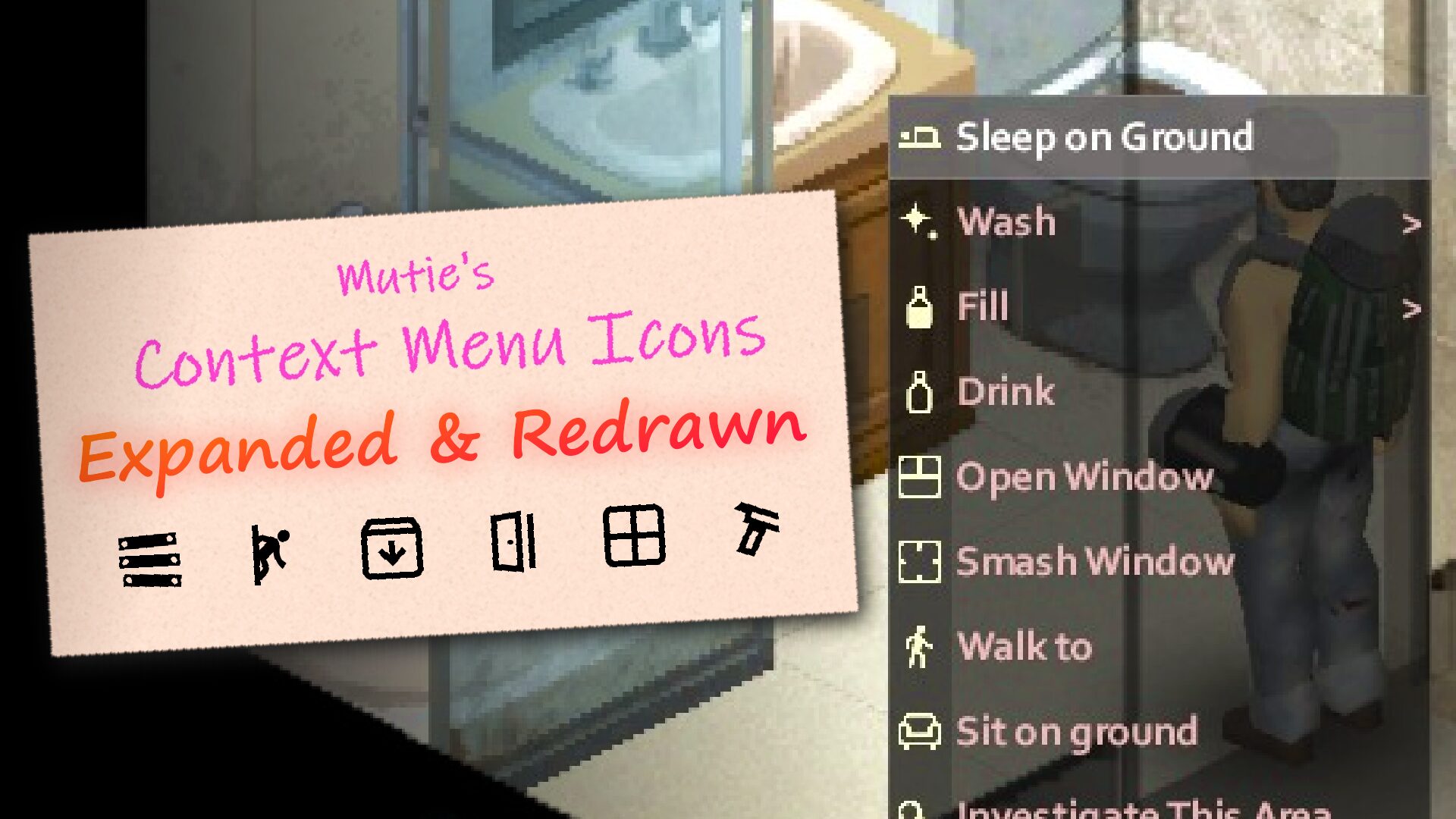
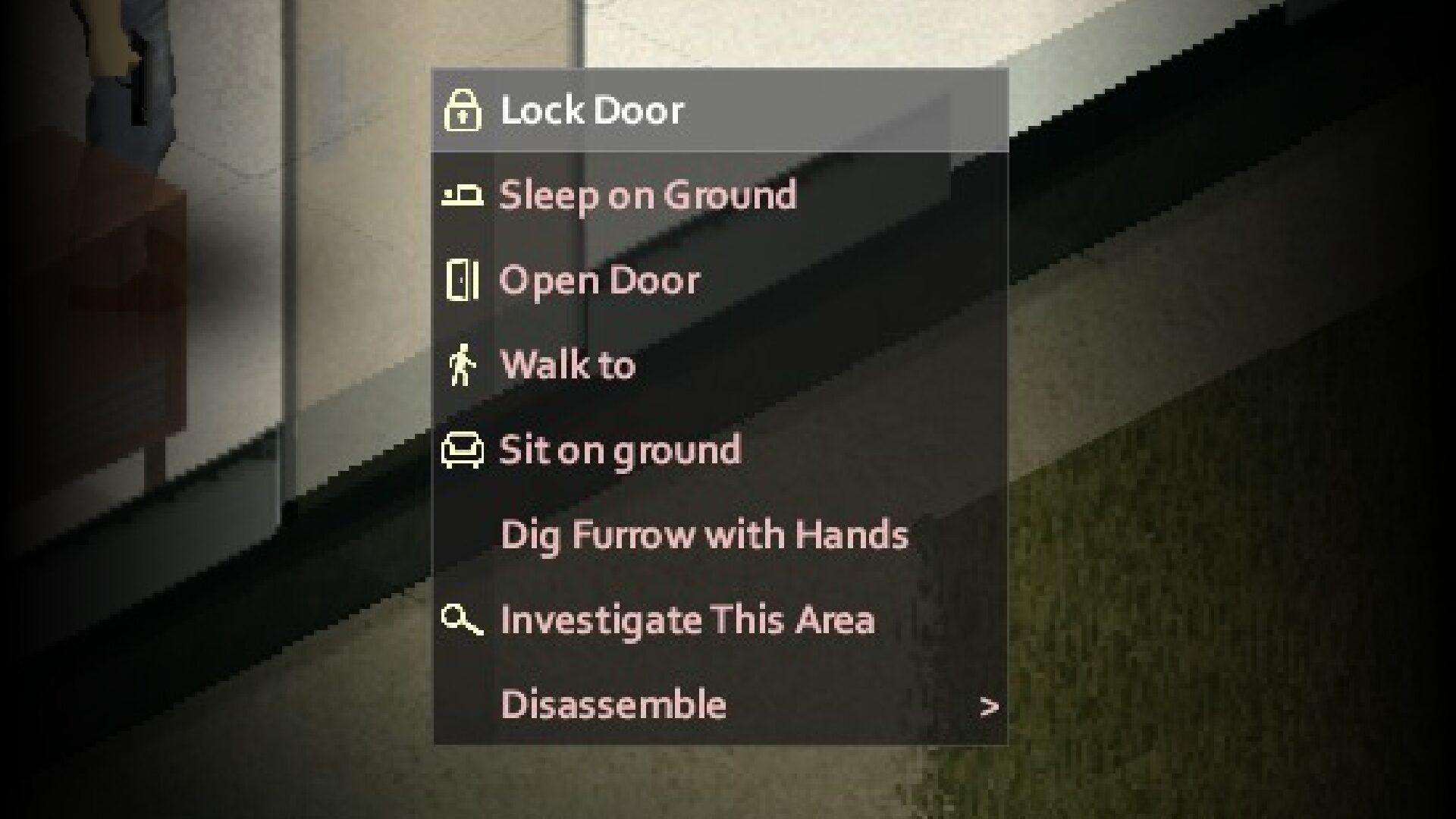
Navigating the intricate world of Project Zomboid just became more intuitive and visually appealing. Mutie’s Context Menu Icons Expanded & Redrawn mod introduces a significant upgrade to the game’s interaction system, bringing clarity and consistency to your in-game actions. This mod builds upon the foundation of the original Context Menu Icons, offering a wealth of new and refined visual cues to streamline your gameplay experience.
Expanding Your Interactive Options
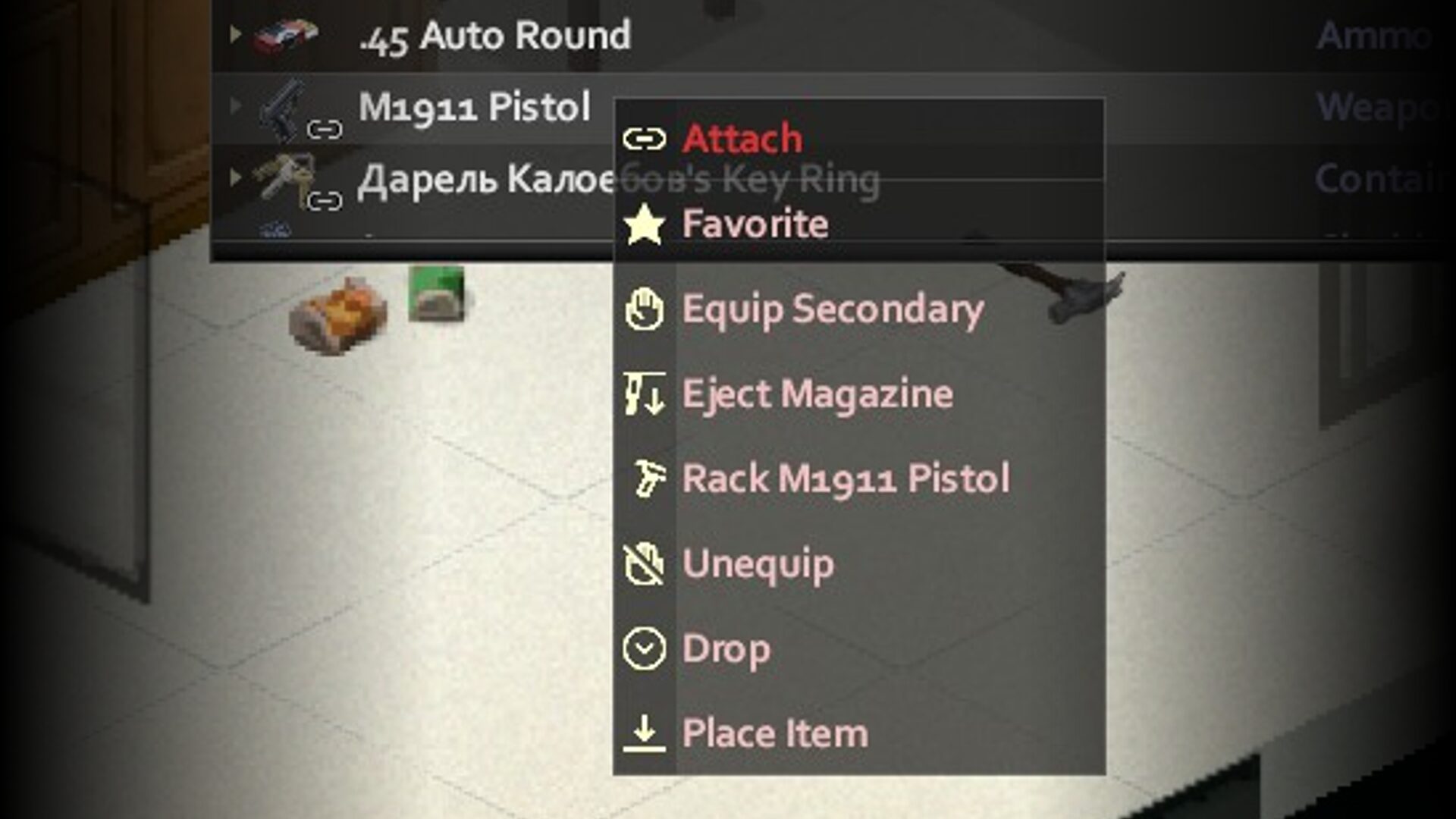
This comprehensive expansion pack generously adds 32 brand-new icons to your context menus. No longer will you have to guess what an action entails. From the simple act of opening and closing doors and windows to more complex operations like barricading, unbarricading, and managing broken glass, each interaction is now clearly represented. The expanded icon set also covers crucial survival actions such as resting, sleeping on the ground, drinking from various sources, filling containers, washing, and meticulously managing your inventory with detailed pickup and placement options. Even gun-related actions like loading and unloading magazines and racking your firearm are now visually distinct.
Refining the Visual Language
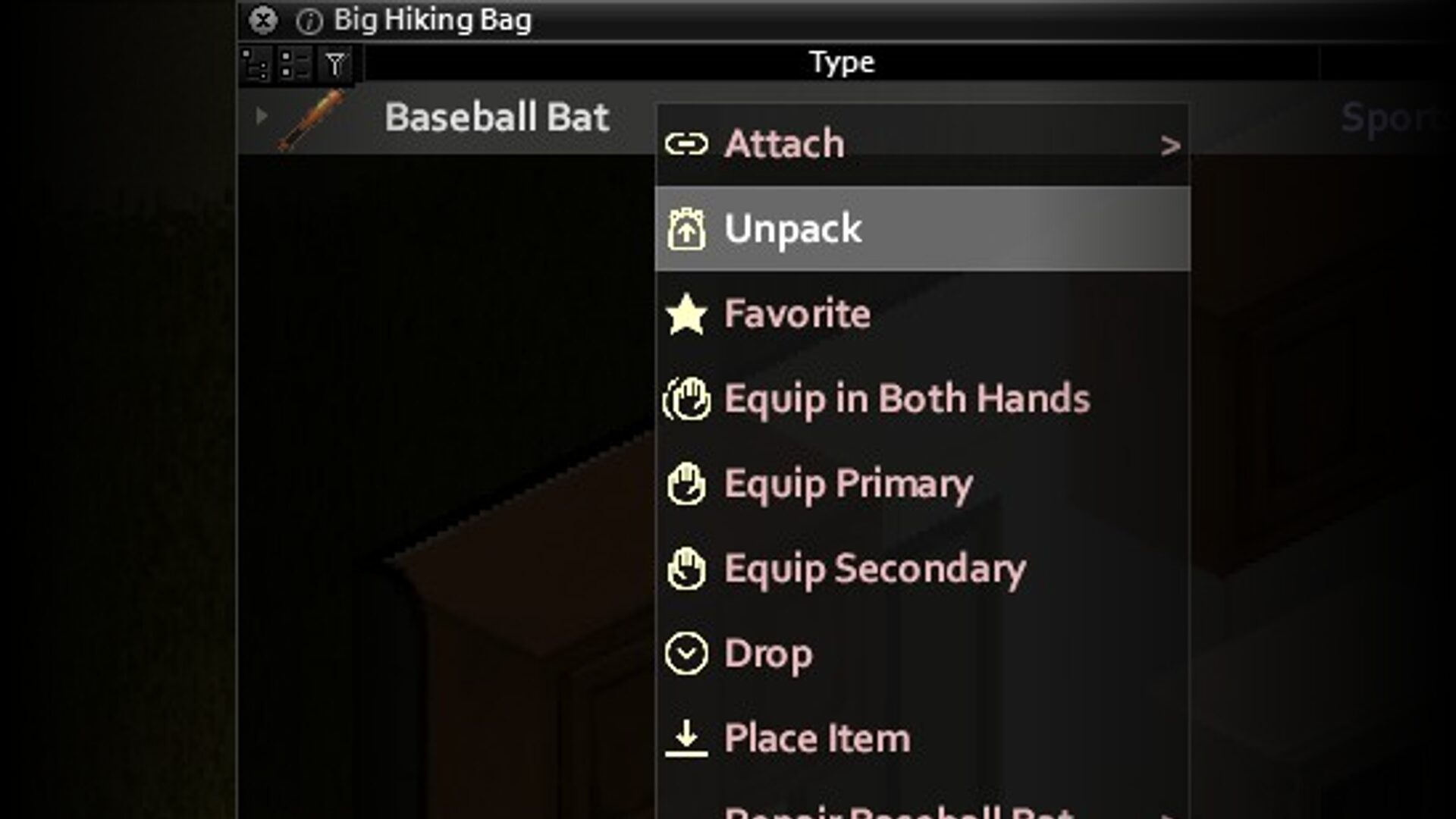
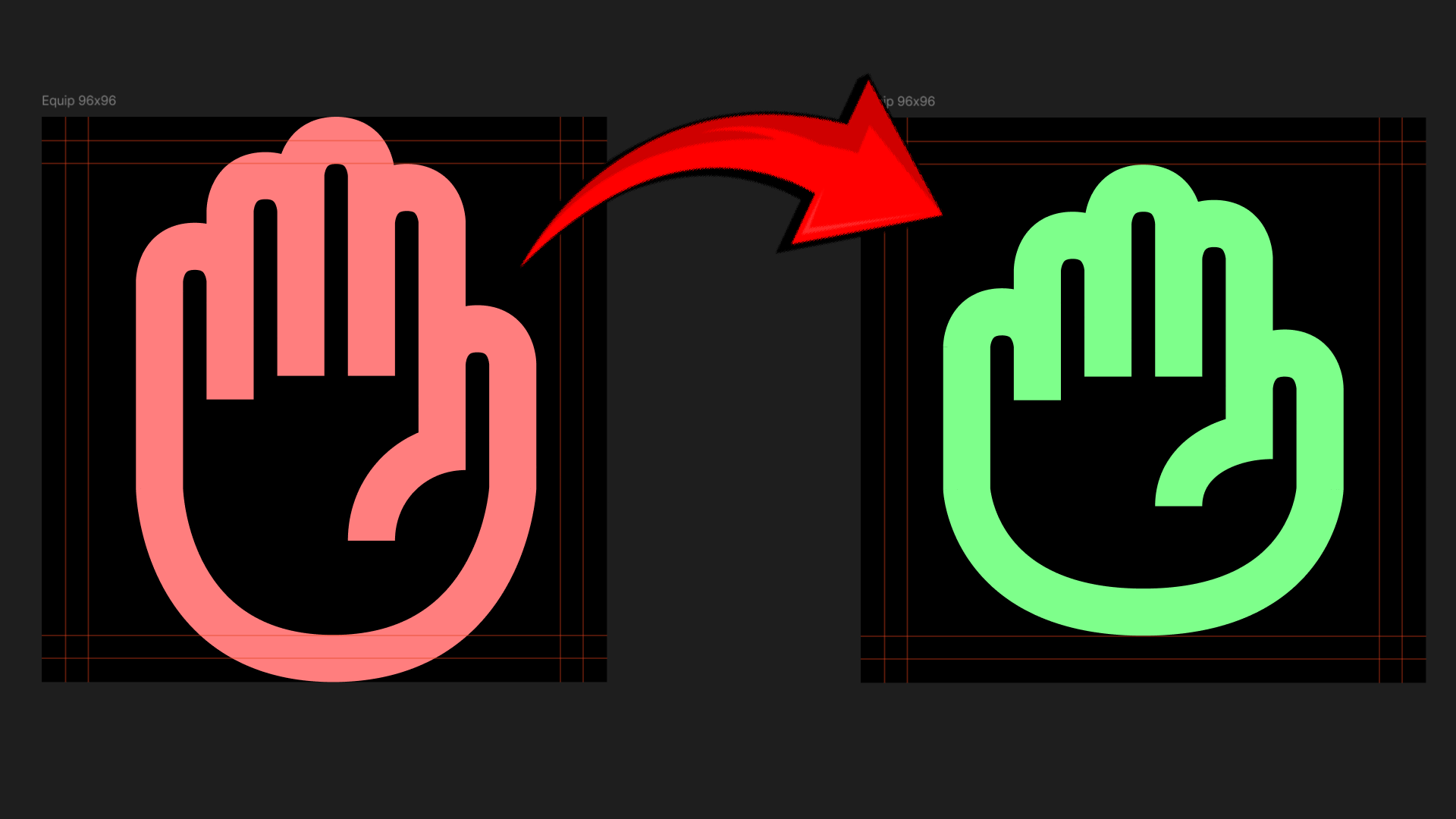
Beyond introducing new icons, the mod also addresses existing visual inconsistencies. A significant portion of the original icons have been meticulously redrawn to ensure a uniform style and adherence to in-game guidelines. This attention to detail results in a cleaner, more cohesive visual experience across all context menu options. Actions such as sitting, sleeping, walking to a location, unpacking items, equipping gear, inspecting objects, taking medication, naming items, dropping loot, and precise quantity selection (1/4, 1/2, All) are all part of this visual overhaul, making your decision-making process faster and more efficient.
Key Features at a Glance:
- Adds 32 new, clearly distinguishable icons for a wide range of actions.
- Redraws existing icons for improved visual consistency and style alignment.
- Enhances clarity for door, window, and barricade interactions.
- Provides distinct icons for survival activities like drinking, eating, and resting.
- Improves visual representation for inventory management and item manipulation.
- Streamlines gun-related actions with dedicated icons.
- Designed to work seamlessly with your existing Project Zomboid setup.
Mutie’s Context Menu Icons Expanded & Redrawn is a must-have for any Project Zomboid survivor looking to optimize their gameplay and enjoy a more polished, visually organized experience. The attention to detail in both the expansion and refinement of these crucial interface elements significantly contributes to a smoother, more immersive zombie apocalypse survival.