
Moodle Framework
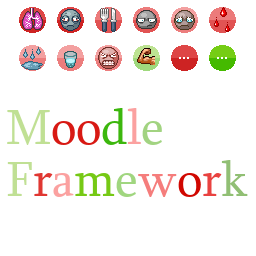
Enhance Your Project Zomboid Experience with Moodle Framework
For Project Zomboid modders looking to expand the game’s status effect system, the Moodle Framework provides an invaluable tool. This framework simplifies the process of creating and integrating new moodles, allowing for deeper immersion and more complex gameplay mechanics. Whether you’re a seasoned mod creator or just starting, Moodle Framework offers a robust yet accessible way to add new challenges and layers to your survivor’s journey.
Streamlining Moodle Creation
The Moodle Framework is designed with modders in mind, offering a clear and structured approach to adding custom moodles. It handles the intricacies of displaying these effects, ensuring they integrate smoothly with the game’s existing UI. The framework also includes configuration options for visual clarity, allowing users to adjust how moodles are displayed, including the option to set a reference color to white for better distinction. This ensures that both vanilla and modded moodles are easily recognizable. Furthermore, the framework is designed to be compatible with modded backgrounds, even those with slight offsets.
Key Features for Modders
* **Intuitive Texture Integration:** Easily add custom Moodle textures, ensuring they are the correct size and format for seamless integration.
* **Flexible Text Configuration:** Define names and descriptions for your moodles across various levels of intensity, allowing for nuanced status effects.
* **Simple Object Creation:** A straightforward process to register your new moodle within the game’s systems.
* **Dynamic Value Updates:** Programmatically control the intensity of your moodles, creating dynamic and responsive gameplay elements.
* **Enhanced Compatibility:** Designed with potential multiplayer and split-screen functionality in mind, reducing common integration issues.
Getting Started with Your Own Moodle
Creating a new moodle involves a few straightforward steps. First, you’ll need to prepare your moodle’s texture file, ensuring it’s a 30×30 pixel PNG with alpha transparency. Next, you’ll define the moodle’s text and descriptions within the game’s translation files. Finally, a simple script call registers your moodle and allows you to update its value dynamically through your mod’s code. The framework’s documentation provides clear examples for each stage, making the process accessible even for those new to modding Project Zomboid.
The Moodle Framework has already been utilized by numerous popular mods, demonstrating its effectiveness and versatility in enhancing the Project Zomboid experience.