
Mod Manager: Load Order Sorter
Streamline Your Project Zomboid Mod Experience with Load Order Sorter
Managing a robust mod list in Project Zomboid can be a daunting task. Juggling various additions, from detailed maps and new vehicles to complex gameplay overhauls, often requires meticulous manual sorting of your mod load order. Fortunately, the Mod Manager: Load Order Sorter mod is here to drastically simplify this process, ensuring your game runs smoothly and your favorite mods play well together.
Effortless Mod Sorting
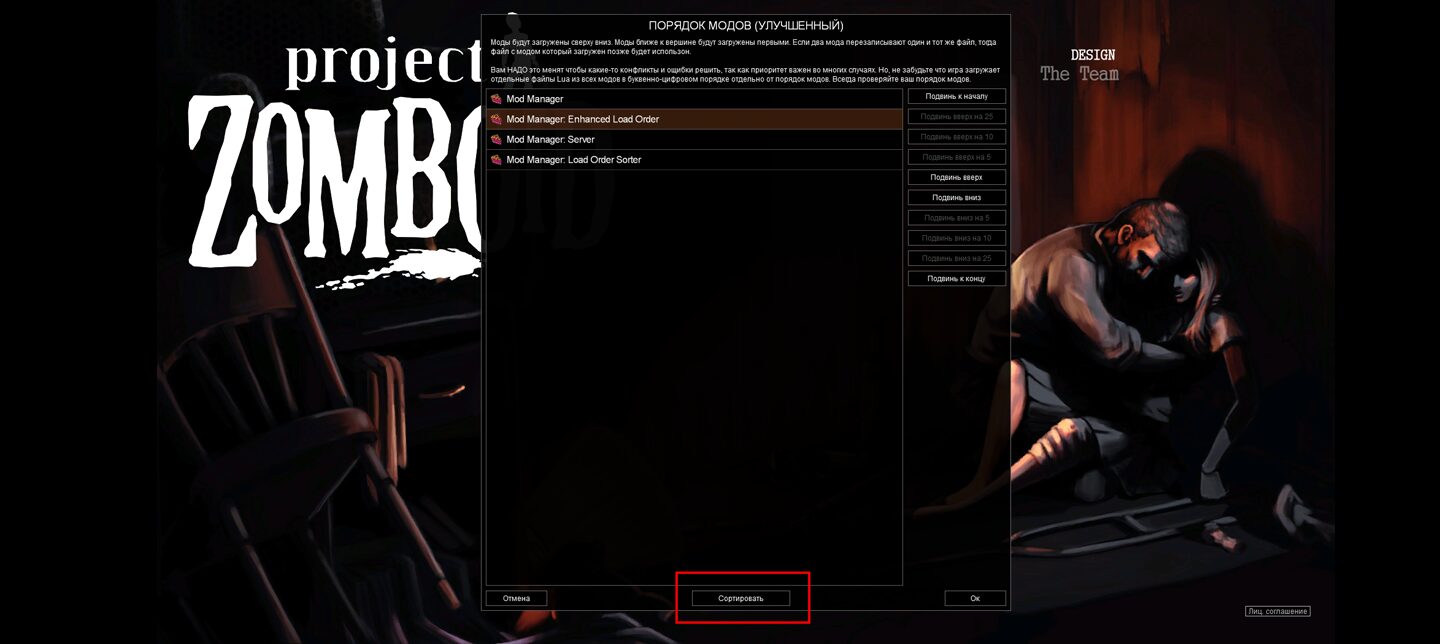
The core functionality of Mod Manager: Load Order Sorter is brilliantly straightforward. Once installed, a simple “Sort” button appears within your mod load order screen. With a single click, the mod intelligently analyzes your active mods and arranges them into an optimized sequence. This eliminates the hours you might otherwise spend experimenting with different load orders, freeing you up to jump back into the zombie-infested world of Project Zomboid.
Intelligent Organization and Advanced Features
This mod goes beyond basic alphabetical sorting. It employs a sophisticated topological sorting algorithm to detect and correct dependencies between mods, ensuring that mods requiring specific prerequisites are loaded in the correct order. This significantly reduces the chances of conflicts and unexpected behavior.
Key features include:
* **Pre-sorted Categories:** Active mods are automatically grouped into logical categories, such as Resources/Textures, Maps/Locations, Transportation, Framework/API, Code-only mods, Clothing, Interface, Other, and Localization.
* **Topological Sorting Algorithm:** Automatically resolves mod dependencies for a stable load order.
* **Customizable Sorting Rules:** Offers flexibility for users who want to fine-tune the sorting process further.
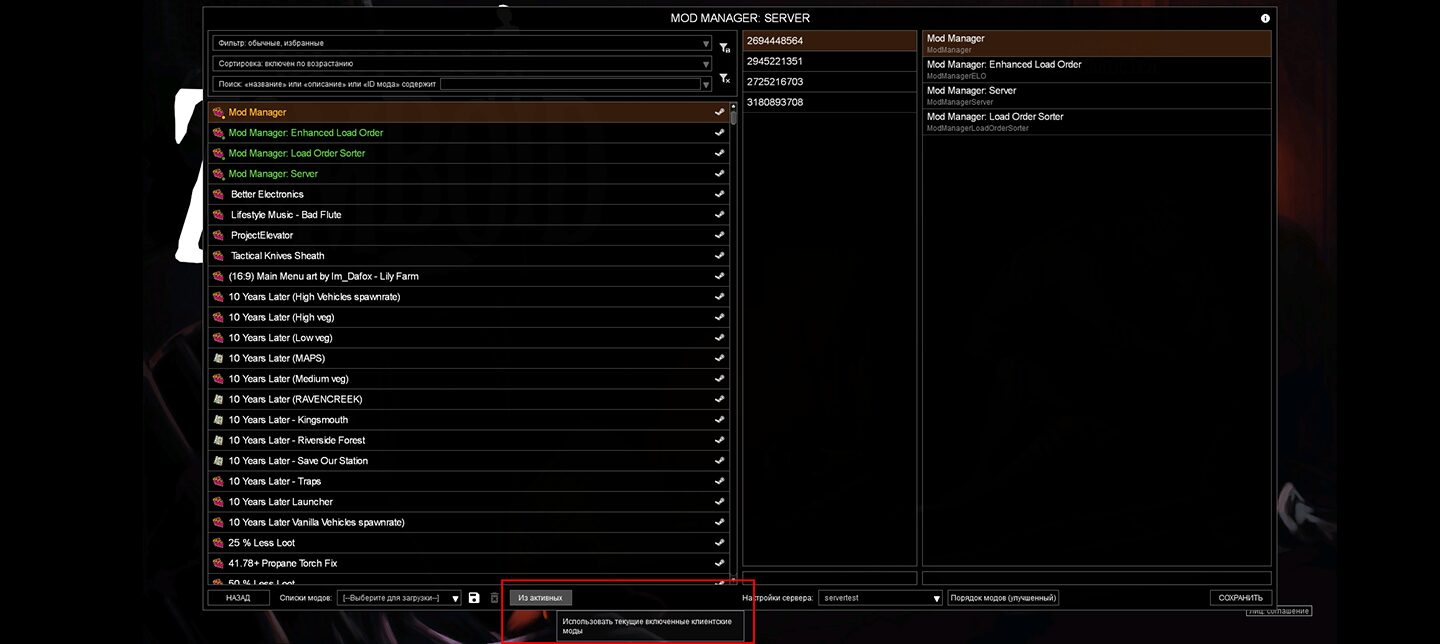
* **Server Synchronization Support:** When paired with Mod Manager: Server, it simplifies updating your server’s mod list and allows clients to easily sync with the server’s profile.
Important Considerations
While incredibly useful, it’s crucial to remember that altering your mod load order, especially mid-game, can potentially lead to save file corruption. Always back up your saves before making significant changes to your mod configuration. This mod is designed to enhance the player experience and is not intended for direct customization of dedicated servers.
If you’re a dedicated Project Zomboid player who loves to mod but despises the manual load order management, Mod Manager: Load Order Sorter is an essential addition to your toolkit.