
Mini Health Plus


Project Zomboid: Mini Health Plus – Essential Survival Information at a Glance
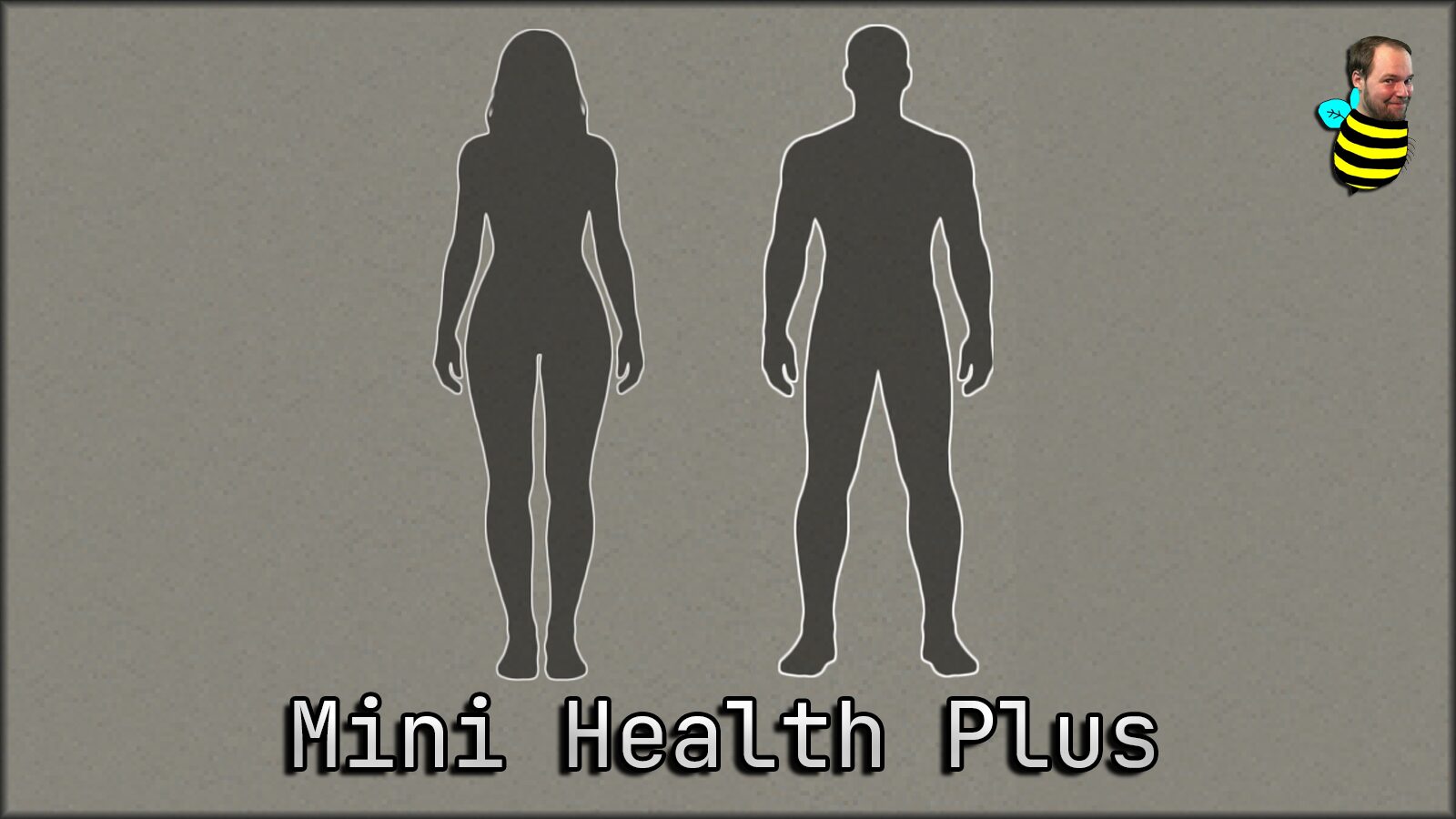
In the unforgiving world of Project Zomboid, staying informed about your character’s well-being is paramount. The default health panel, while functional, can often interrupt the flow of survival. Enter Mini Health Plus, a comprehensive and highly customizable overhaul designed to provide an immediate, at-a-glance overview of your survivor’s condition without the need to constantly access the vanilla menus.
Streamlined Health Monitoring
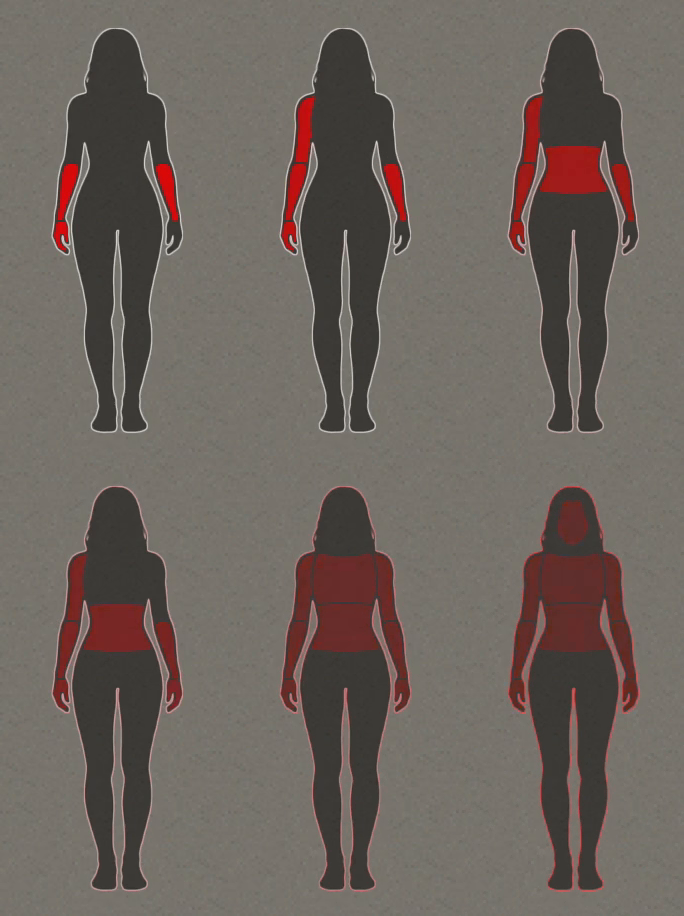
Mini Health Plus offers a clean and compact interface that can be positioned anywhere on your screen. It intelligently displays crucial information about your character’s wounds and treatment status. The mod features intuitive color-coding to keep you informed:
- Pulsing red indicates a body part requires immediate treatment.
- White signifies that a wound is currently bandaged or splinted.
- Sky blue suggests a treated injury is likely healed and ready for bandage removal.
- Orange warns that a bandage is dirty and needs replacing.
- Purple alerts you to check a stitched wound, indicating it’s likely ready for stitch removal.
The mod also provides subtle indicators for more nuanced conditions, such as lodged glass or deep wounds that still require attention, even when bandaged.
Enhanced Features and Customization
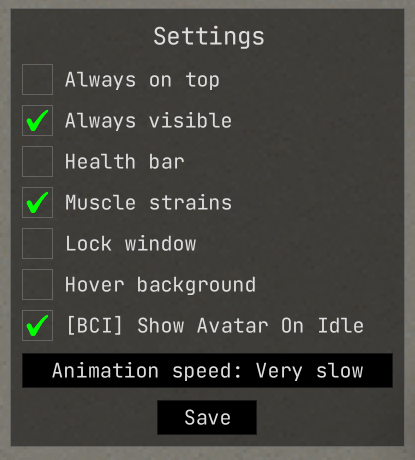
This mod significantly expands upon its predecessors, introducing a host of improvements. Enjoy a scalable UI with HD textures for crisp visuals. An “always-on-top” option ensures the panel is never hidden, while an “always-visible” toggle allows you to control its persistence. Drag-and-drop functionality has been refined for effortless repositioning, and a detached settings window provides easy access to a range of options.
Optional Indicators and Integrations
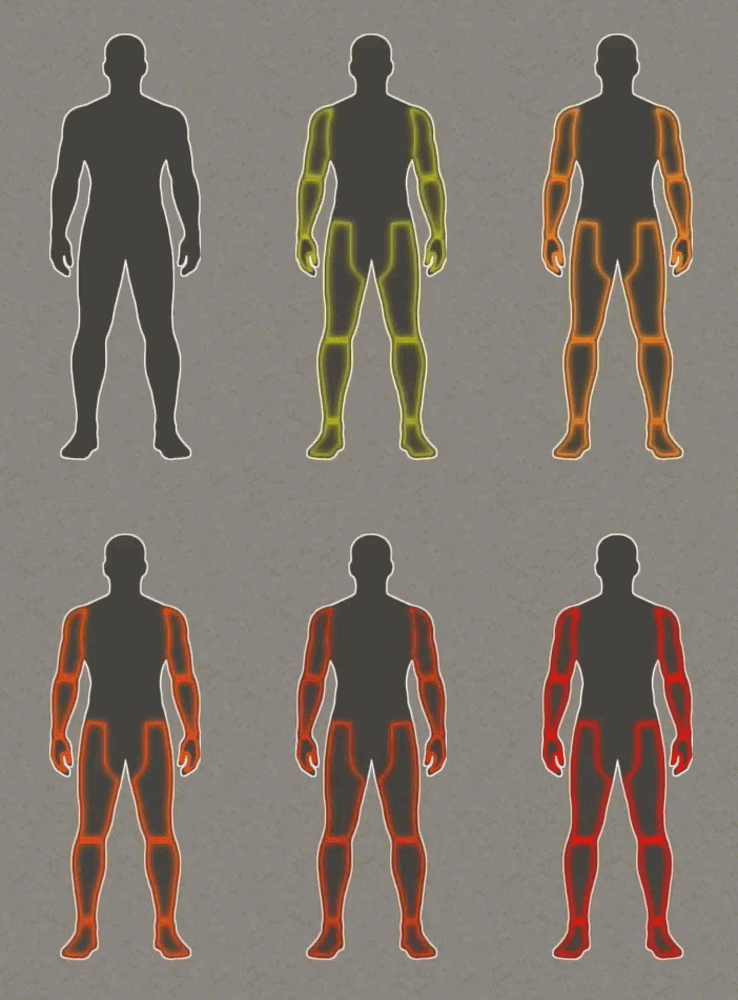
Mini Health Plus offers optional muscle strain indicators that change color and visibility based on severity. For those using the Better Character Info mod, Mini Health Plus can seamlessly integrate, displaying your BCI avatar during idle moments and reverting to health information when necessary.
In-Game and Sandbox Control
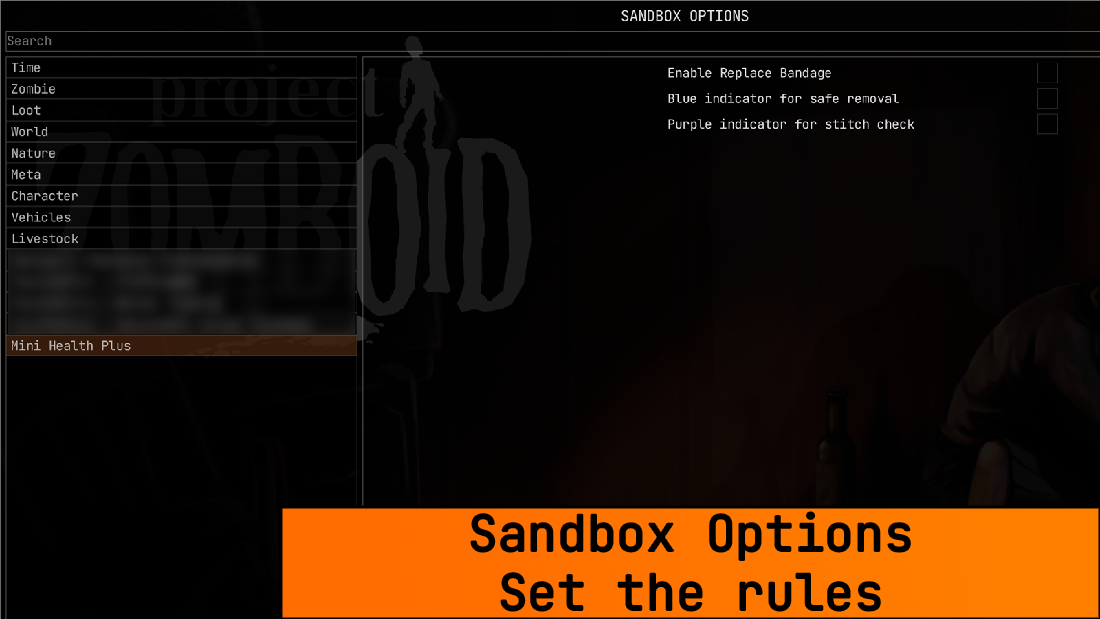
Take full control with integrated in-game mod options, allowing you to disable the panel entirely or set it to appear only when treatment is needed. Furthermore, sandbox options empower server hosts to fine-tune the experience, enabling features like context menu entries for replacing dirty bandages or visual cues for safe treatment removal and stitch checks.