
Mini Health Panel
Project Zomboid: Mini Health Panel – Stay Aware of Your Injuries
Navigating the harsh realities of Project Zomboid demands constant vigilance, and understanding your character’s condition is paramount to survival. The Mini Health Panel mod offers a streamlined and intuitive way to keep track of your injuries without the need to constantly open the full health interface. This mod provides an at-a-glance overview, ensuring you never miss a critical wound.
Seamless Injury Tracking
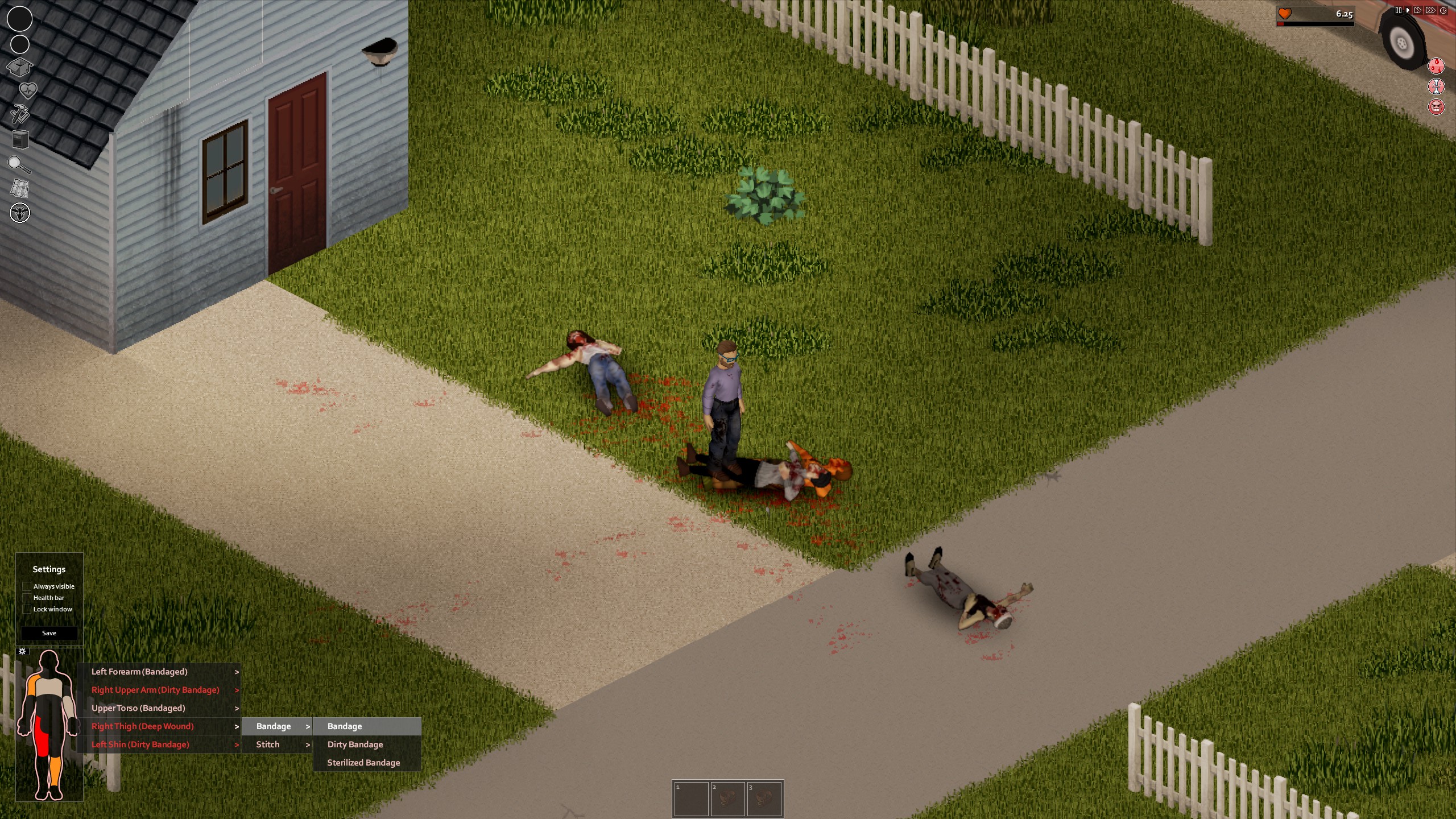
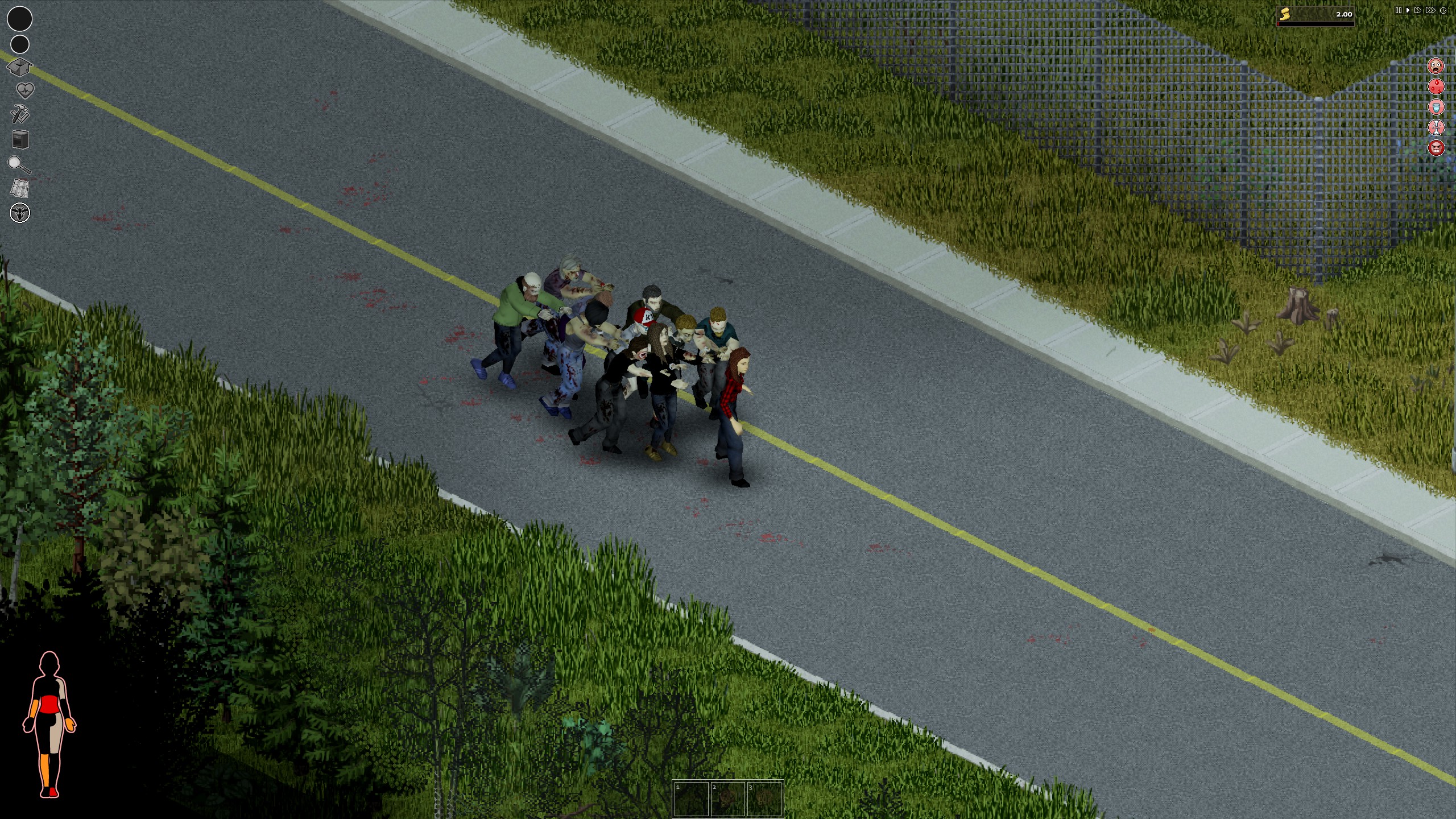
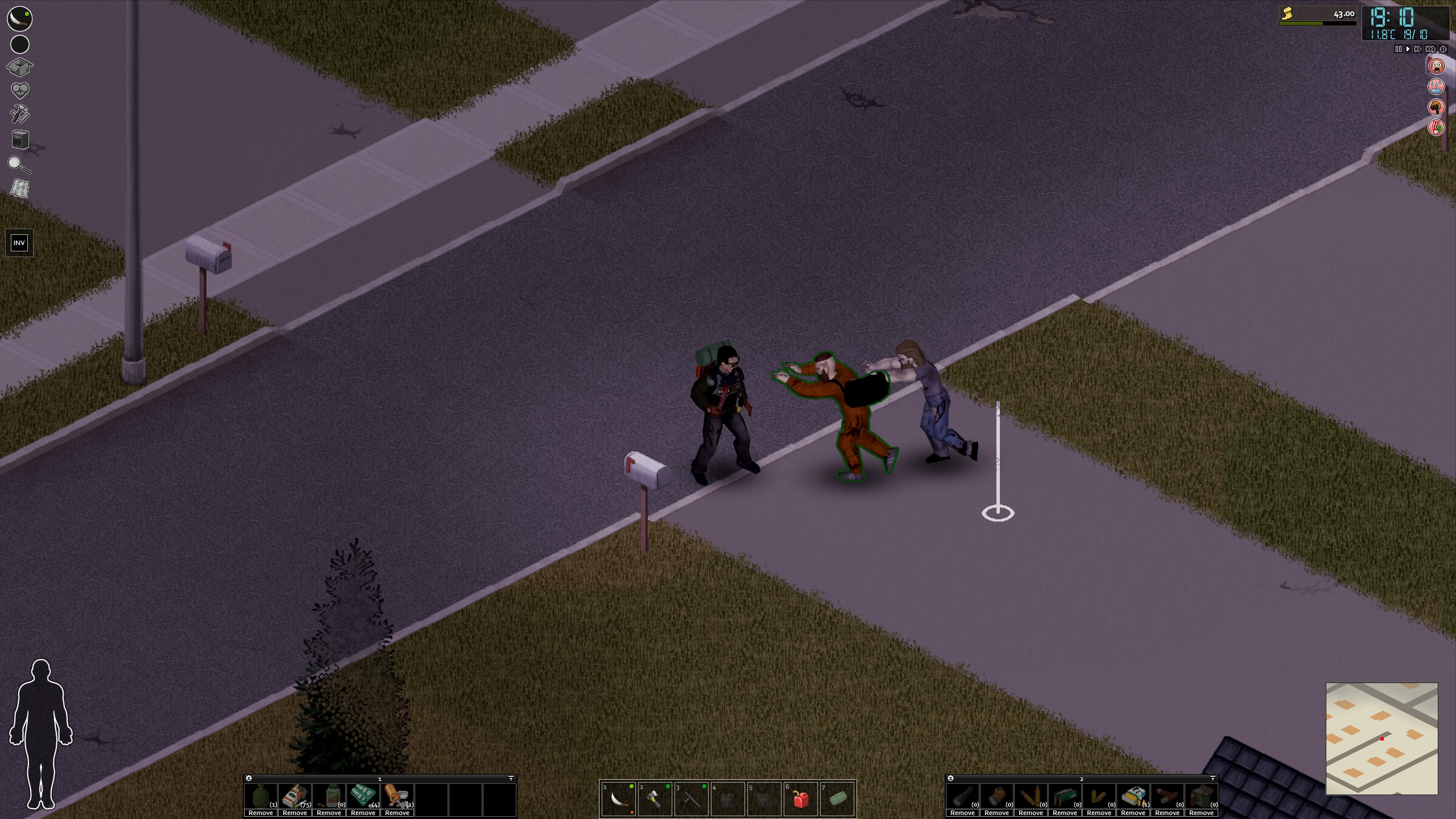
This mod introduces a minimalistic display that showcases your character’s wounds. Its key advantage lies in its dynamic nature; the panel intelligently hides itself when there are no immediate injuries requiring attention, and reappears only when a threat to your character’s well-being emerges. This ensures your screen remains uncluttered during moments of calm but instantly alerts you when danger is present.
Visual Cues for Treatment Needs
The Mini Health Panel employs a clear visual language to communicate the status of your wounds:
- A flashing red body part indicates an injury that requires immediate treatment.
- A white silhouette signifies that a wound has been bandaged or splinted.
- An orange hue suggests that a bandage is dirty and needs to be replaced.
- Even if bandaged, persistent flashing on a body part means the wound is not fully treated – perhaps shrapnel remains, or a deep cut requires stitching.
Build 42 Enhancements and Muscle Strain
Updated specifically for Project Zomboid Build 42 and later, this version includes a new muscle strain indicator for each limb. This indicator becomes less transparent and shifts from orange to red as muscle strain intensifies. When auto-hide is active, reaching a critical strain threshold will trigger a brief blinking effect on the silhouette, drawing your attention. This feature can be toggled off if preferred.
Intuitive Interaction and Customization
Interacting with the Mini Health Panel is designed to be simple. Right-clicking the panel opens a contextual menu, providing access to detailed wound information and mod settings. Left-clicking will bring up the game’s standard health panel as usual. Furthermore, the panel is fully draggable, allowing you to position it precisely where it best suits your viewing preferences.
Compatibility and Optional Features
The Mini Health Panel is designed for broad compatibility with other mods and functions seamlessly in both single-player and multiplayer environments. An optional companion mod is available to disable the Mini Health Panel, which can be useful for server administrators. Note that compatibility with split-screen mode is not supported.