
Map Symbol Size Slider
Master Your Map: Introducing the Map Symbol Size Slider for Project Zomboid
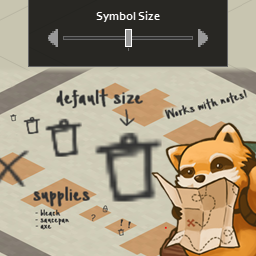
Navigating the treacherous landscape of Project Zomboid is a constant challenge, and your in-game map is an indispensable tool for survival. However, sometimes the default size of map symbols and notes can either be too small to spot easily or too large, cluttering your view. This is where the Map Symbol Size Slider mod comes in, offering a crucial layer of customization to enhance your map’s usability.
Fine-Tune Your Map Markers
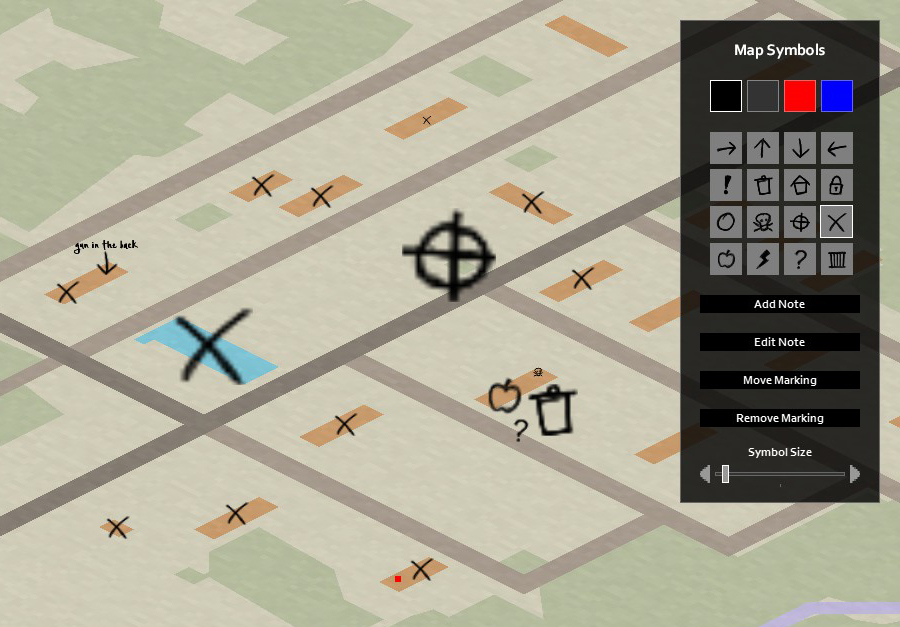
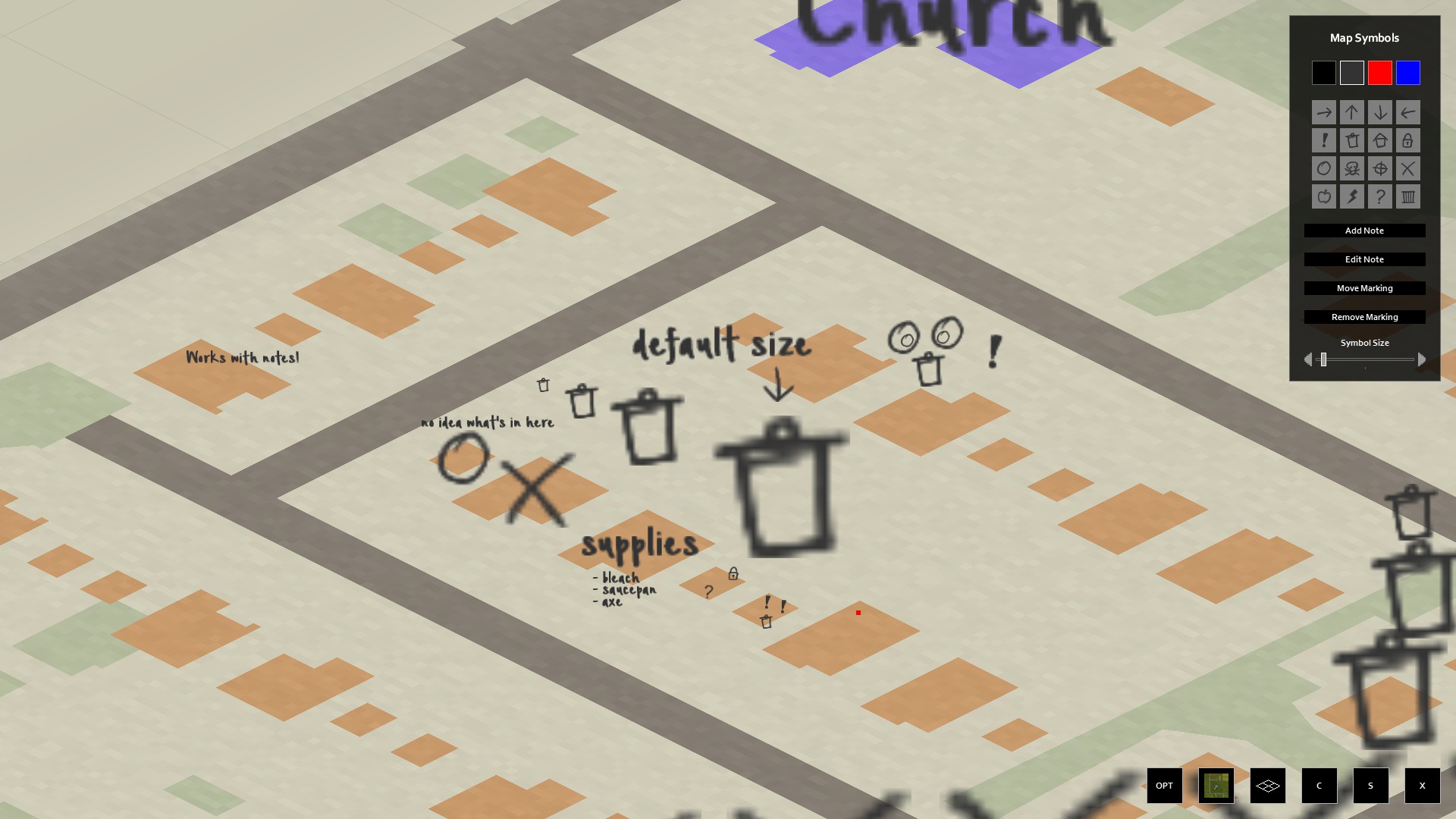
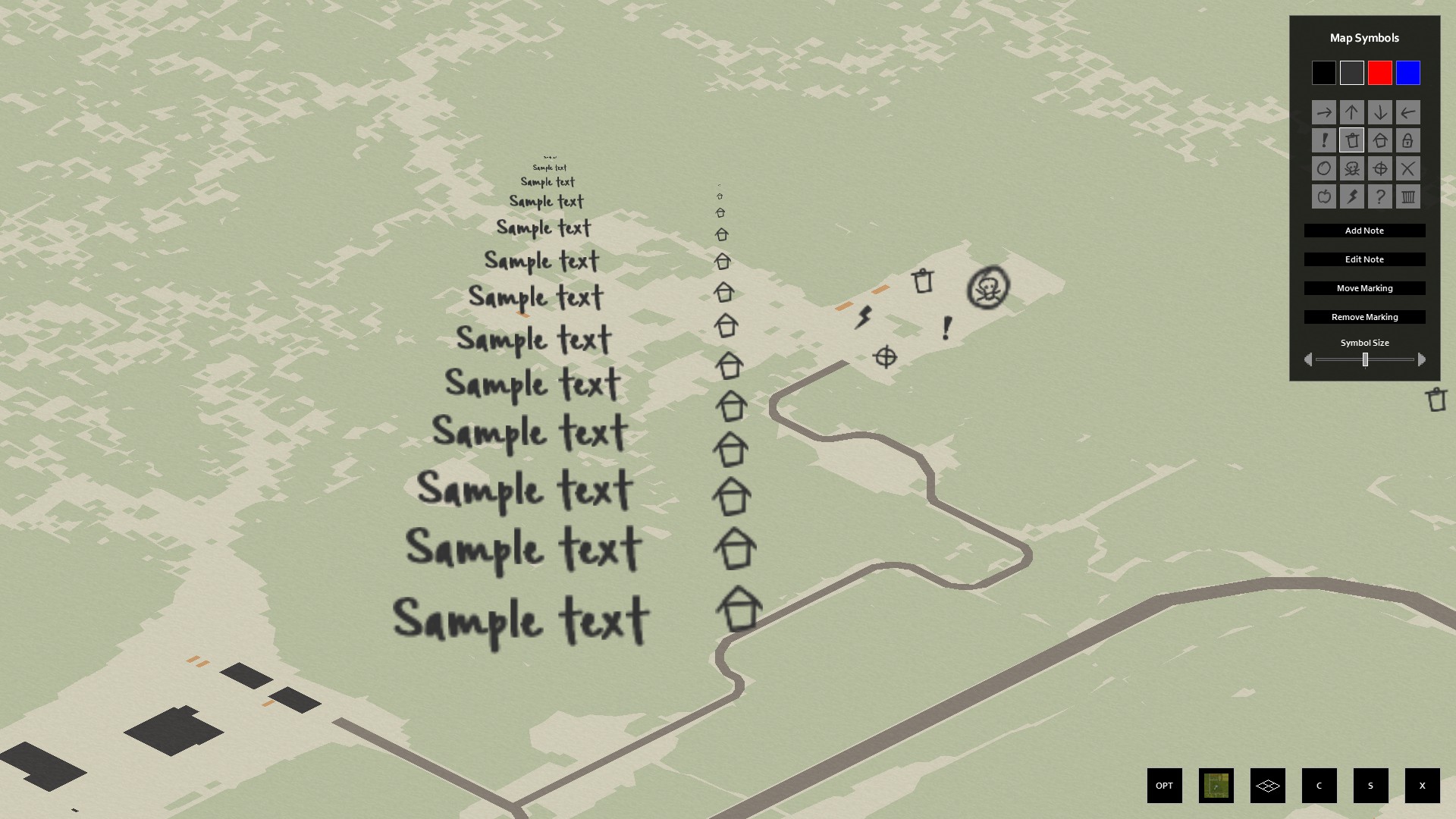
The core functionality of this mod is elegantly simple yet incredibly effective. It introduces a dedicated slider directly into the map symbols menu. This allows you to precisely adjust the size of every symbol and note you place on your map, whether it’s a marker for a valuable loot location, a dangerous horde concentration, or a crucial safehouse. No more squinting at tiny icons or being overwhelmed by oversized ones.
Key Features at Your Fingertips:
- Adjust the size of all map symbols and notes on both the global map and individual map items.
- Gain unparalleled control over your map’s visual clarity.
- Tailor the map to your specific preferences and playstyle.
Seamless Integration and Usage
One of the most significant advantages of the Map Symbol Size Slider is its ease of integration. The mod works flawlessly with existing saves, meaning you can install it at any point in your Project Zomboid journey without fear of losing progress. Simply load your save file, access the “More…” options, and select “Choose Mods…” to enable the Map Symbol Size Slider. From there, the intuitive slider will be available within your map interface.
Addressing Potential Concerns
While the mod is designed to offer greater flexibility, some users might wonder about pushing the size limits even further. The primary goal is to provide options for making symbols slightly smaller or incrementally larger for better visibility. For those seeking extreme size modifications, there are advanced manual adjustments possible, as detailed in community discussions.
Compatibility has been a focus, with testing conducted alongside popular map enhancement mods such as Extra Map Symbols UI, More Map Symbols, and Share Your Map Symbols. While rare compatibility issues with extremely large modpacks have been noted, reporting such instances helps the developer refine the mod further. Embrace a clearer, more personalized map experience in Project Zomboid with this essential customization tool.