
Map Mod Manager (41 and 42)
Project Zomboid Map Mod Manager: Conquer Your Map Load Order
Navigating the ever-expanding world of Project Zomboid map mods can be a daunting task. With so many new locations and expansions available, ensuring they all play nicely together is crucial for a smooth gameplay experience. The Map Mod Manager mod offers a robust solution, providing a visual and intuitive way to organize and resolve conflicts within your map mod collection.
Visual Conflict Detection
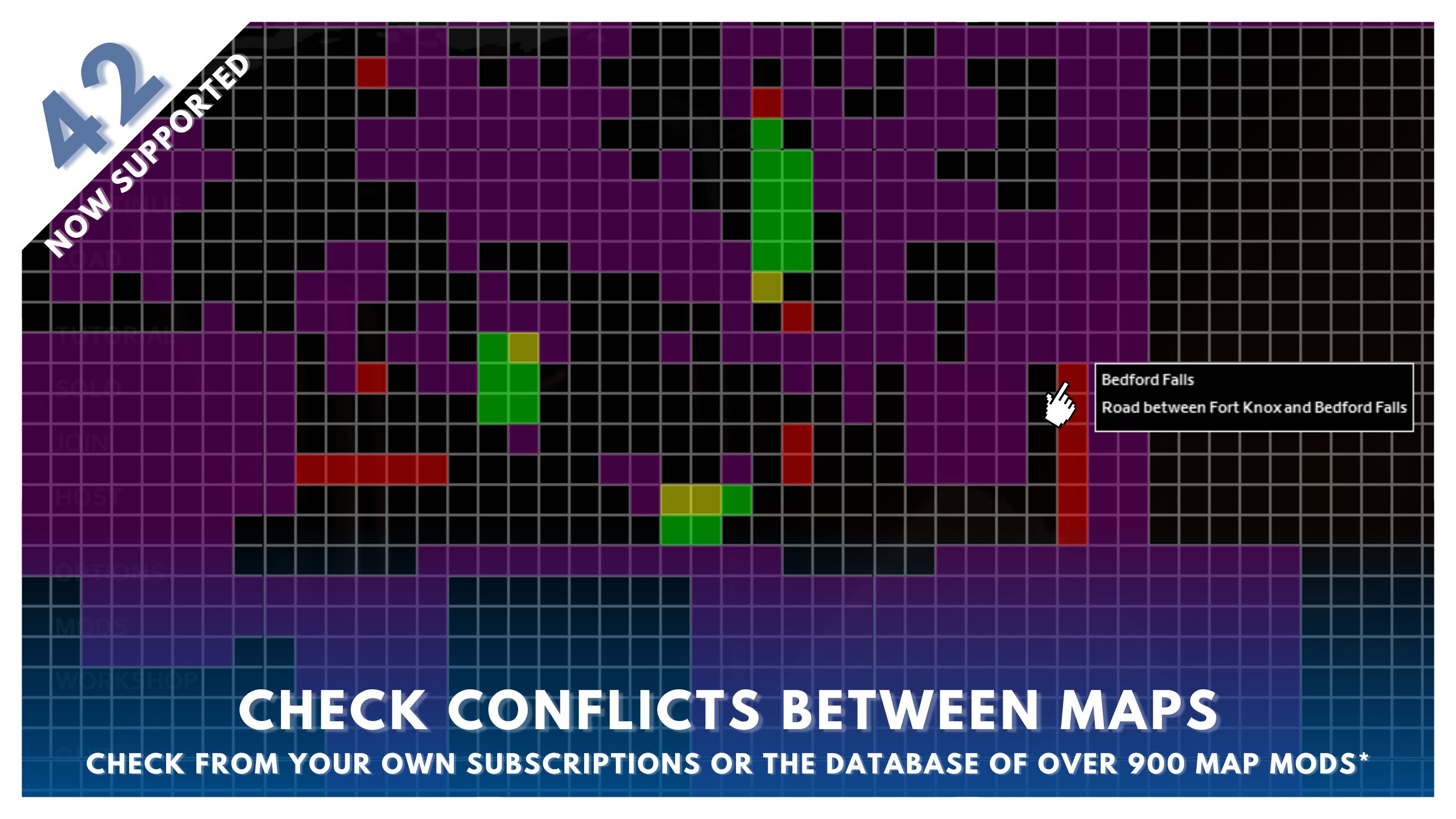
At its core, Map Mod Manager features an interactive cell grid display. This allows you to see exactly where your installed map mods are positioned on the Project Zomboid map. Conflicting mods are clearly highlighted, with different colors indicating clashes between mods or with the vanilla game map areas. This visual approach makes it incredibly easy to identify potential issues at a glance, saving you from frustrating in-game errors.
Streamlined Mod Management
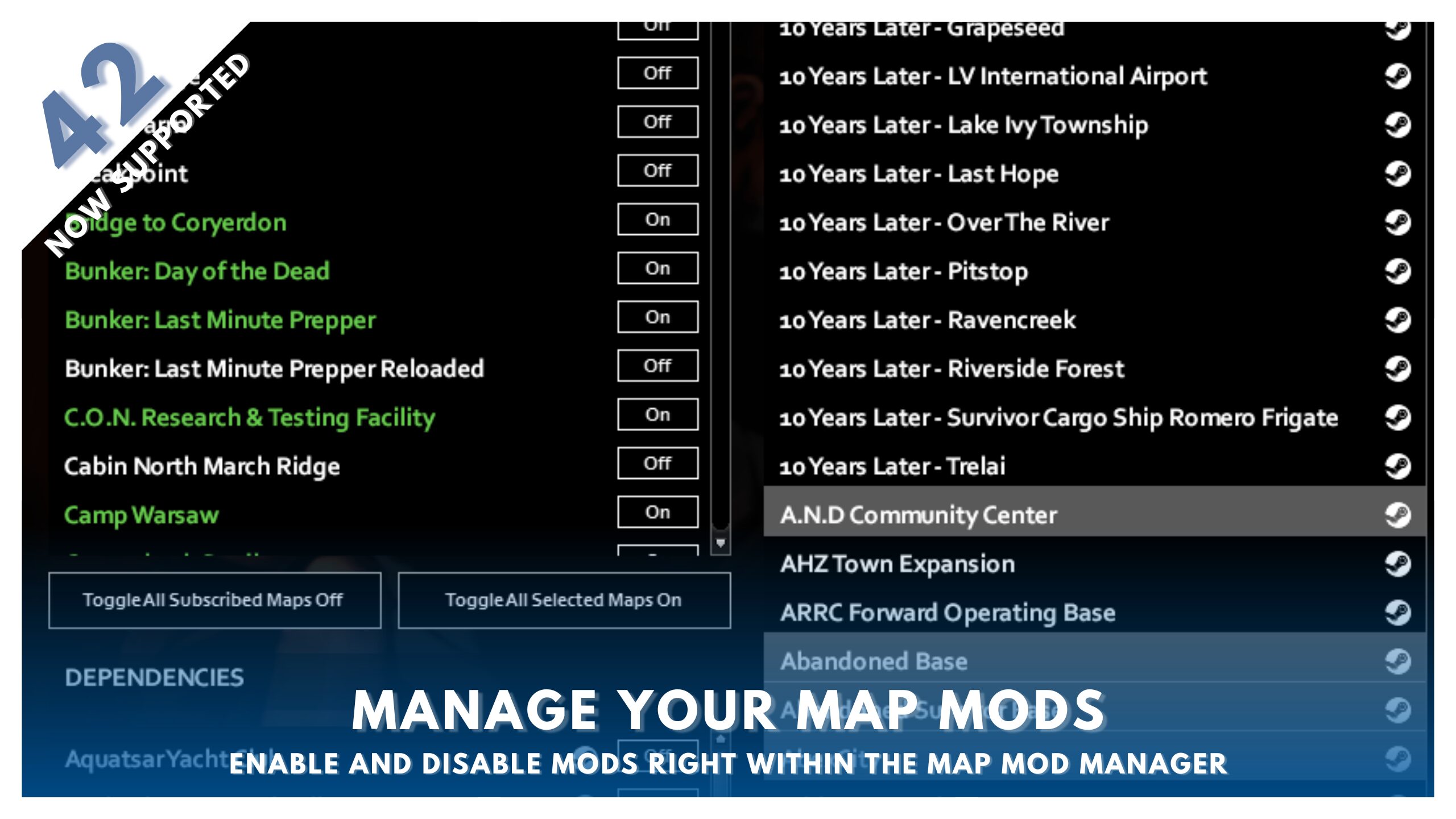
Beyond just conflict detection, this mod empowers you to manage your mods directly from its interface. You can toggle subscribed map mods and their dependencies on and off without needing to navigate back to the main game’s mod menu. This streamlines the process of creating and refining your ideal map loadout.
Key Features of Map Mod Manager:
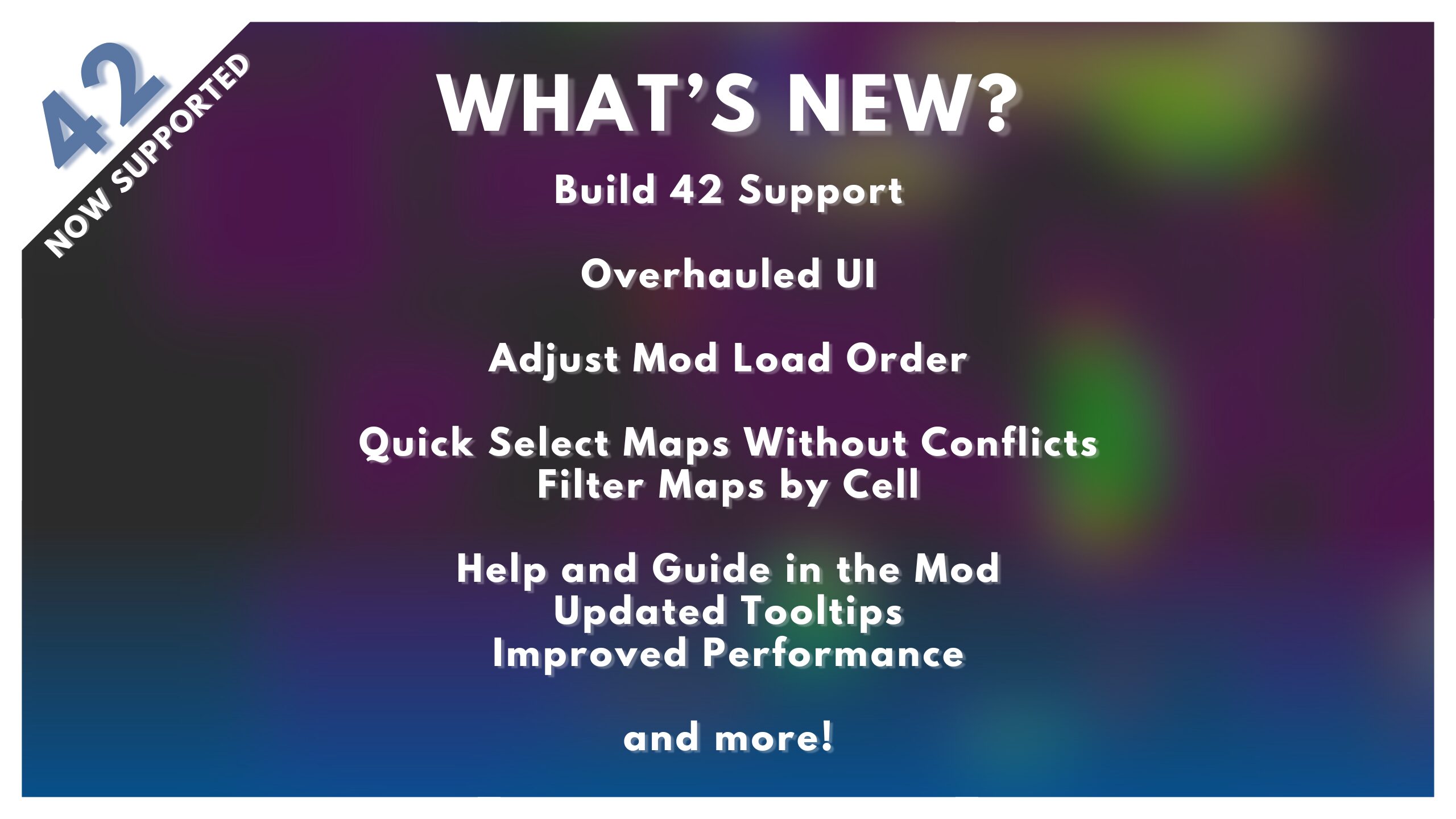
- Interactive Cell Display: Visually identify map mod placement and conflicts on a detailed grid.
- Direct Mod Toggling: Enable or disable map mods and their required dependencies from within the manager.
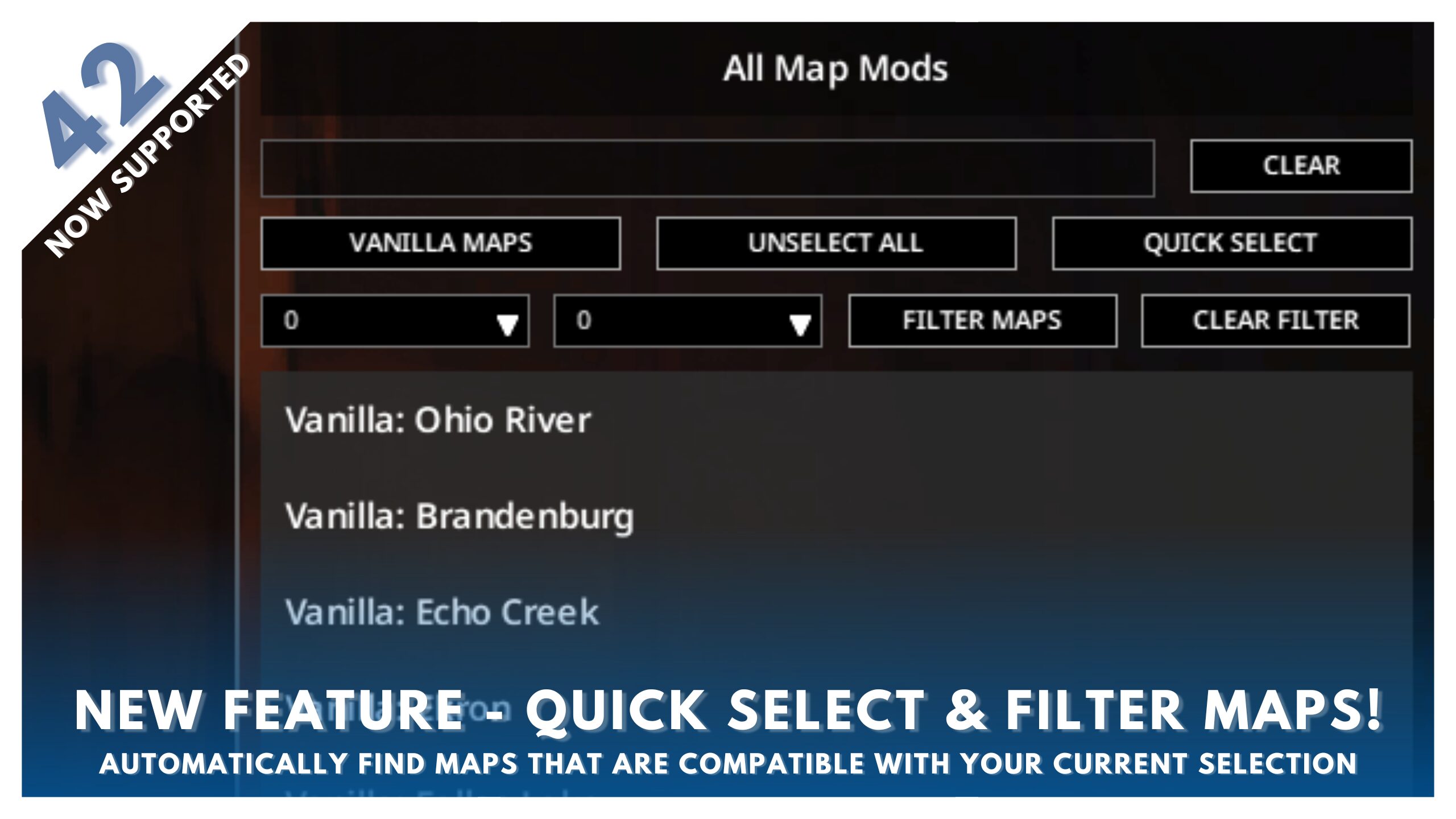
- Quick Select and Filtering: Easily find compatible mods or filter by specific map cells.
- Integrated Steam Links: Access workshop pages for mods and dependencies directly, simplifying updates and subscriptions.
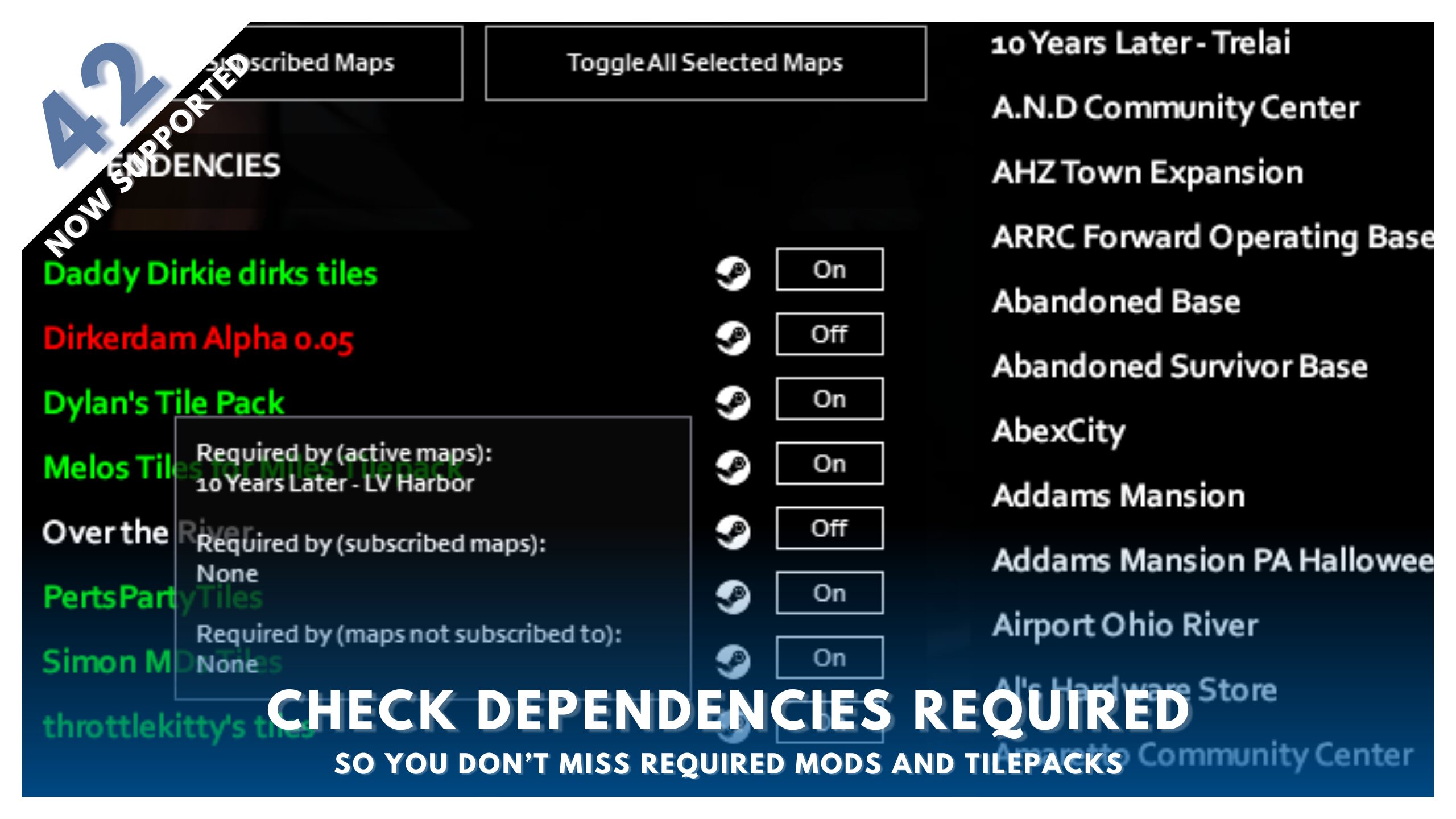
- Robust Dependency Checker: Clearly see all required mods for selected maps, with the ability to identify which mods rely on specific dependencies.
- Automatic Subscribed Map Reading (Build 42): The mod automatically recognizes and analyzes newly subscribed maps for conflicts.
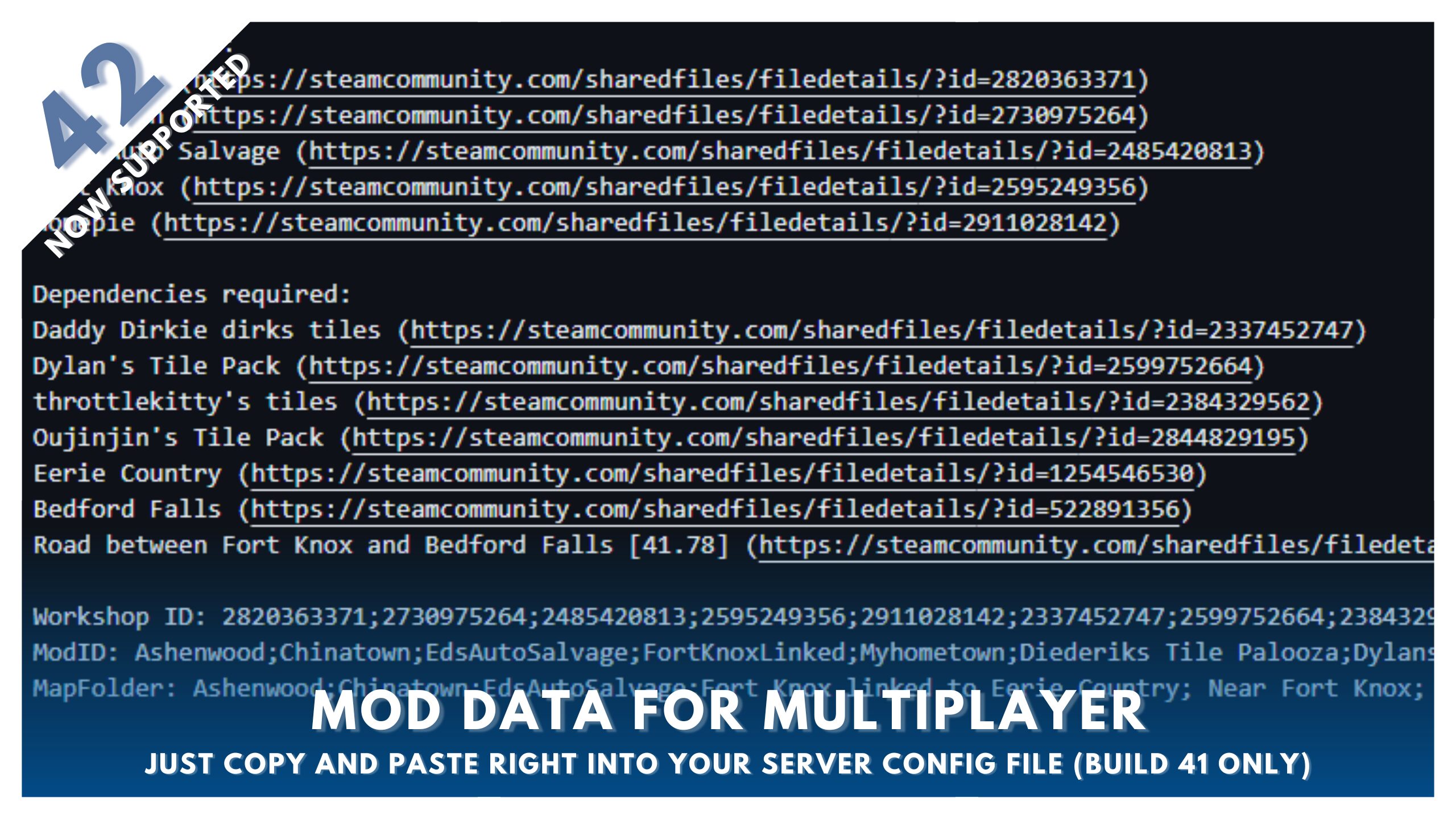
- Data Export (Build 41): Generate lists of your selected maps, including URLs and multiplayer data, for easy sharing or server setup.
Effortless Organization
Finding compatible map mods is also made simple. The quick select feature allows you to choose mods that don’t conflict with your current selection, and filtering by specific cells helps you pinpoint additions for particular areas. If you discover a new map that fits your collection, a few clicks and a game refresh is all it takes. The dependency checker ensures you’re always aware of what’s needed for each map, preventing critical errors. For those running Build 41, an export function provides a comprehensive list of your map mods, their links, and multiplayer data, ideal for setting up servers or sharing your configurations.
With Map Mod Manager, you can curate your ultimate Project Zomboid world with confidence, ensuring a stable and expansive gameplay experience.