
Internet Radio
Bring the Real World into Your Project Zomboid Experience with Internet Radio
Immerse yourself further into the desolate world of Project Zomboid with the Internet Radio mod, a unique addition that bridges the gap between your survival experience and the actual world. This mod injects a variety of real-world internet radio stations directly into your game, accessible through custom frequencies on in-game radios.
Tune In to Live Streams
Imagine scavenging for supplies while listening to your favorite tunes or catching up on news streams from the outside world. The Internet Radio mod allows you to do just that. By leveraging live internet streams, it brings a dynamic audio layer to your gameplay. You can configure the minimum and maximum frequencies available on your radios, as well as the audible range of the broadcasts, tailoring the experience to your survival style.
Adding Your Own Stations
The flexibility of this mod extends to customization. You have two straightforward methods to add your personal favorite internet radio stations:
- Mod Options/Sandbox Settings: Directly within the game’s mod configuration or sandbox settings, you can input your custom station details.
- Lua Modding: For those who prefer a more technical approach, you can integrate new stations using a simple Lua command. The syntax `InternetRadio:addStation(frequency, name, url)` allows you to define the station’s frequency, its name, and the direct stream URL. You can even add custom categories with a fourth parameter for better organization.
Important Considerations for Station Compatibility
It’s important to note that not all internet radio streams are compatible. Stations that require manual playback initiation on a website may not function correctly in-game. Streams that autoplay when a browser is opened are generally the most reliable for seamless integration.
Understanding Frequencies
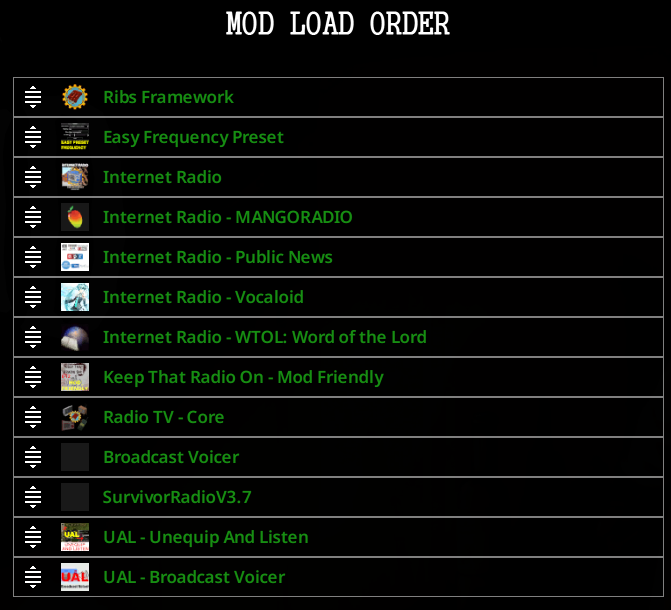
Project Zomboid radios operate on specific frequency increments of 0.2. This means frequencies like 95.0, 95.2, and 95.4 are valid, while numbers like 95.1 or 95.3 are not directly supported. The mod intelligently adjusts odd frequencies to the nearest valid step. Should two stations end up on the same frequency, the latter added will automatically shift by +0.2. To simplify finding compatible stations, consider using the Easy Frequency Preset mod.
For an enhanced listening experience, the UAL – Unequip And Listen mod is also recommended, allowing you to enjoy radio broadcasts without needing to keep a radio equipped.