
Inspect Items Framework
Project Zomboid: Inspect Items Framework – A Deep Dive into Item Details
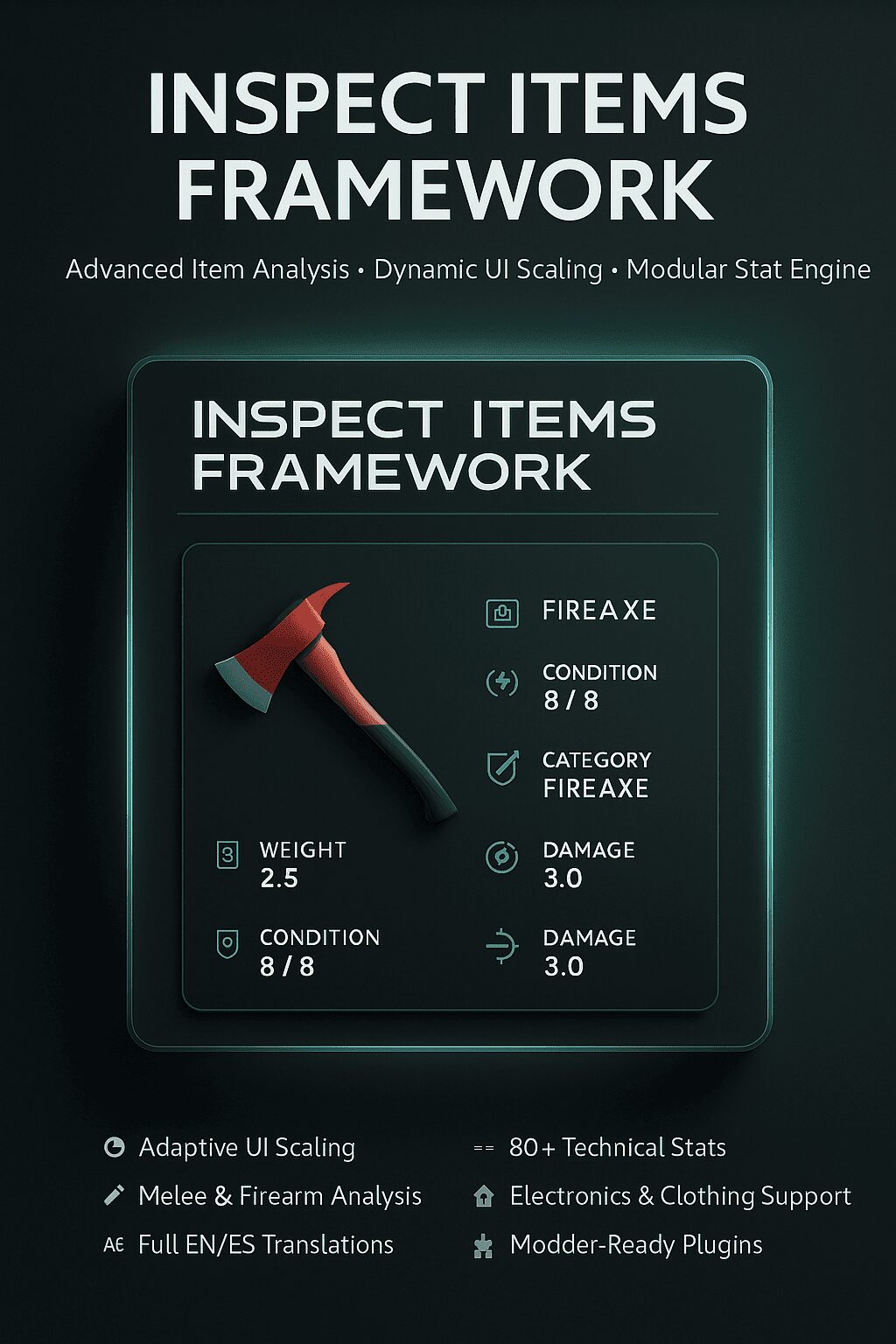
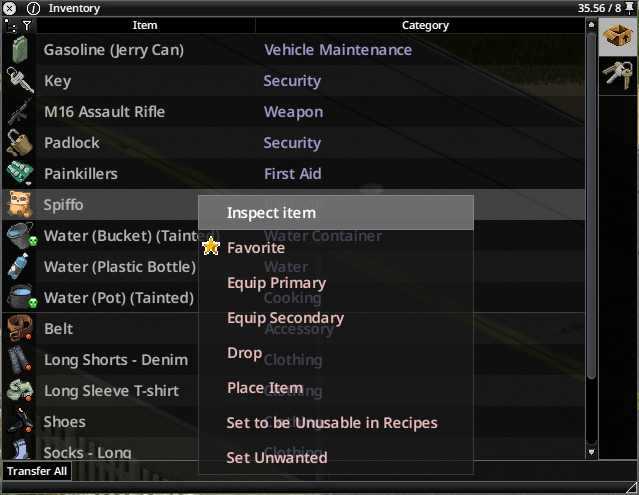
Tired of the basic tooltips in Project Zomboid? The Inspect Items Framework mod revolutionizes how you interact with every item in your survival journey. This comprehensive system replaces the standard, often limited, item information with a sophisticated, modular window that offers unparalleled insight into the objects you find.
Unveiling the Power of Inspection
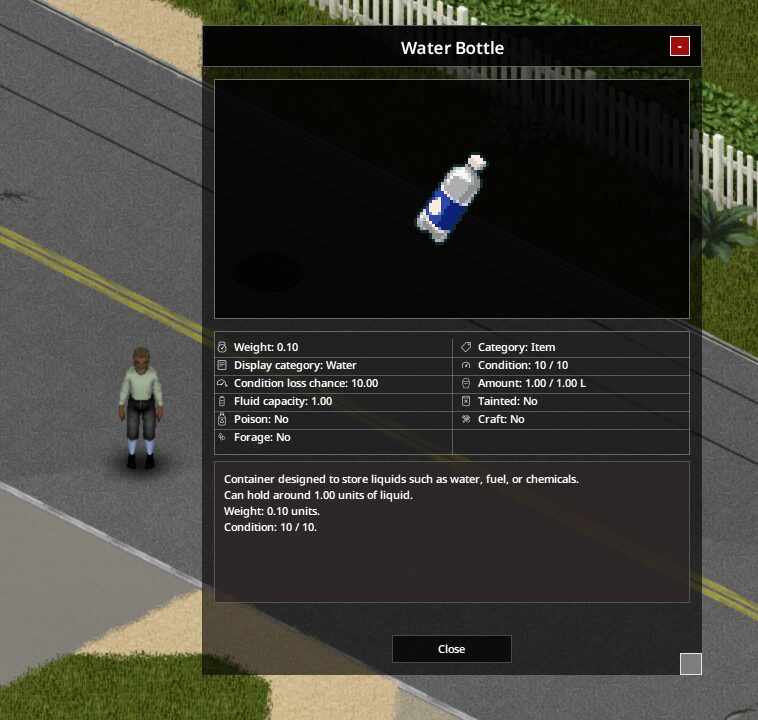
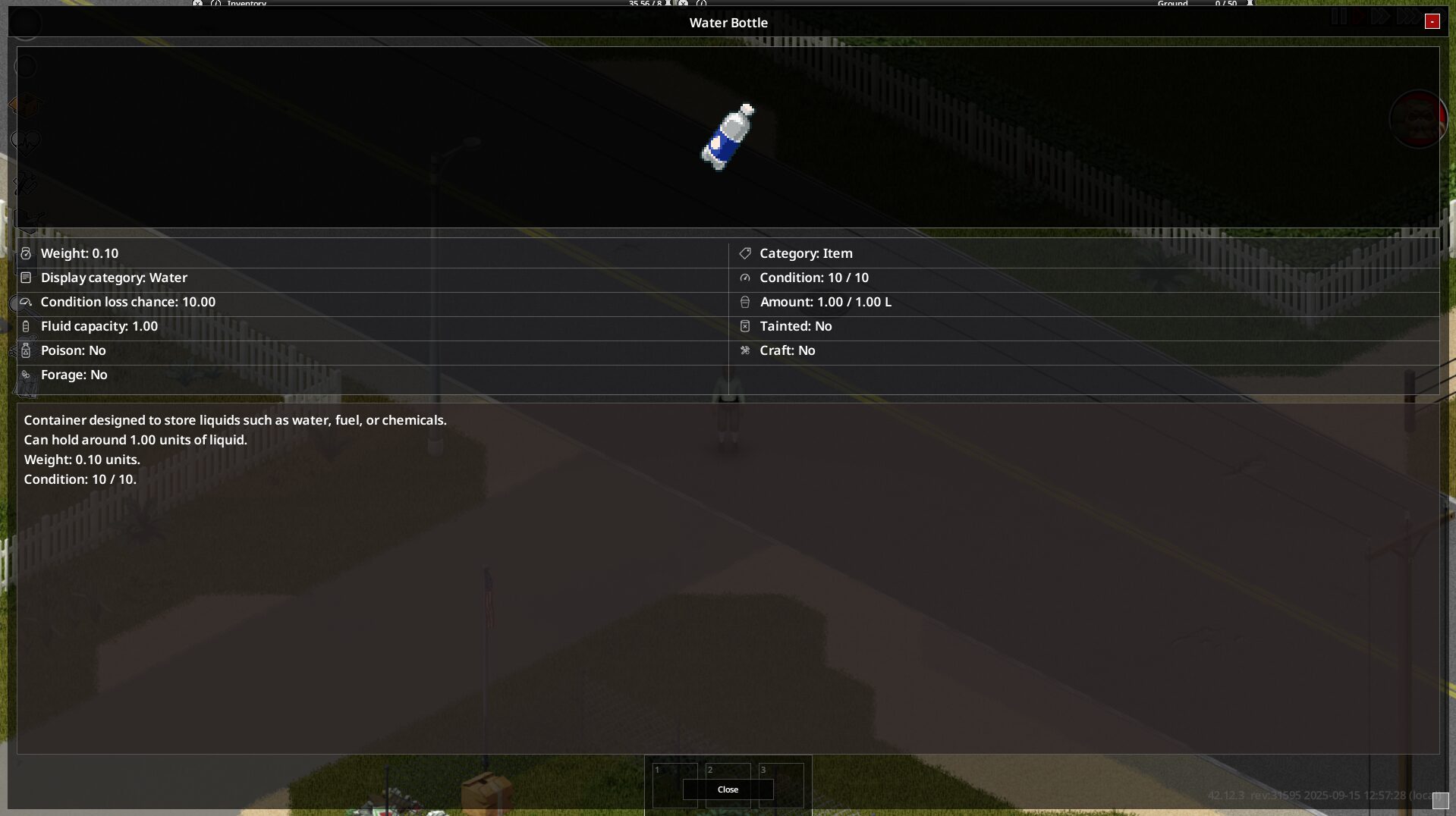
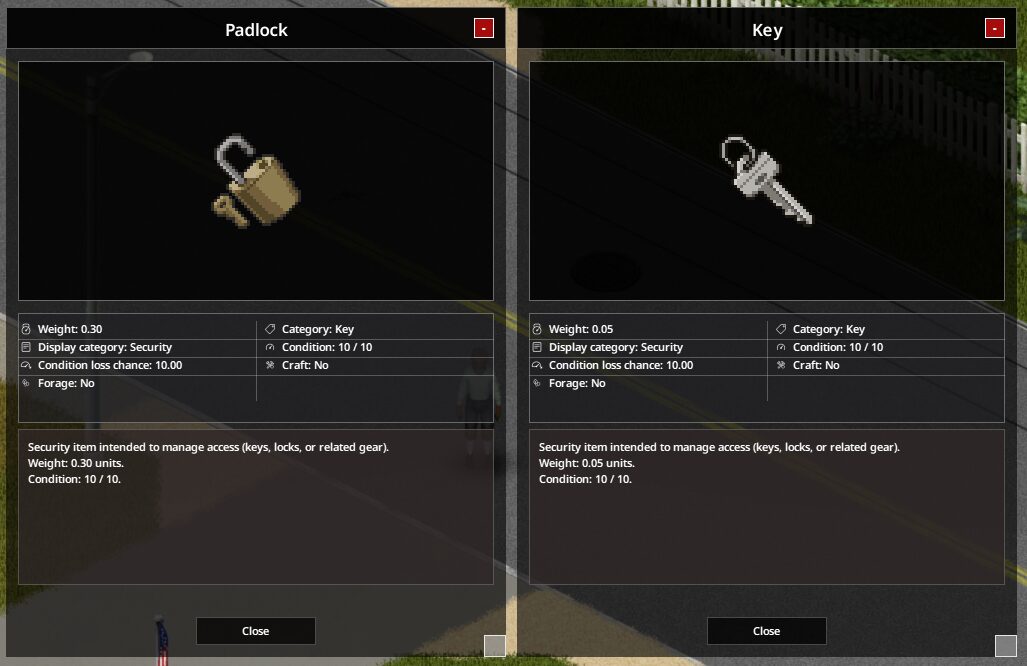
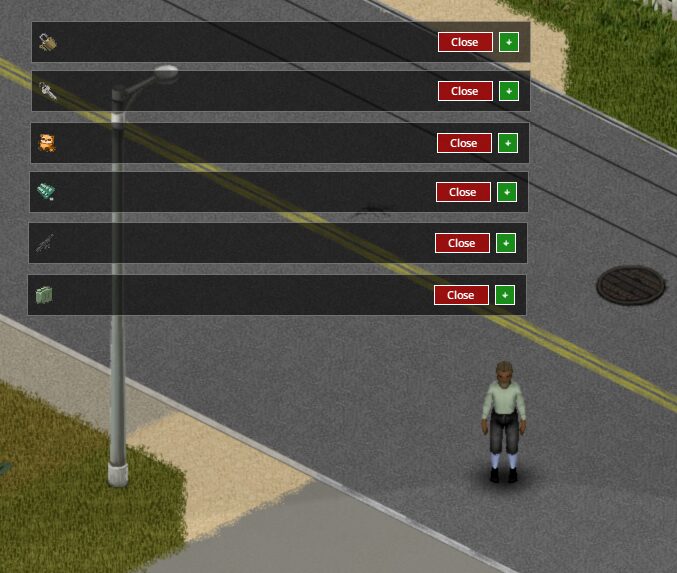
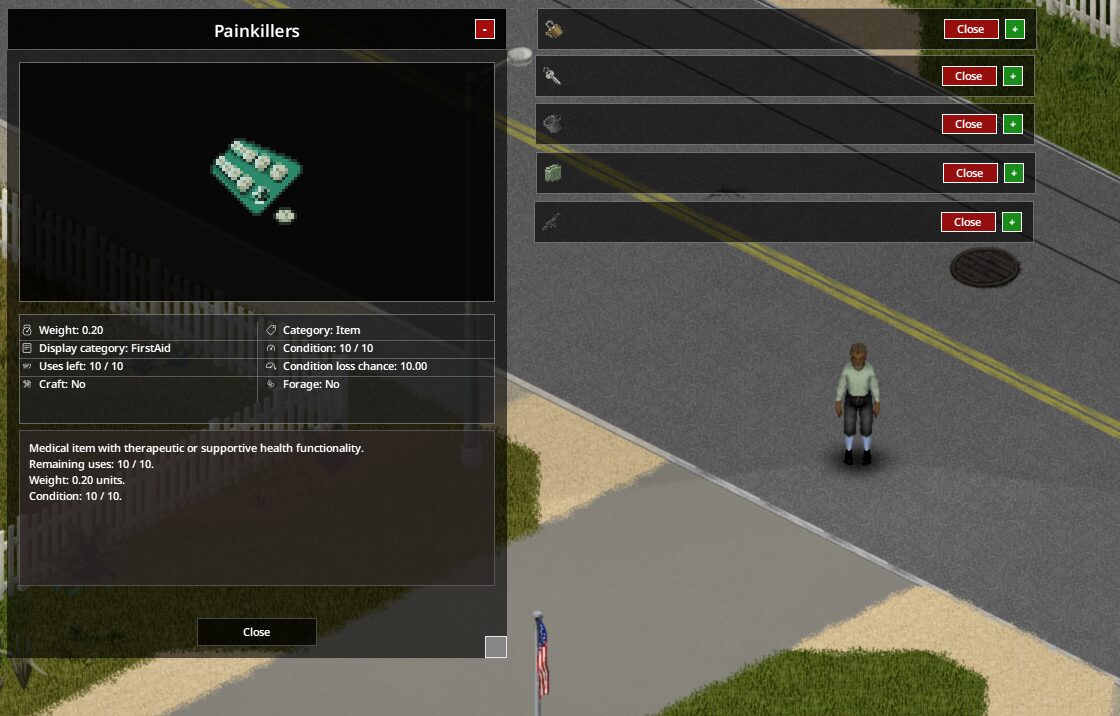
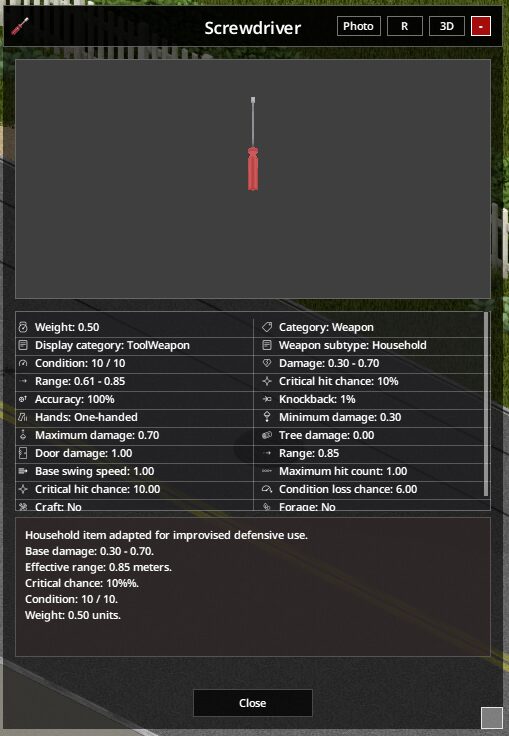
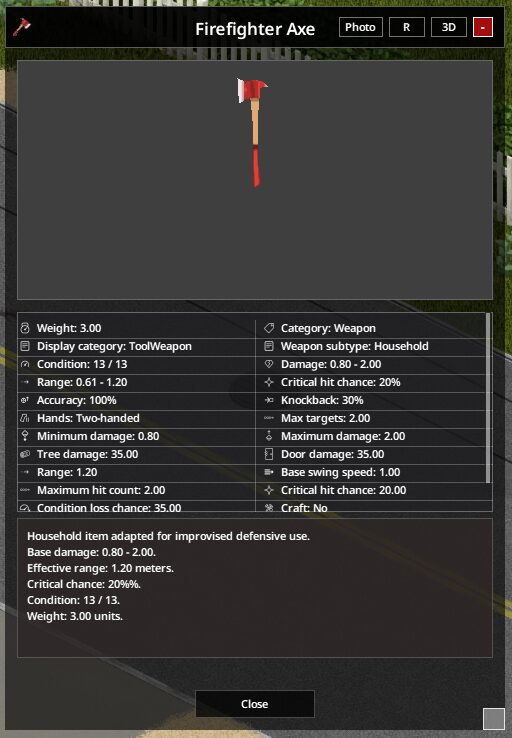
The core of this mod is its advanced inspection window. It’s designed to be both visually appealing and incredibly informative, drawing inspiration from popular loot-focused interfaces. Whether you’re examining a mundane can of beans or a rare firearm, the framework provides a clear, adaptable display that scales seamlessly with your chosen window size.
Dual Mode Viewing: 2D Sprites and 3D Models
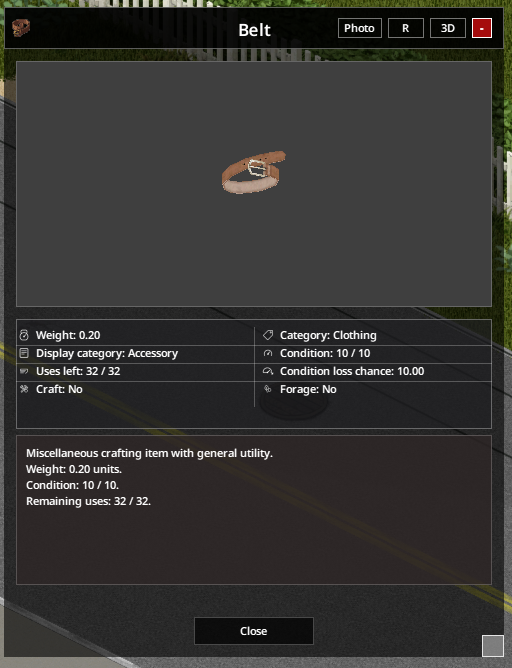
One of the standout features is the ability to switch between a crisp 2D sprite view and a fully interactive 3D model. This dual-mode viewer allows for a thorough examination of items. You can rotate the 3D models using your right mouse button, zoom in with your mouse wheel for intricate details, and even reset the view with a simple double-click. A dedicated “Photo Mode” further enhances this by stripping away all UI elements for perfect screenshots or thumbnails.
Key Features at a Glance:
- Modern, clean interface with adaptive scaling.
- Instantly switch between 2D sprites and live 3D model rendering.
- Interactive 3D controls for rotation, zoom, and auto-fitting.
- A dedicated “Photo Mode” for pristine screenshots.
- Smart categorization of over 80 technical stats, from condition and armor to encumbrance and electronics specs.
- Automatically generated, readable descriptions based on item data.
- Modular architecture ensuring maximum compatibility with other mods.
- Plugin API for modders to extend functionality.
- Works seamlessly with all vanilla and modded items.
Enhanced Functionality and Compatibility
The Inspect Items Framework doesn’t just look good; it’s incredibly smart. It automatically categorizes items into logical groups like weapons, clothing, food, and materials, then displays relevant stats. The mod supports over 80 different technical stats, providing crucial information for survival. Importantly, this framework is designed for maximum compatibility, working with virtually any item or weapon mod without conflicts or overwrites. It’s also multiplayer-safe and can be added to existing saves without issue.
Customizable UI Themes
With the latest updates, the mod introduces a global UI theme system. You can now choose from multiple built-in themes, including Default, Minimal, Tarkov-inspired, Retro, and various terminal styles. These themes can be switched on the fly and are persistent across game sessions, allowing you to personalize your inspection experience.
For any Project Zomboid player looking to gain a deeper understanding of the items they scavenge, the Inspect Items Framework is an essential addition. It enhances immersion, provides critical information, and integrates flawlessly with the existing game and modding community.