
SMB AutoHIDEhud
Immersive Auto-Hide HUD for Project Zomboid: Enhance Your Survival Experience
Are you tired of a cluttered screen obstructing your view of the zombie-infested world in Project Zomboid? The Immersive Auto-Hide HUD mod is here to streamline your interface, offering a cleaner and more engaging survival experience. This mod intelligently manages your heads-up display, fading elements out of sight when not needed and bringing them back the moment you require them.
Reclaim Your Screen Space
The core function of this mod is to declutter your visual field. By automatically hiding interface elements when your mouse cursor is away from the active HUD zones, it dramatically reduces screen distraction. This allows you to focus more intently on the perilous environment around you, spotting threats and opportunities with greater clarity. The seamless transition ensures that vital information is always accessible without constant visual noise.
Key Features for Enhanced Immersion
The Immersive Auto-Hide HUD offers a range of customizable features designed to cater to your preferences:
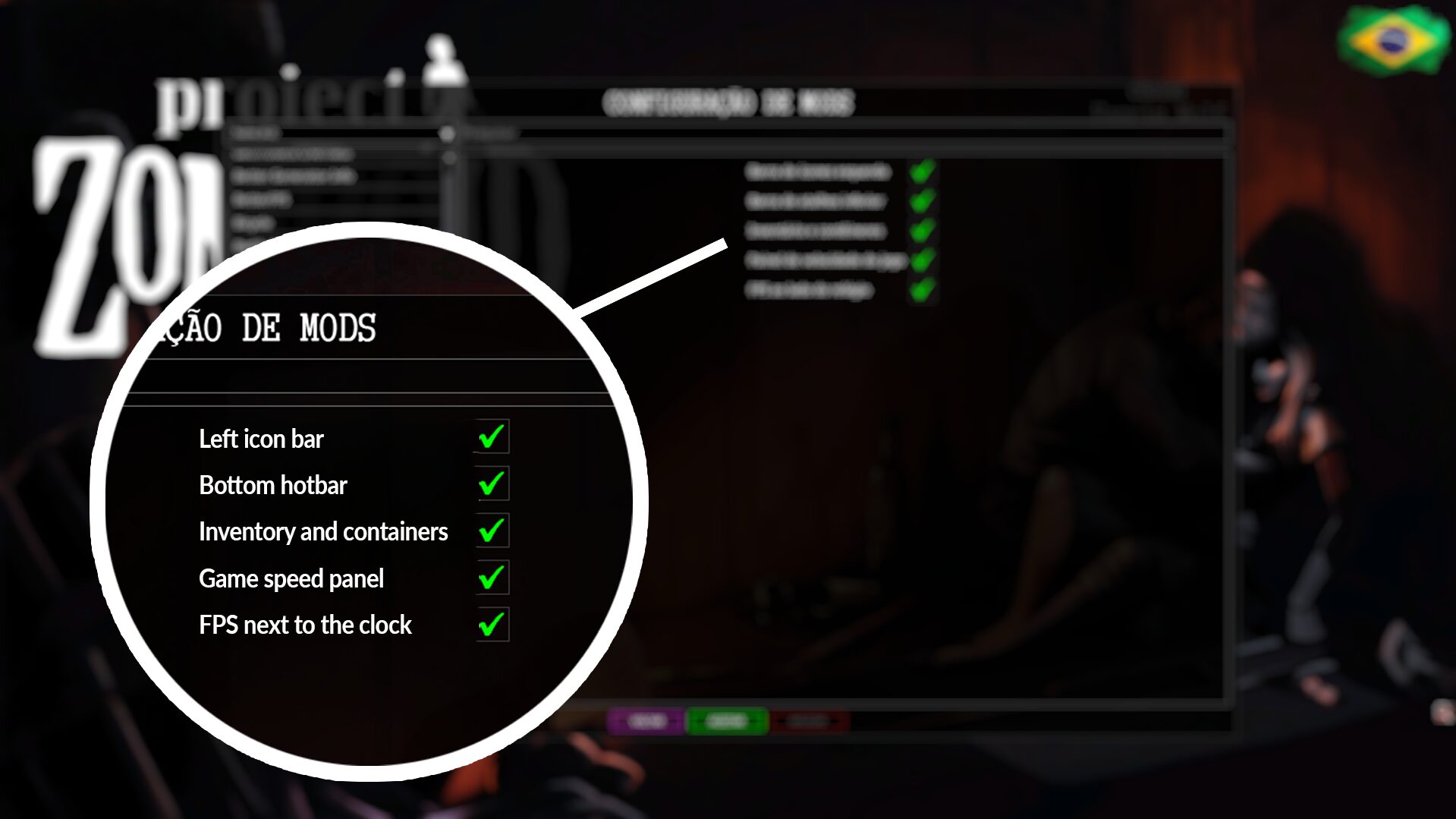
- Left-Side Panel Hiding: The crucial health, skills, and status indicators on the left side of your screen can be automatically hidden, reappearing only when your cursor approaches.
- Quick Shortcut Bar Concealment: Your bottom action bar, used for quick item access and actions, can also fade away, maximizing screen real estate.
- Inventory and Container Interface Management: When not actively managing your inventory or examining nearby containers, these interfaces can be smartly hidden.
- Optional Game Speed Controls: The panel displaying game speed (pause, 1x, 2x, 3x) can be configured to hide, further cleaning up the interface.
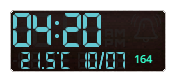
- Draggable FPS Counter: For those who like to keep an eye on performance, a customizable FPS counter is included, positioned conveniently near the clock.
Tailor Your Interface
One of the standout aspects of the Immersive Auto-Hide HUD is its deep customization. Within the mod options menu, you have the flexibility to enable or disable each hiding system individually. This means you can create a personalized HUD setup that perfectly complements your playstyle and desired level of immersion. If a particular feature doesn’t suit your needs, simply turn it off and enjoy the rest of the mod’s benefits.
While the mod has been primarily tested on 1920×1080 resolutions, other screen sizes may function correctly, though results could vary. This mod aims to make your Project Zomboid experience more visually appealing and focused, allowing you to truly lose yourself in the struggle for survival.