
Icons Inventory
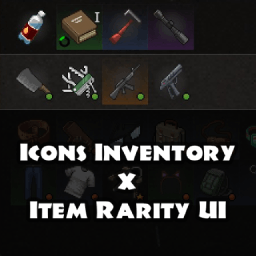
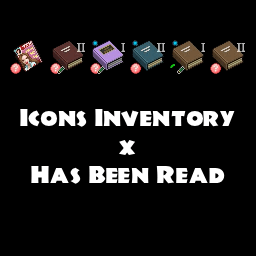
Streamline Your Project Zomboid Inventory with Icons Inventory
Managing your hard-won loot in Project Zomboid can often feel like a second job, especially when the zombie apocalypse demands your full attention. The Icons Inventory mod aims to alleviate that burden by introducing a visually appealing and functionally robust overhaul to the game’s inventory system, all while striving to maintain the authentic feel of the vanilla experience.
Enhanced Visuals and Intuitive Management
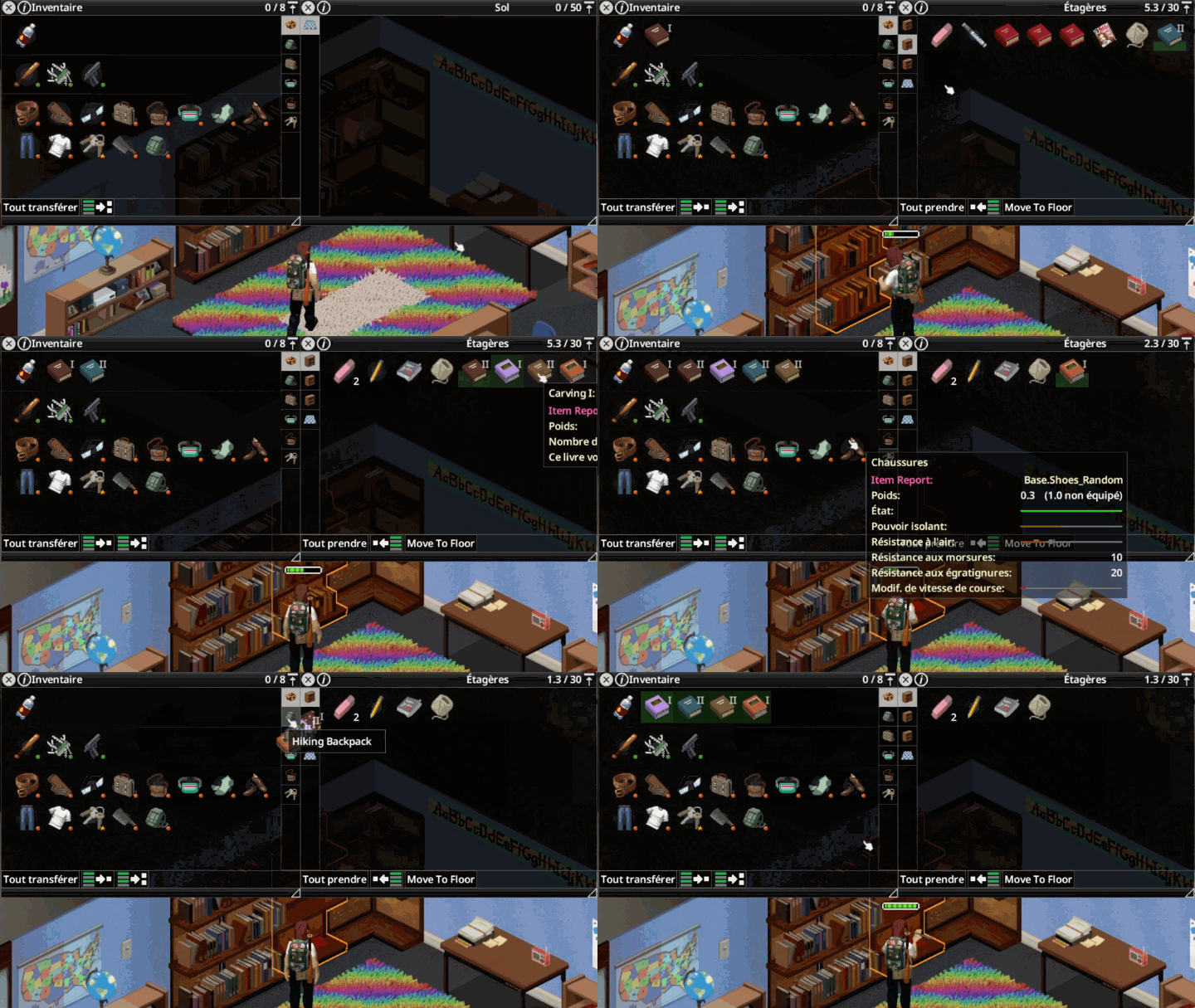
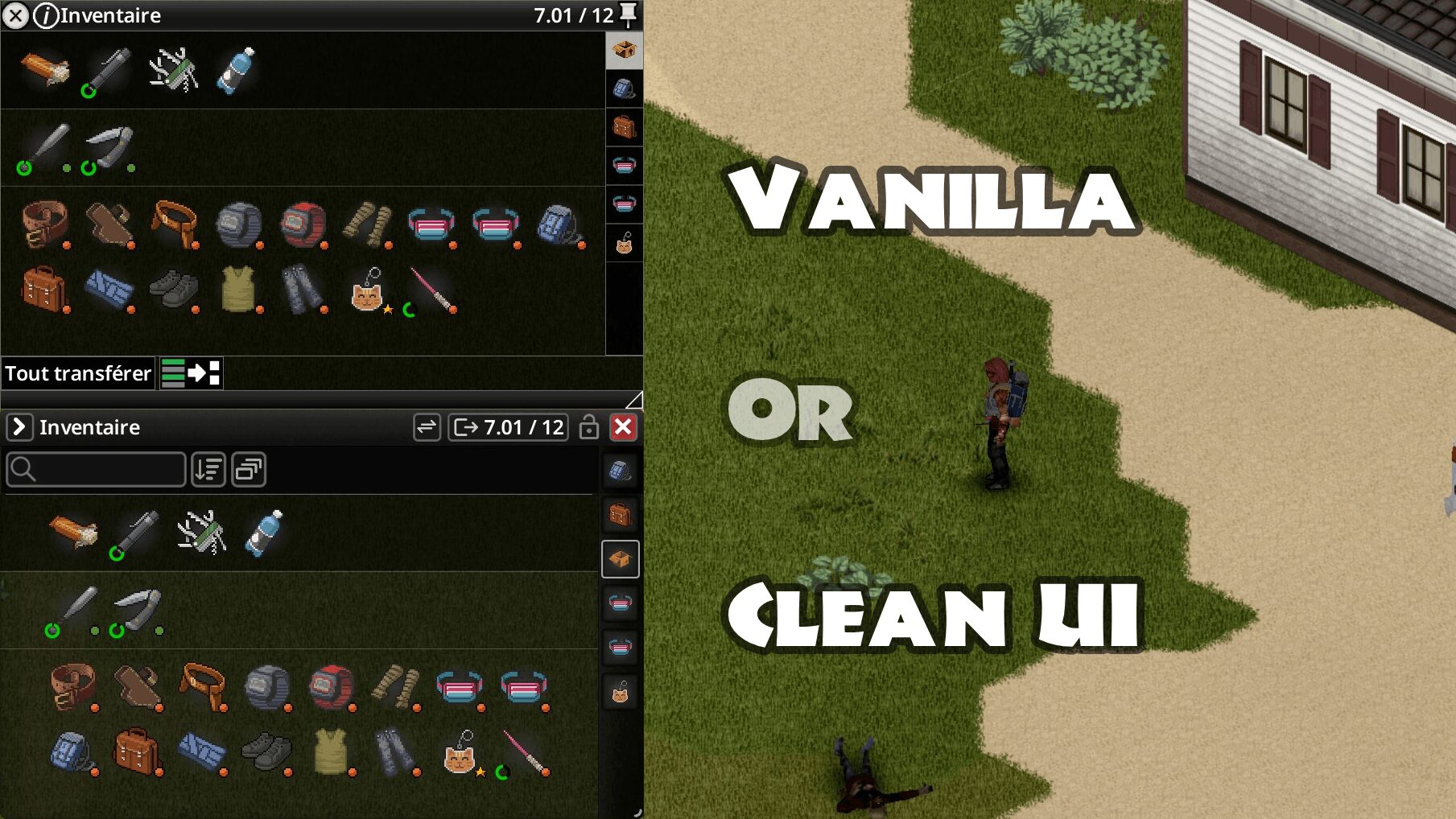
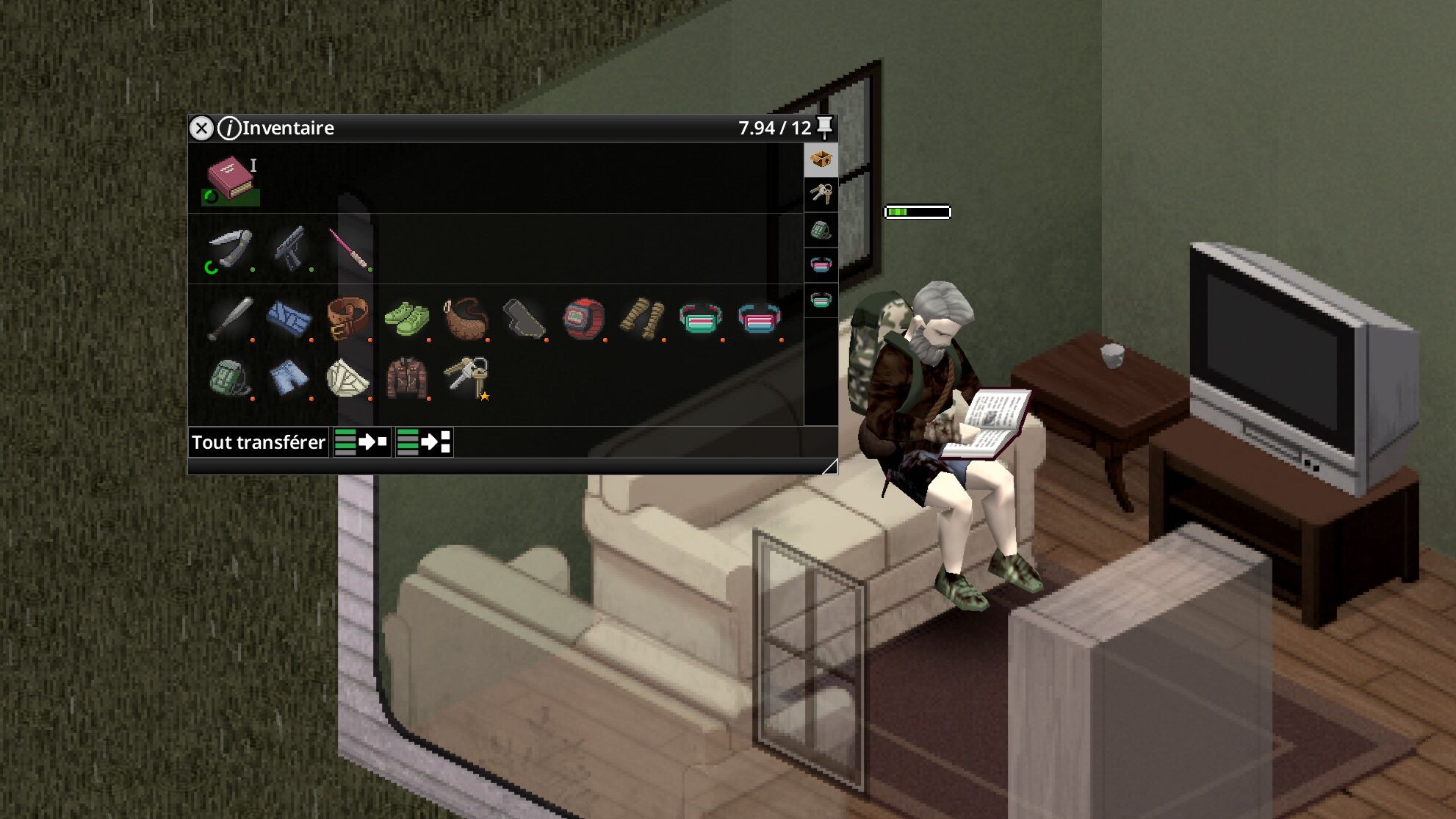
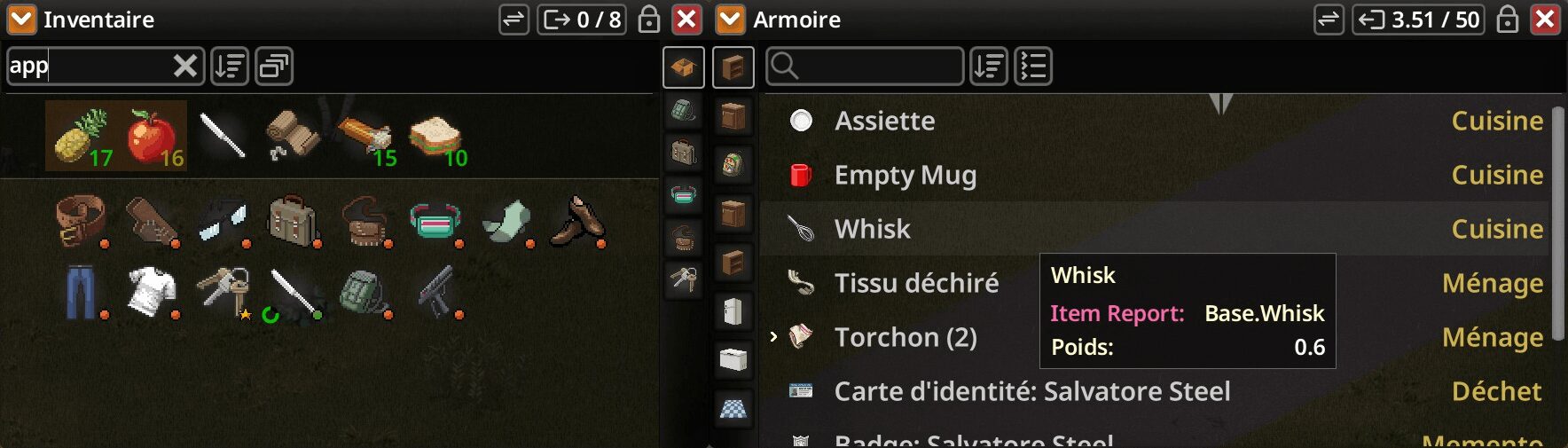
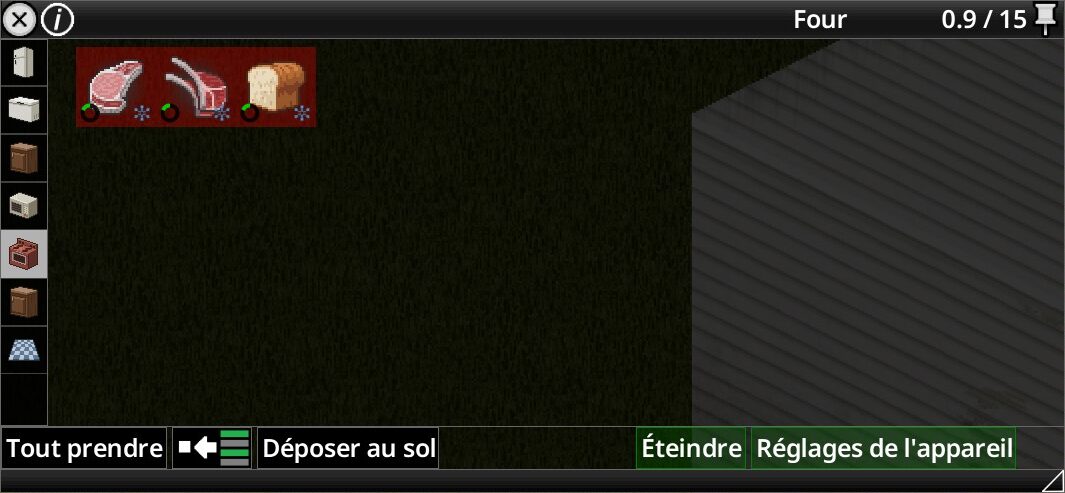
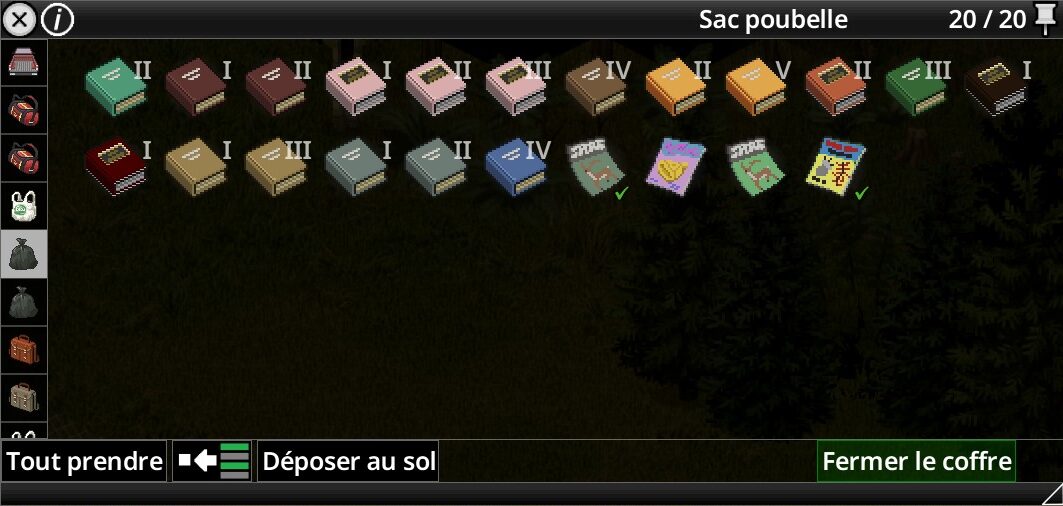
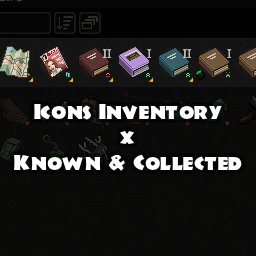
Icons Inventory brings a fresh aesthetic to your screens with crisp, pixel-art icons that make identifying items at a glance a breeze. This mod carefully preserves the core functionalities you rely on, including temperature indicators, door highlights, and item durability, ensuring you don’t lose any critical information. The result is an inventory that feels less overwhelming and more visually engaging, allowing you to focus on survival.
Key Features of Icons Inventory:
- Visually enhanced inventory with charming pixel-art icons.
- Maintains vanilla-friendly functionality and visual style.
- Offers improved controller support for smoother navigation.
- Implements convenient Shift+Click for fast item transfers.
- Introduces Ctrl+Click for efficient selection painting.
- Provides a hybrid view option to switch between icons and detailed item information.
- Ensures performance is optimized for a smooth experience.
- Features configurable options to tailor the mod to your preferences.
- Built with moddability and future-proofing in mind.
Smarter Stacking and Swift Transfers
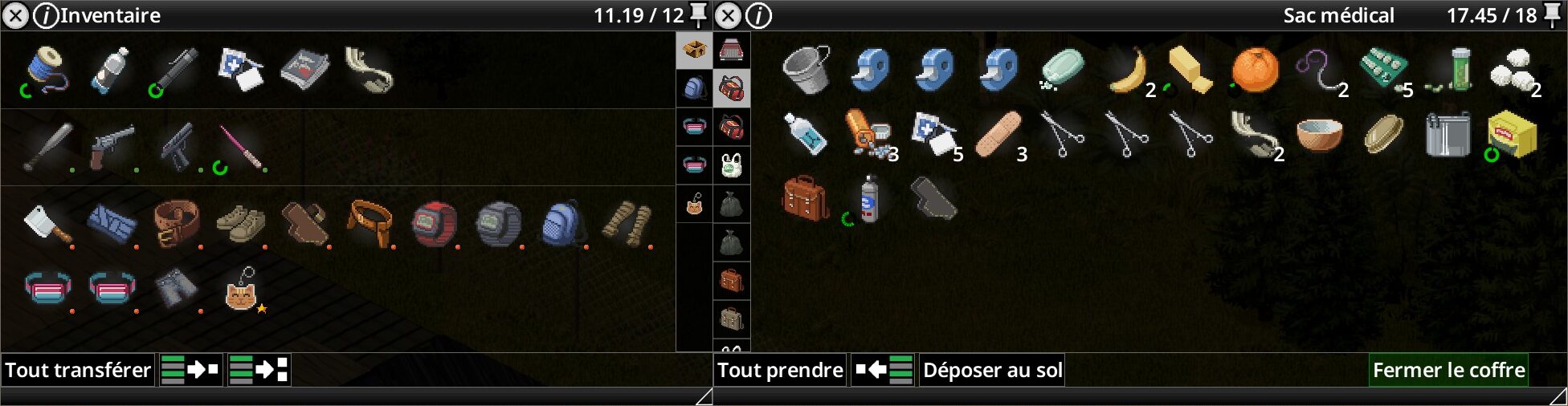
Say goodbye to tedious manual organization. Icons Inventory introduces intelligent stacking logic that automatically groups similar items, from small consumables like bandages to larger objects when a sufficient quantity is present. This, combined with the ever-useful Shift+Click functionality for rapid item transfers and the new Ctrl+Click selection painting, significantly speeds up the process of looting and organizing your caches.
Flexible Views and Controller Enhancements
Adapt your inventory view to suit your needs. With a simple right-click on the top bar, you can switch to a detailed view, which is particularly useful when managing larger storage containers. For those who prefer gaming with a controller, Icons Inventory offers enhanced bindings. The LB/L1 and RB/R1 buttons are supercharged, allowing for quick navigation through containers and seamless switching between your character’s inventory and lootable containers, making the gameplay experience more fluid and accessible.