
Hide Menu Debug + Remove Build Information
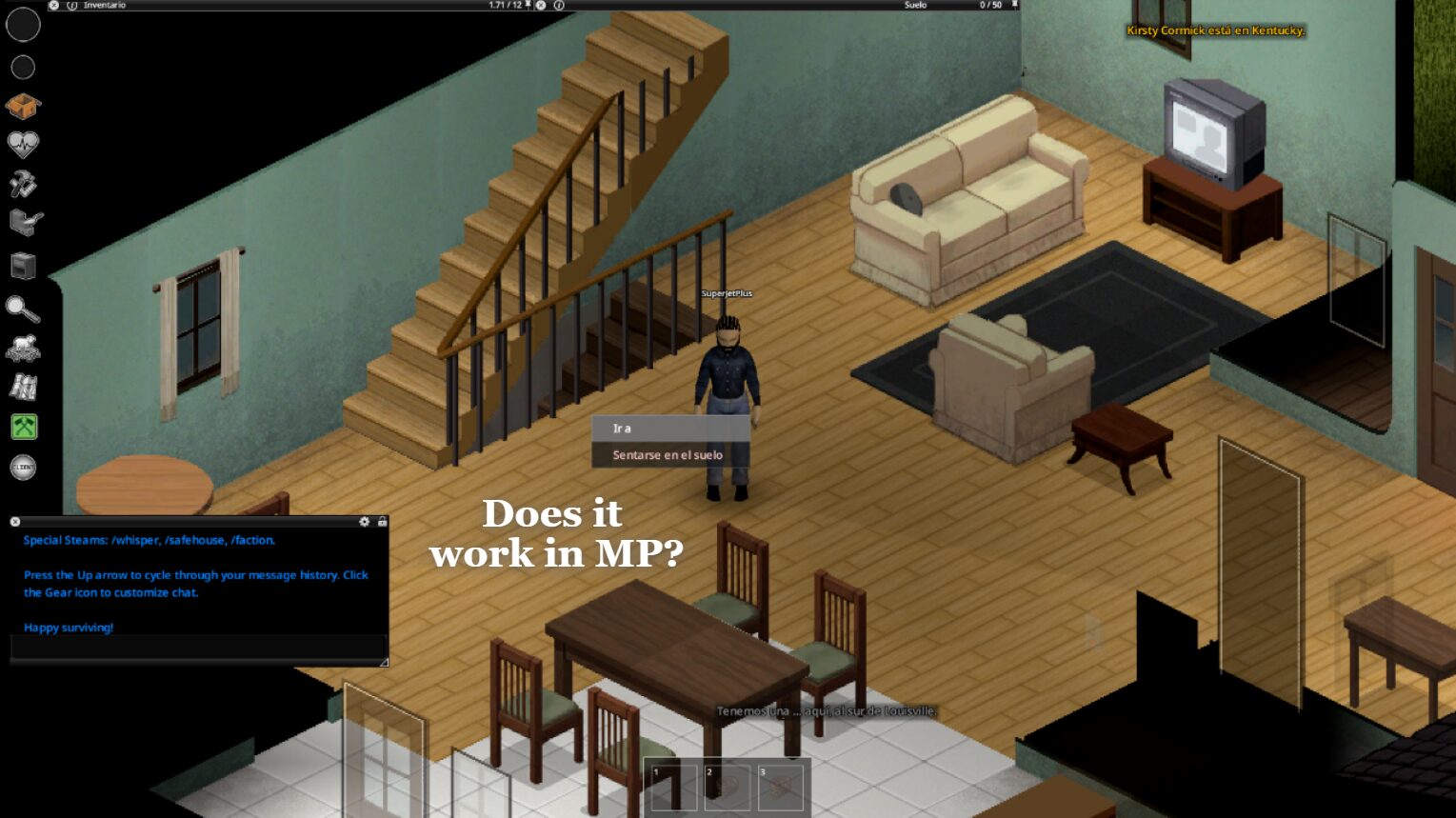
Enhance Your Project Zomboid Experience with Hide Menu Debug
Tired of a cluttered right-click menu in Project Zomboid? Want a cleaner, more immersive survival experience? The Hide Menu Debug mod is here to streamline your gameplay by tidying up in-game menus and removing unnecessary development information. This mod offers a simple yet effective way to enhance your immersion and improve menu navigation.
Streamline Your Interface
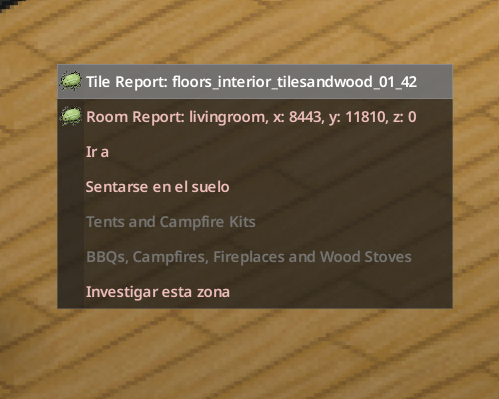
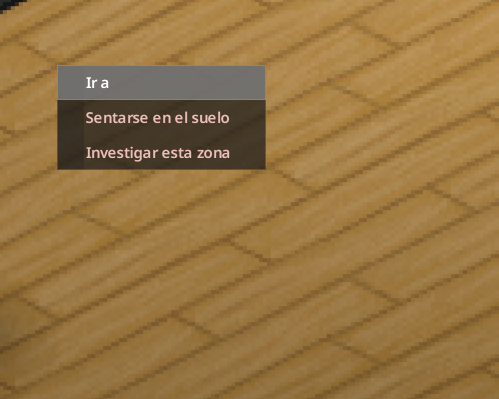
The core of this mod focuses on cleaning up the context menu that appears when you right-click. It removes obsolete options that clutter the menu, ensuring you can access what you need faster. This reduction in visual noise contributes significantly to a more focused and immersive playthrough, allowing you to concentrate on surviving the zombie apocalypse.
Control Over Debug Options
A key feature of Hide Menu Debug is its ability to toggle debug menu entries on and off. By default, these options are hidden at game startup. You can easily switch them on or off using the F10 key, with clear on-screen confirmation. This gives you full control over whether you want to access debugging tools or maintain a completely vanilla experience. When debug mode is not active, the debug entries are automatically concealed, ensuring a clean interface.
Key Features at a Glance:
- Toggle Debug Menu Entries: Use F10 to enable or disable debug options, with on-screen notifications.
- Automatic Hiding: Debug entries are hidden by default when debug mode is not enabled.
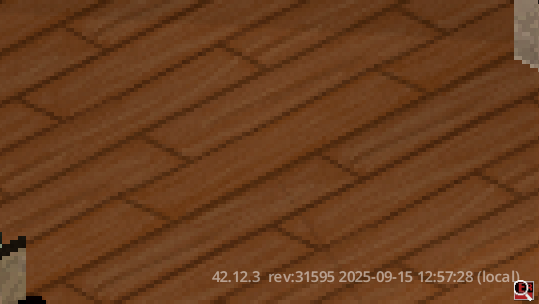
- Remove Build Information: Hides the game version and build number display for a cleaner look.
- Full Control: Works seamlessly in both Normal Mode and Debug Mode, with easy switching.
- Lightweight and Compatible: Modifies only context menu entries, leaving game balance and mechanics untouched.
Why Choose Hide Menu Debug?
This mod is perfect for players who value immersion and a streamlined interface. By removing remnants of development and debugging, it helps create a more consistent and believable world. The simplified right-click menu is quicker to navigate, saving you precious seconds in critical situations. Furthermore, the mod is designed to be lightweight and compatible, ensuring it doesn’t interfere with other gameplay elements. It offers a hassle-free way to clean up your Project Zomboid menus and focus on what truly matters: survival.