GPS NAVIGATION
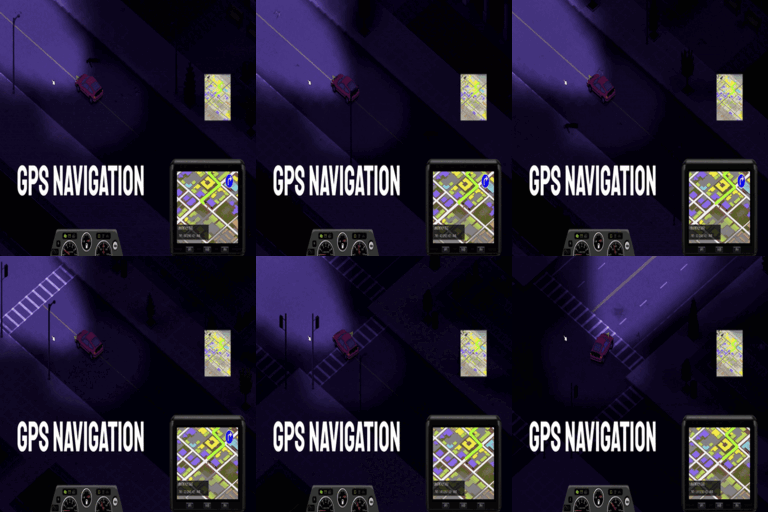
Navigate the Apocalypse with the GPS Navigation Mod for Project Zomboid
In the unforgiving world of Project Zomboid, getting lost can be a death sentence. Introducing the GPS Navigation mod, a powerful tool designed to help survivors chart their course through the zombie-infested wilderness. Whether you’re exploring unfamiliar territory on foot or venturing out in a vehicle, this mod provides essential navigation capabilities to keep you on track.
Crafting Your Waypoint Finder
To bring this crucial piece of technology into your survivor’s arsenal, you’ll need to gather specific components and possess a foundational understanding of electronics. By reading the ‘Radio.RadioMag2’ magazine, you unlock the recipe for crafting your very own GPS unit. The crafting process requires a combination of common and specialized parts, including electrical circuits, an amplifier, various colored light bulbs, a transmitter, a receiver, wire, aluminum, and a screwdriver. A basic Electrical Skill level of 1 is also necessary to successfully assemble the device.
Utilizing the GPS
Once crafted, the GPS can be used in multiple ways to enhance your survival experience. For drivers, simply sit in the driver’s seat and press ‘V’ to attach or detach the GPS unit. This allows for convenient route planning while on the move. If you prefer to navigate on foot, insert a battery into the GPS, equip it to your belt, and power it on. The intuitive interface, accessed by pressing the ‘GUID’ button, allows for easy waypoint management. Use ‘LShift’ to set new destinations, ‘X’ to remove the last waypoint, and ‘Space’ to clear all set routes.
Advanced Features and Customization
The GPS Navigation mod also includes some surprising advanced features:
- Autonomous Driving: A unique Easter egg feature allows for unstable but helpful autonomous driving, making long journeys more comfortable. Toggle this mode with ‘LCtrl’.
- Voice Guidance: Customize your navigation experience with optional voice prompts, including the ability to switch to a GTA4-style voice.
- Visual Customization: Tailor the look of your GPS navigation lines by adjusting their color through Red, Green, and Blue values.
Finding the GPS
While crafting is a primary method, the GPS Navigation mod also allows for serendipitous discovery. You may find a functioning GPS unit within the glove compartment of randomly spawned vehicles, offering a welcome surprise for unprepared survivors.
This mod is designed to be compatible with modded maps and supports multiplayer gameplay, ensuring a seamless integration into your existing Project Zomboid experience.