
Gas Pump Indicator
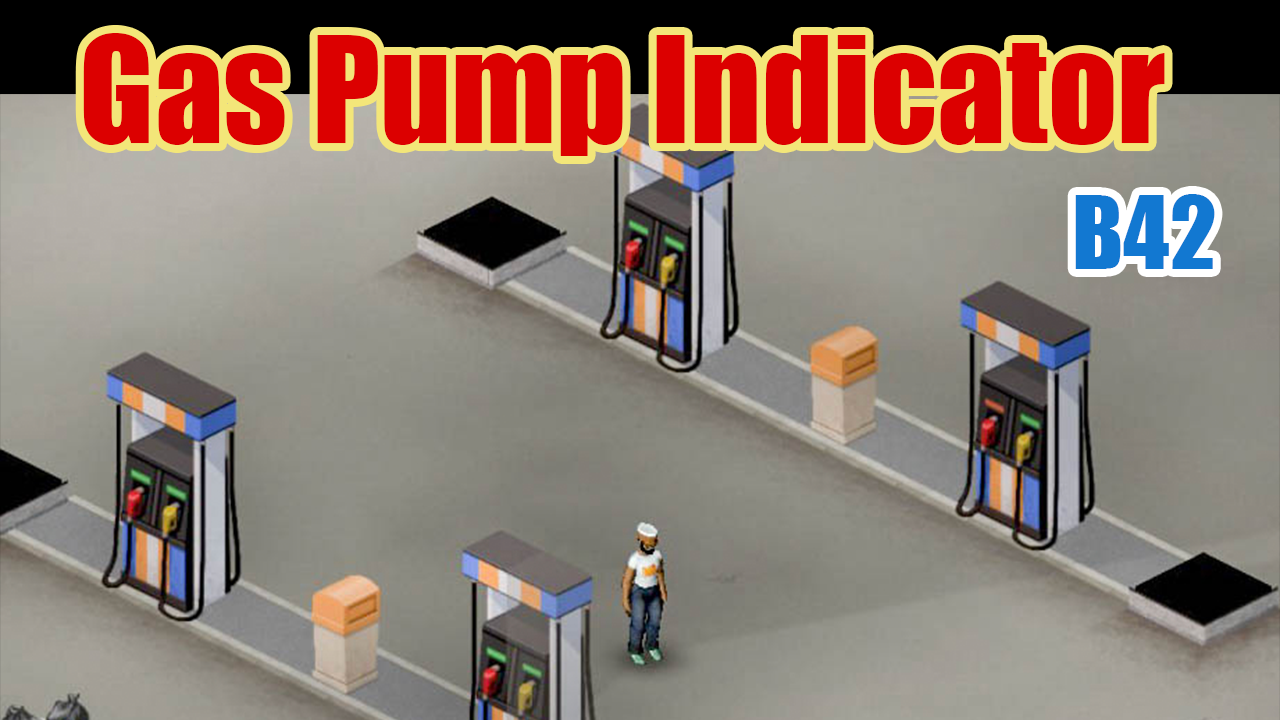
Project Zomboid Gas Pump Indicator Mod
Keeping your vehicles fueled is a constant challenge in Project Zomboid. While finding gas stations is one part of the equation, knowing which pumps are actually functional and still have fuel can be a time-consuming process. The Gas Pump Indicator mod streamlines this essential task by providing clear, at-a-glance information about each gas pump’s status.
See Fuel and Power at a Glance
Forget the hassle of right-clicking every single gas pump or waiting to see if a random “OUT OF GAS” sign appears. This mod cleverly utilizes the existing LED slit above each nozzle on the gas pump sprites. By applying specific colors, the mod instantly communicates the pump’s operational state, saving you precious time and effort during your scavenging runs.
Understanding the LED States
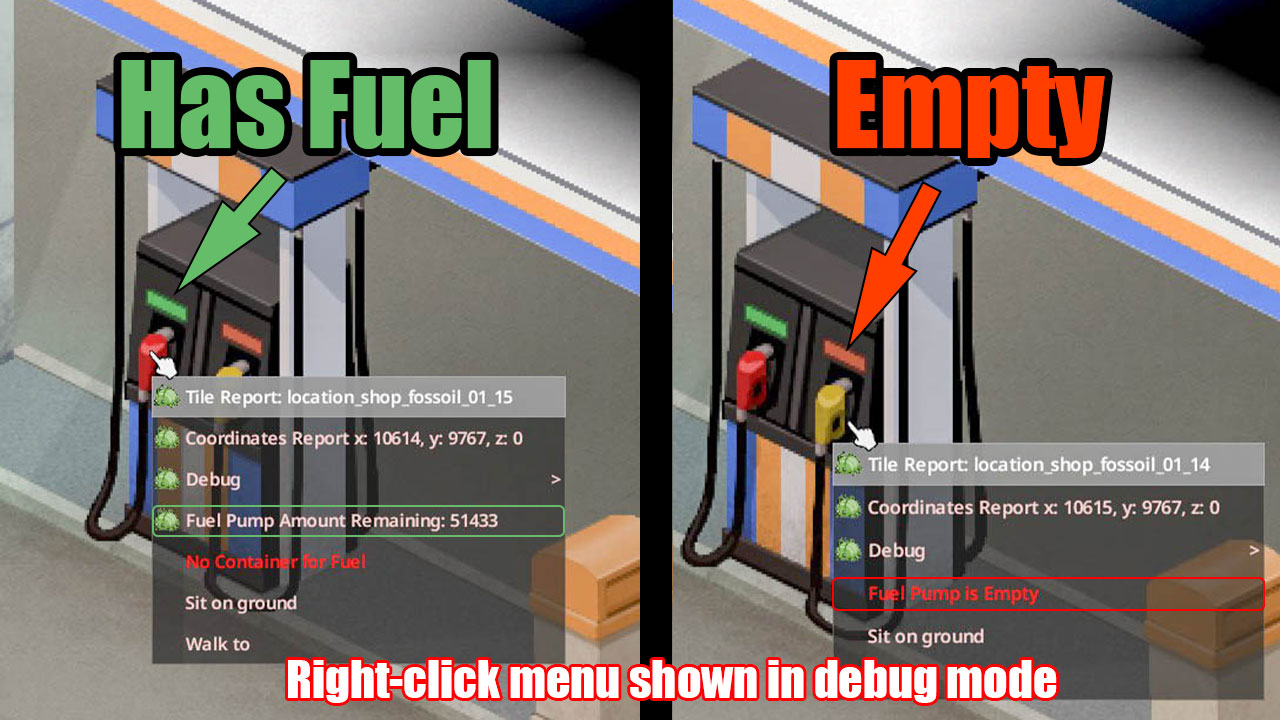
- Green LED: Indicates the pump is powered and has fuel remaining.
- Red LED: Signifies the pump is powered but the tank is empty.
- No LED: Means the pump has no power, either because the electrical grid is down or no generator is active nearby.
Enhanced Visibility Day and Night
The Gas Pump Indicator mod goes a step further by incorporating a subtle glow effect at night. This ensures that the crucial LED color is visible even in the darkest hours, allowing you to quickly identify usable fuel sources without needing a flashlight. During the day, the indicator blends naturally with the surrounding environment.
Optional Fuel Readout
For those who want even more detail, the mod offers an optional feature to display the exact remaining fuel amount within the pump’s right-click menu. This setting can be configured in the sandbox options when creating a new world, or adjusted on existing saves through debug mode. This level of precision can be invaluable for planning long-distance journeys.
Visually, the mod maintains a high degree of authenticity. The recolored LED slits are seamlessly integrated into the original pump sprites, ensuring a natural appearance. The mod supports all vanilla gas pump designs and is fully compatible with Project Zomboid Build 42, working flawlessly in both singleplayer and multiplayer environments. It’s also safe to add or remove from existing saves, making it a non-intrusive yet highly beneficial addition to your Project Zomboid experience.