
Fort Waterfront

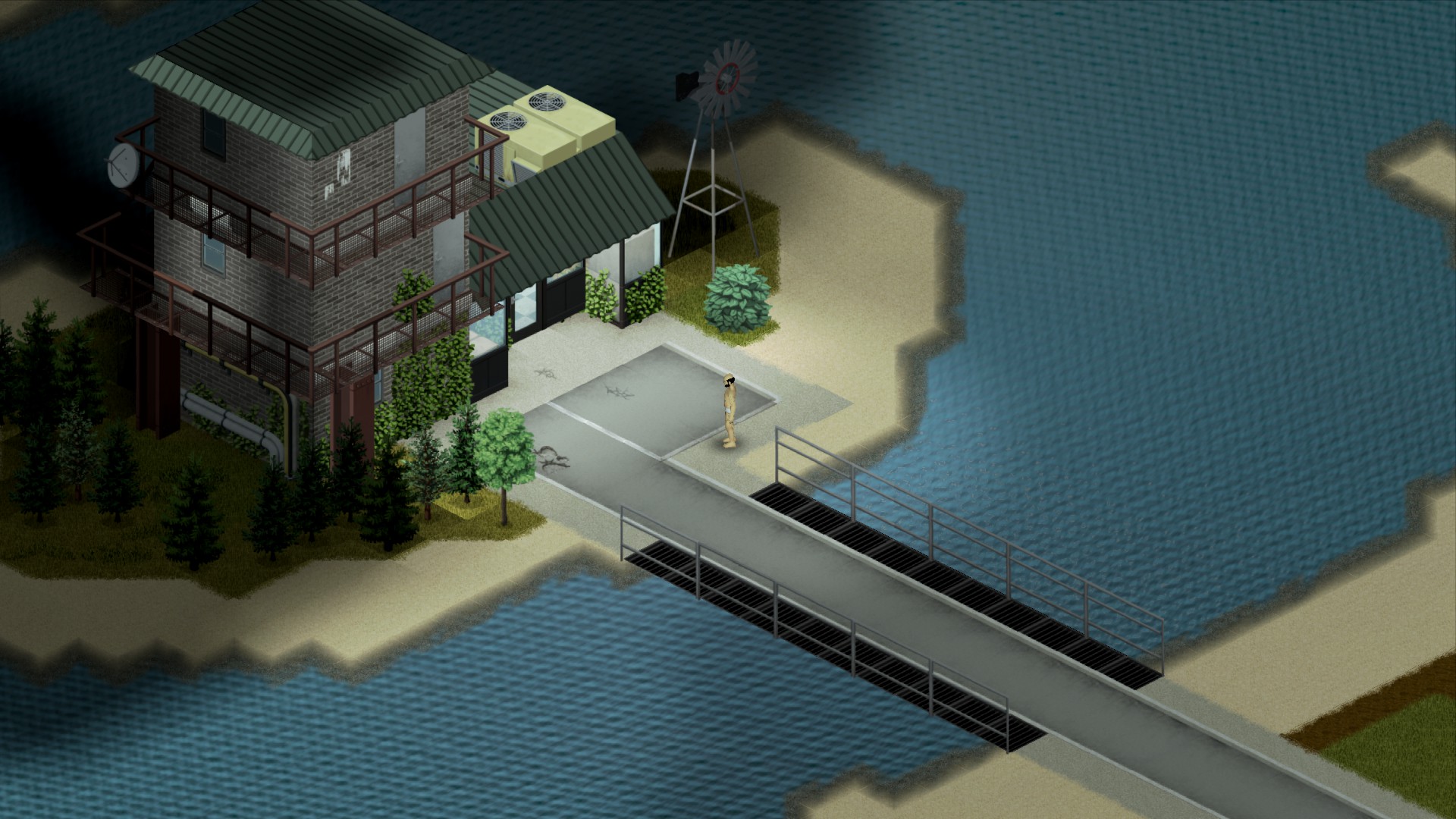
Discover Fort Waterfront: A New Strategic Location in Project Zomboid
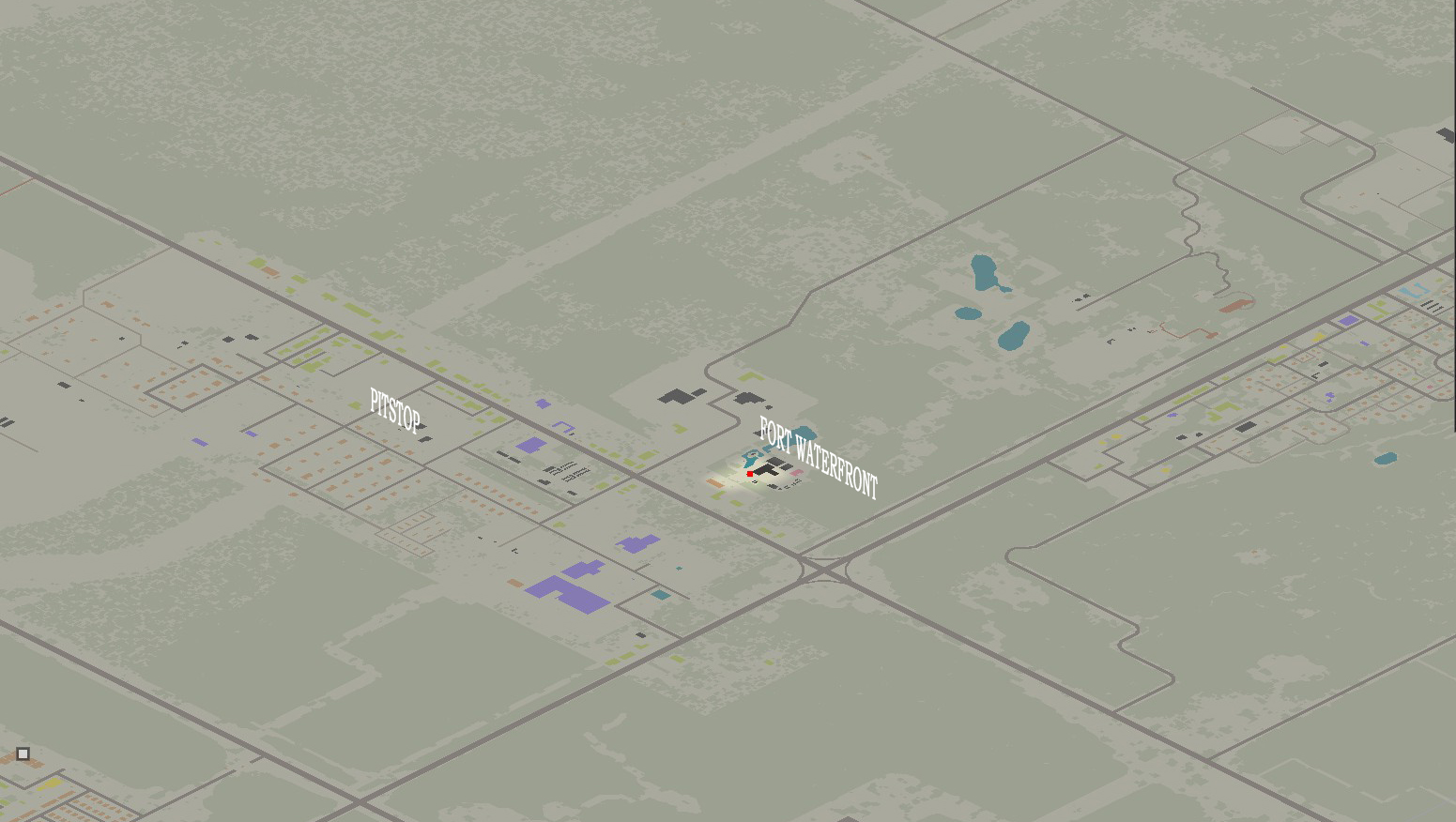
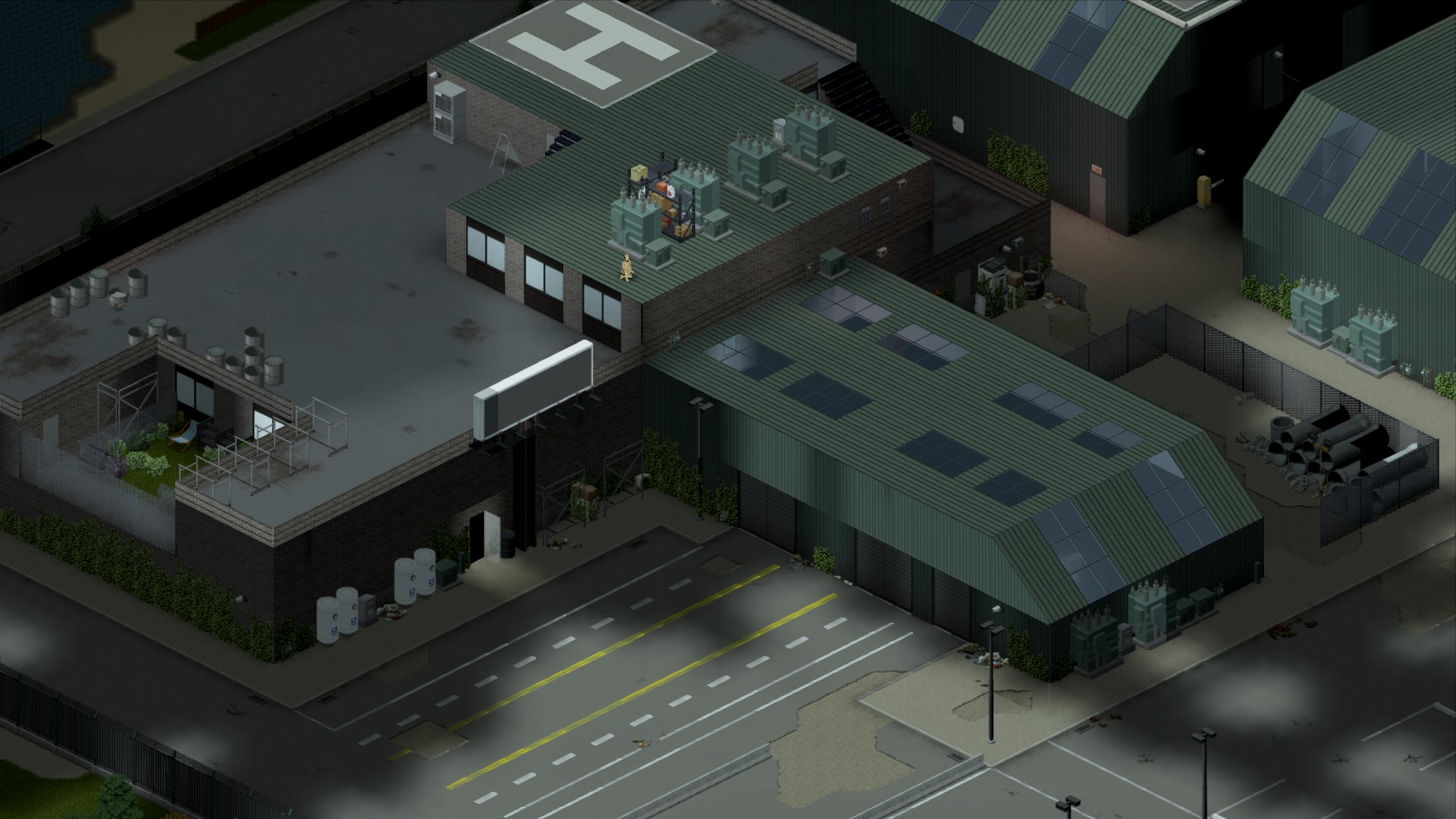
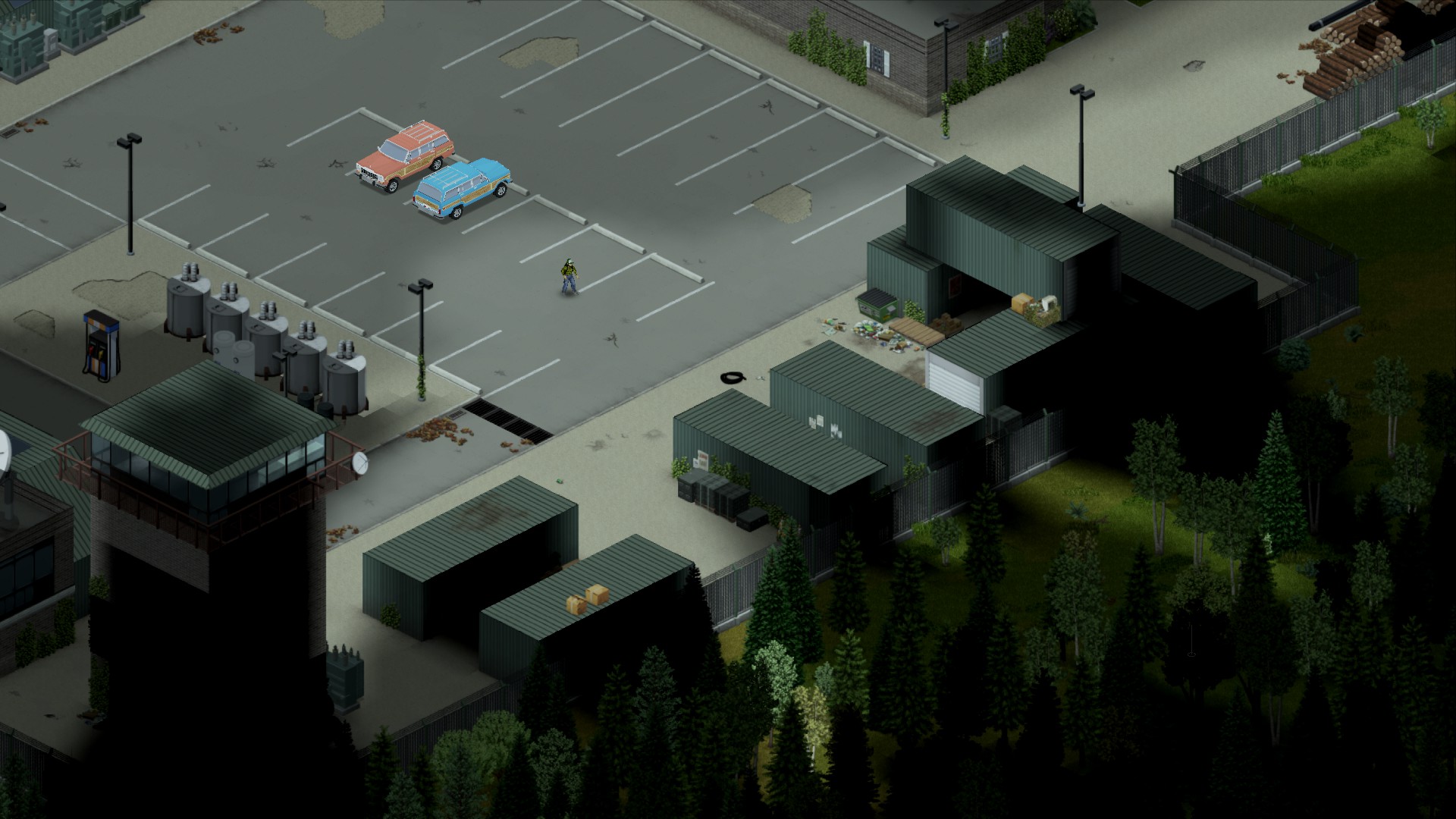
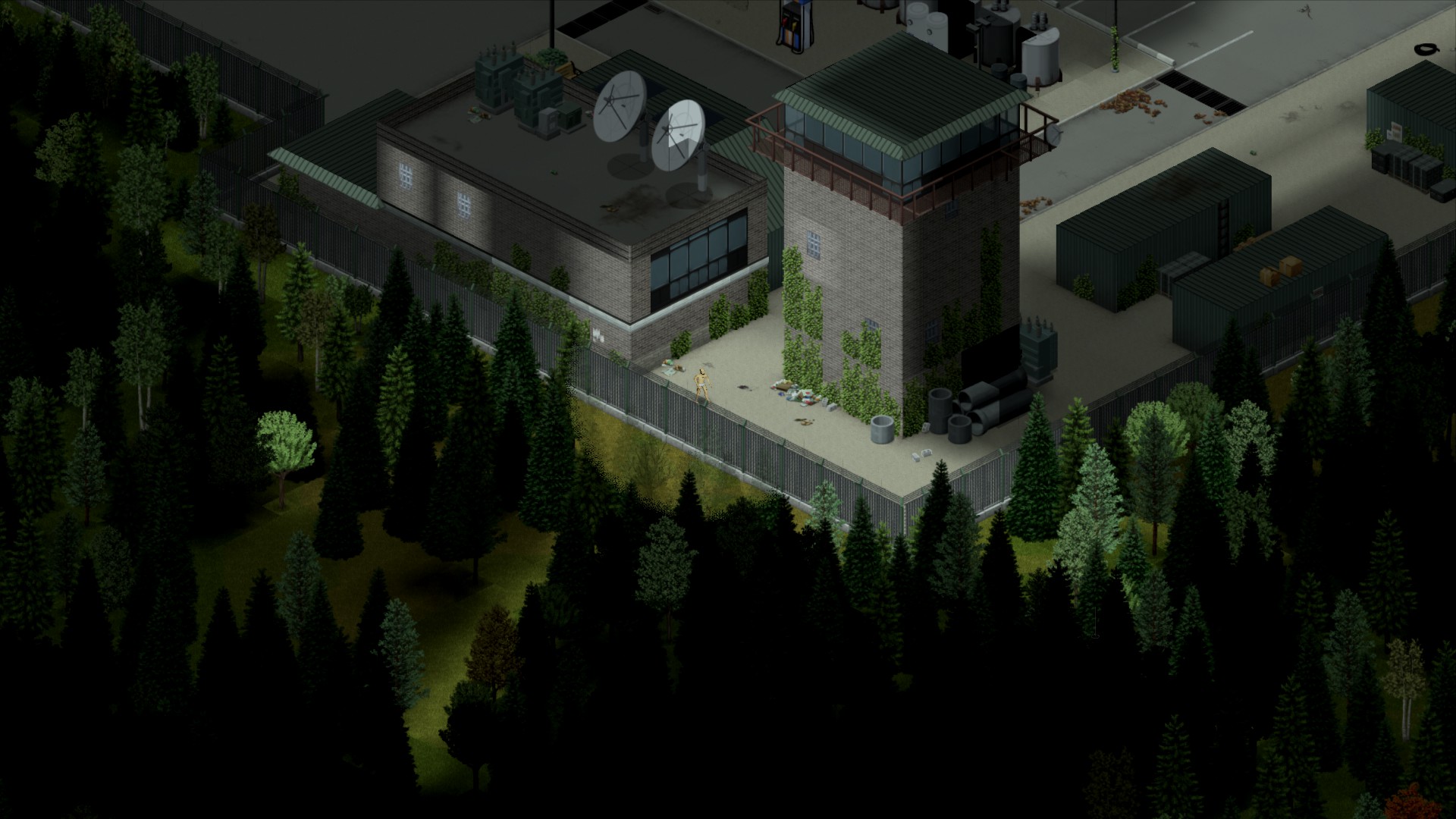
Prepare to expand your horizons in Project Zomboid with Fort Waterfront, a meticulously crafted map modification that introduces a compelling new player base. Nestled discreetly off a road branching from the intersection of Muldraugh and Rosewood, this medium-sized fort offers a fresh strategic point for survivors to establish themselves.
A Strategic Addition to the Map
Fort Waterfront isn’t just another building; it’s a carefully designed location intended to provide a unique gameplay experience. Its positioning offers both opportunities and challenges, encouraging players to think tactically about defense and resource management. Whether you’re looking for a secure starting point or a challenging mid-to-late game objective, this fort promises to be a valuable addition to your Project Zomboid adventures.
Key Features of Fort Waterfront
This mod focuses on integrating a new, well-textured player base into the existing world of Project Zomboid. While specific in-game details will unfold as you explore, the core appeal lies in its potential as a fortified settlement.
Installation and Dependencies
To ensure Fort Waterfront spawns correctly and displays with all its intended visual elements, it is crucial to install several prerequisite mods beforehand. These dependencies provide essential graphical assets that the fort relies upon.
Ensure you have the following mods installed prior to enabling Fort Waterfront:
- Mod Template
- Dylan’s Tile Pack
- Daddy Dirkire dirts tiles
- throttlekitty’s tiles
Failing to install these required mods may result in the fort not appearing in-game or exhibiting missing textures, detracting from the intended experience. Once the dependencies are met, Fort Waterfront should seamlessly integrate into your Project Zomboid map.