
ForagingZ
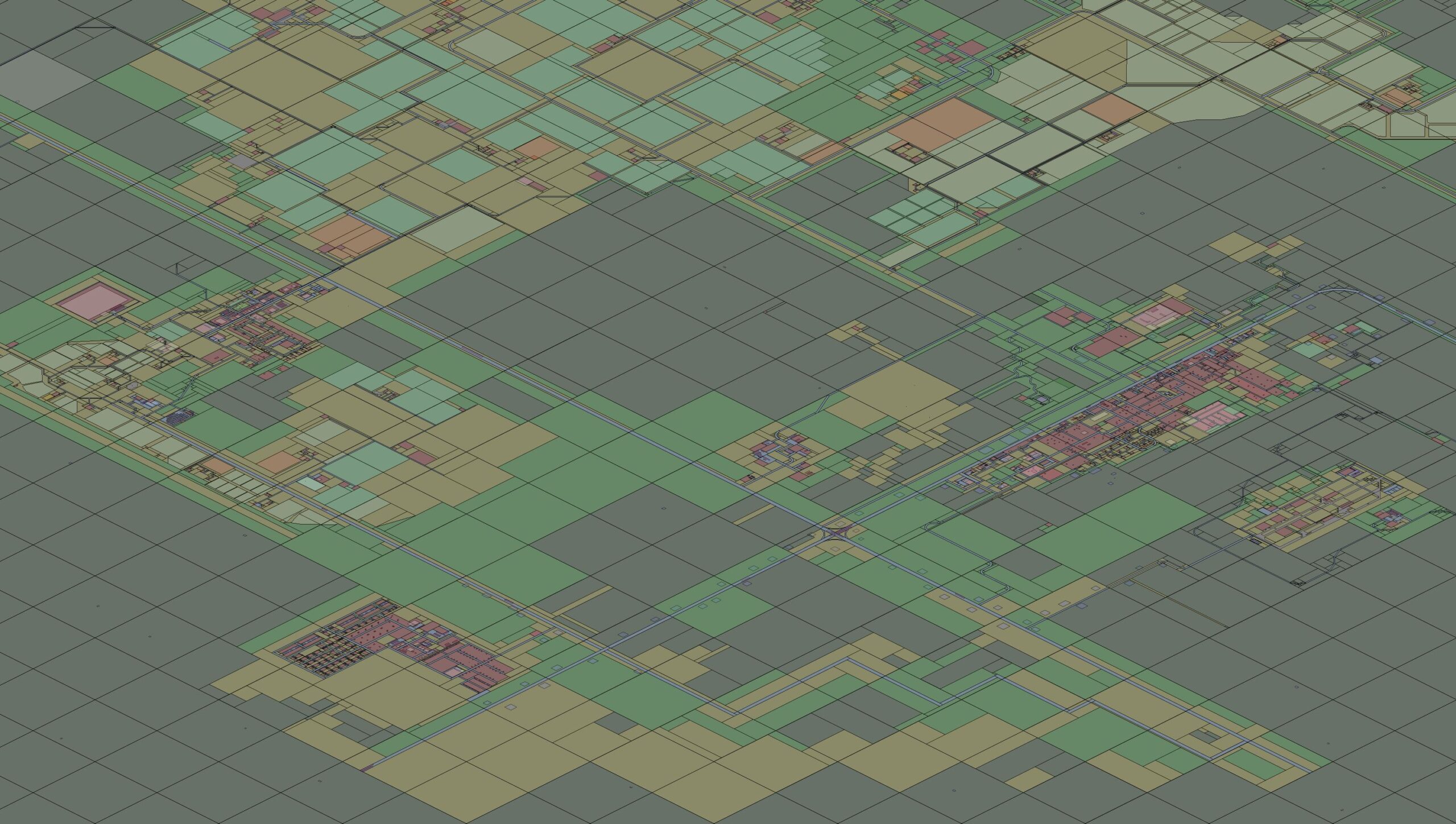
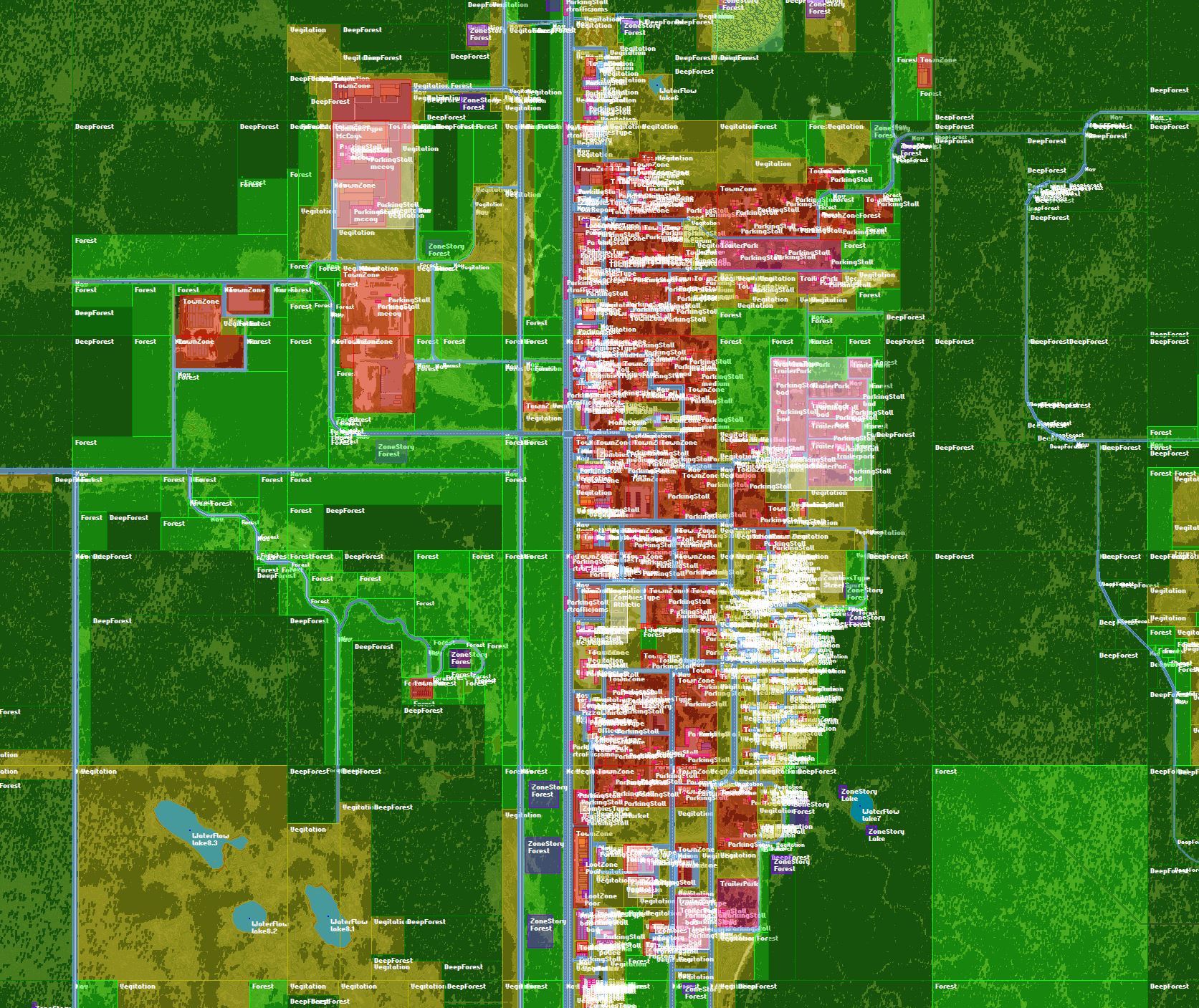
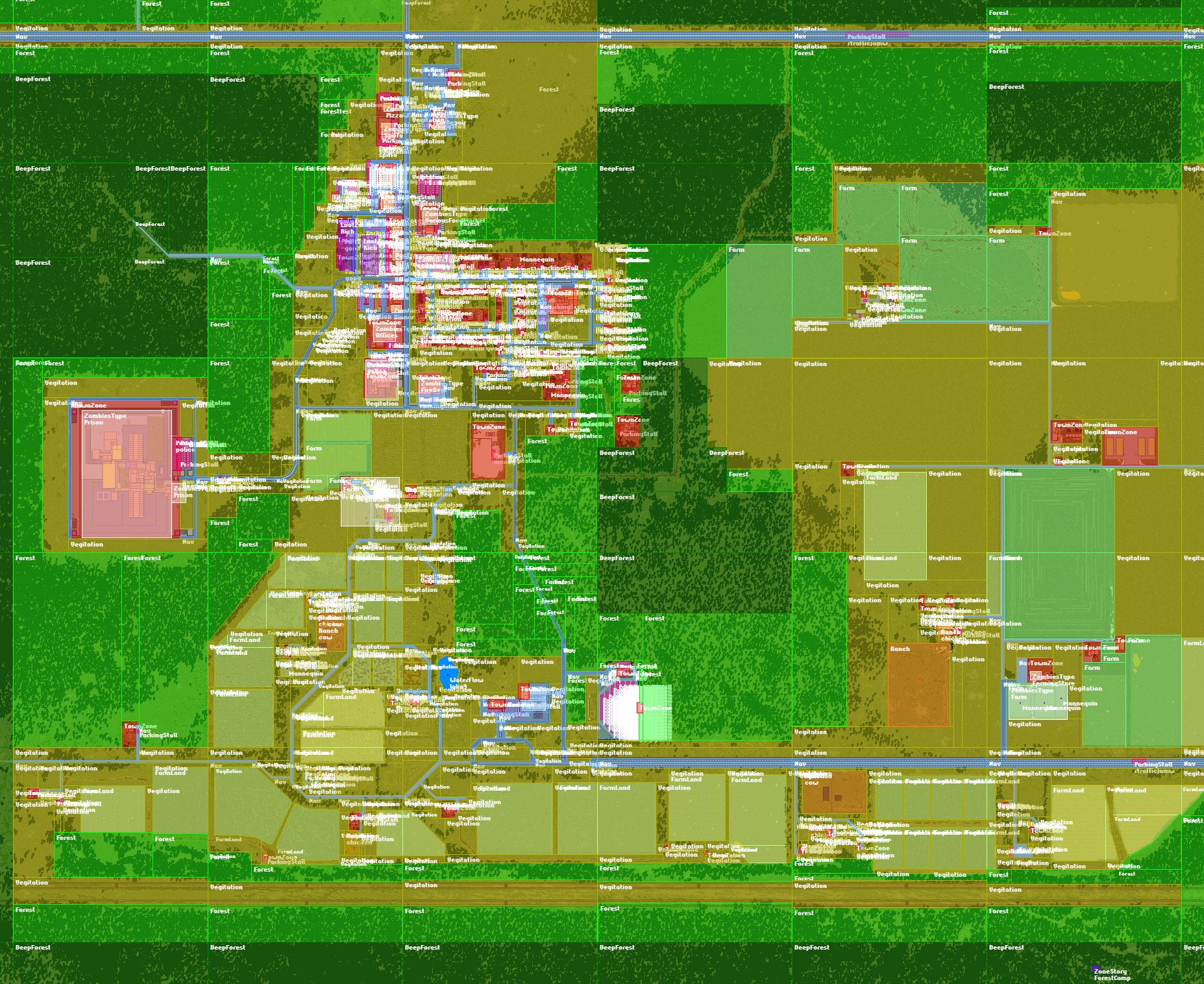
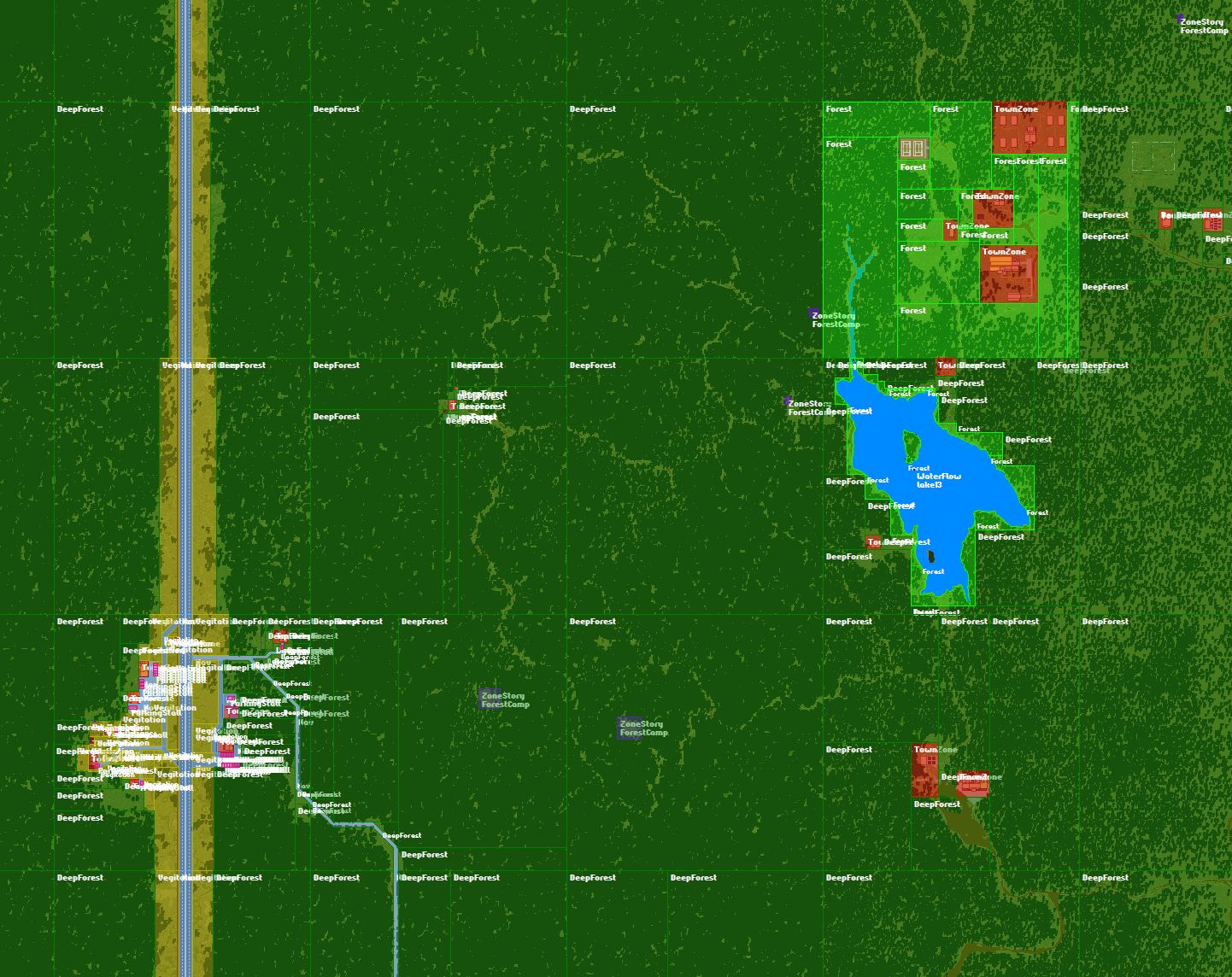
Enhance Your Project Zomboid Survival with ForagingZ
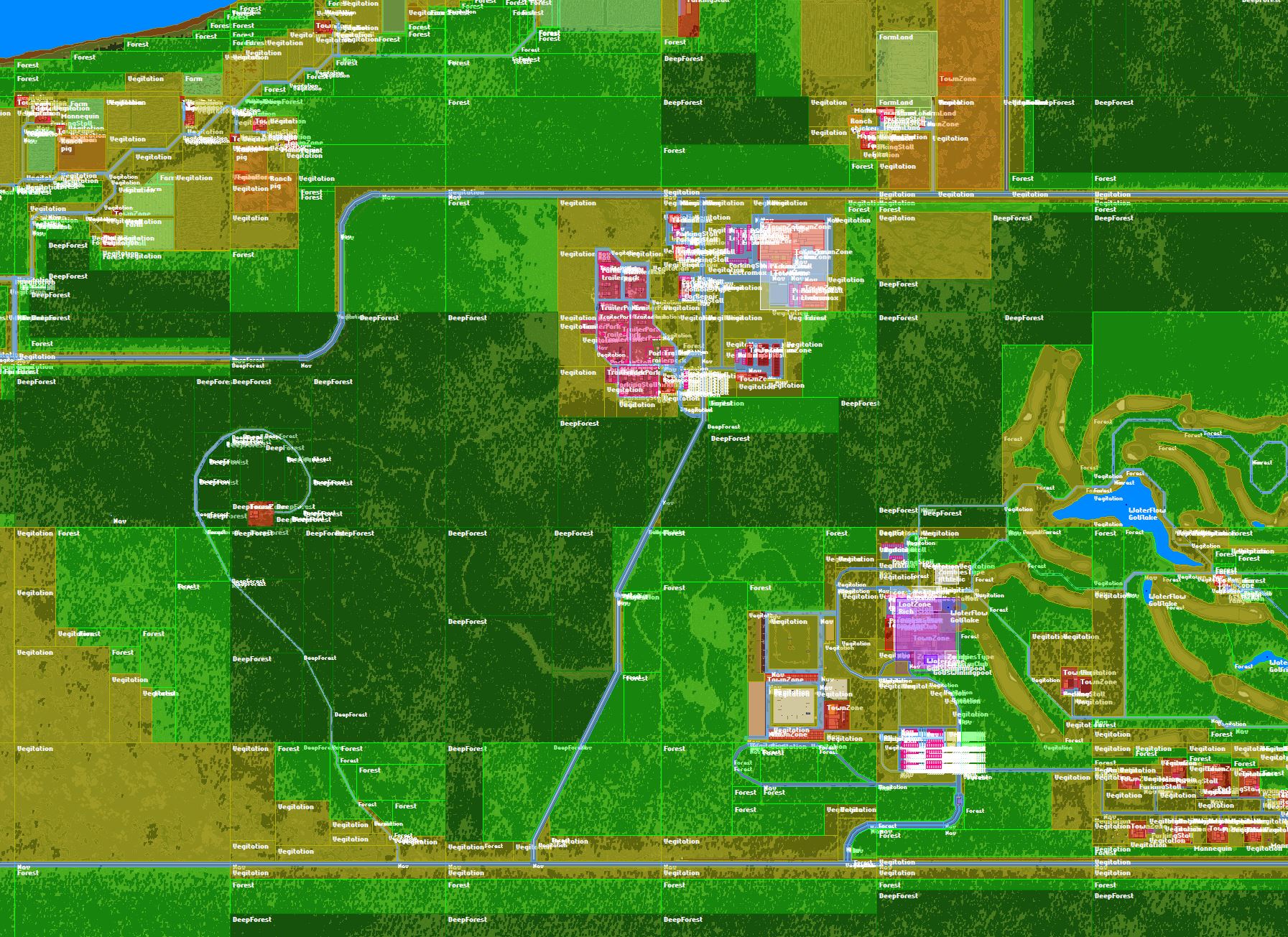
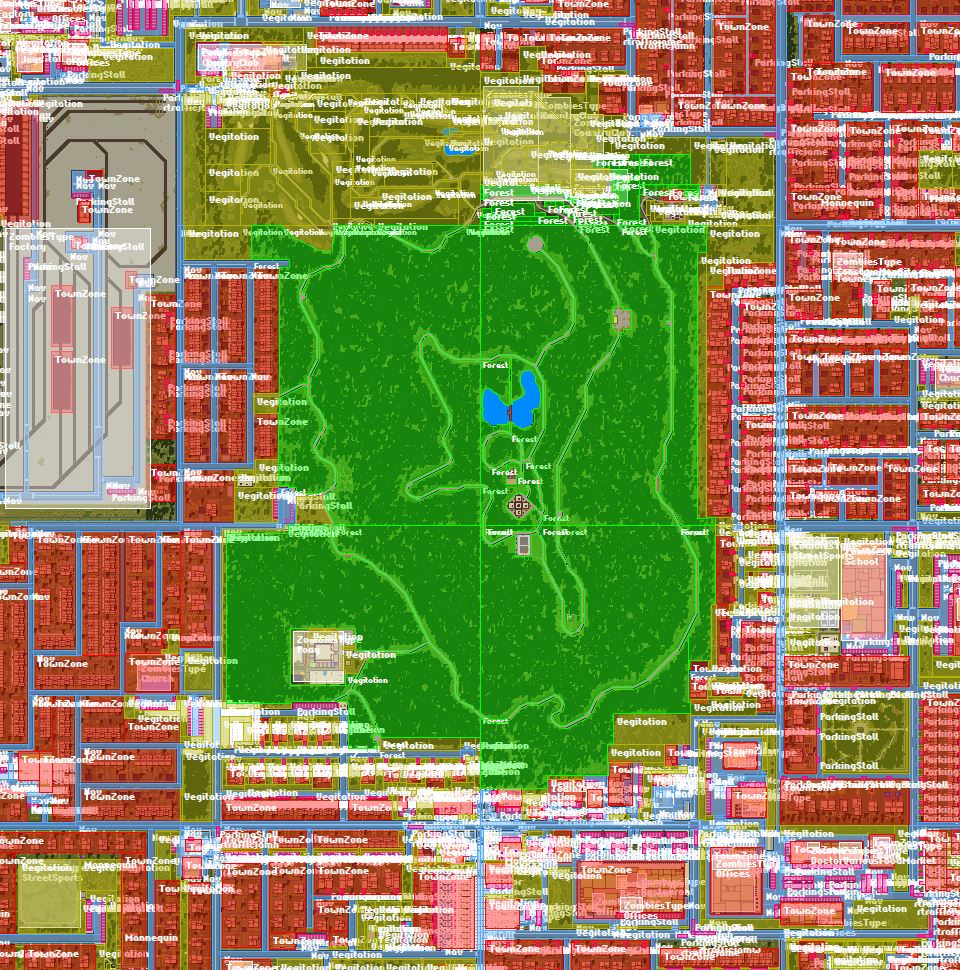
Prepare to delve deeper into the untamed wilderness of Project Zomboid with ForagingZ, a comprehensive mod designed to revolutionize your scavenging experience. This modification meticulously adds and refines foraging zones across the vanilla map, ensuring that no corner of Kentucky remains unexplored and unrewarded. Whether you’re a seasoned survivor or just starting your fight for existence, ForagingZ offers a significant boost to the realism and depth of resource acquisition.
Expanded and Refined Foraging Opportunities
ForagingZ introduces a vast array of new and improved foraging areas, significantly increasing the potential for finding essential supplies. The mod meticulously integrates:
- Over 800 new navigation zones, leading to more diverse vehicle spawns and potential crash sites ripe for looting.
- A substantial addition of nearly 2,200 DeepForest zones, with a notable percentage featuring hidden camps offering unique discovery potential.
- An additional 212 general forest zones, expanding your options for gathering natural resources.
- Crucial fixes and additions for missing TownZone and ParkingStall zones, making urban scavenging more rewarding.
- New Vegetation zones to further enrich the landscape.
Seamless Integration and Compatibility
One of the standout features of ForagingZ is its non-intrusive nature. The mod is designed to be enabled immediately after Muldraugh, KY, in your mod load order. This strategic placement ensures that it overwrites and enhances vanilla zones without conflicts. Importantly, ForagingZ does not require a new game world, meaning you can integrate its benefits into your existing saves and immediately begin experiencing the enhanced foraging mechanics. The game processes these zones at launch, so any updates to the mod will be seamlessly applied without any extra effort on your part.
Critical Installation Note
To ensure ForagingZ functions correctly and to avoid overwriting zones from other map mods, it is essential that this mod be the very first one enabled in your Project Zomboid load order. This is not merely a suggestion but a requirement for the mod’s core functionality, as it directly modifies the game’s map data. When setting up a server, ensure ForagingZ is listed first in the map section of your configuration. For single-player, simply activate it as the initial mod in your list.