
Dynamic Moodles
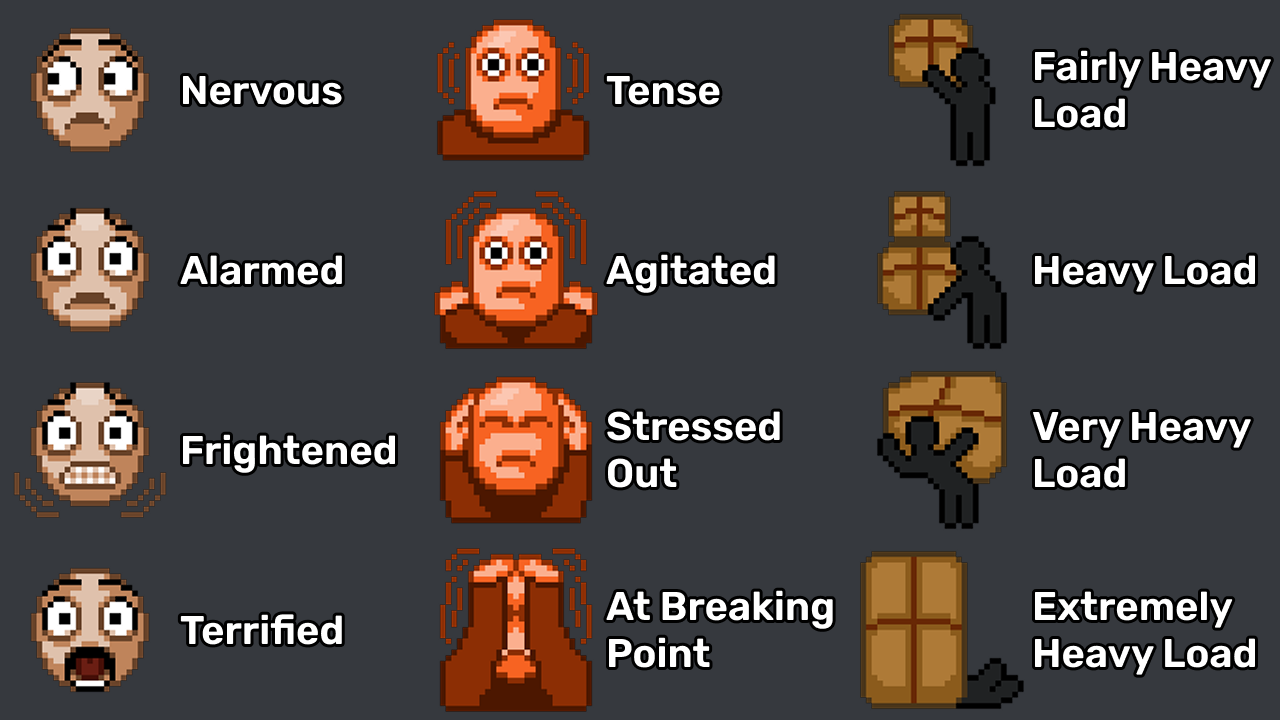
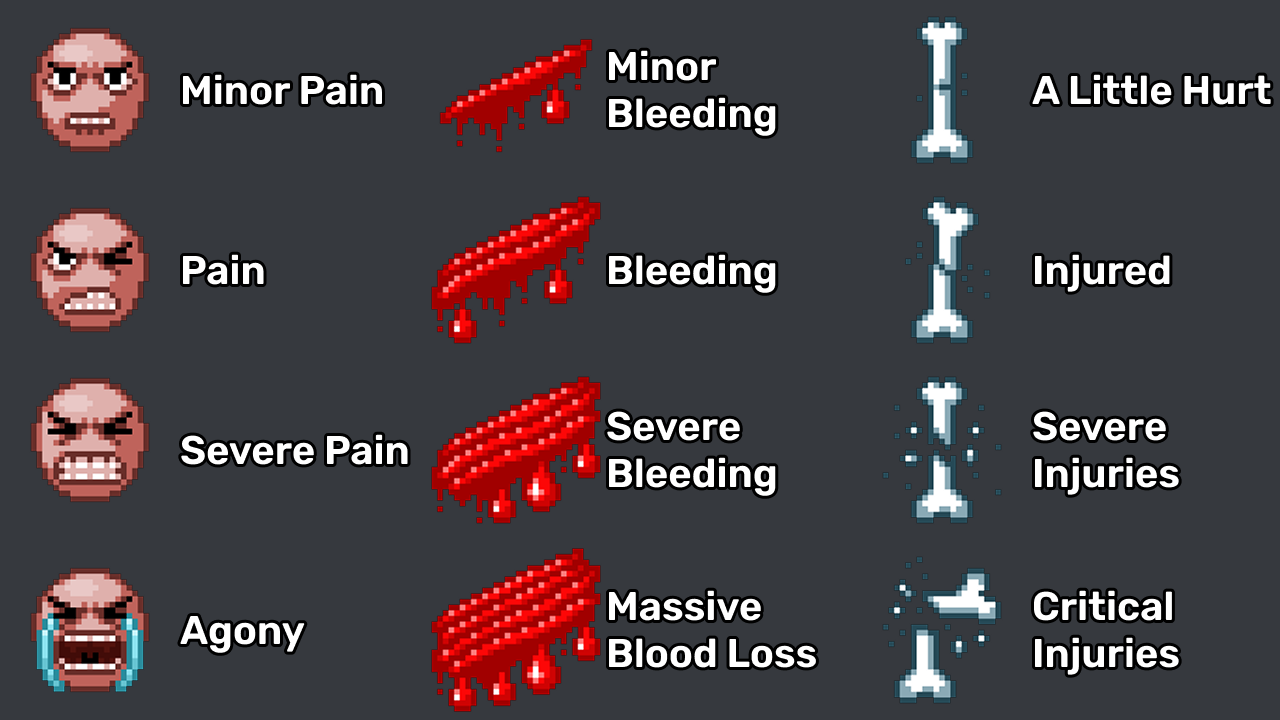
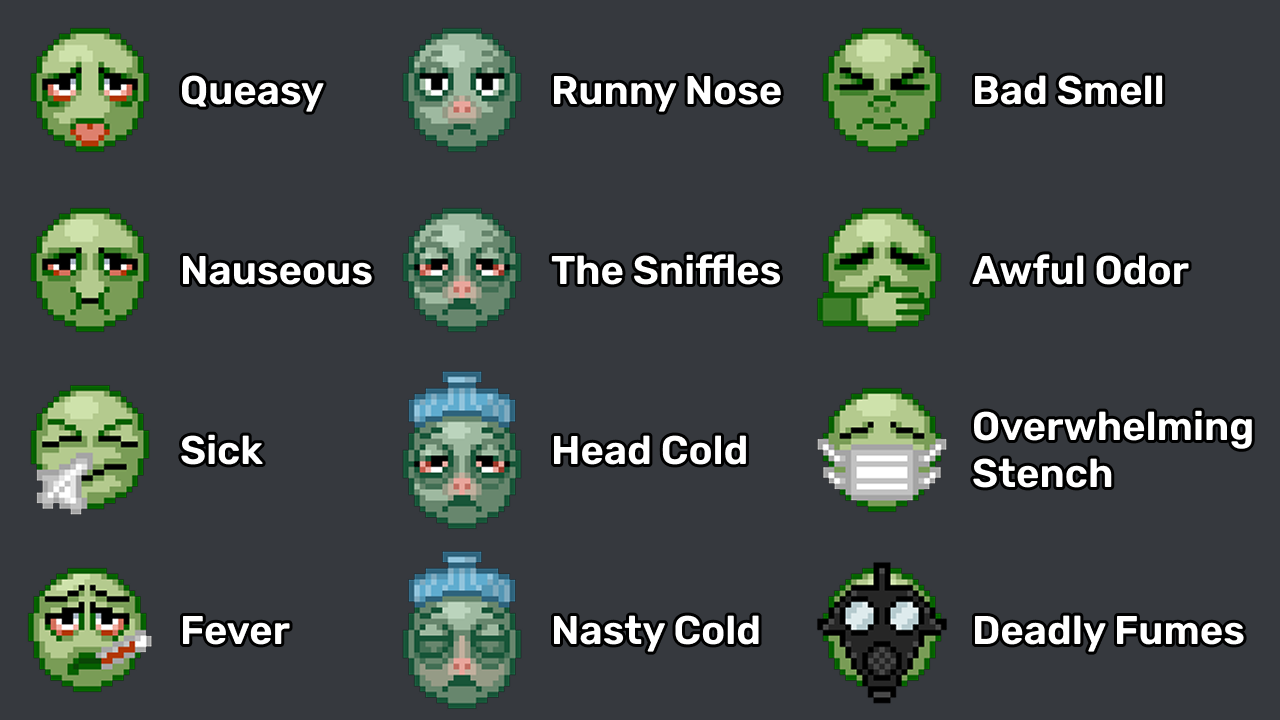
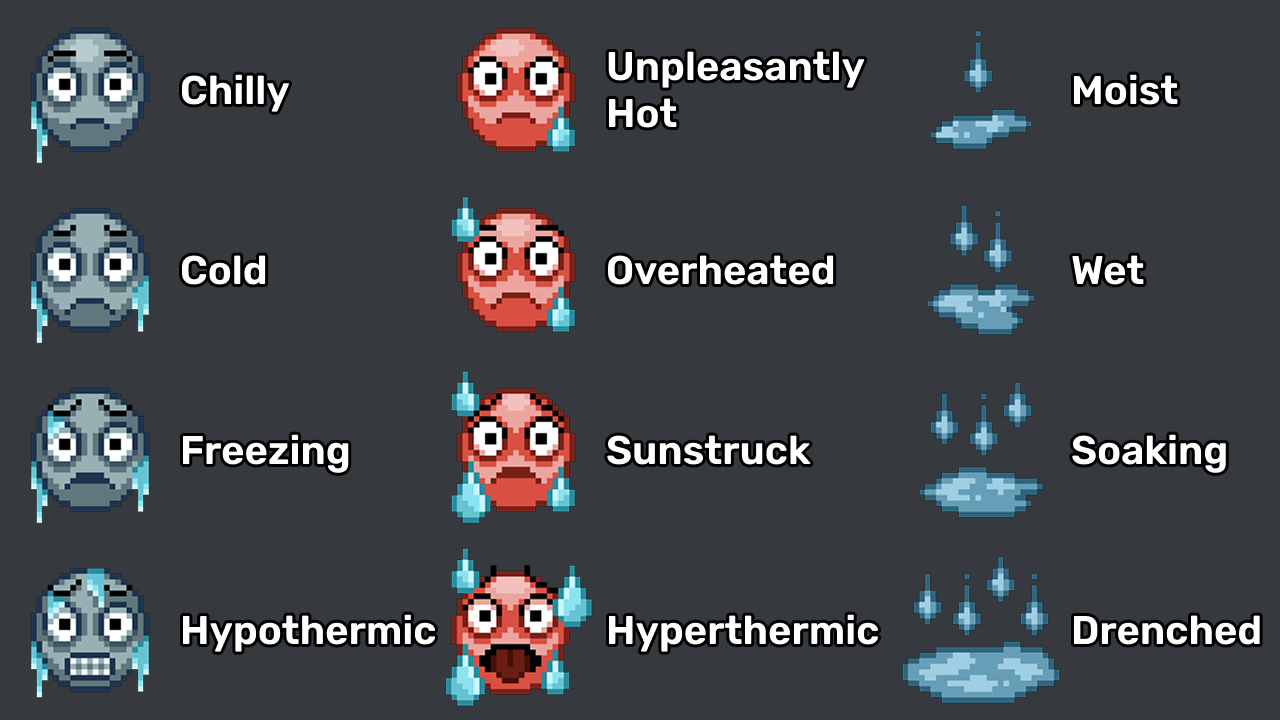
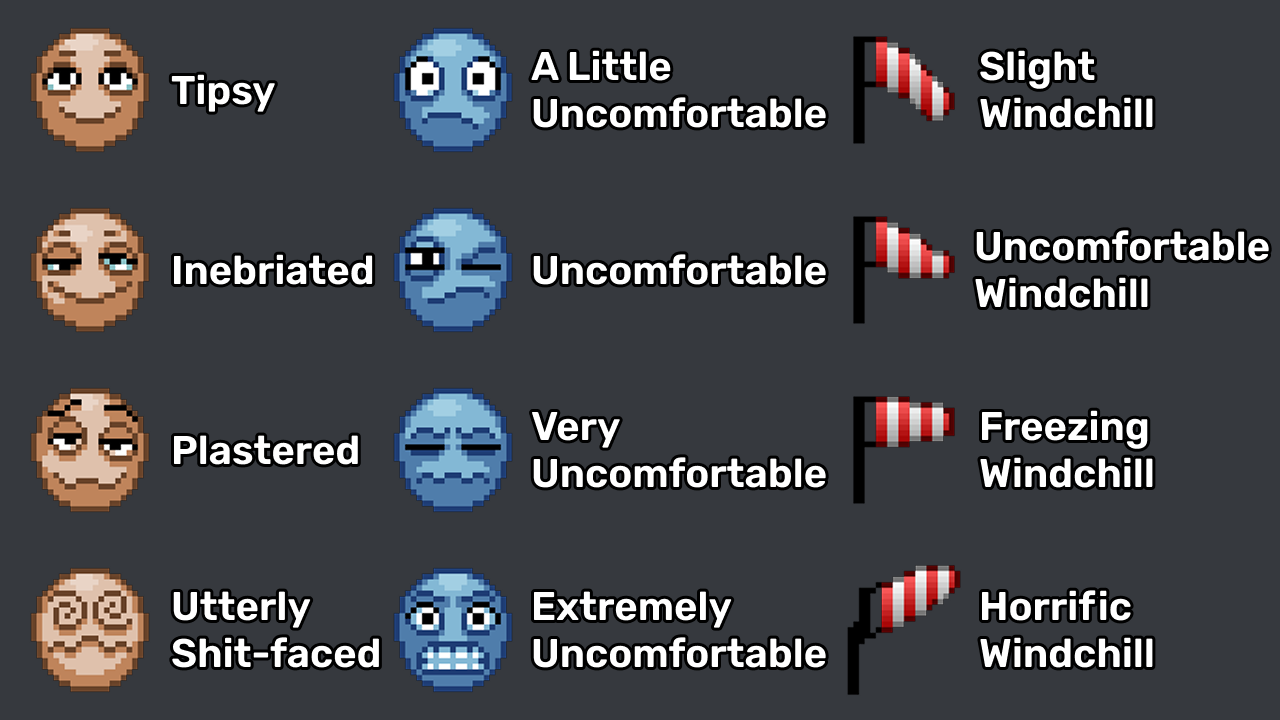
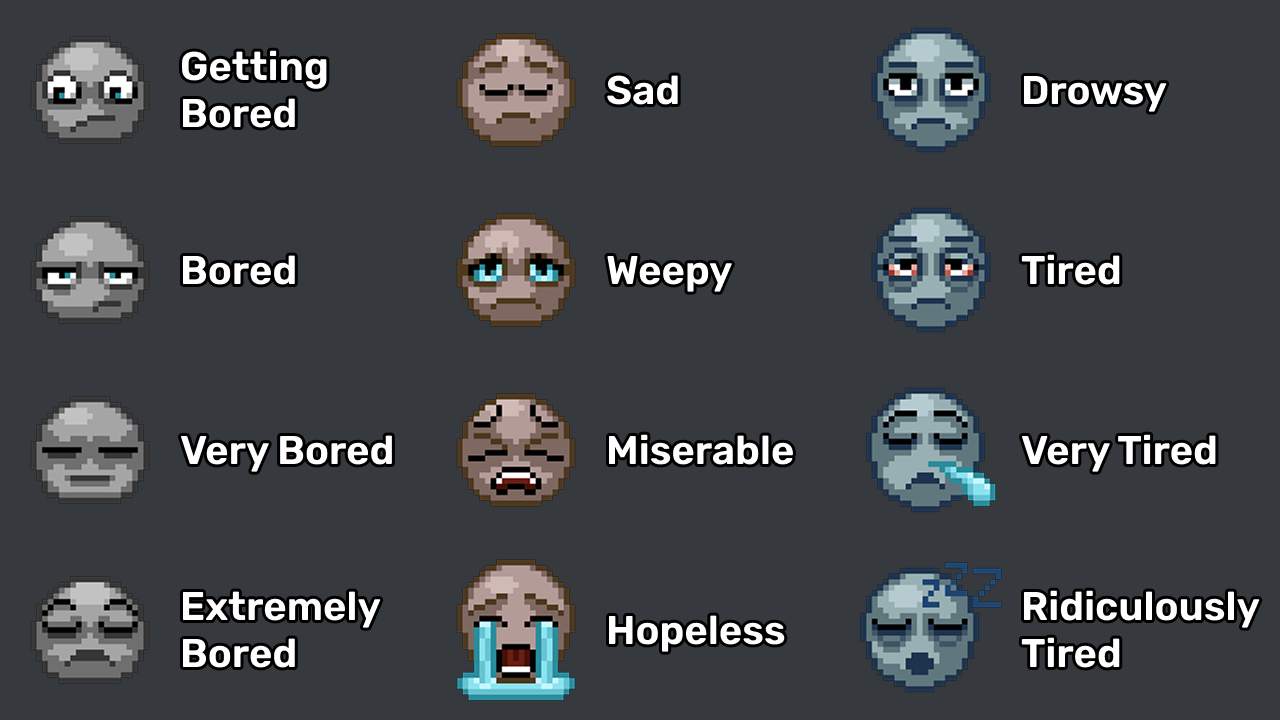
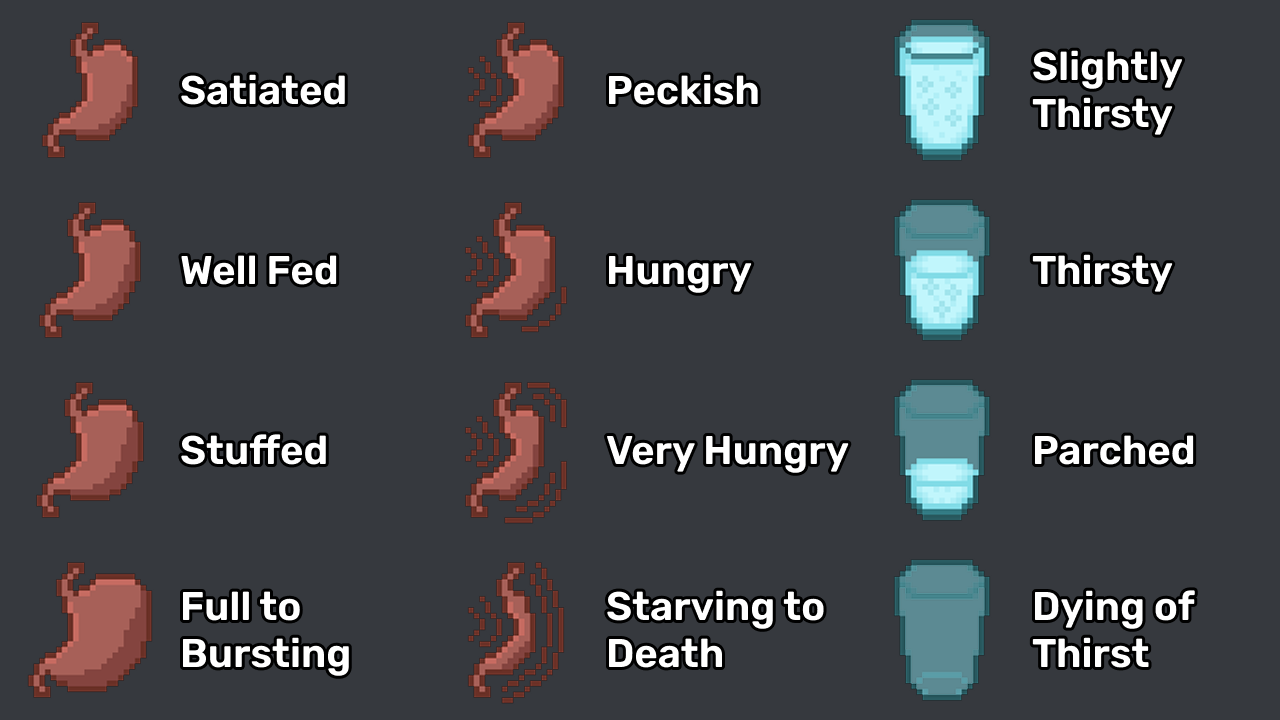
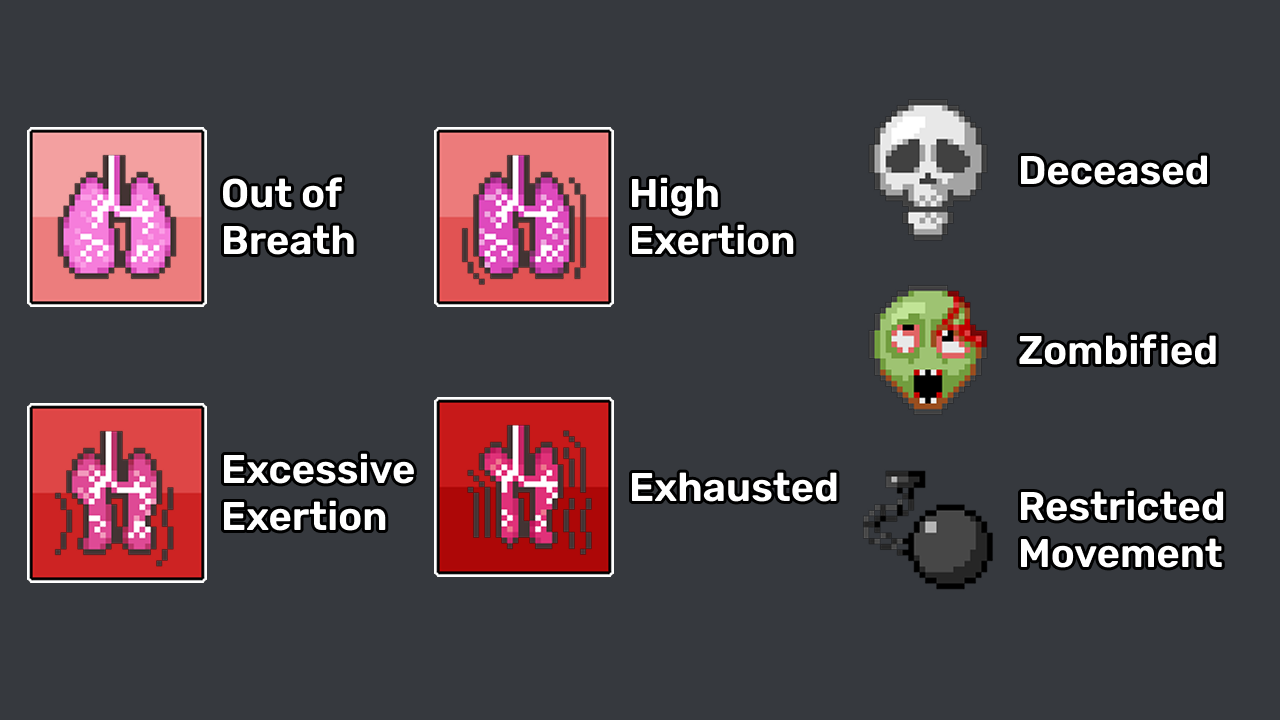
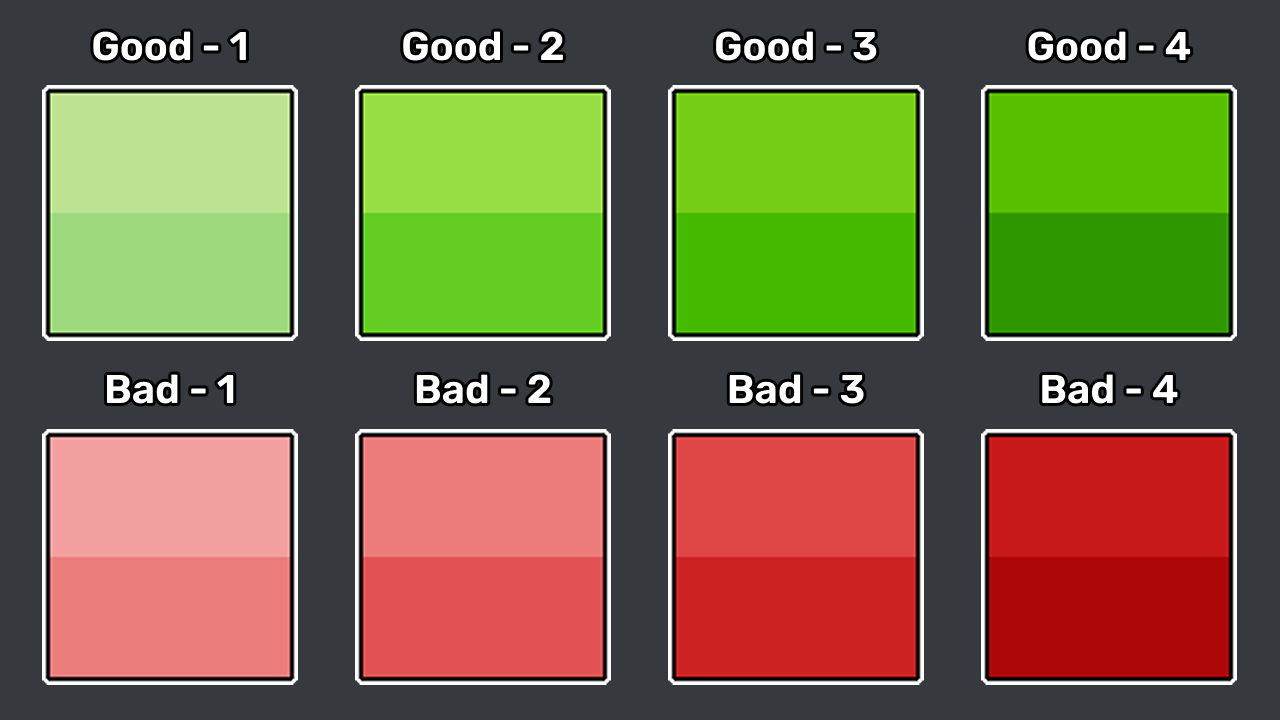
Enhance Your Project Zomboid Experience with Dynamic Moodles
Tired of ambiguous status indicators in Project Zomboid? The “Dynamic Moodles” mod breathes new life into your character’s emotional and physical states, offering a clearer, more visually engaging way to understand their condition.
A Clearer View of Your Survivor’s Well-being
Vanilla moodles in Project Zomboid, while functional, can sometimes be difficult to interpret at a glance. Subtle changes in border colors don’t always convey the urgency or severity of a character’s mood. Dynamic Moodles addresses this by introducing distinct, pixel-art icons for every intensity level of each moodle. This means you can instantly recognize whether your survivor is mildly uncomfortable or in dire straits, allowing for quicker, more informed decision-making in critical situations.
Improved Accessibility and Visual Flair
Beyond providing crucial information, this mod also significantly improves accessibility. Players who may have difficulty distinguishing between subtle color variations will find the new moodle system much easier to navigate. Furthermore, Dynamic Moodles injects a fresh visual style into the standard user interface, making the overall experience more dynamic and appealing without compromising the authentic Project Zomboid aesthetic.
Key Features of Dynamic Moodles:
- Unique, detailed icons for every moodle intensity level.
- Clear visual communication of your character’s status.
- Enhanced accessibility for all players.
- Classic B41 pixel-art style for a cohesive look.
- Optional square borders designed to complement the new moodles.
Installation and Configuration
To integrate Dynamic Moodles into your Project Zomboid gameplay, ensure you subscribe to both “Dynamic Moodles” and its dependency, “Moodles in lua.” When setting up your game, prioritize “Moodles in lua” by placing it higher in the mod load order. Within the game’s options menu, navigate to the MODS tab. Here, you will select “Dynamic Moodles Borders” for the border texture pack and “Dynamic Moodles” for the moodle texture pack. For the optimal visual experience, it is highly recommended to set your “Moodle Size” in the UI settings to either 64 or 128.