
Combat Text (B40+B41+B42)
Enhance Your Project Zomboid Combat with Combat Text
Dive deeper into the brutal realities of Project Zomboid’s zombie apocalypse with the Combat Text mod. This essential modification brings a wealth of visual feedback to your engagements, transforming how you perceive every blow and wound inflicted upon the undead hordes. Whether you’re a seasoned survivor or just starting out, understanding the impact of your attacks has never been more crucial.
Visualize Every Impact
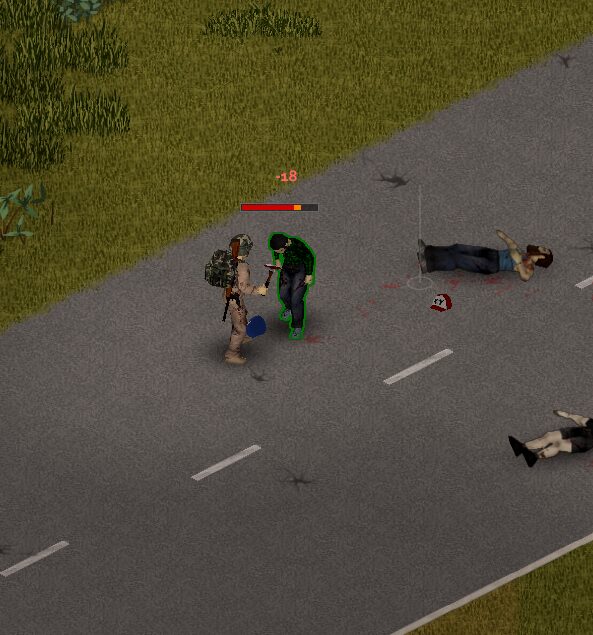
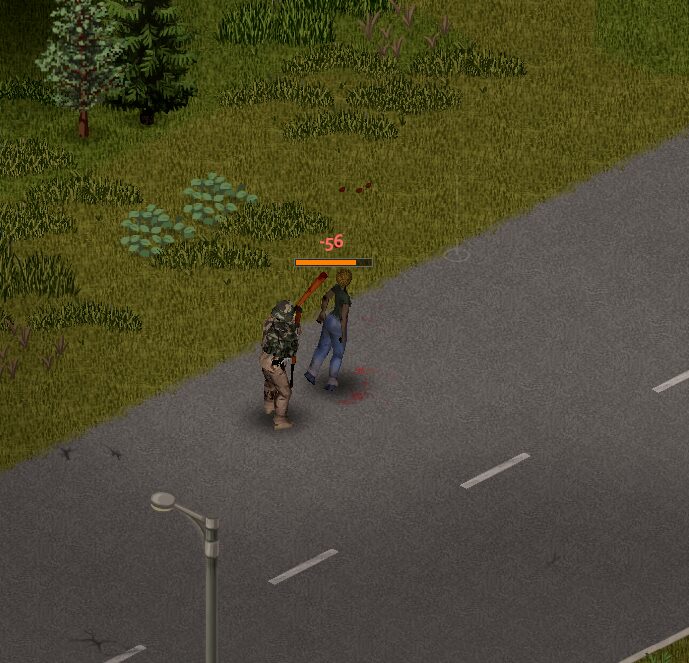
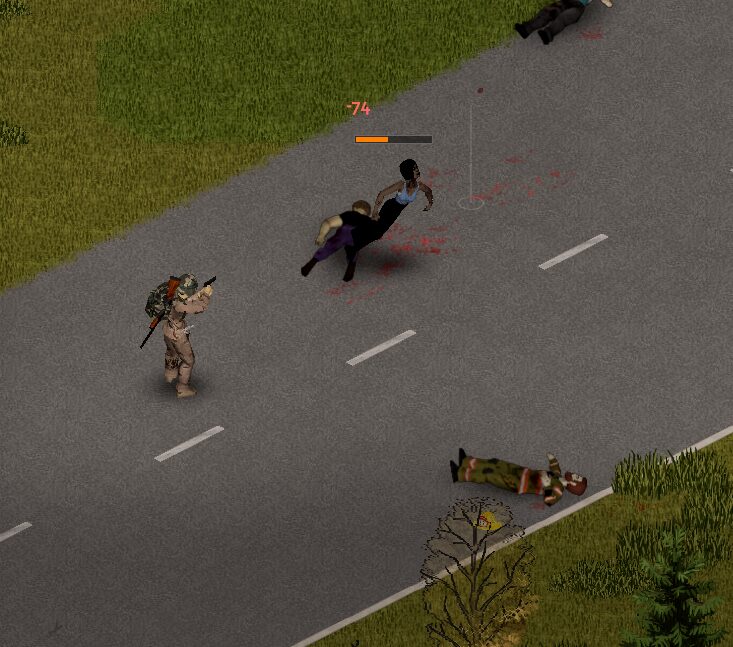
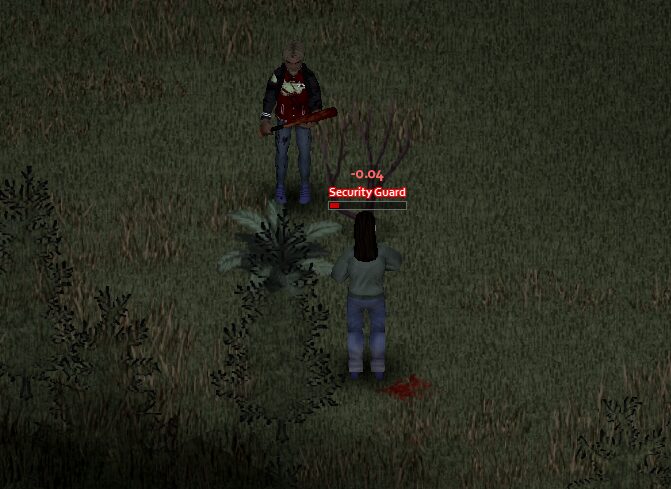
The Combat Text mod introduces a clear and informative health bar that hovers above zombie heads. This bar appears the first time you strike an enemy, providing an immediate visual representation of their current health. Watch as the bar dynamically shrinks with each hit, offering satisfying feedback on your combat effectiveness. The health bar is designed to be unobtrusive, fading away after a period of inactivity, but it’s easily re-enabled through the mod’s comprehensive options menu.
Dynamic Damage Numbers
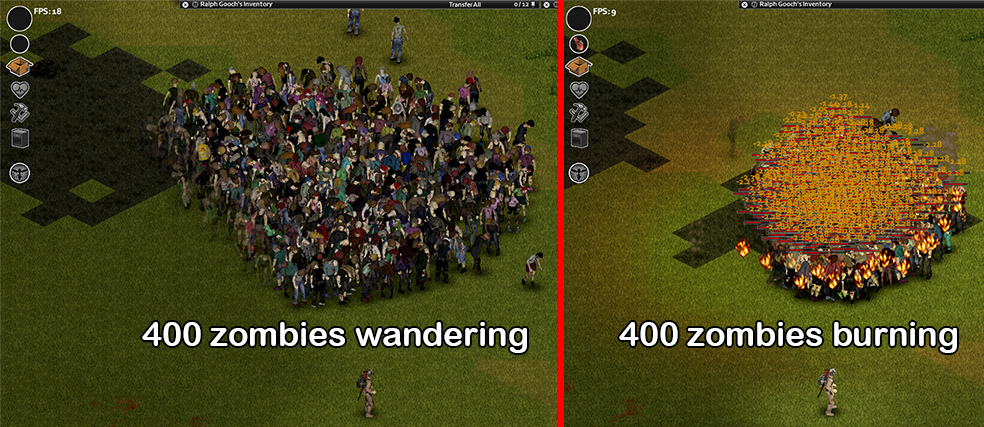
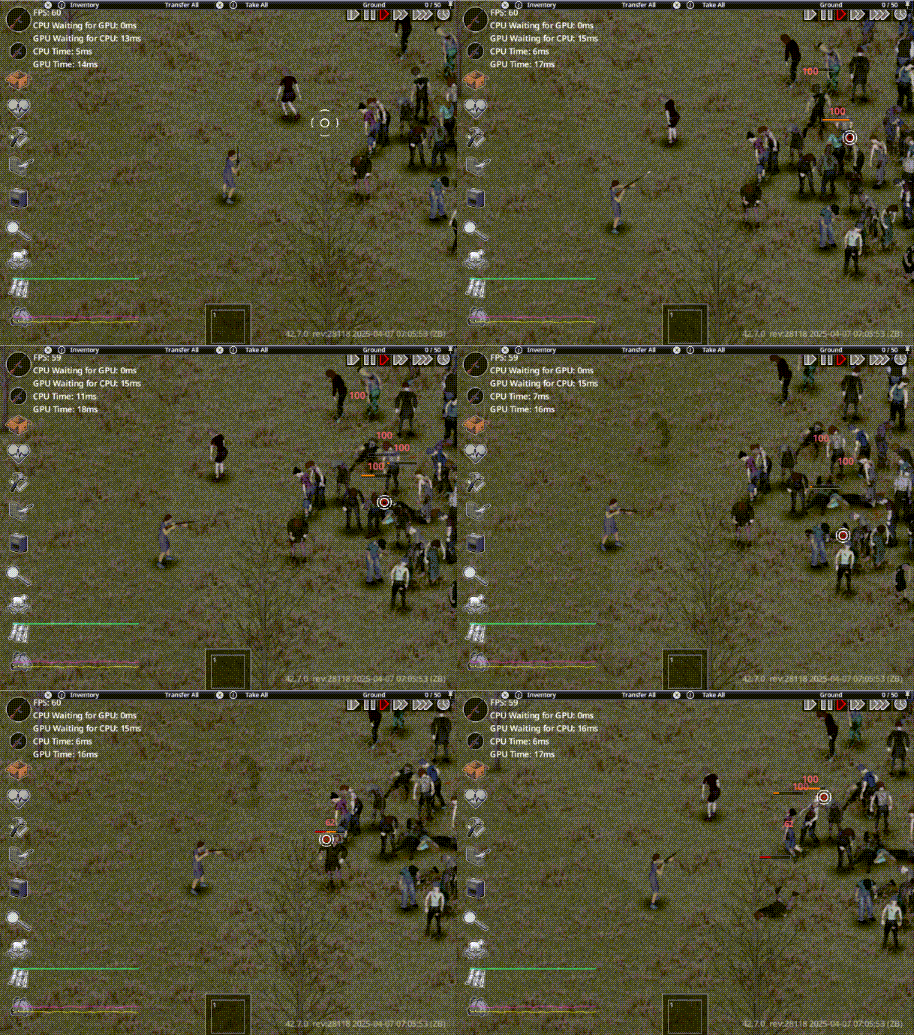
Beyond the health bar, Combat Text also displays floating damage numbers, giving you instant confirmation of how much harm you’re dealing. Fire damage is highlighted in a distinct orange, accumulating over short intervals to prevent overwhelming visual clutter. Other damage types flash in a stark red, appearing as quickly as possible for immediate feedback. Even more remarkably, the mod registers when zombies are healed, displaying this event in green text – a subtle reminder that even the undead aren’t always on a downward spiral.
Key Features at a Glance:
- Visible zombie health bars, showing current health percentage.
- Animated health loss with distinct visual cues.
- Customizable health bar duration and display settings.
- Floating damage numbers for instant combat feedback.
- Unique color coding for different damage types and healing events.
- Optional display of current and maximum HP text.
- Extensive in-game options for full customization.
Tailored to Your Playstyle
The true power of the Combat Text mod lies in its deep customization. A dedicated tab within Project Zomboid’s game options allows you to fine-tune every aspect of the mod. Adjust the visibility, timing, and appearance of health bars and damage numbers to perfectly suit your preferences. These settings are persistent and apply globally across your game. The mod also boasts compatibility with other popular additions, enhancing the interconnectedness of your Project Zomboid experience. Prepare to see your combat prowess quantified like never before.