
Cedar Hill B41 & B42 Alpha
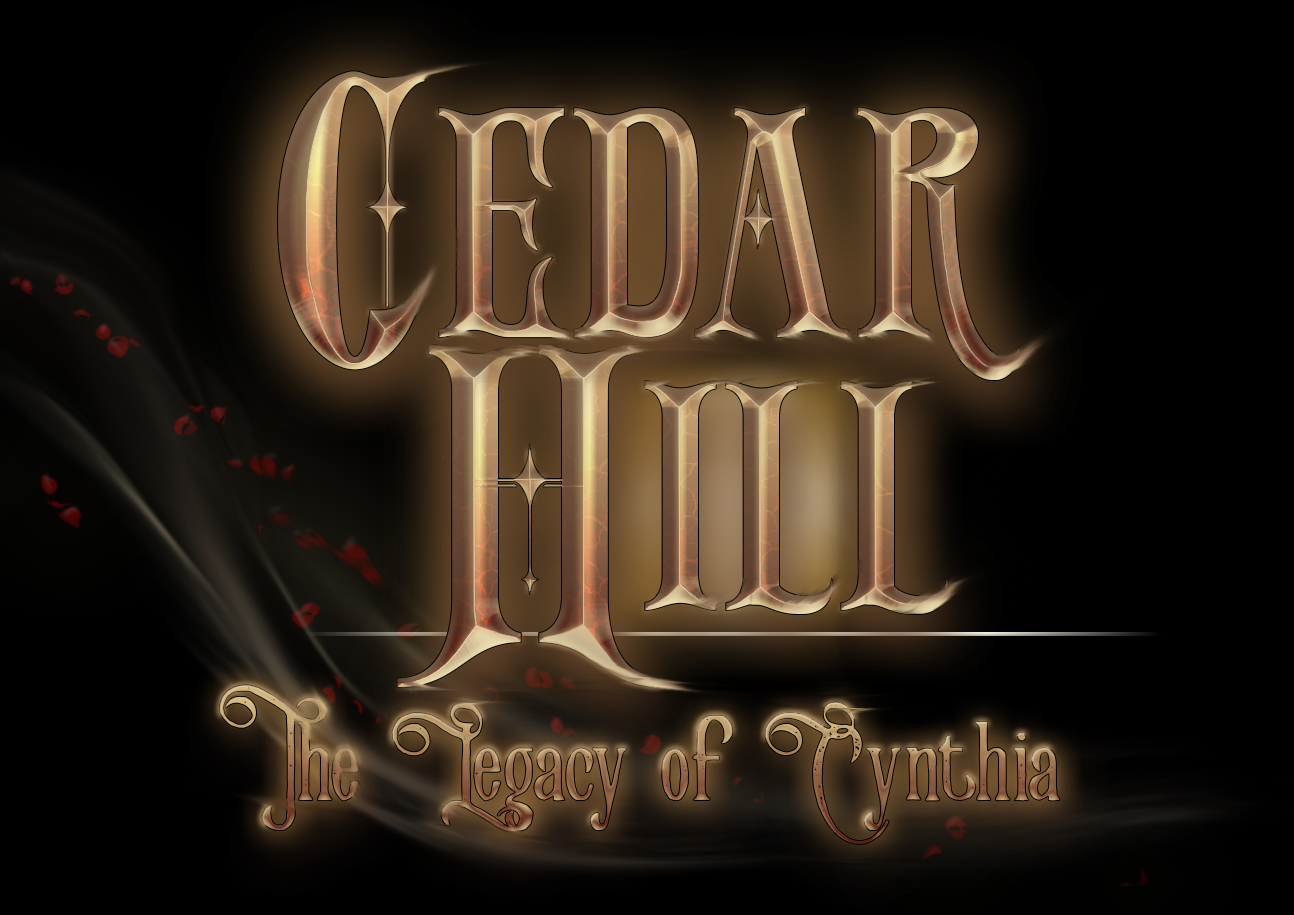


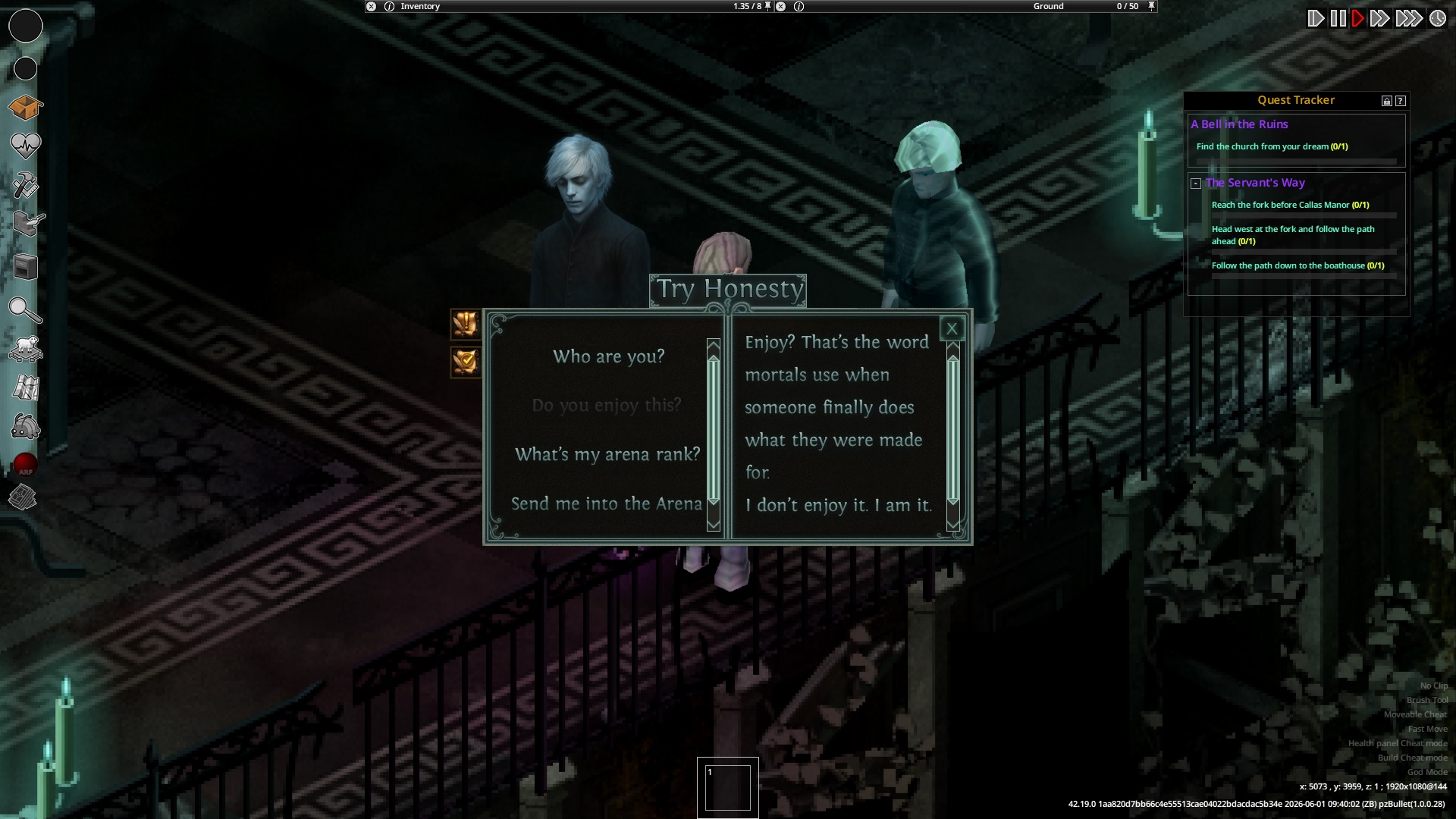
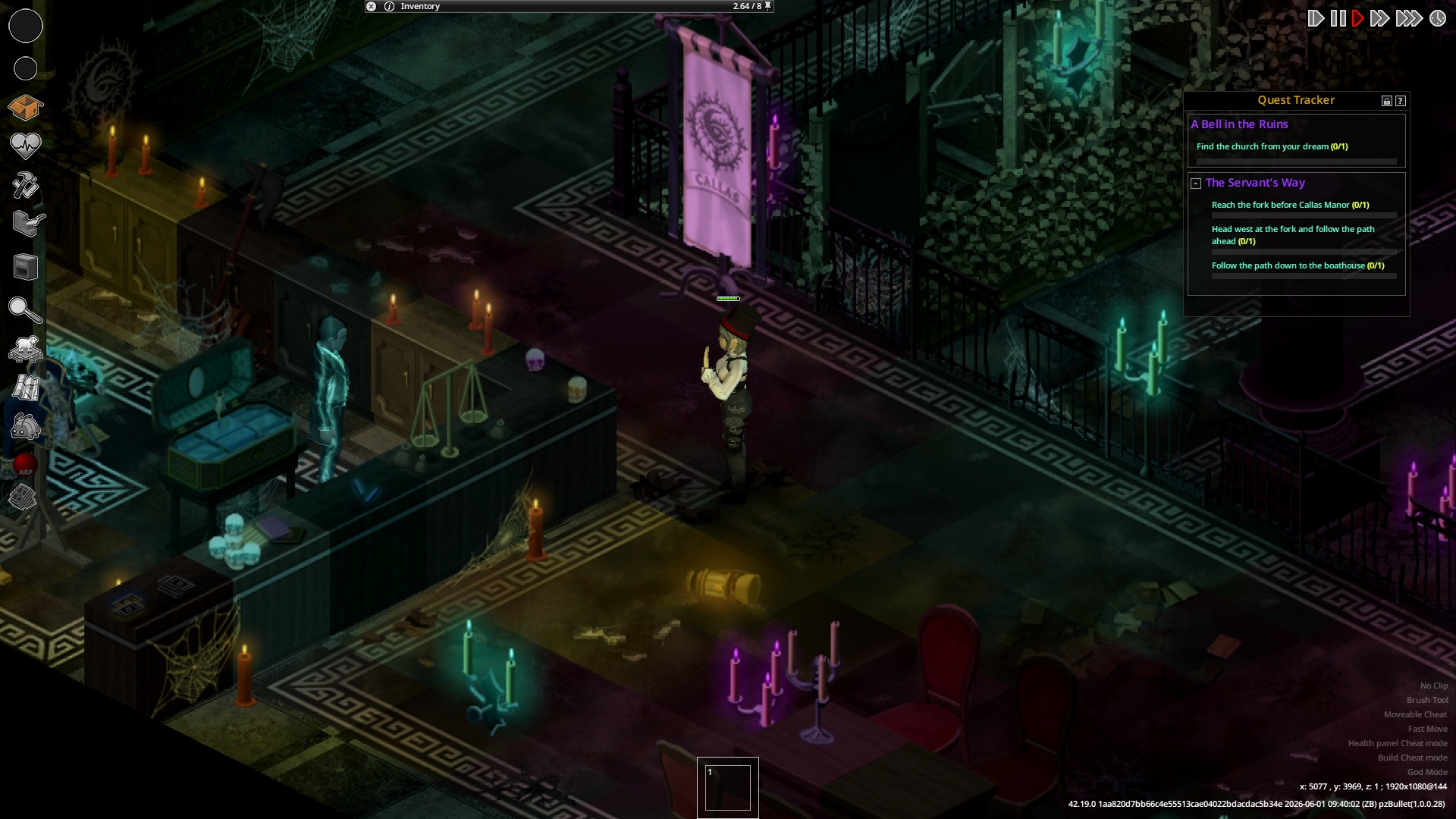
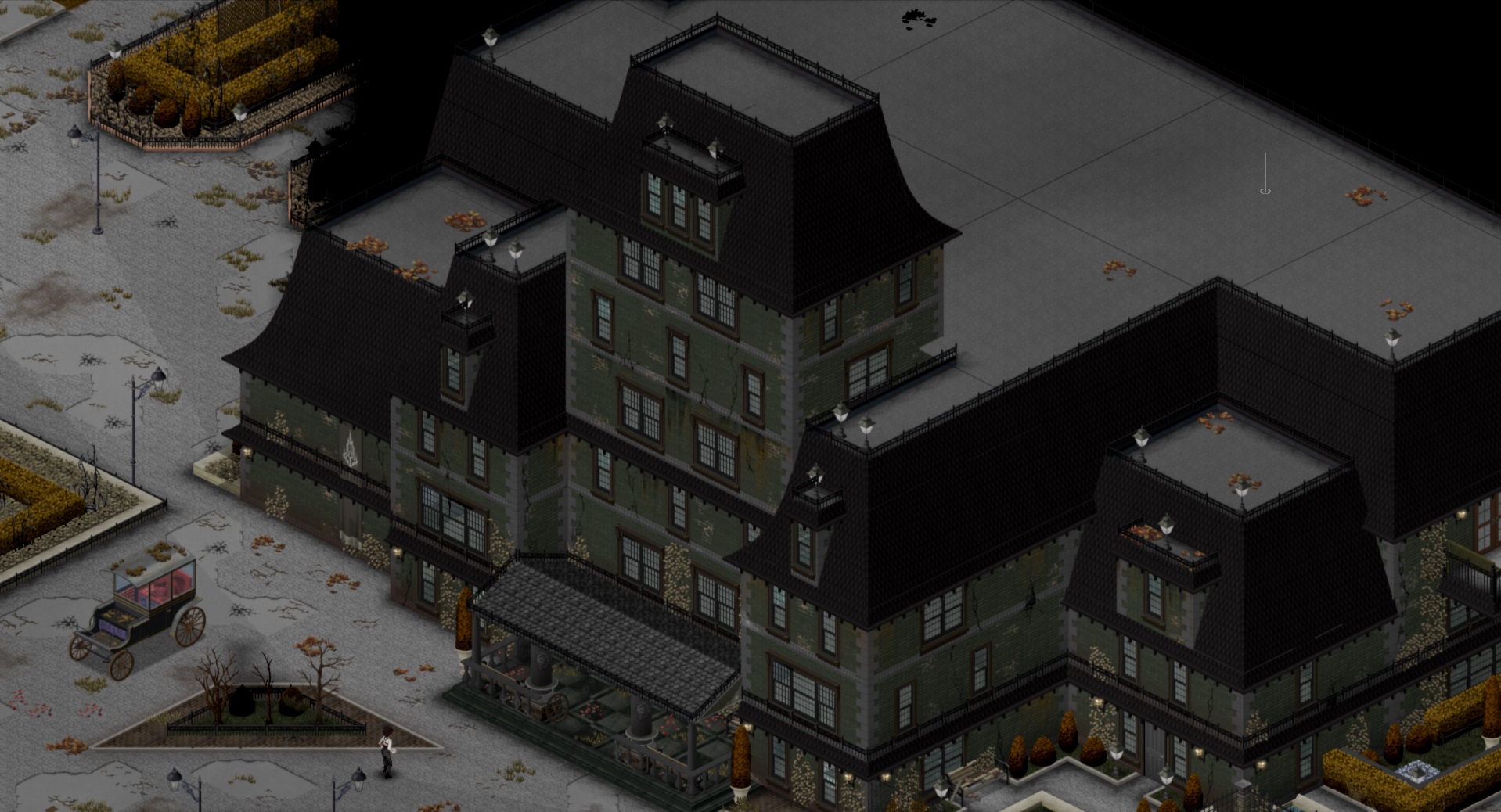
Explore New Horizons in Project Zomboid with Cedar Hill
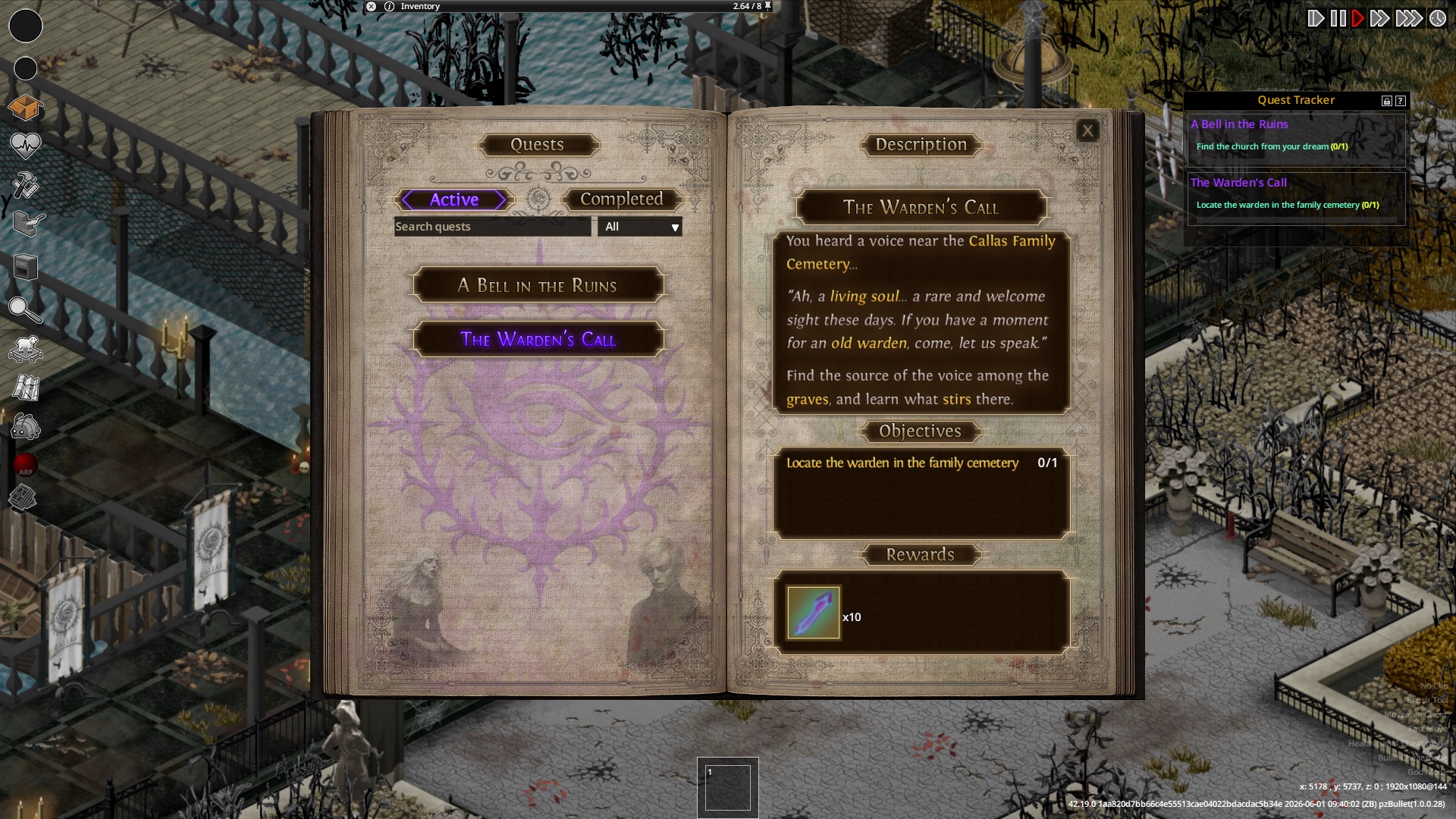
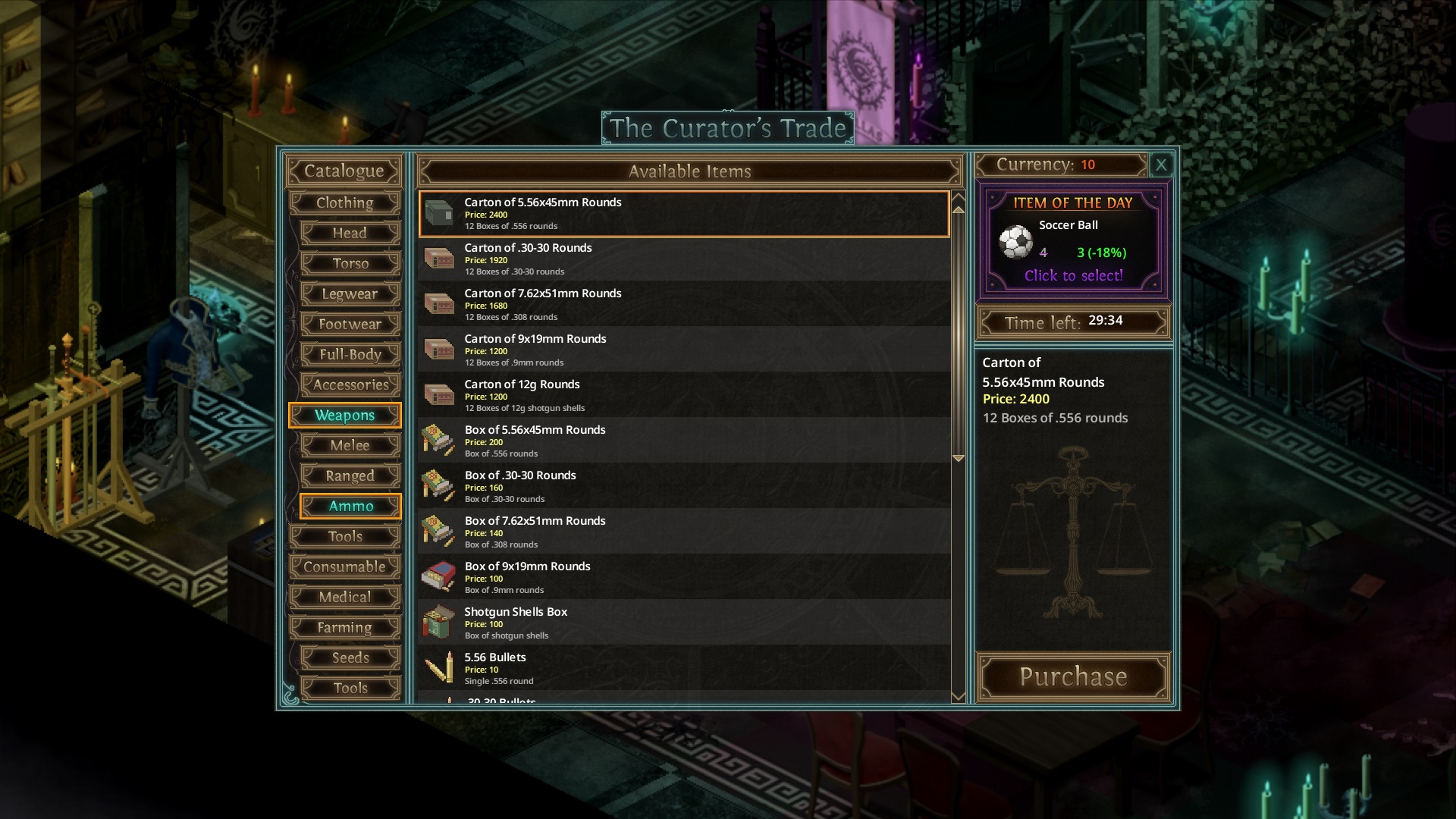
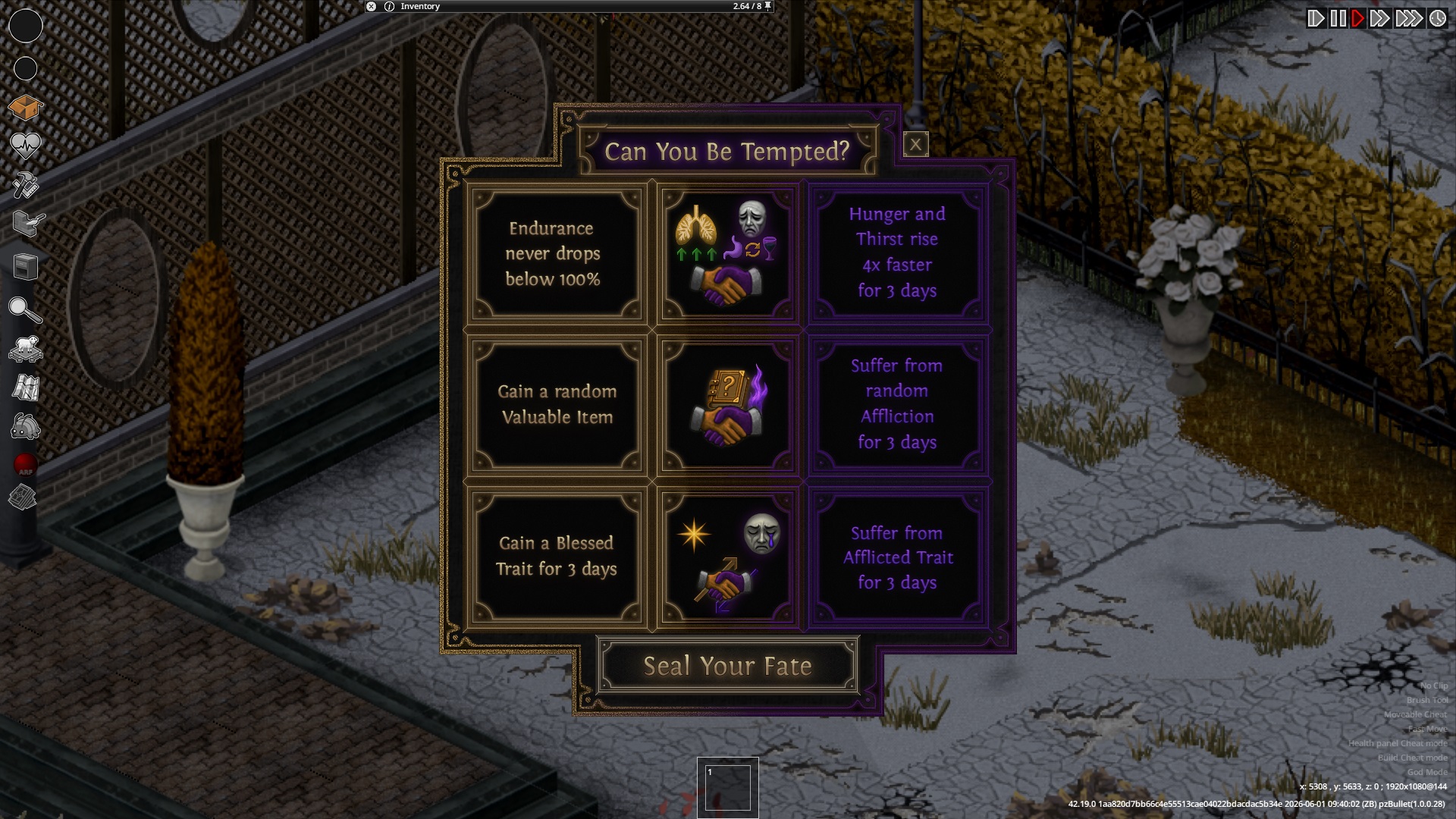
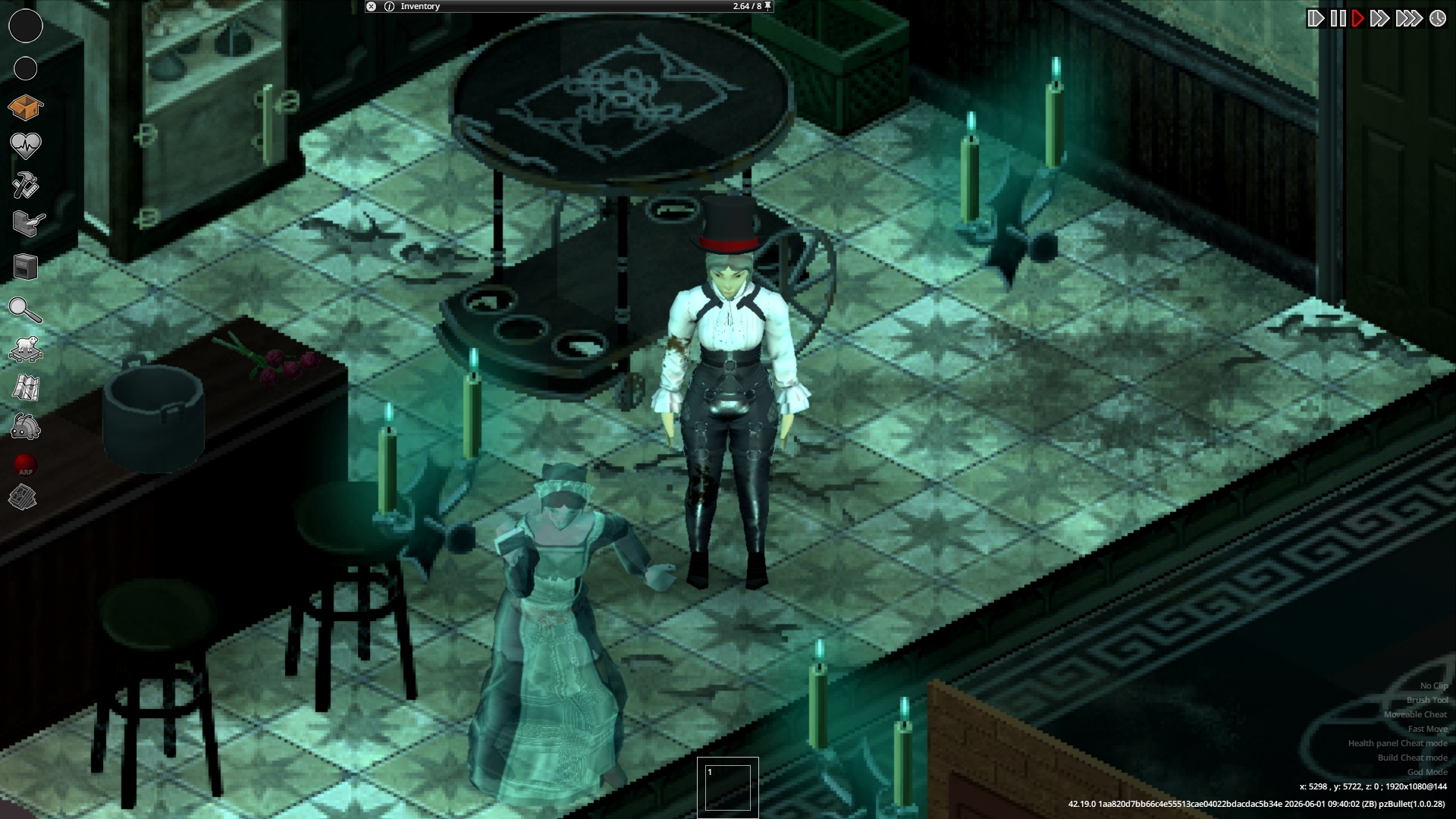
Venture into a meticulously crafted new region for Project Zomboid with the Cedar Hill map mod. This expansion introduces a significant area to explore, offering fresh challenges and opportunities for survivalists. Designed to integrate seamlessly with your Project Zomboid experience, Cedar Hill provides a vast landscape filled with diverse environments and points of interest.
A Growing World
The developers are dedicated to the ongoing development of Cedar Hill. While the B41 version of the map is no longer receiving updates, the focus has shifted to the B42 alpha. This newer version is playable in both single-player and multiplayer, though NPC functionality in multiplayer is still being refined and is currently limited to single-player experiences. Players are encouraged to be patient as the mod evolves, with updates potentially requiring new game saves to fully implement changes, a common occurrence with large map modifications in Project Zomboid.
Key Features and Recommendations
To ensure the best experience with Cedar Hill, several settings are recommended:
- Disable randomized building generation by setting “Randomized building chance” to “Never” to preserve the mod’s intended story areas.
- After subscribing and enabling the mod, restart Project Zomboid completely to properly load the animated menu and spawn point paper map.
- For smoother UI elements, it’s recommended to set your “UI Rendering FPS” to 120 in the game options.
Community and Contributions
The creation of Cedar Hill is a testament to community collaboration. Numerous individuals have contributed to its development, from map design and 3D modeling to 2D art, music, and voice acting. Translations for various languages are also available, enhancing accessibility for a global player base. Players interested in supporting the ongoing development can find links to contribute.
Please note that to utilize translated dialogue, players will need to enable the “Use Translation UI” option within the mod settings. Constructive feedback and bug reports are welcomed to help refine this expansive new area for Project Zomboid.