
Brutal Handwork
Unleash True Dual-Wielding Power in Project Zomboid with Brutal Handwork
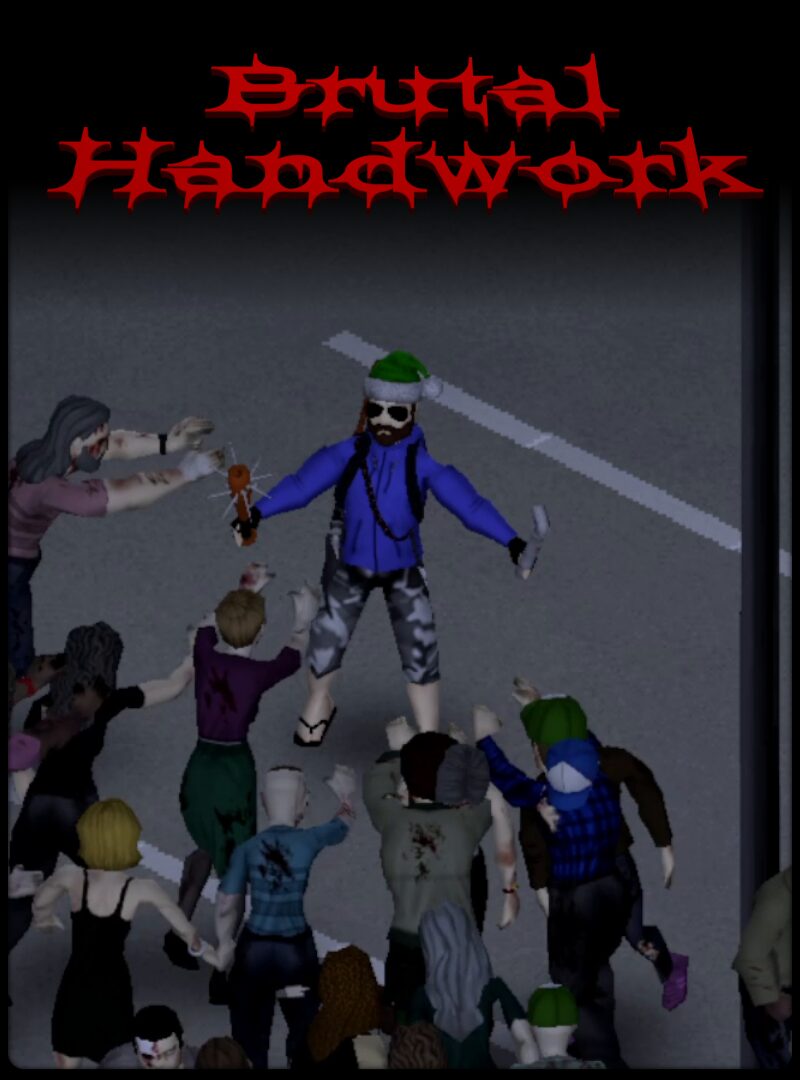
Prepare to experience Project Zomboid combat like never before with the Brutal Handwork mod. This comprehensive overhaul brings true dual-wielding capabilities and a host of new offensive options to your zombie survival experience. Designed from the ground up, Brutal Handwork expands your combat potential, allowing for more dynamic and engaging encounters with the undead.
Mastering Your Offhand
Brutal Handwork fundamentally changes how you approach combat by enabling your secondary hand.
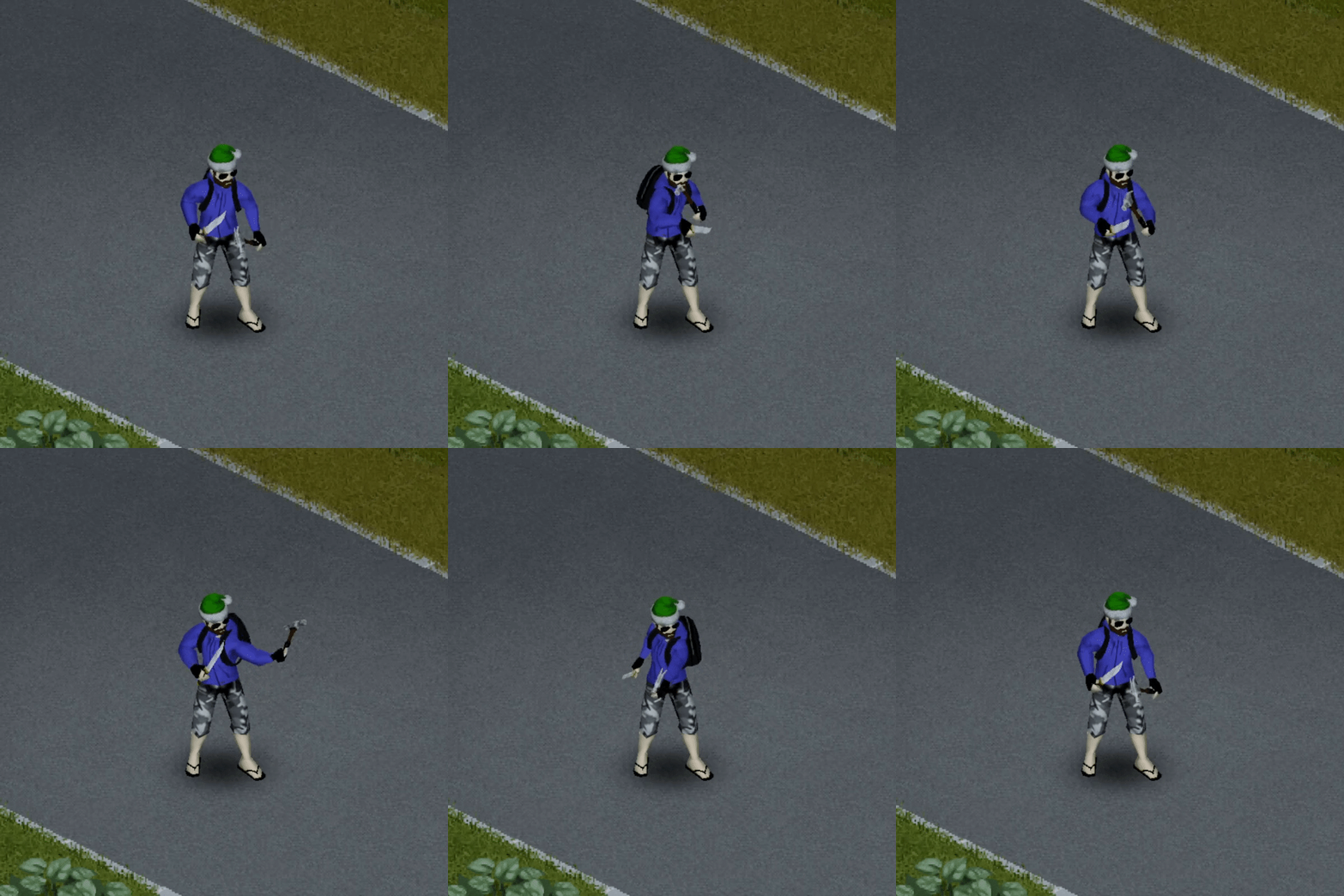
- Equipped Melee Weapons in Your Secondary Hand: Wield a second melee weapon and unleash devastating attacks.
- True Dual-Wielding: Automatically alternate attacks between your primary and secondary weapons for a relentless assault. This feature can be fine-tuned in the Sandbox settings to perfectly match your preferred combat style.
- Offhand Attack Mechanics: Attacks from your offhand function similarly to vanilla combat, taking into account your skills, injuries, and other crucial factors for realistic damage calculation.
- Environmental Interaction: Your offhand attacks won’t shy away from the environment. Shatter windows or break down obstacles with your secondary weapon.
Expanding Your Arsenal
Beyond dual-wielding, Brutal Handwork introduces new attack vectors and improves existing mechanics.
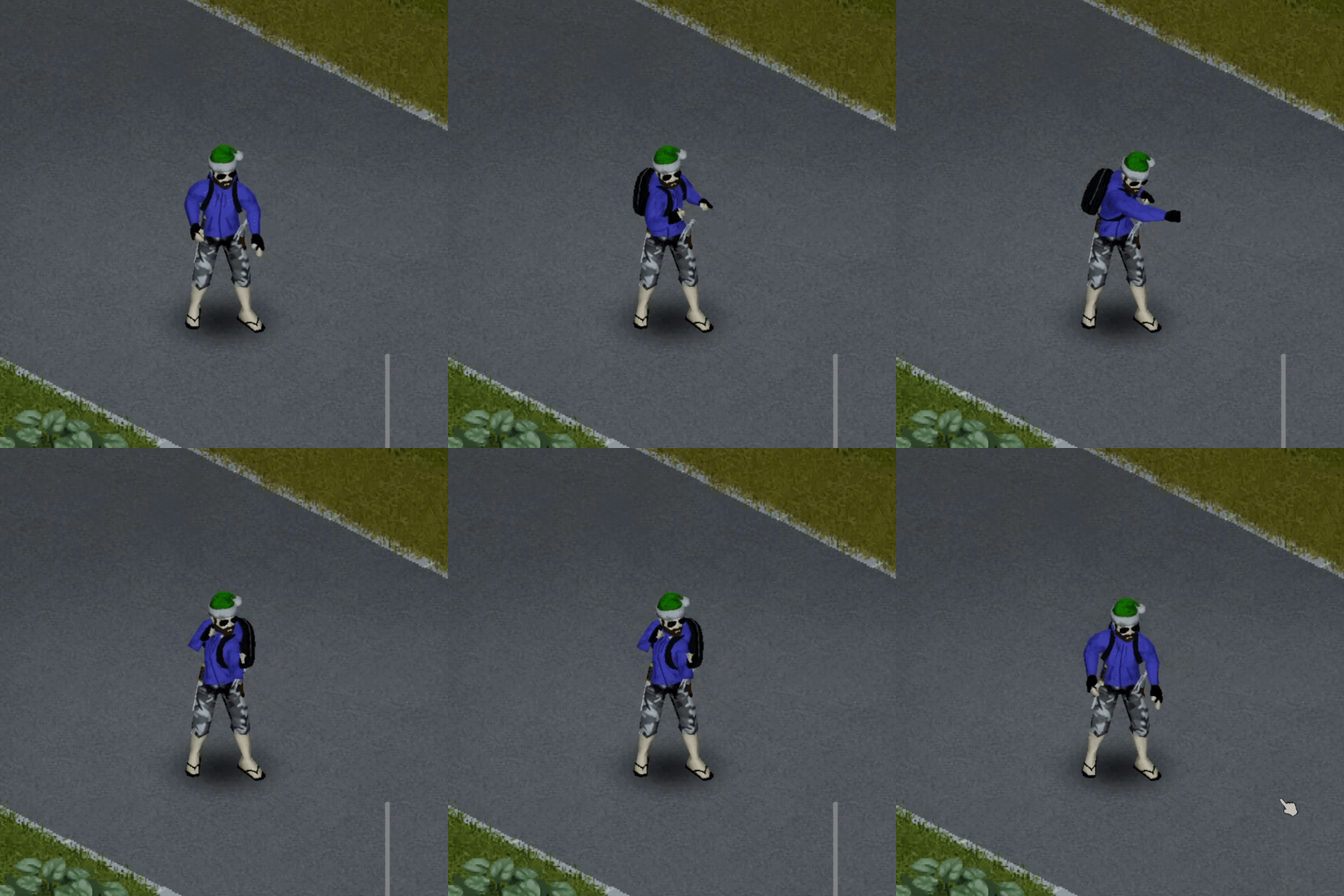
Unarmed Combat Revitalized
For those moments when you’re caught without a weapon, Brutal Handwork offers a viable solution. You can now engage zombies with punches and kicks. Holding the modifier key while aiming will ready your fists for a swift attack. While currently less potent than a dedicated weapon, unarmed combat is influenced by your Strength and Fitness traits and can be used to fend off small groups of infected in a pinch. Future updates promise to expand this system further, potentially introducing unarmed weapon specializations and glove interactions.
Seamless Integration and Control
Brutal Handwork is designed for ease of use and maximum compatibility. It works seamlessly with controllers and is compatible with a vast array of weapon mods, ensuring that your existing arsenal can be integrated into the new dual-wielding system. The mod also calls all relevant events during attacks, maintaining compatibility with other mods that rely on these triggers. To activate many of Brutal Handwork’s features, you’ll utilize the Modifier Key, defaulting to Left Control for keyboard users and the Left Bumper for controllers. It is highly recommended to adjust your keybindings to avoid conflicts with existing controls.