
Blacklist & Proximity Inventory
Streamline Your Looting in Project Zomboid with Blacklist & Proximity Inventory
Tired of sifting through endless junk in Project Zomboid? Wish you could grab what you need faster, especially during those tense scavenging runs? The Blacklist & Proximity Inventory mod bundle from TwisTonFire offers two powerful, standalone tools designed to revolutionize your looting experience. Whether you’re a seasoned survivor or just starting out, these mods are crafted to save you time and reduce frustration.
Declutter Your Loot with Blacklist
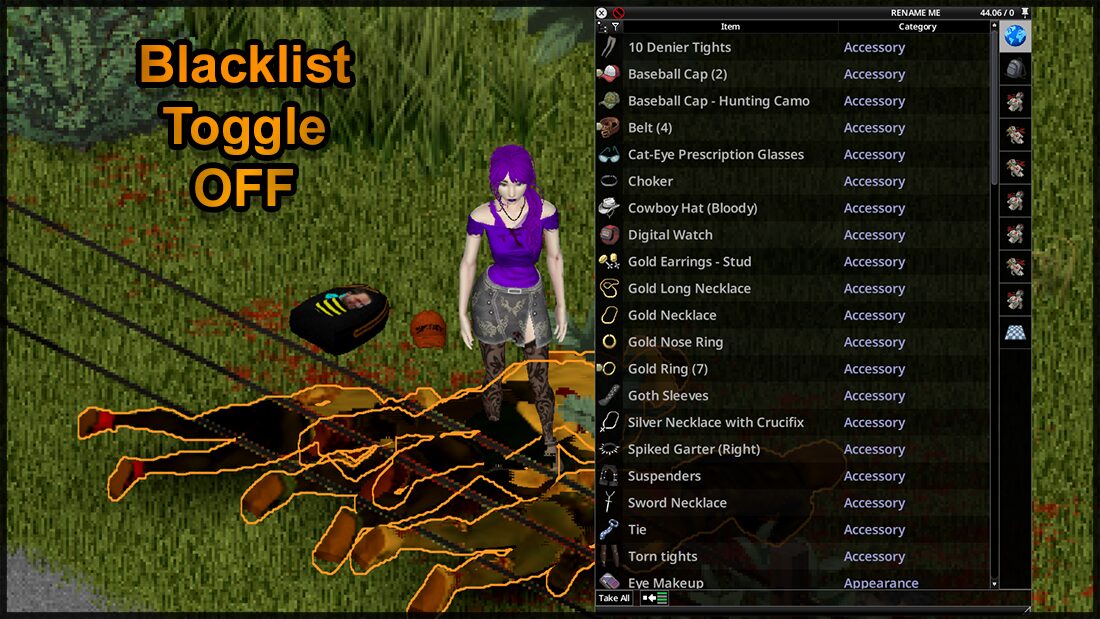
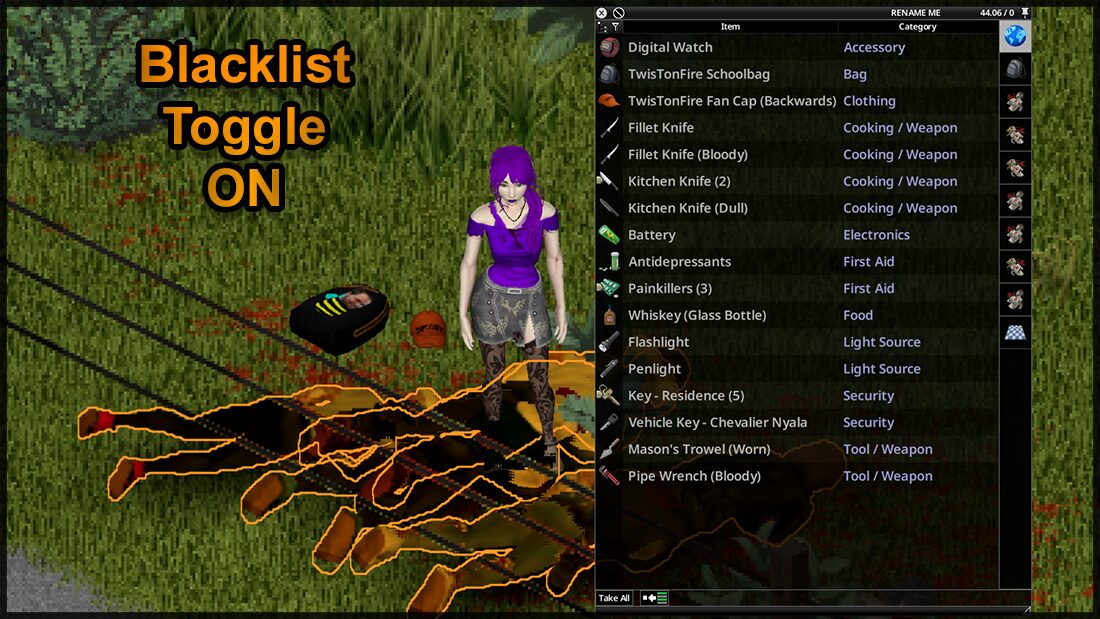
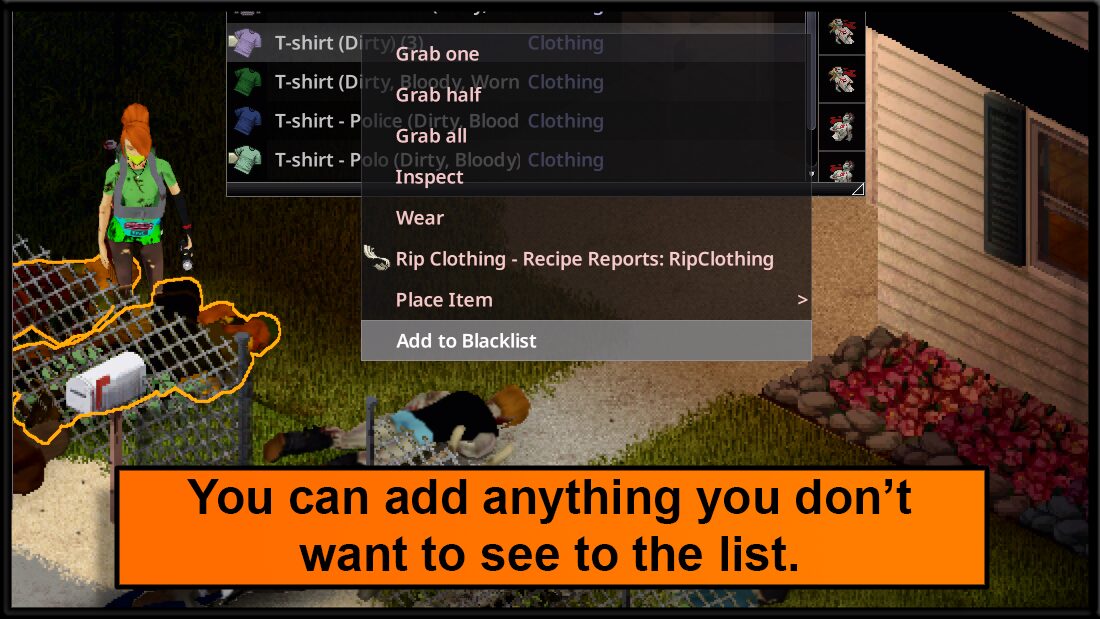
The Blacklist mod allows you to meticulously curate what appears in loot containers. Say goodbye to constantly encountering items you have no use for. This feature lets you hide any item you deem undesirable, keeping your looting process clean and focused on the essentials.
Key features of the Blacklist mod include:
- Hide unwanted items: Define and blacklist any item you don’t want to see.
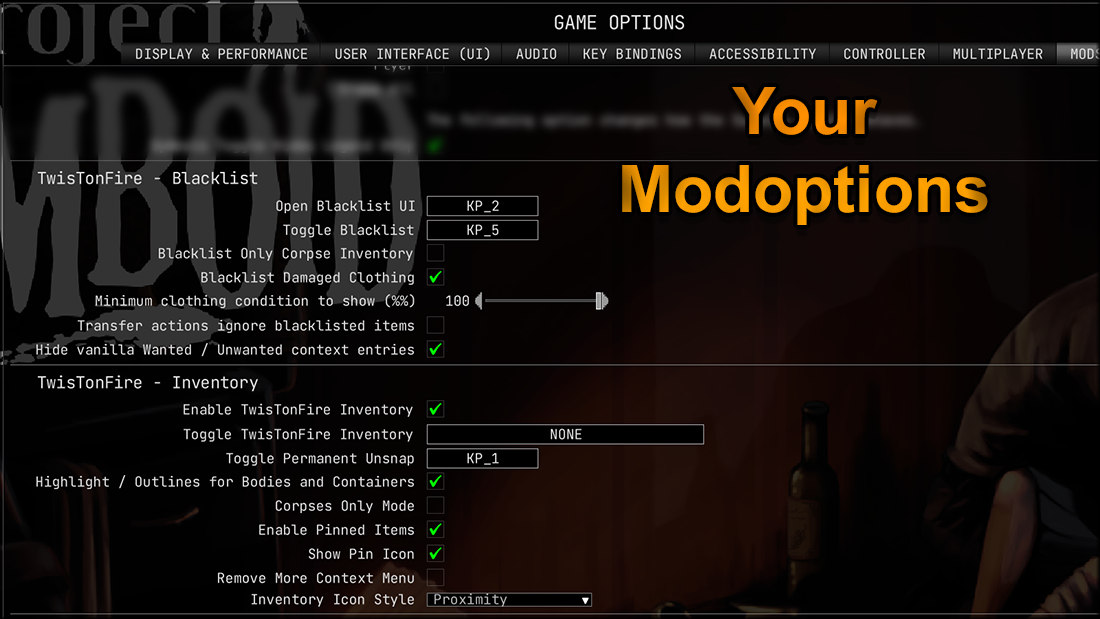
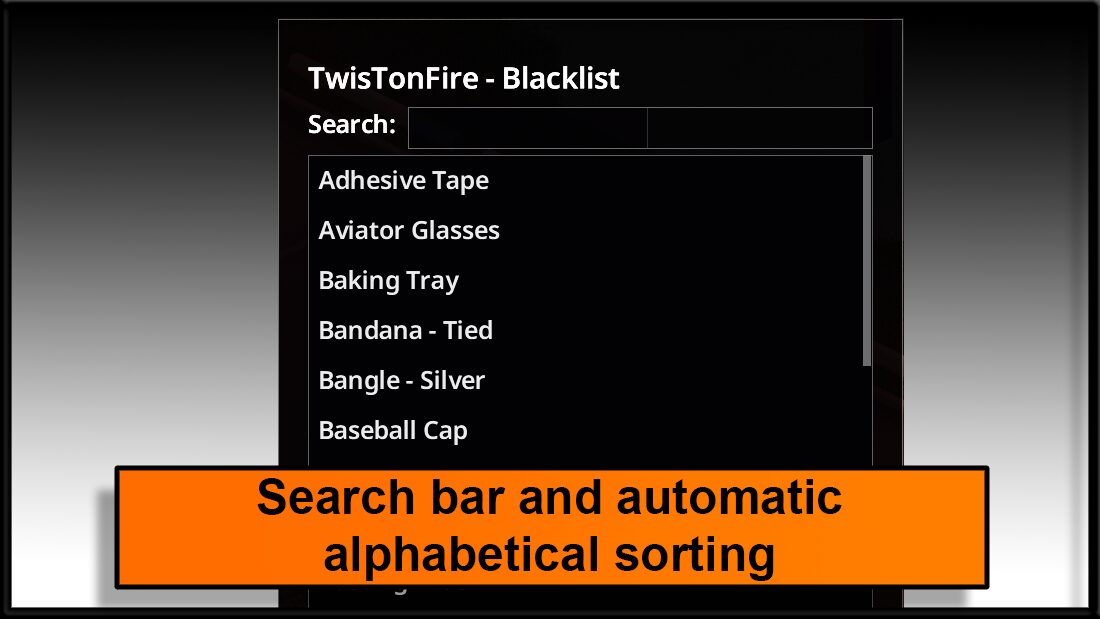
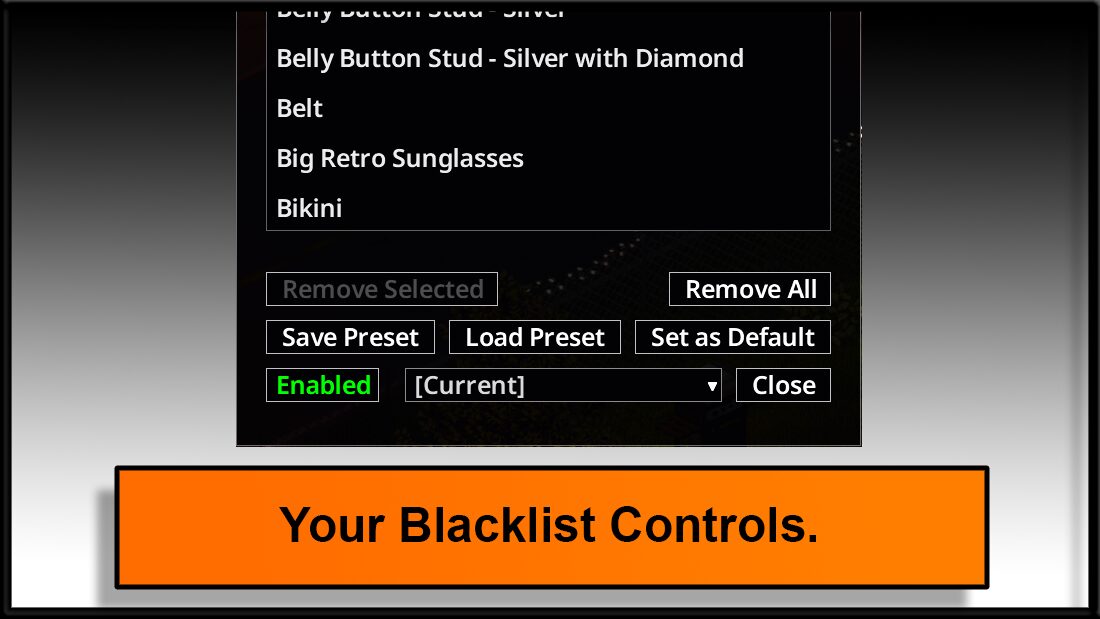
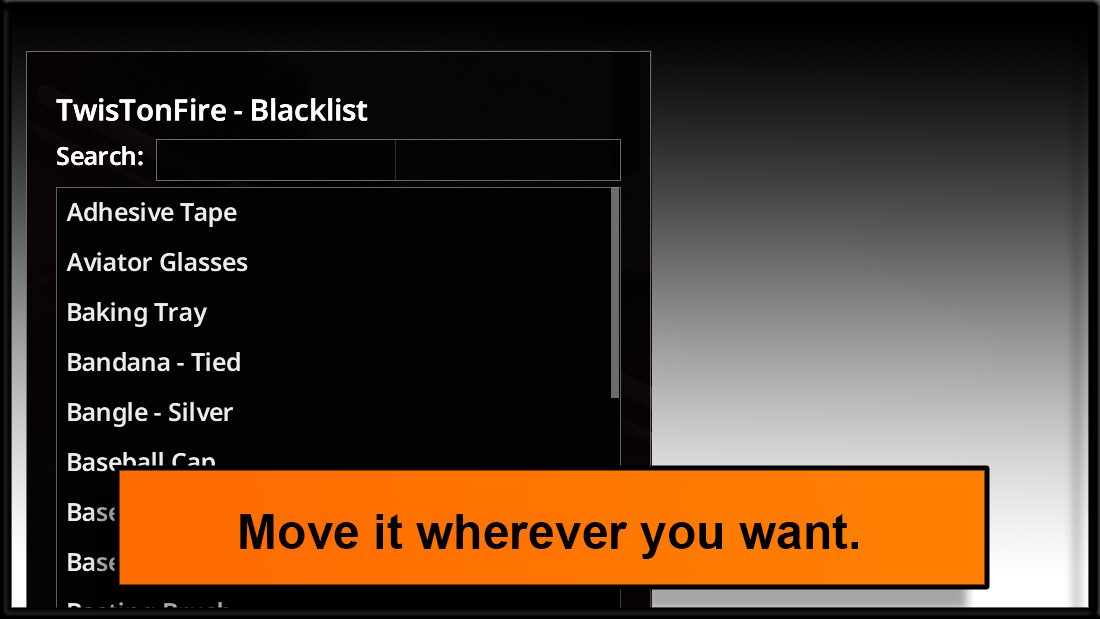
- Intuitive interface: Easily manage your blacklist with a clear and user-friendly UI.
- Customizable presets: Save different blacklist configurations for various playstyles.
- Quick toggle: Instantly enable or disable the blacklist filtering with a hotkey.
- Optional filters: Choose to blacklist only damaged clothing or apply the filter to corpse inventories exclusively.
Loot Faster with Proximity Inventory
The Proximity Inventory mod is your key to efficient scavenging. It combines loot from all nearby containers into a single, shared interface, allowing you to quickly assess and grab what you need without opening each container individually. This is invaluable for rapid looting during critical moments.
Proximity Inventory also introduces smart functionalities to make organizing a breeze. With features like “Snap/Unsnap” for the shared inventory and an improved “Sort All Into Containers” option, managing your inventory has never been smoother. Even if no suitable container is found, items are safely placed on the floor instead of being lost.
Both mods are designed to be highly compatible and can be used together or independently, offering a flexible solution to enhance your gameplay in Project Zomboid.