
BetterFPS_B42
Boost Your Project Zomboid Performance with BetterFPS_B42
Struggling to maintain a smooth frame rate while fending off hordes in Project Zomboid? BetterFPS_B42 is here to help. This client-side mod offers a significant performance boost by allowing you to customize the rendering zone around your character, reducing the strain on your system.
Unlock Smoother Gameplay
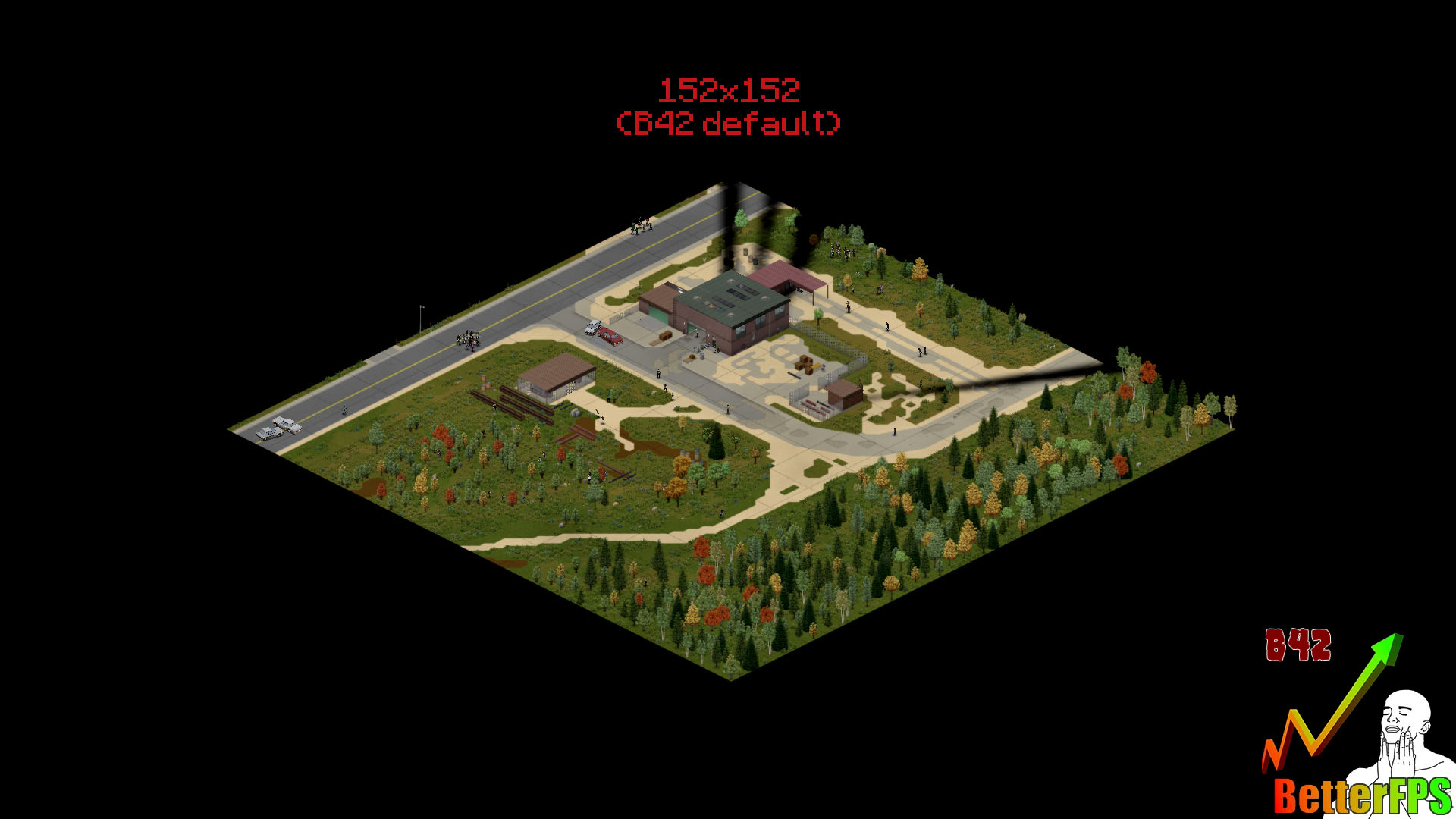
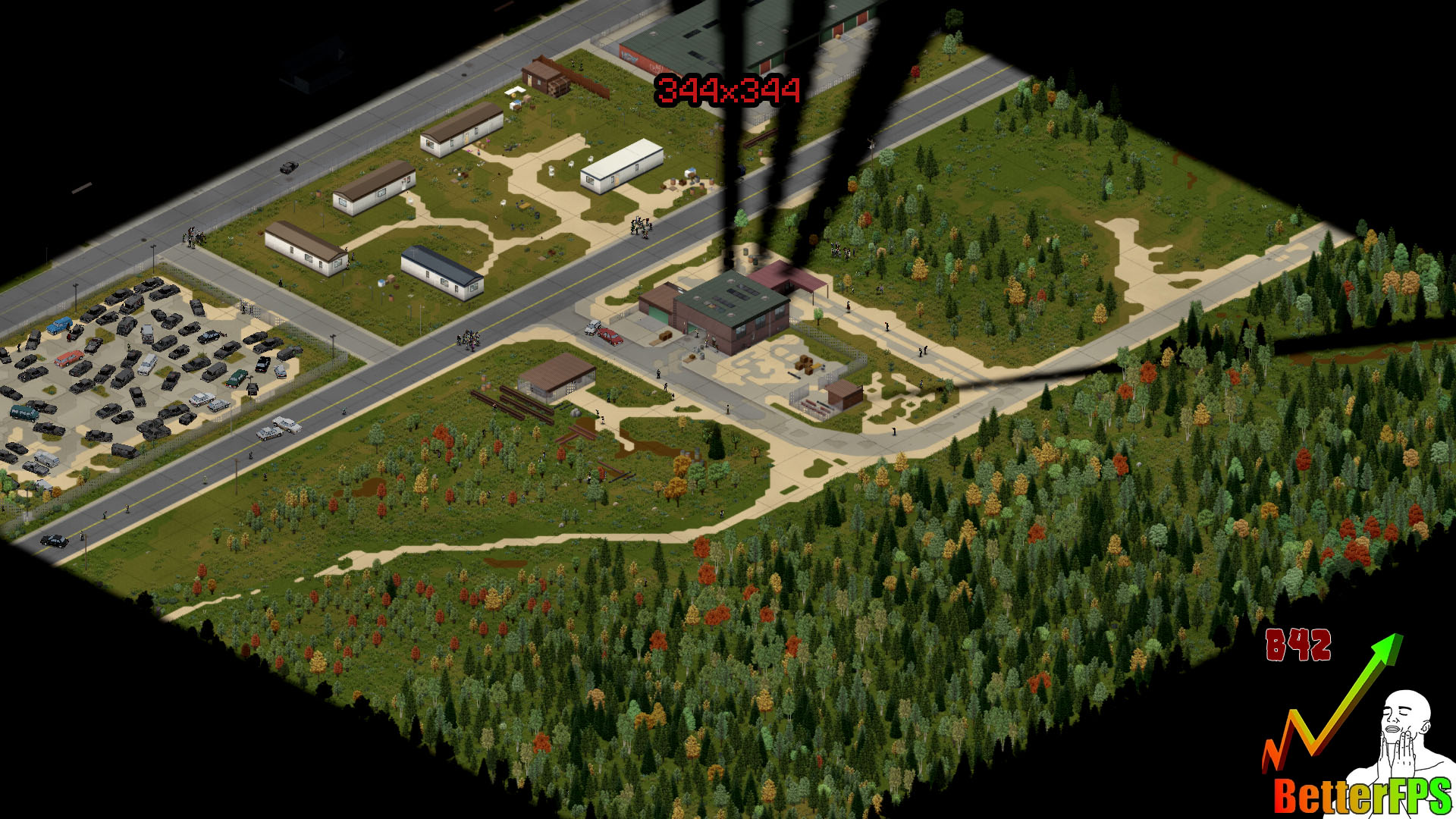
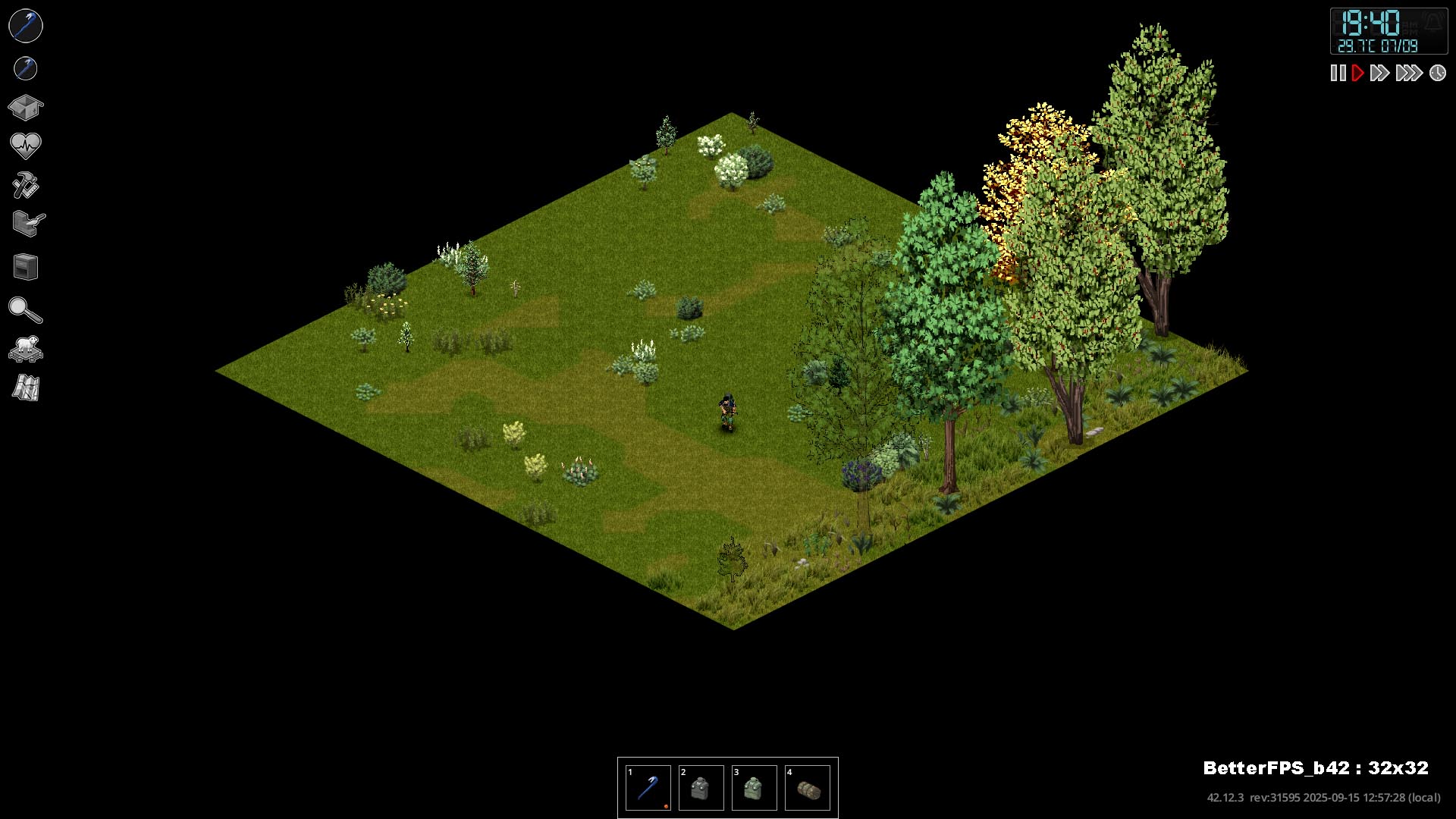
Project Zomboid by default renders a substantial area around the player to load game assets. BetterFPS_B42 introduces the ability to adjust the size of this rendering zone, meaning you only load what’s necessary. This targeted approach can lead to dramatic performance improvements, potentially increasing your frames per second by as much as 40% to 70%.
In-Game Customization at Your Fingertips
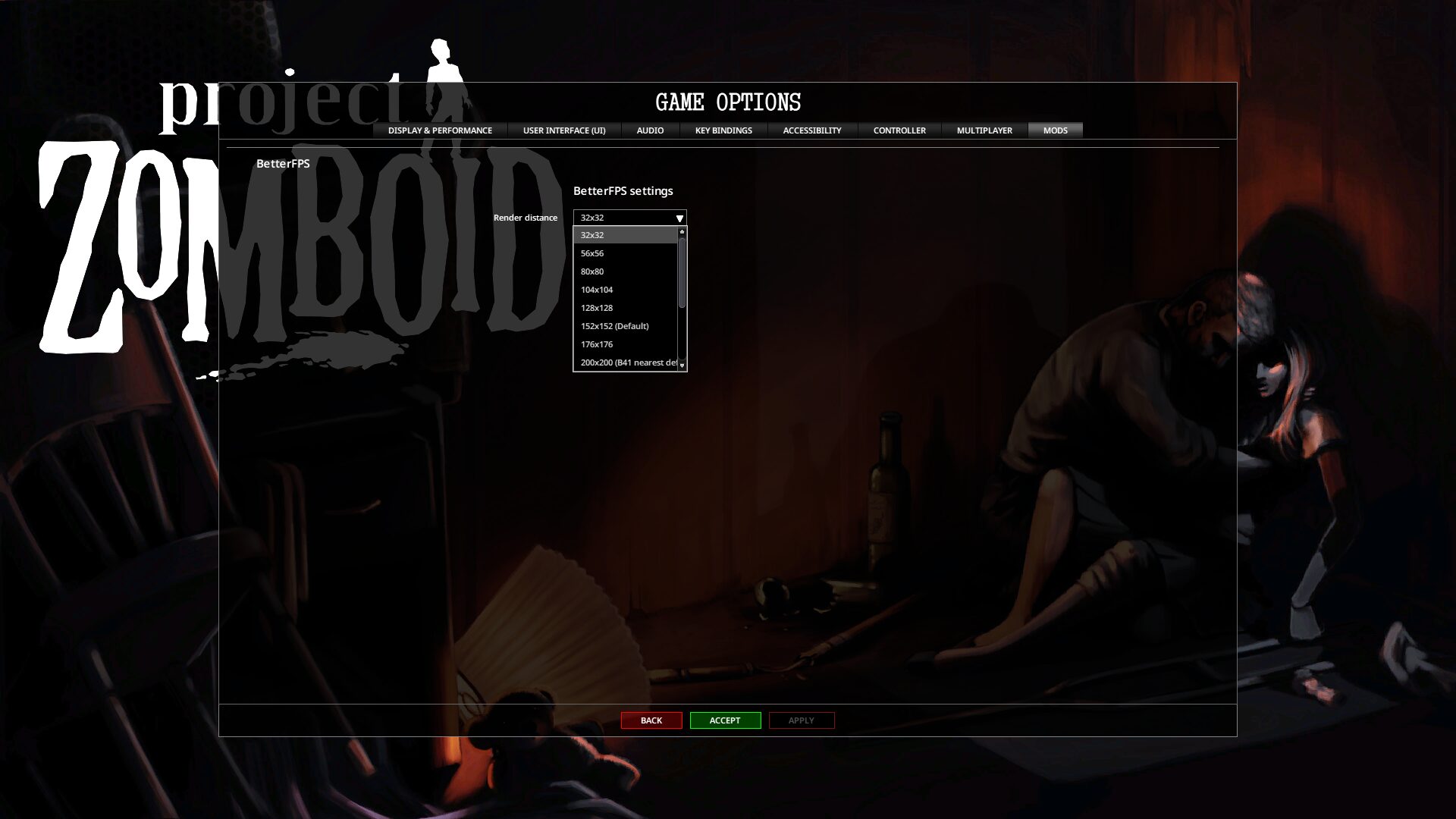
Forget tedious configuration files. BetterFPS_B42 brings its powerful settings directly into the game. Once installed, you can access a range of options to fine-tune the rendering zone to your exact preferences and system capabilities. Whether you’re aiming for maximum performance or experimenting with larger zones, the control is entirely yours.
Key Features:
- Customizable Render Zone: Adjust the size of the area Project Zomboid loads around your character.
- In-Game Settings Menu: Easily select your preferred performance configuration directly from the game’s options.
- Significant Performance Gains: Experience up to a 40%-70% increase in frames per second.
- Client-Side Mod: No need for server hosts to install this mod; it’s for your personal gameplay enhancement.
- SP and MP Compatible: Works seamlessly in both single-player and multiplayer environments.
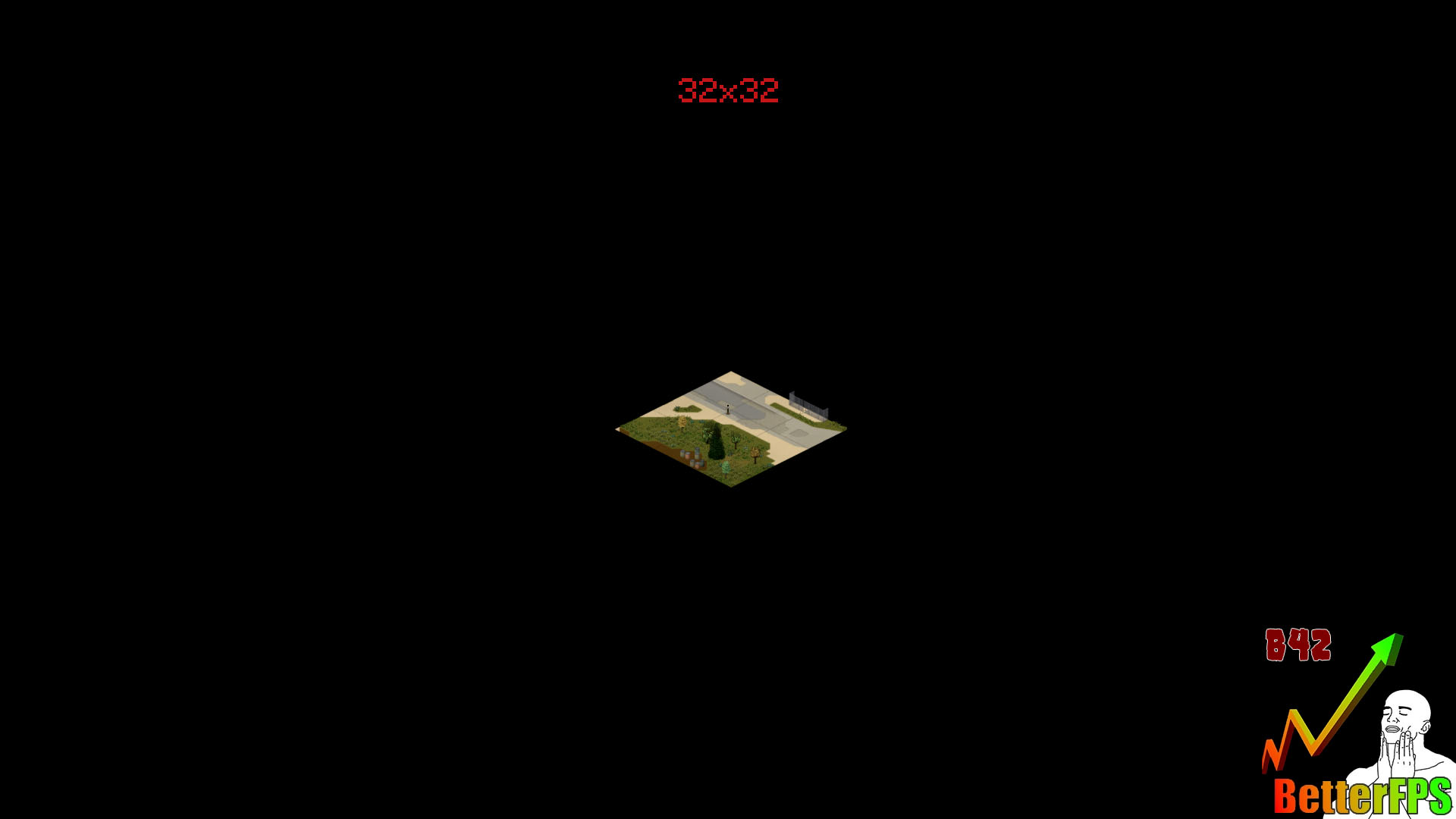
- Multiple Presets: Choose from 14 different settings, ranging from a compact 32×32 zone to an expansive 344×344 zone.
Installation Made Simple
While BetterFPS_B42 requires a manual installation by replacing a core Project Zomboid file, the process is straightforward. Detailed instructions for both Windows and macOS are provided to guide you through locating the necessary game and mod folders and copying the required files. Once installed, simply enable the mod in your game’s mod menu and select your desired settings.
Elevate your Project Zomboid experience and reclaim those lost frames. Give your gameplay the performance edge it deserves with BetterFPS_B42!