
42.21 | Every Texture Optimized
[B42] Every Texture Optimized: Enhance Your Project Zomboid Visuals
Prepare to experience Project Zomboid with a fresh coat of paint thanks to the [B42] Every Texture Optimized mod. This comprehensive texture enhancement mod aims to breathe new life into the game’s visuals by optimizing and improving textures that aren’t part of the base tilesets, all while boosting your system’s performance. Whether you’re running a high-end rig or a more modest setup, this mod offers solutions to elevate your gameplay experience.
Tailored Performance and Visual Fidelity
The core of [B42] Every Texture Optimized lies in its intelligent approach to texture quality. It provides distinct modes designed to cater to a wide range of hardware capabilities. This ensures that more players can enjoy sharper, more detailed environments without sacrificing crucial frame rates.
Key features of the mod include:
- Increased Texture Details: Experience a noticeable uplift in the sharpness and clarity of various in-game textures, bringing a new level of immersion to the zombie-infested world.
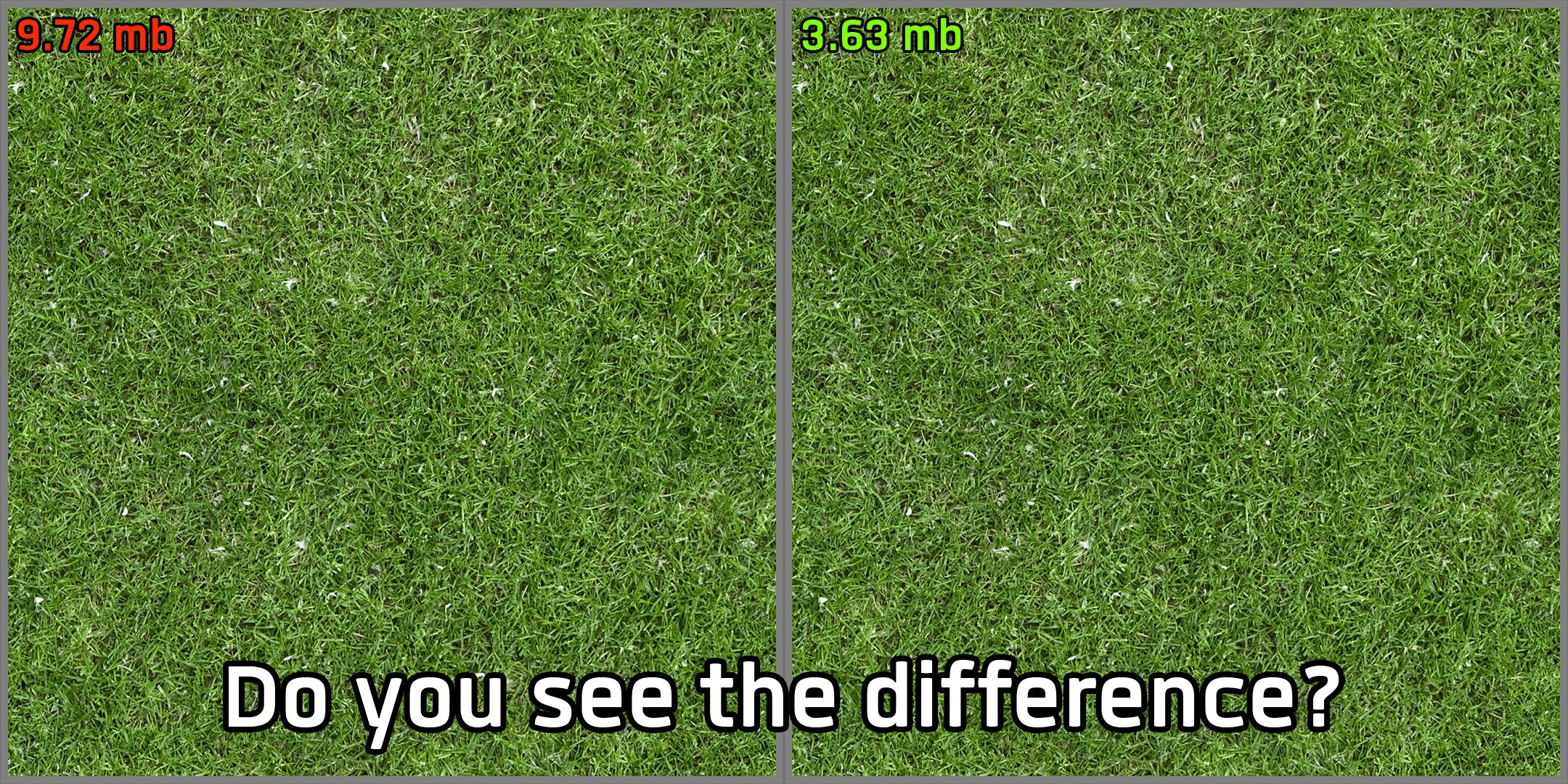
- Optimal Mode: This near-lossless version strikes an excellent balance, delivering a significant upgrade in texture quality while maintaining peak performance. It’s the ideal choice for those seeking the best of both worlds.
- Performance Mode: Designed with lower-spec systems and laptops in mind, this lossy version prioritizes squeezing every ounce of performance. It achieves this while still offering a respectable improvement in texture quality, making the game more accessible and enjoyable on less powerful hardware.
Future-Proofing and Compatibility
While the current release focuses on providing immediate benefits, the mod developer has ambitious plans, including a future “Quality Mode” for those with modern PCs who desire the absolute maximum in texture fidelity and performance.
This mod is designed with compatibility in mind. It can work alongside almost any other Project Zomboid modification. The key to successful integration lies in the load order. To ensure that [B42] Every Texture Optimized takes precedence and applies its enhancements over other texture-related mods, simply place it lower in your mod list. This allows for a flexible and personalized modding experience.