
Neon moodle levels
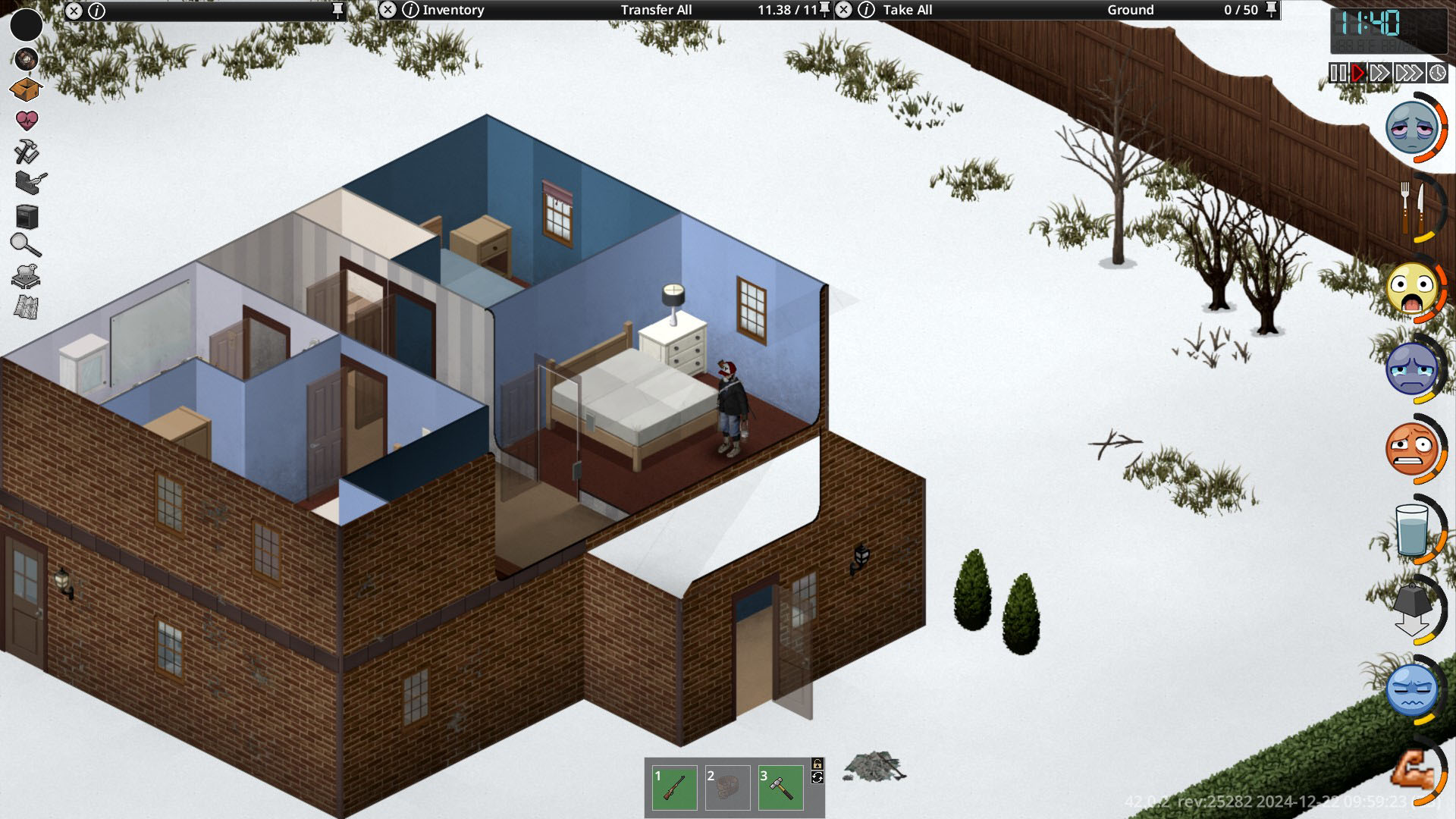
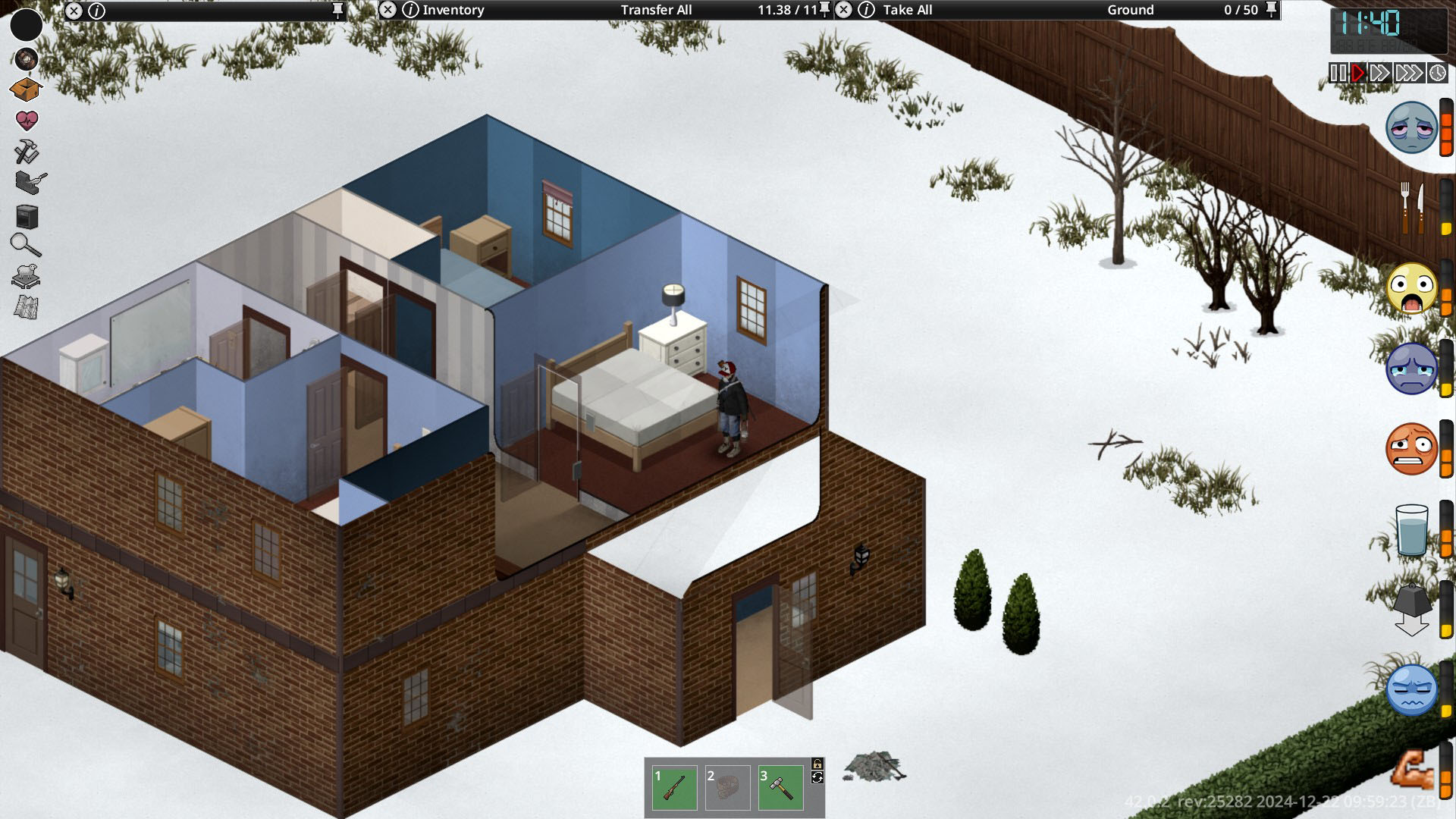
Project Zomboid: Enhance Your Moodle Interface with Neon Moodle Levels
Navigating the often overwhelming status effects in Project Zomboid can be a challenge. The “Neon Moodle Levels” mod offers a sleek and intuitive solution, designed to bring clarity and a touch of visual flair to your character’s moodle indicators. Say goodbye to cluttered interfaces and hello to a cleaner, more informed survival experience.
A Clearer View of Your Survivor’s Well-being
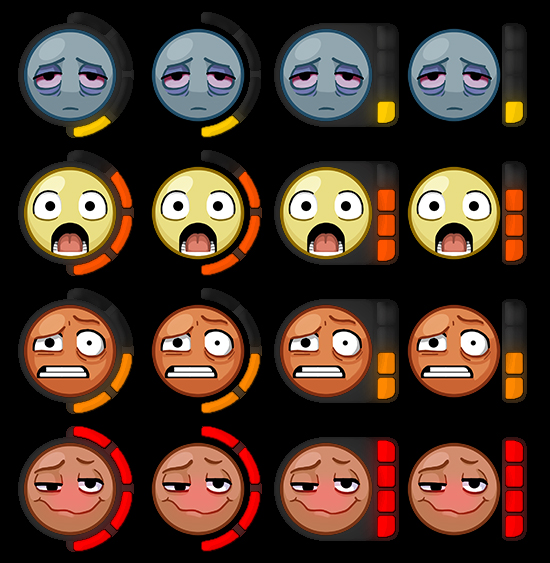
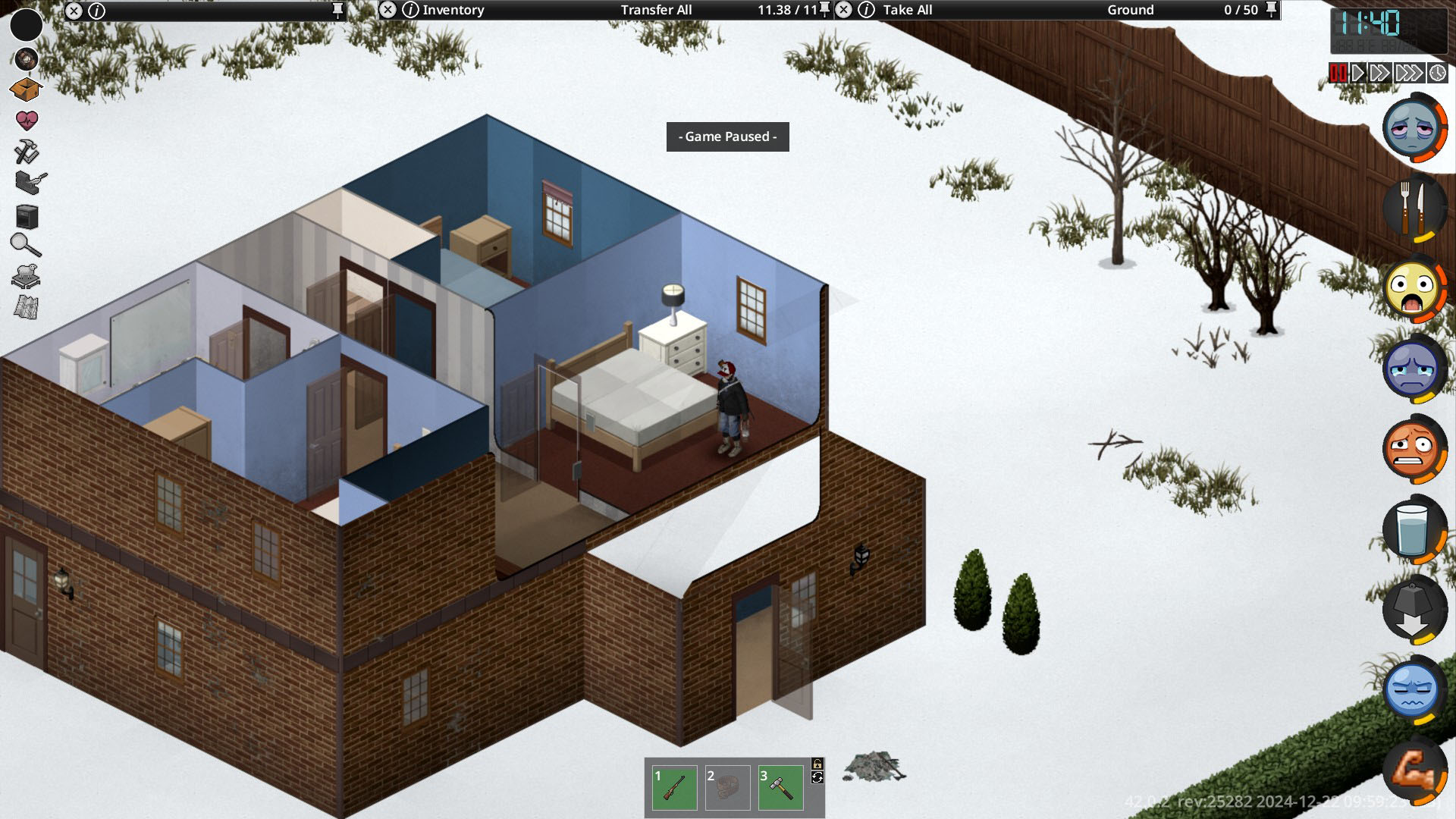
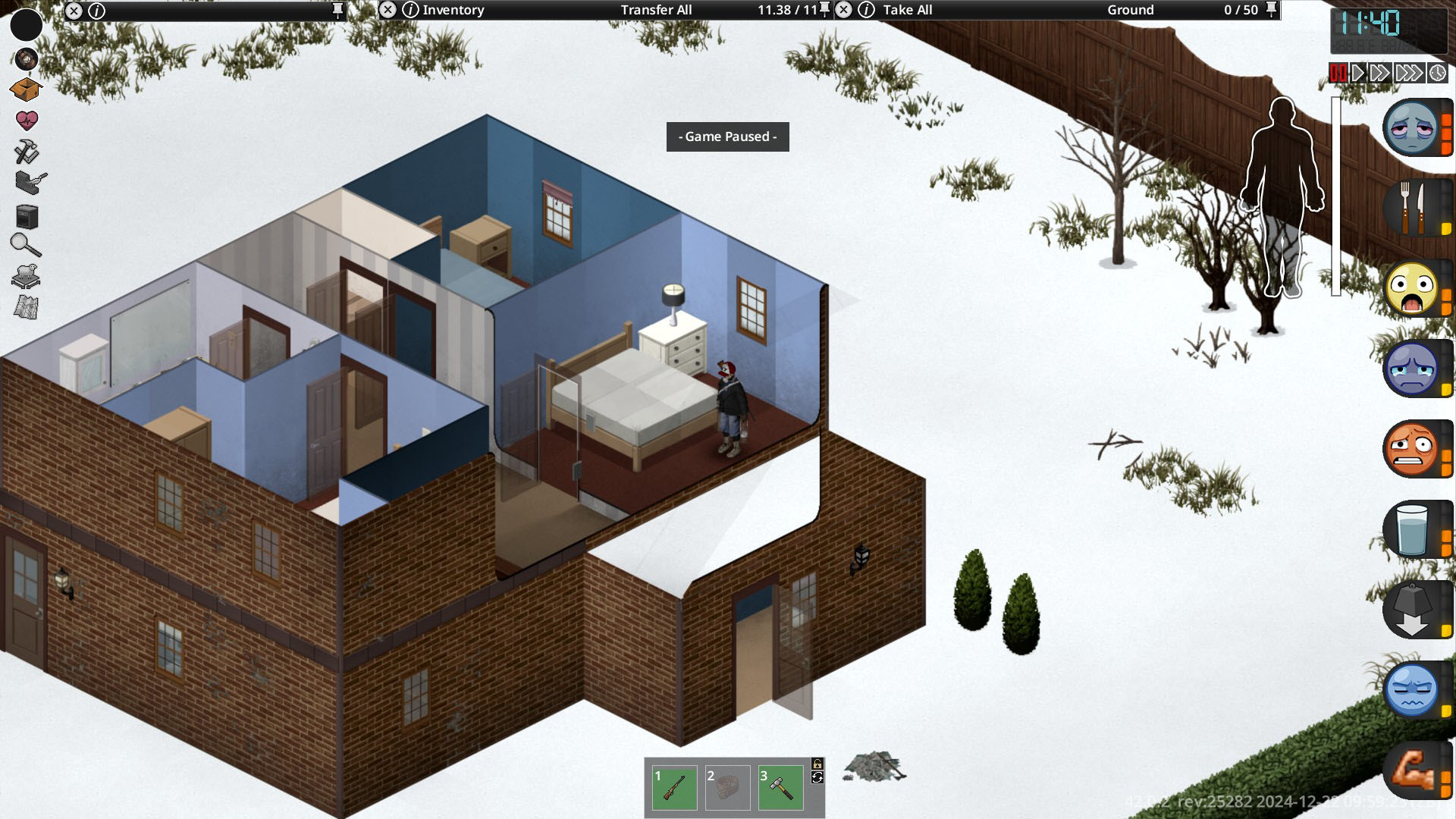
The core of this mod lies in its visually distinct approach to displaying moodles. By introducing a dark background behind the standard moodle icons, Neon Moodle Levels ensures that each status effect pops with enhanced visibility. This subtle yet effective change makes it easier to quickly assess your survivor’s needs, whether it’s hunger, thirst, fatigue, or pain, even in the most frantic moments of gameplay.
Key Features and Customization
Neon Moodle Levels isn’t just about a cleaner look; it also provides options for a more refined experience. The mod offers:
- Improved Moodle Readability: Darkened backgrounds make each moodle icon stand out, reducing visual noise.
- Smooth Vertical Movement: The “Vertical” sub-mod introduces a more fluid animation for moodle transitions, enhancing the overall visual appeal.
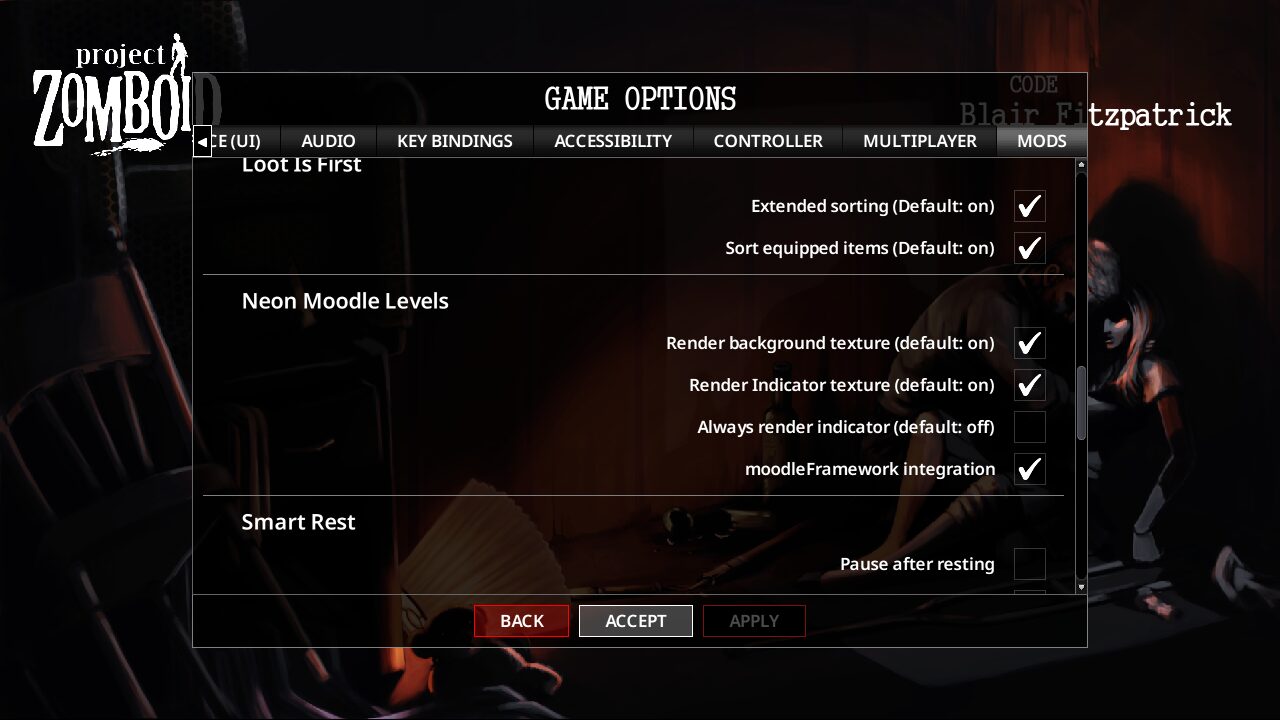
- Mod Options: Users have control over various aspects of the mod’s appearance and behavior, allowing for a personalized interface.
- Compatibility: Designed to work harmoniously with other popular moodle retexture mods, offering flexibility in your UI customization.
Seamless Integration and Compatibility
One of the significant advantages of Neon Moodle Levels is its flexibility. The mod primarily focuses on altering the background elements of the moodles, leaving the original moodle textures untouched. This means you can confidently pair it with other moodle retexture mods without conflicts. Furthermore, the mod offers specific integration options for compatibility with other popular UI enhancements, ensuring a smooth and bug-free experience for a wide range of players.
For those seeking a cleaner, more visually effective way to monitor their survivor’s status in Project Zomboid, Neon Moodle Levels is an excellent choice. Its thoughtful design and customization options contribute to a more informed and aesthetically pleasing gameplay experience.