MinimalHotbar
Project Zomboid’s Minimal Hotbar Mod: Enhance Immersion
Are you looking to declutter your Project Zomboid interface and achieve a more immersive survival experience? The Minimal Hotbar mod offers a sleek solution by refining the visibility of your essential hotbar. This lightweight modification introduces a subtle yet effective fade effect, ensuring your screen remains clear when you’re not actively interacting with your items.
A Cleaner Interface for Deeper Survival
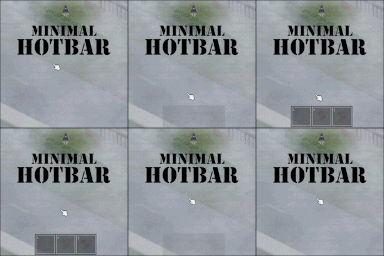
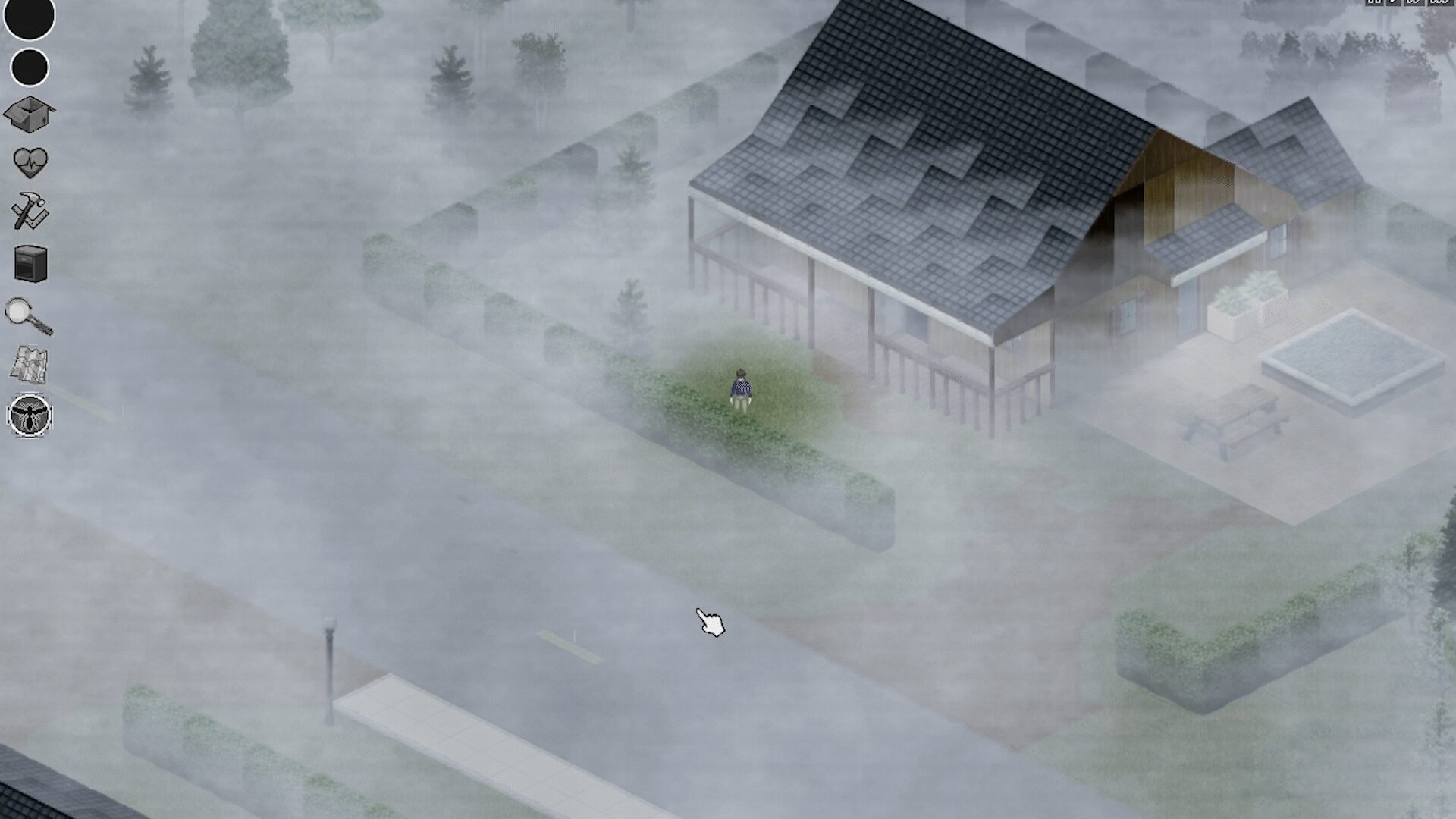
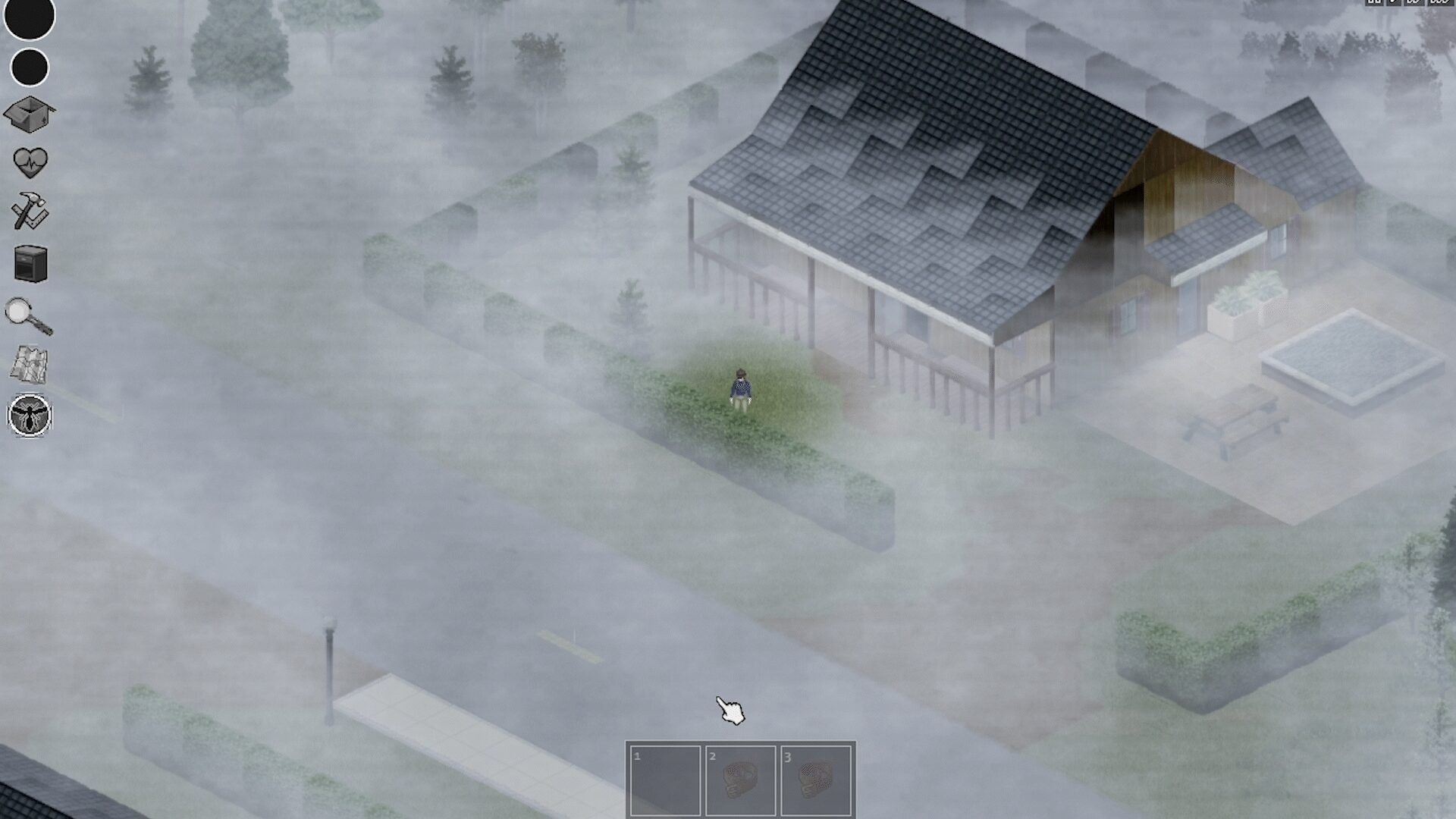
The core functionality of Minimal Hotbar is elegantly simple: it makes your hotbar disappear when not in use and gracefully reappear as your mouse cursor hovers over the designated area. This dynamic adjustment keeps your view unobstructed, allowing you to better appreciate the grim beauty of your surroundings and focus on the immediate threats without unnecessary UI elements cluttering your vision.
Key Features to Elevate Your Gameplay
This mod brings several improvements to your Project Zomboid sessions:
- Smooth Fade Effect: Experience a seamless transition as the hotbar fades in and out, intelligently reacting to your mouse’s position.
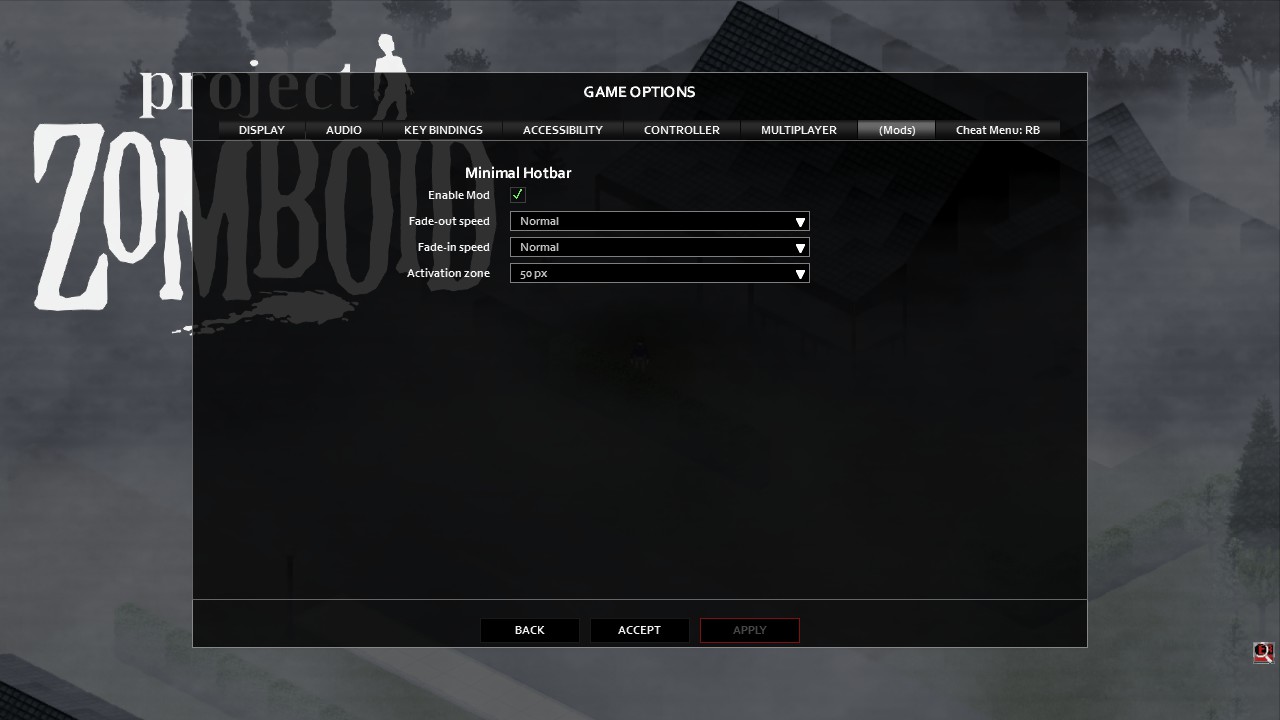
- Customizable Options: Tailor the experience to your preferences. Adjust the speed at which the hotbar fades and the size of the hover zone. (Note: On B41 versions, ModOptions is required for these configurations.)
- Multiplayer Ready: Enjoy the benefits of a cleaner interface with friends, as the mod is fully compatible with multiplayer servers.
- Broad Compatibility: Works seamlessly with both B41 and B42 versions of Project Zomboid.
- Item Condition Integration: This mod is designed to function harmoniously with the [B41/B42] Item Condition mod, ensuring no conflicts.
Optimizing Your Mod Load Order
For optimal performance and to ensure that Minimal Hotbar works correctly with other interface-modifying mods, such as CleanHotBar, it is recommended to place this mod towards the end of your mod loading order. This helps prevent potential conflicts and ensures its features are applied as intended.
By integrating the Minimal Hotbar mod, you can significantly enhance the visual clarity of your Project Zomboid gameplay, fostering a more engrossing and focused survival experience.