
Alternative Crosshair
Enhance Your Aim with the Alternative Crosshair Mod for Project Zomboid
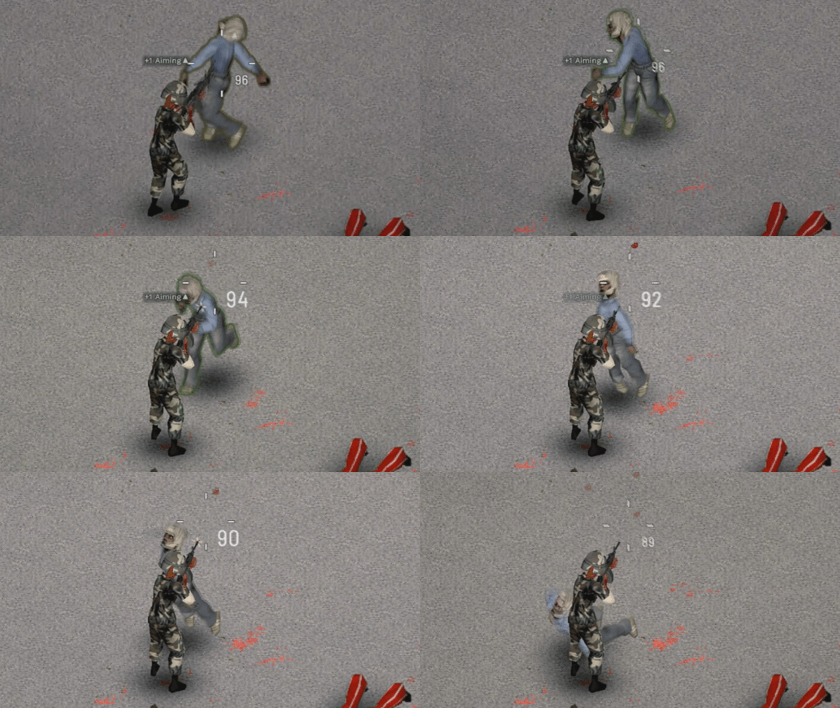
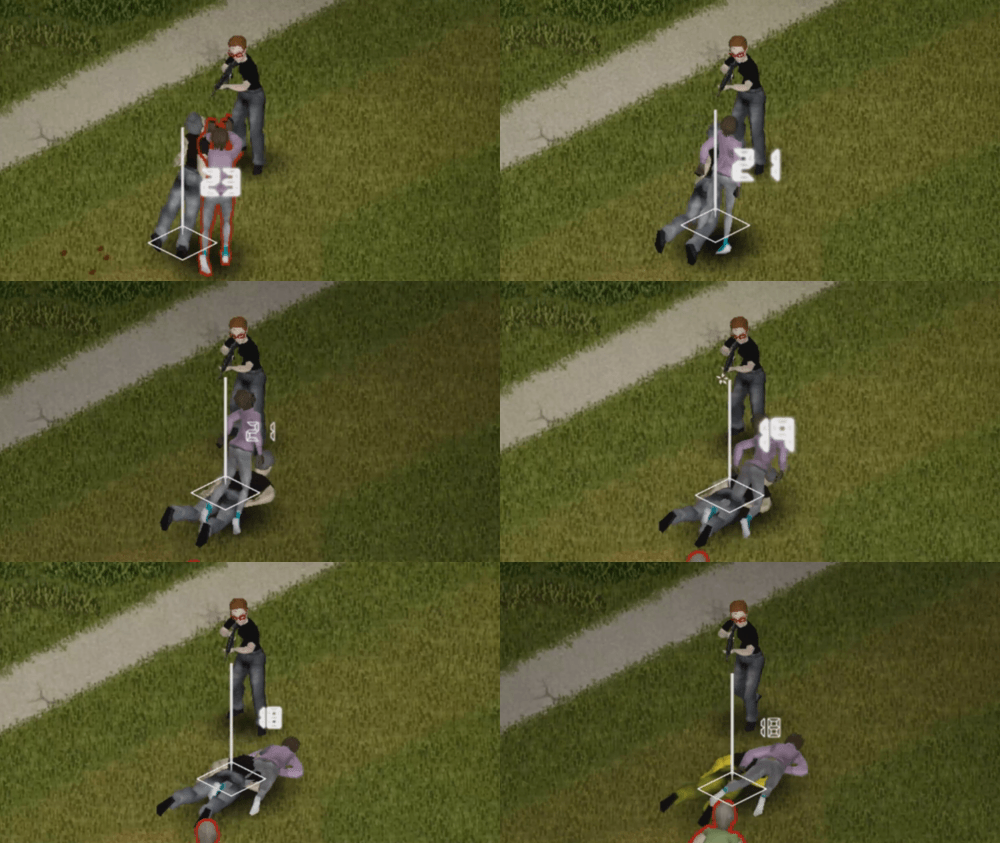
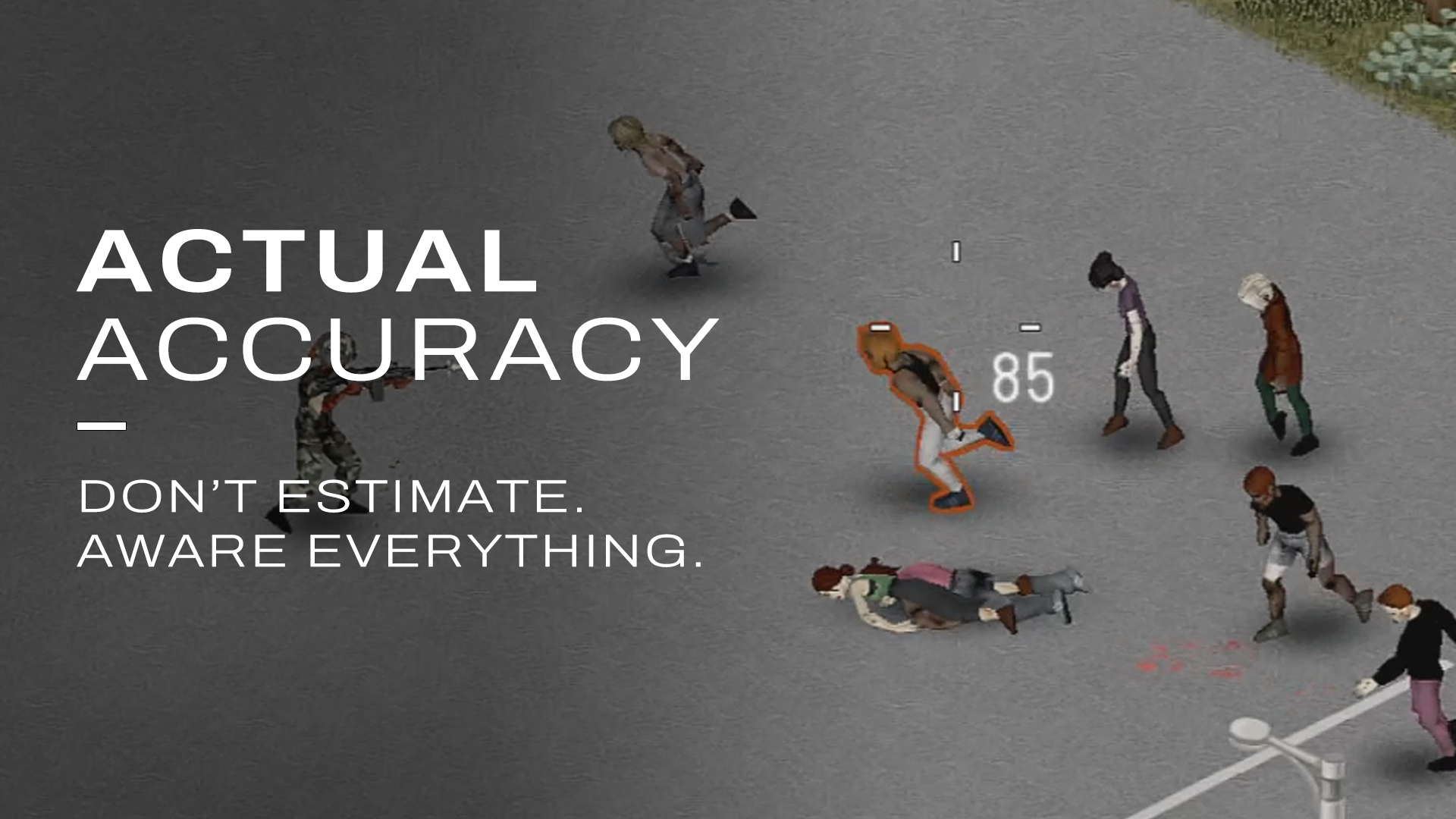
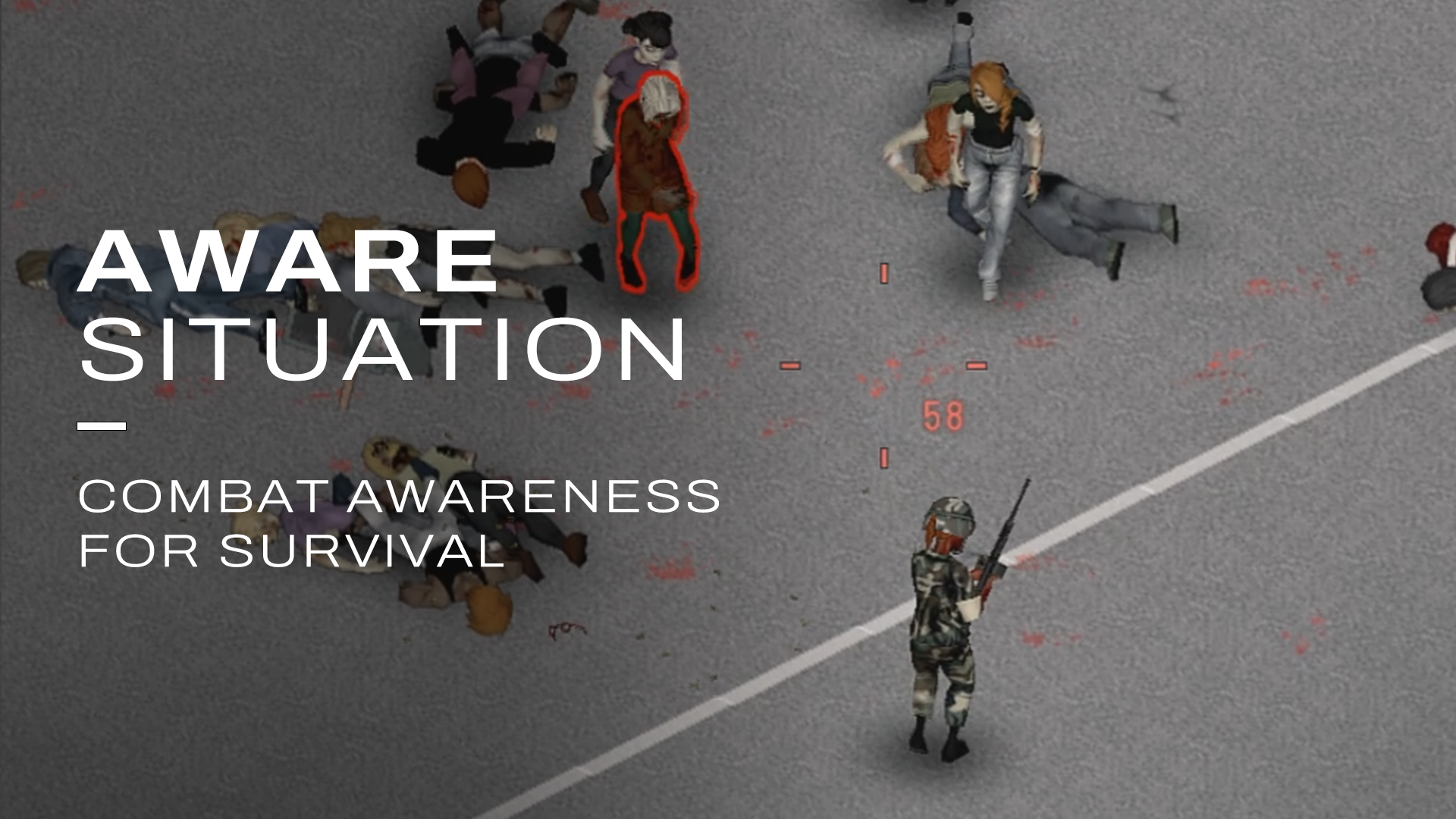
Navigating the dangers of Project Zomboid requires precision, especially when facing hordes of the undead. The Alternative Crosshair mod introduces a vital combat awareness tool, offering an intuitive and visually informative way to track your accuracy. This mod goes beyond a simple visual tweak, aiming to provide players with a deeper understanding of their weapon’s performance in the heat of battle.
Customizable Combat Visuals
One of the standout features of the Alternative Crosshair mod is its highly customizable nature. Players can choose from a variety of crosshair styles, including Generic, Quake, Dot, and two IsoCursor options, ensuring a visual experience that suits their personal preference. The mod intelligently separates its functionality for melee and firearm combat, recognizing that different weapons demand different aiming strategies. This tailored approach allows you to optimize your aim whether you’re swinging a crowbar or lining up a headshot.
Key Features at a Glance
* **Reactive Crosshair Options:** Select from five distinct crosshair styles to match your playstyle.
* **Separated Combat Modes:** Tailored crosshair behavior for both melee and firearm engagements.
* **Integrated Ammo Counter:** Keep track of your ammunition with a choice of three font variations.
* **Vanilla Crosshair Replacement:** This mod directly replaces the existing aiming sprite for a seamless integration.
* **Configurable Options:** Adjust various settings through the Mod Options menu to fine-tune your experience.
* **Precise Melee Direction:** Features an accurate display for melee weapon direction, including a soft-lock cursor radius.
Stay Informed with an Ammo Counter
Beyond the core aiming reticle, the Alternative Crosshair mod also includes an integrated ammo counter. This feature can be customized with three different font styles, ensuring that you always know exactly how many rounds you have left without having to fumble through your inventory. This seemingly small addition can be a critical advantage when facing overwhelming odds.
Seamless Integration and Configuration
Designed to integrate smoothly with Project Zomboid, this mod replaces the vanilla aiming sprite rather than simply drawing over it. Furthermore, it offers extensive configuration options through the Mod Options menu, allowing you to tweak its behavior to your exact liking. For users of popular weapon mods like Brita or Gunfighter, a simple adjustment within the mod’s settings to disable the movement gauge option will ensure full compatibility and optimal performance. A restart of Project Zomboid is required after installation for all changes to take effect.