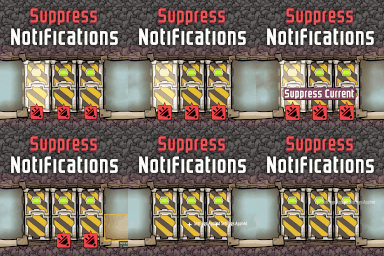
Suppress Notifications
Tame Your Notifications in Oxygen Not Included
Are your duplicant’s busy lives constantly interrupted by a barrage of alerts? Do you find yourself wading through a sea of “broken,” “starving,” or “unpowered” messages that clutter your screen and distract from essential colony management? If so, the “Suppress Notifications” mod for Oxygen Not Included is precisely what you need to restore order and focus to your asteroid base.
Take Control of Your Alerts
This ingenious mod empowers you to selectively silence the constant chatter of alerts. No longer will you be overwhelmed by every minor inconvenience that befalls your colony. The “Suppress Notifications” mod allows you to pinpoint specific objects, from individual duplicants and buildings to plants and critters, and choose exactly which notifications you want to hide.
Key Features for a Serene Colony
The “Suppress Notifications” mod offers a robust set of tools to tailor your alert experience:
- Selective Suppression: Choose to hide notifications from any object, including buildings, plants, critters, and even your valuable duplicants.
- Notification Hiding: Eliminate bothersome alerts that appear in the top-left corner, such as “starving” or “idle.”
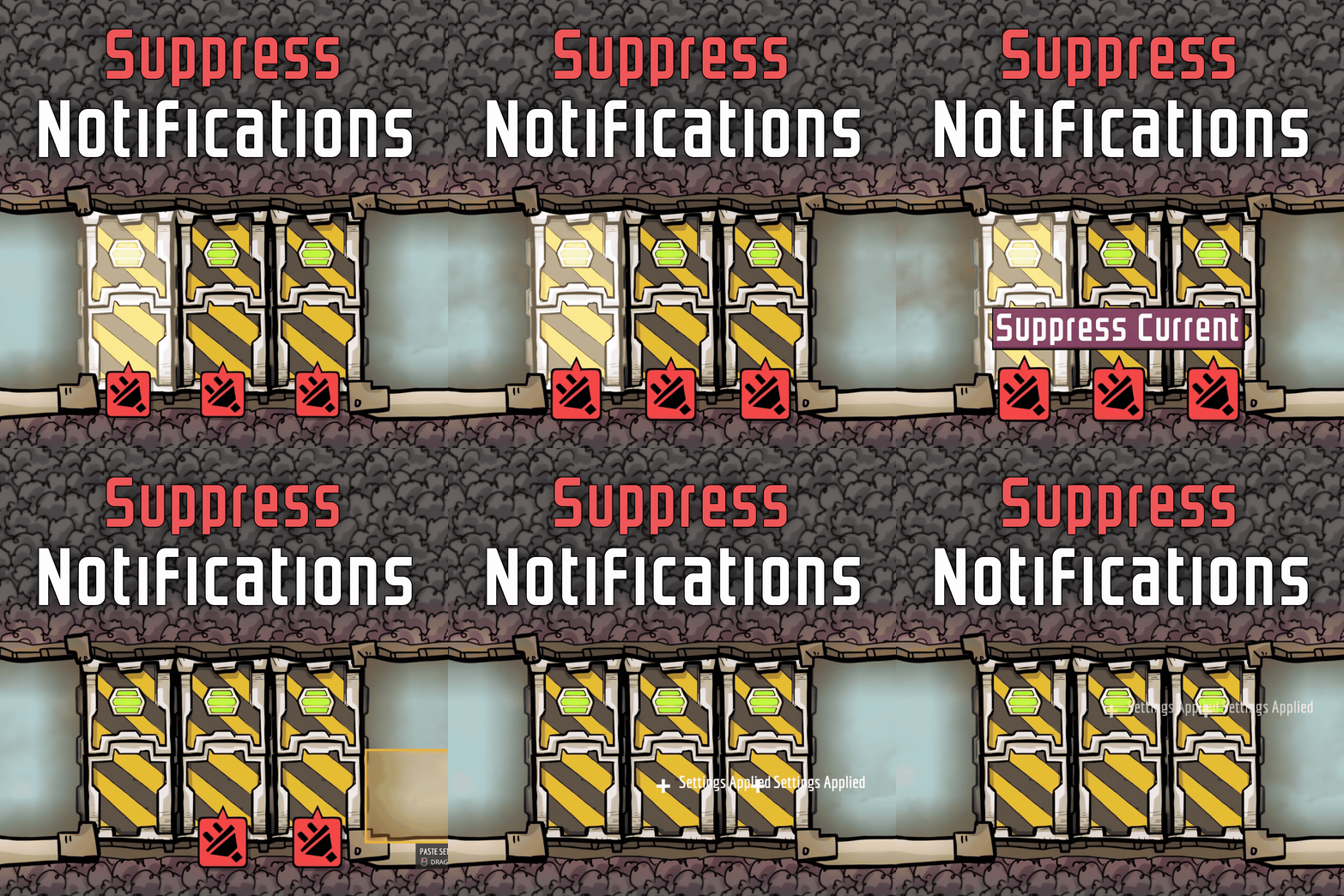
- Status Item Control: Remove the visual clutter of red and black status icons, like “unpowered” or “missing resources,” from machines and structures.
- Damage Bar Management: Prevent damage bars from appearing on buildings that are broken or under repair, keeping your view clean.
- Hereditary Suppression: For critters, suppression settings can be passed down to their offspring, ensuring long-term tranquility.
- Easy Settings Transfer: The “Copy Settings” tool allows you to efficiently apply suppression preferences from one object to others.
Streamlining Your Gameplay
Imagine the possibilities: you can finally stop those persistent “idle” notifications from your dedicated rocket pilot duplicant, ensuring they remain focused on their crucial tasks. Or perhaps you want to explore distant points of interest without being bombarded by “flooding” or “broken” alerts from newly discovered structures. Even for machines set to continuous production, you can hide the “missing resource” alerts if you’ve established a robust supply chain.
The “Suppress Notifications” mod provides an intuitive interface. When you select an object that can have its notifications managed, you’ll find specific buttons in its side-screen. “Suppress Current” will hide all currently visible alerts for that object, while “Unsuppress Current” will reverse the action. The “Copy Settings” tool makes it a breeze to replicate your chosen suppression profiles across multiple objects. Reclaim your focus and enjoy a less cluttered, more efficient Oxygen Not Included experience with this essential mod.