
Utility Layers
Maximize Your Duplicant Colony’s Efficiency with Utility Layers
Tired of your carefully planned oxygen, hydrogen, and power grids becoming a tangled mess? Wish you could run multiple utility networks through the same corridors without them interfering with each other? Introducing Utility Layers, a game-changing mod for Oxygen Not Included that fundamentally rethinks how you manage your colony’s essential infrastructure. This mod allows for unparalleled density and organization, letting you build more compact and sophisticated bases than ever before.
Unlocking New Possibilities in Base Design
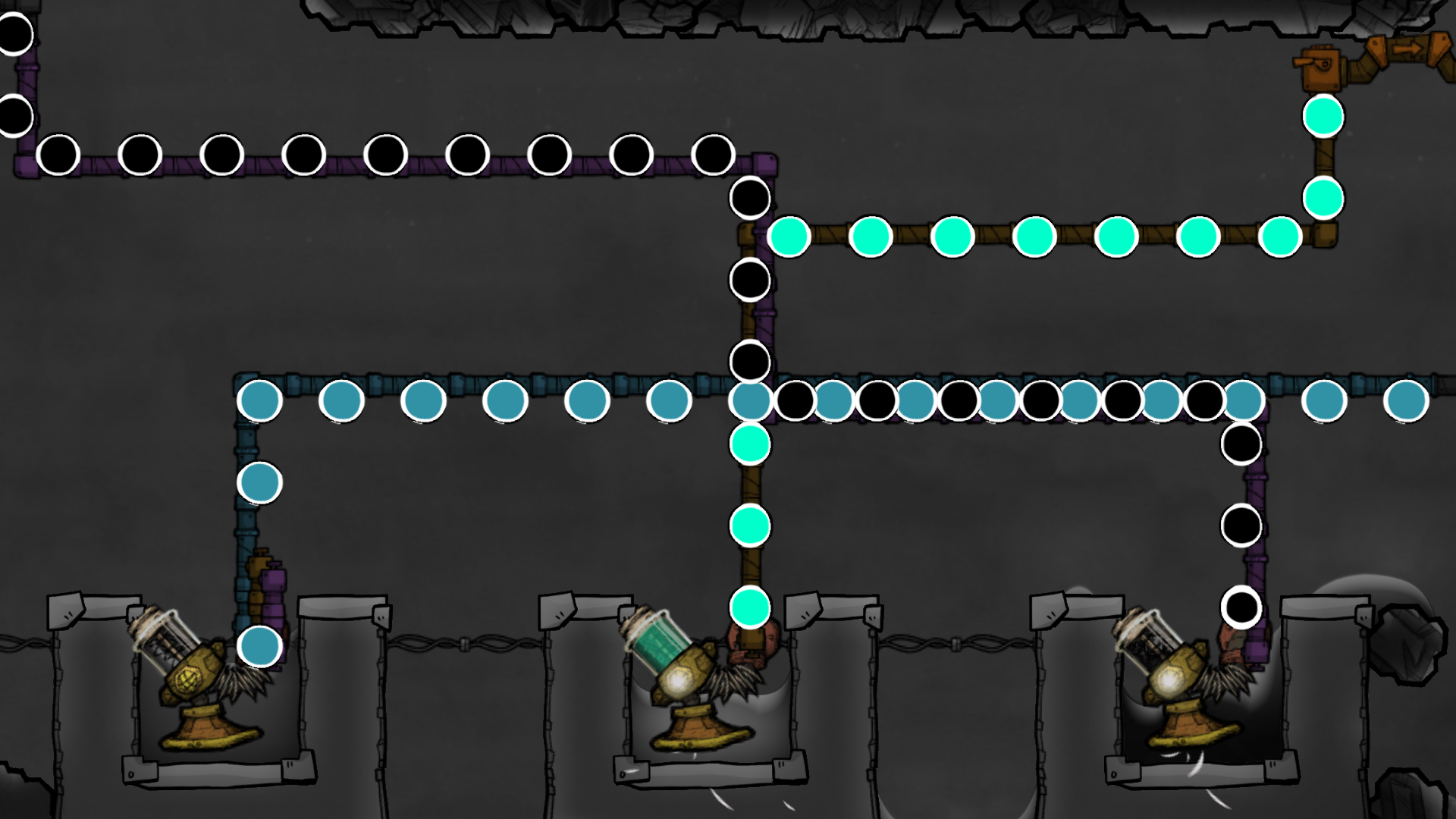
Utility Layers introduces the groundbreaking concept of multiple, independent construction planes for your vital networks. Imagine running your liquid cooling system on one layer, your vital oxygen supply on another, and your power grid on a third, all occupying the exact same physical space within your base. This mod makes it possible, drastically reducing the footprint of your utility infrastructure and opening up vast new design possibilities for your duplicant settlements.
Key Features for Streamlined Operations
This mod isn’t just about stacking networks; it’s about providing robust tools for managing them. Utility Layers boasts a comprehensive set of features designed to integrate seamlessly with your existing Oxygen Not Included experience:
- Construct up to three distinct networks on a single tile, dramatically increasing spatial efficiency.
- Full support for liquid pipes, gas pipes, conveyor rails, power wires, and automation wires, including advanced elements like ribbon cables and logic gates.
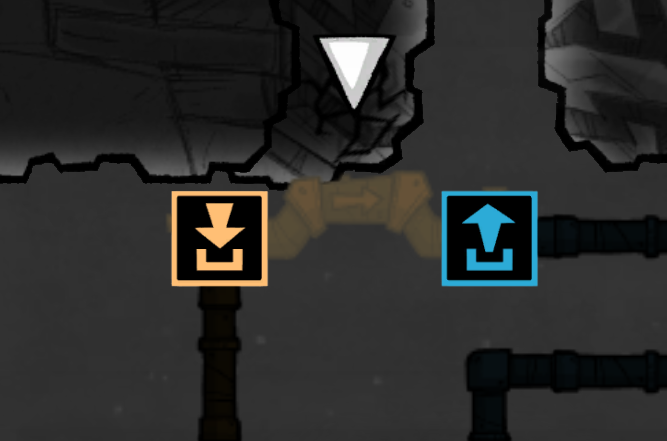
- Fine-grained control allows you to assign each building’s input and output ports to your desired layer, port by port.
- Leverage the game’s built-in bridges for seamless transitions between layers; no new research or structures are required.
- Each layer is visually distinct with customizable colors, allowing for immediate identification and advanced colony diagnostics.
- Overlays, port icons, and status indicators intelligently adapt to the selected layer.
Intuitive Layer Management
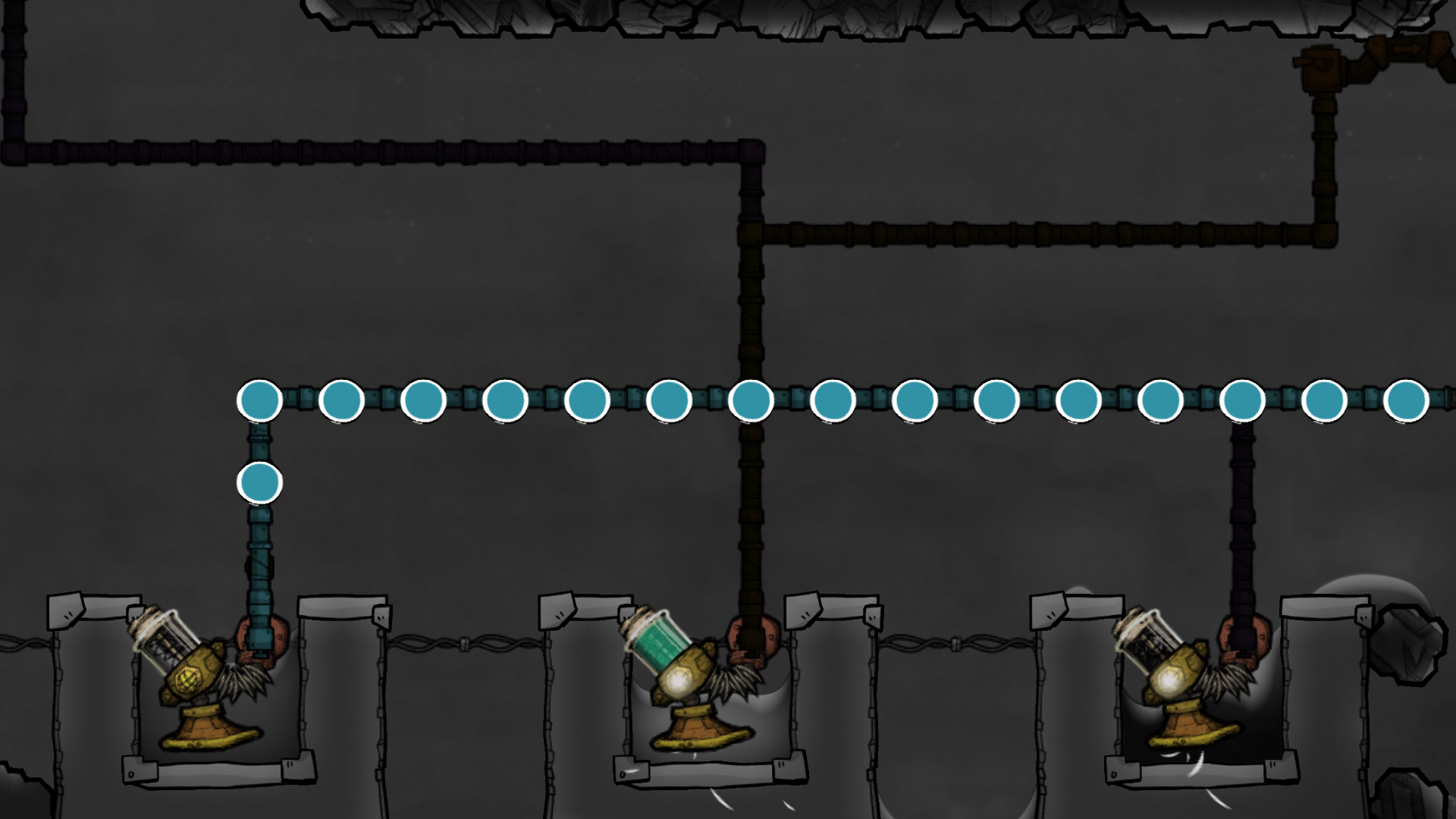
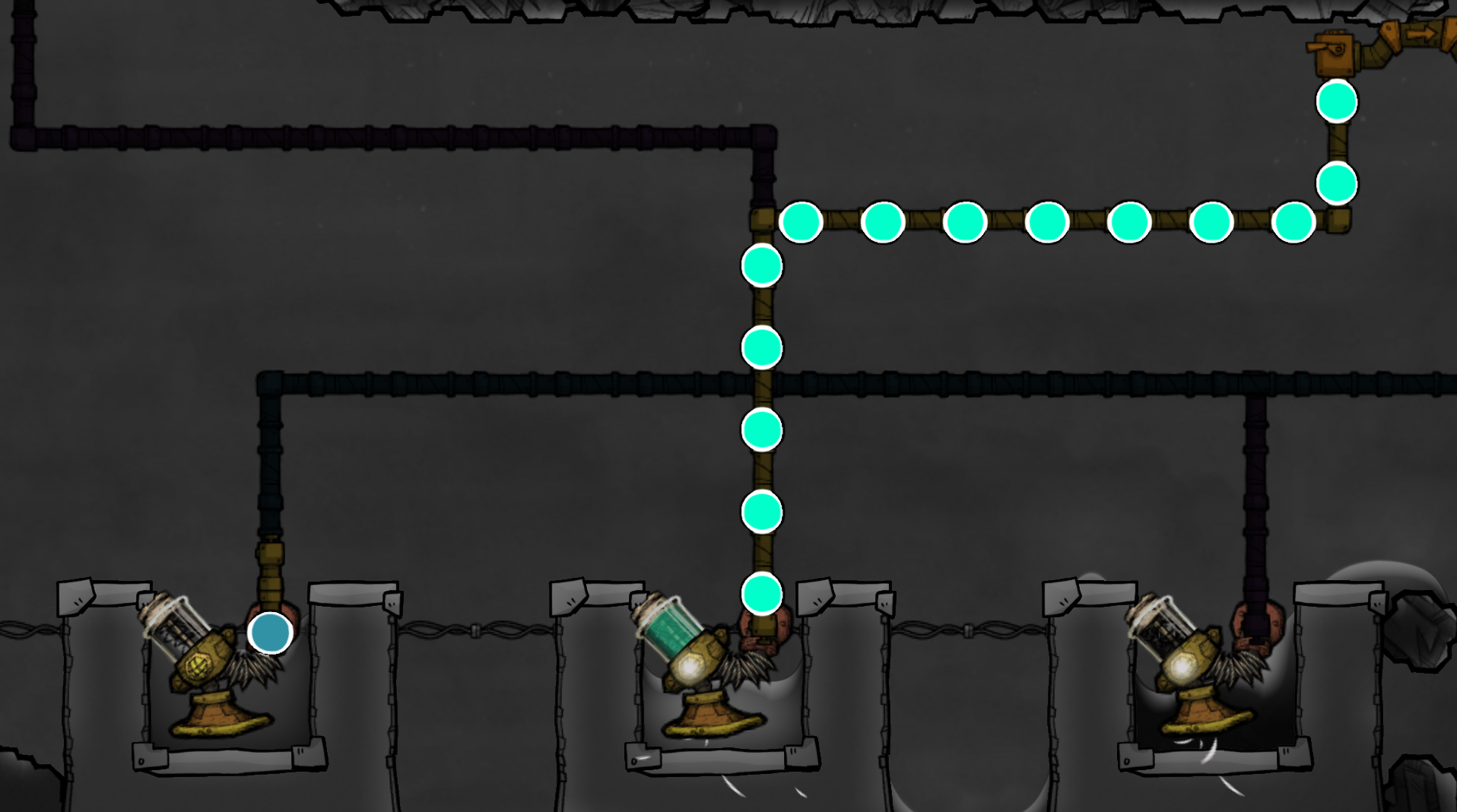
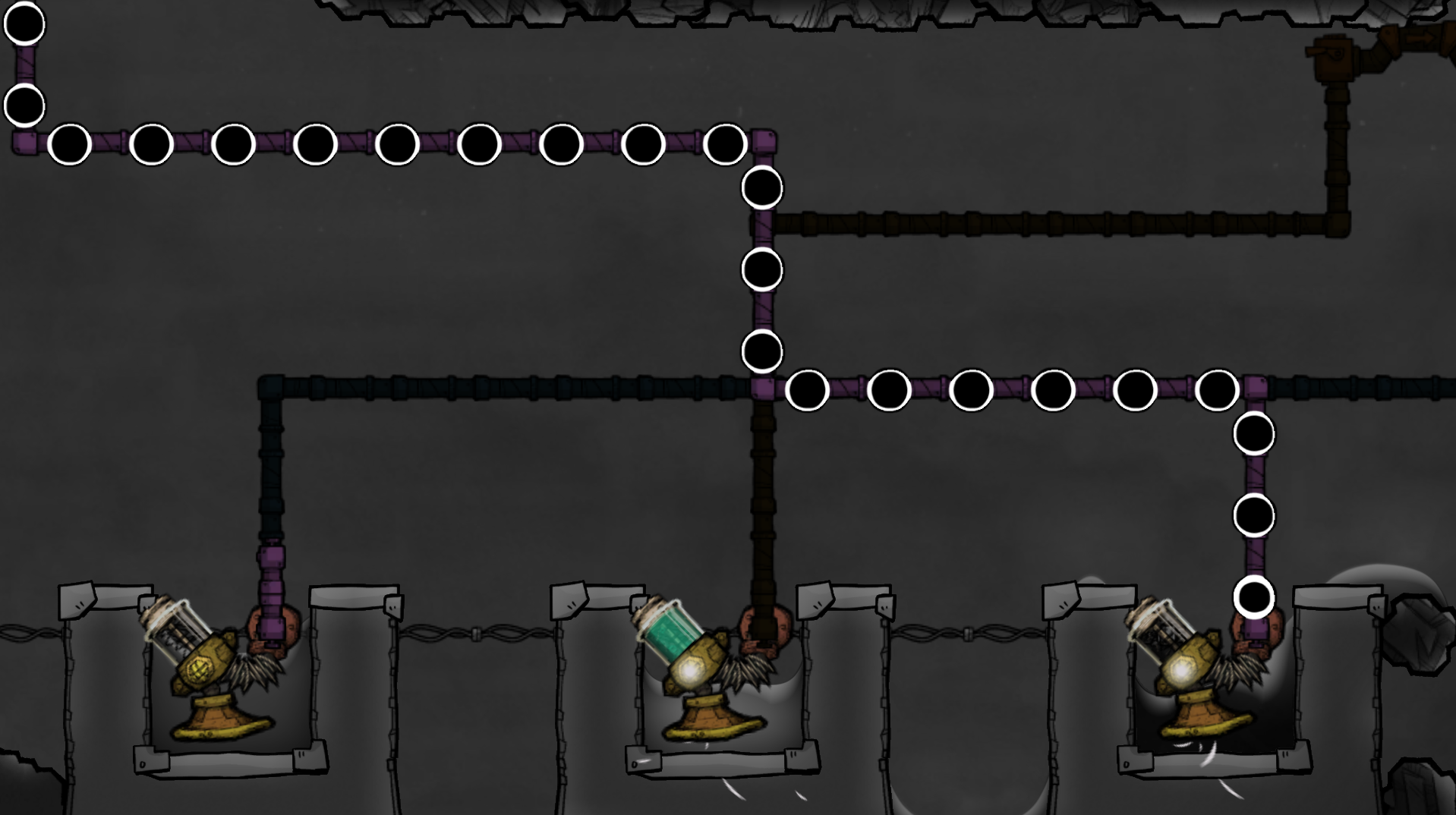
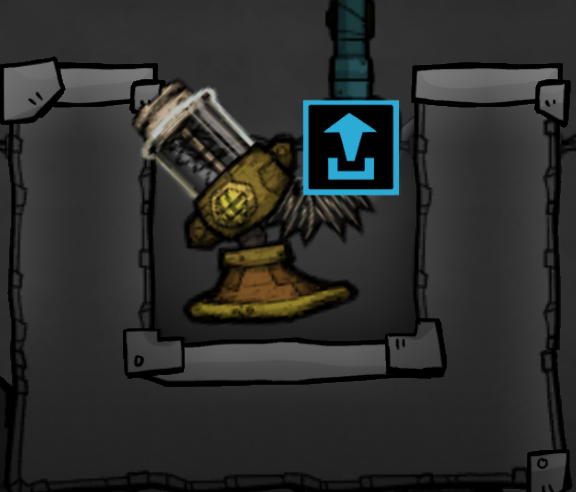
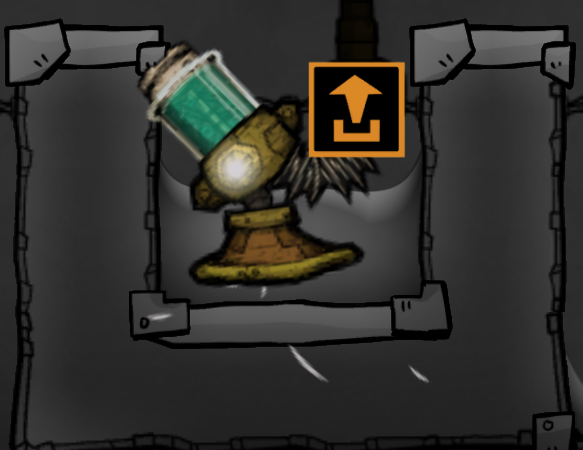
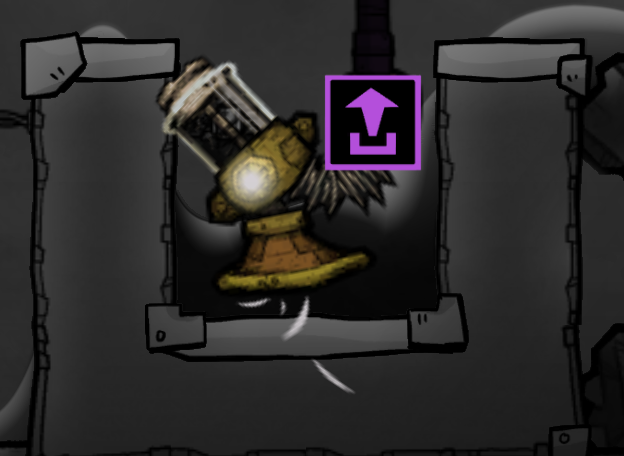
Managing these multiple networks is surprisingly straightforward. By using simple keyboard shortcuts (Alt + 1, Alt + 2, Alt + 3), you can instantly switch between building on Layer 1 (Cyan), Layer 2 (Orange), or Layer 3 (Purple). A dedicated key (Alt + 4) allows you to view all layers simultaneously, providing a clear overview of your entire utility system. Connecting different layers is as easy as configuring your existing game bridges, allowing for fluid transfer of resources and power between any of your chosen networks.
Utility Layers is designed to work harmoniously with various other popular mods, enhancing compatibility and expanding your modding horizons. Dive into a more organized and efficient way of managing your duplicant colony today!