
Mods Presets Organizer (MPOrganizer) // by @Ony 👾
Streamline Your Oxygen Not Included Modding with MPOrganizer
Tired of the tedious process of enabling and disabling mods every time you want to switch up your Oxygen Not Included experience? Say goodbye to mod management headaches with the Mods Presets Organizer (MPOrganizer), a powerful yet simple tool designed to revolutionize how you handle your mod configurations.
Effortless Mod Management
MPOrganizer empowers you to take full control of your mods. Whether you’re experimenting with different colony strategies, testing out new mod combinations, or simply want to keep your game installations tidy, this mod makes it incredibly easy. No more manual toggling – just select a preset and dive back into your asteroid!
Key Features for a Smoother Experience
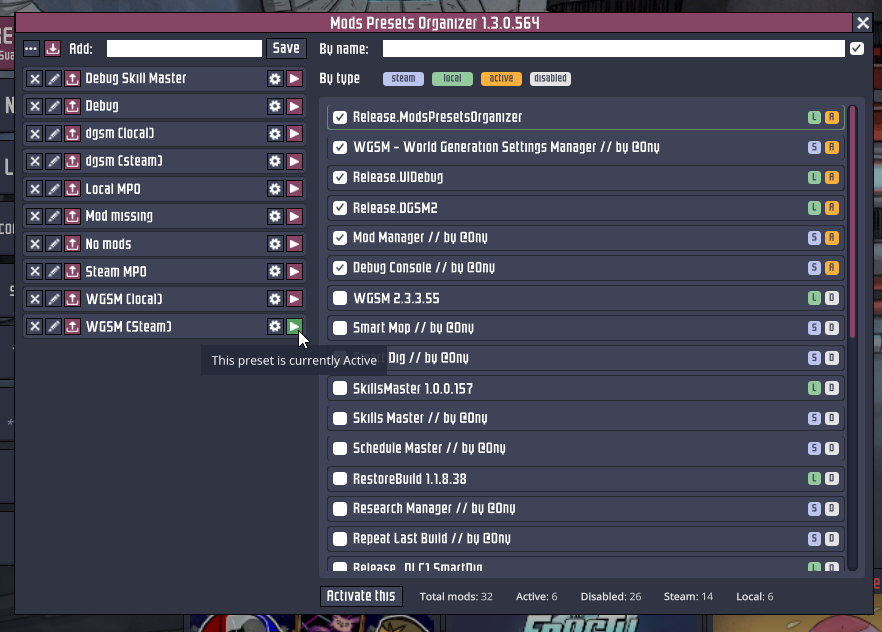
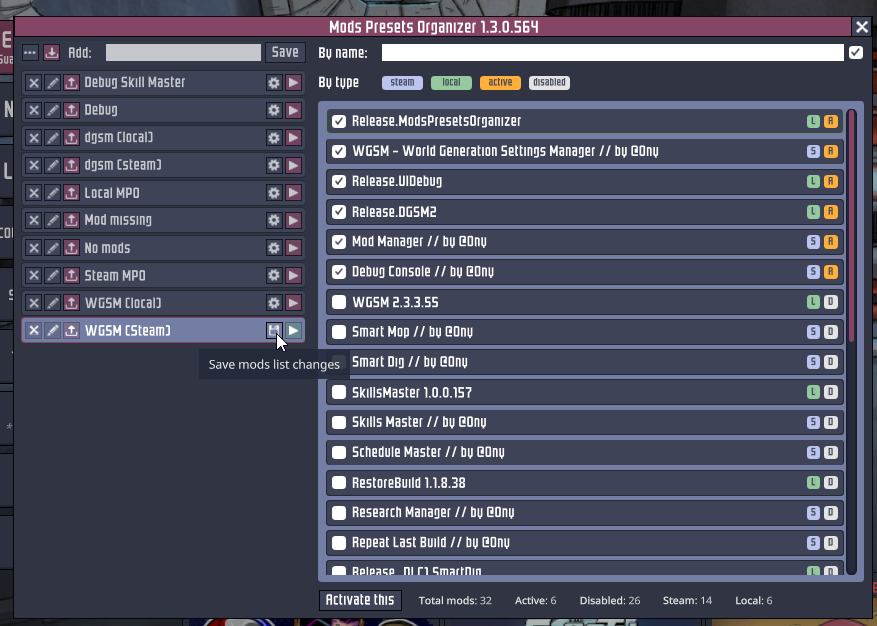
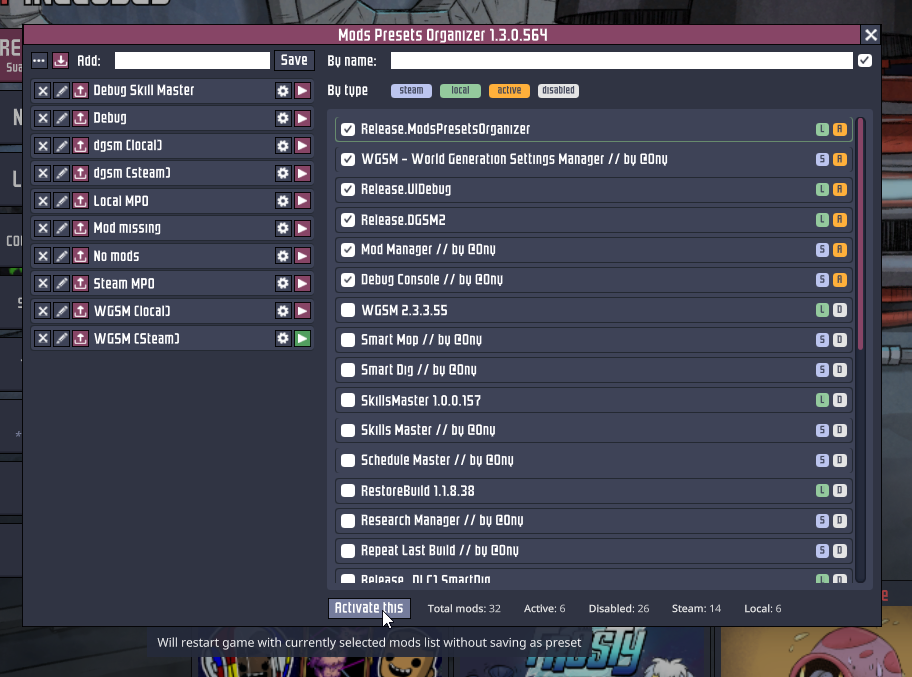
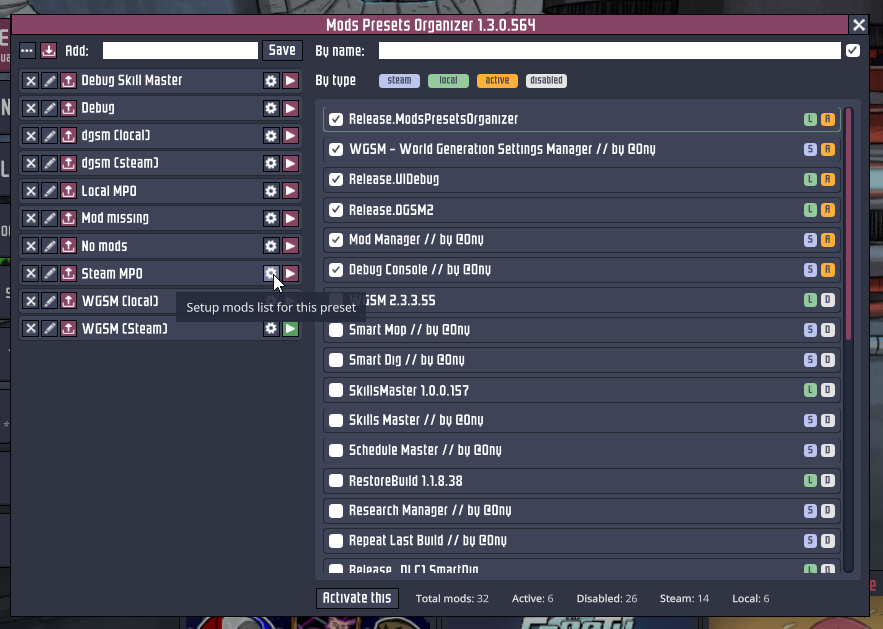
- Create, Edit, and Delete Presets: Save your favorite collections of mods for different playstyles or challenges. Switch between them with a single click.
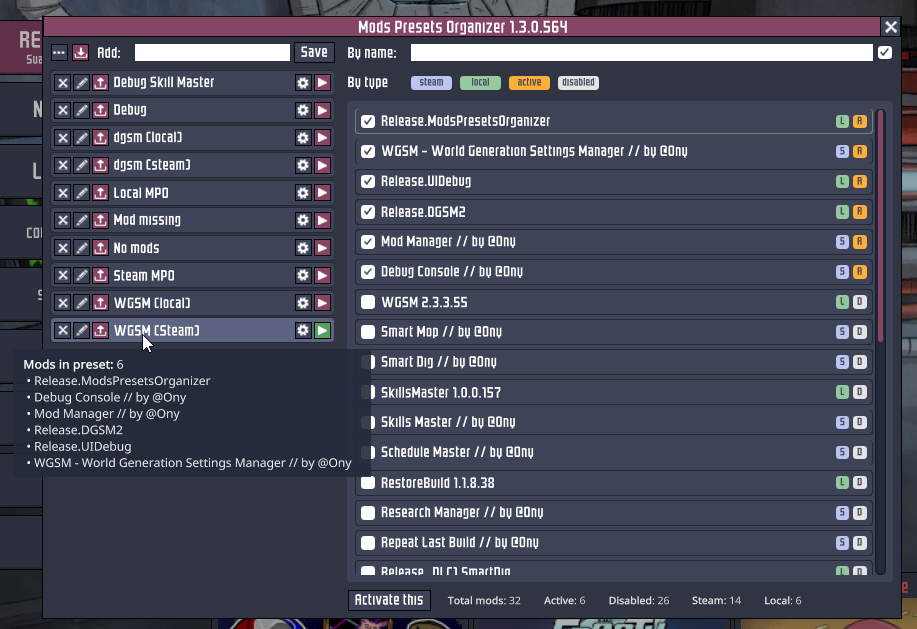
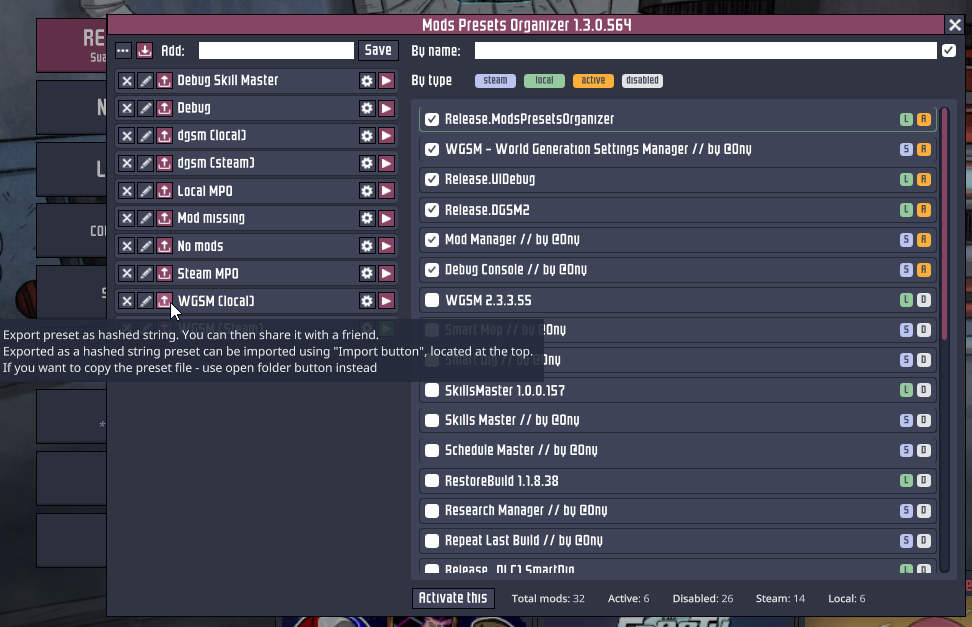
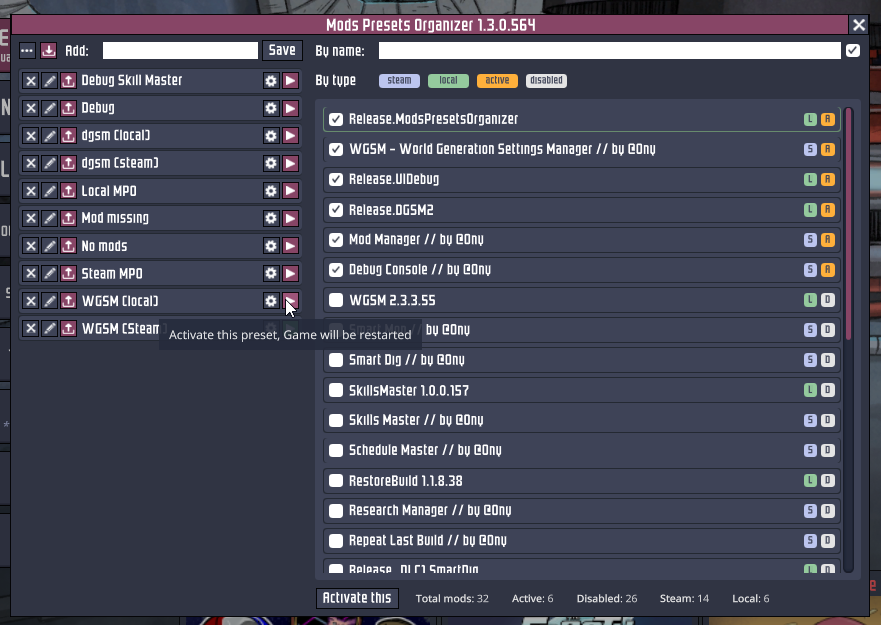
- Intuitive Interface: Designed for ease of use, MPOrganizer offers a clean and straightforward way to manage all your mod setups.
- Minimal API Interaction: Built with stability in mind, this mod has very limited contact with the game’s core systems, reducing the risk of conflicts and ensuring smooth operation even after game updates.
- Interactive Labels: Easily identify and install missing mods by clicking on their labels. This feature also provides quick access to your local mods folder for filtering and management.
- Shareable Presets: Export your meticulously crafted mod lists and share them with friends or the wider Oxygen Not Included community.
- Frosty DLC Support: Get started immediately with the new Frosty DLC, with full support integrated from the beginning.
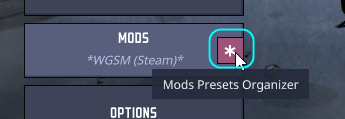
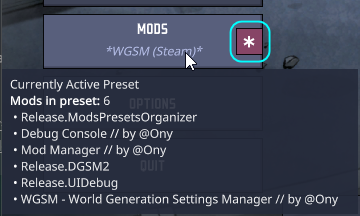
- Active Preset Display: Always know which preset is currently active and what mods it contains with the clear “currently active preset” indicator.
Flexible Import and Export
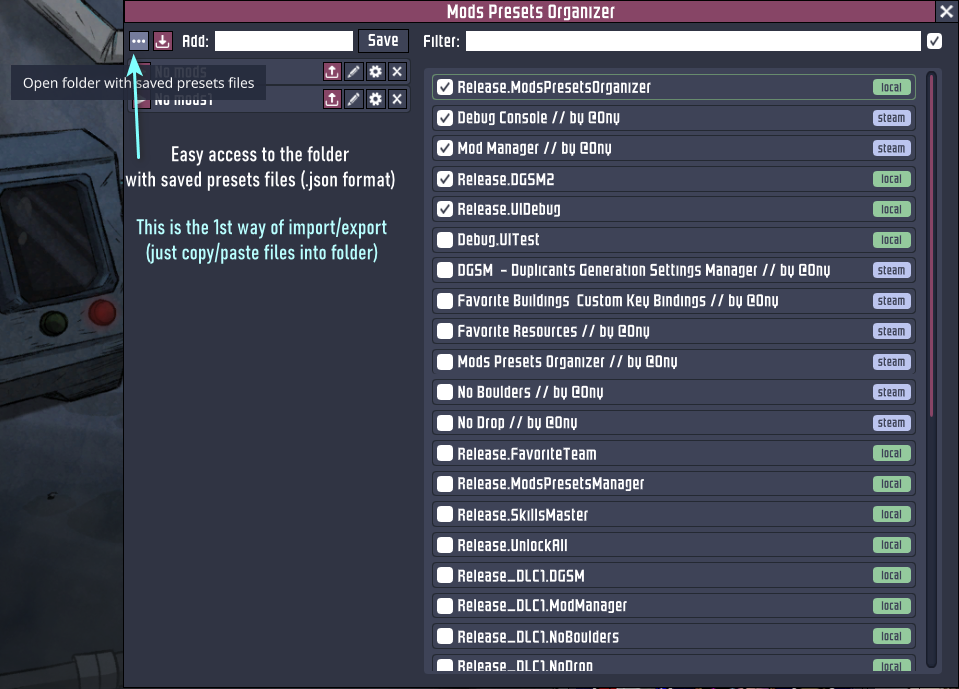
Sharing and backing up your presets is a breeze. You can directly copy and paste preset files into the designated `saved_presets` folder within your mod directory. Alternatively, export a preset with a single button press, which copies a unique, hashed string to your clipboard. Importing is just as simple: paste the hashed string, and your preset is ready to go.
Developed by @Ony, MPOrganizer is a testament to enhancing the player experience, allowing you to spend less time fiddling with settings and more time building the ultimate duplicant colony.