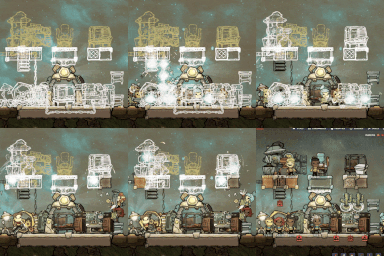
Free Horizontal Build
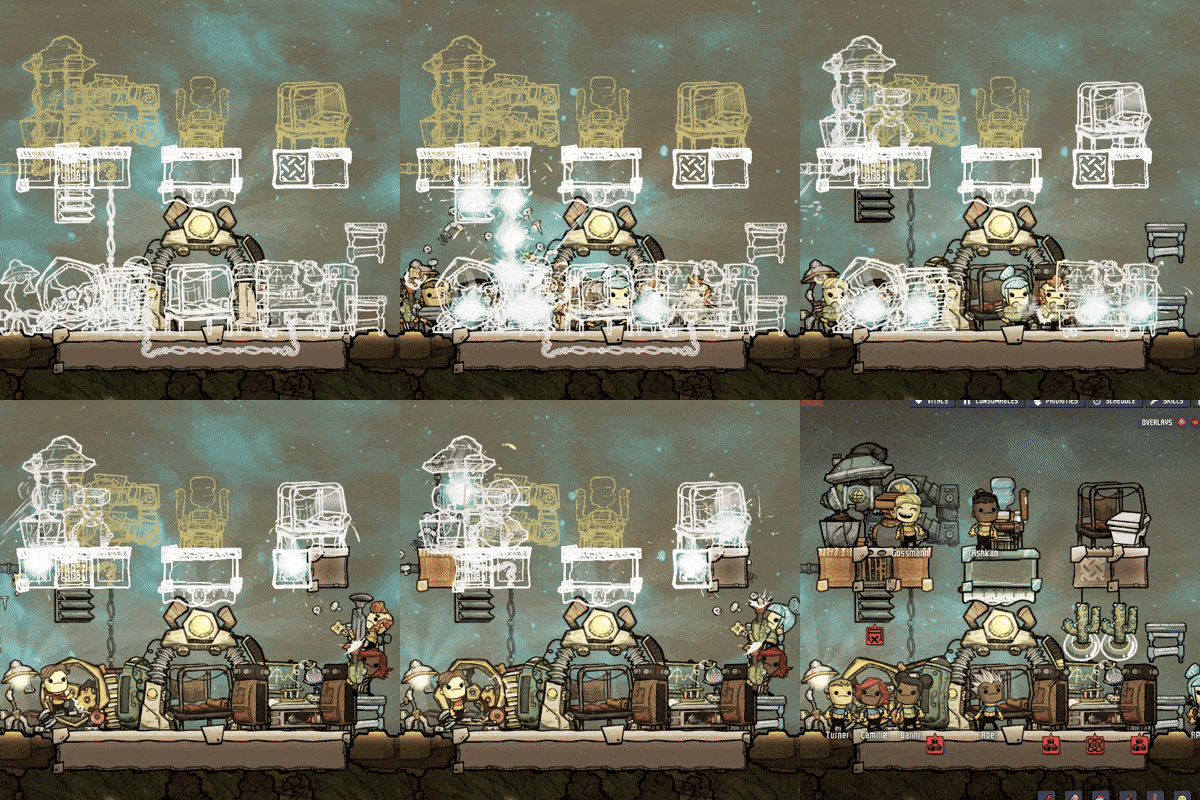
Defy the Grid: Unlocking Unprecedented Building Freedom in Oxygen Not Included
Are you tired of the rigid constraints of the building grid in Oxygen Not Included? Do you dream of perfect symmetry, pixel-precise placement, and layering objects in ways previously unimaginable? If you’ve ever wished you could hang a decor item exactly where you want it, or place a functional building in front of another without compromise, then this mod is your answer to those limitations. It’s time to embrace aesthetic perfection and construct your duplicant colony exactly as you envision it, ignoring the game’s conventional building rules.
Breaking the Laws of Physics
This mod fundamentally alters how buildings interact within your base. No longer will you be hindered by collision warnings or the grid’s unwavering structure. You can now overlap buildings, place items in positions that were once strictly forbidden, and stack elements in ways that defy the standard mechanics. The “Building Exists” notification becomes a mere suggestion, allowing you to achieve placements that were previously impossible, opening up a universe of creative building possibilities.
Pixel-Perfect Precision and Layering
Beyond simply allowing overlap, this mod introduces the ability to escape the grid’s fixed snapping points. Achieve true, pixel-perfect alignment for your structures, ensuring that your designs are not just functional, but also visually flawless. Furthermore, a powerful layering system is introduced, allowing you to control the visual depth of your buildings.
- Bring Front: Force a building to render on top of all others, making it the most visually prominent element.
- Send Back: Push a building into the background, ensuring it is rendered behind other objects, perfect for subtle details or complex designs.
Unlocking Rotational Freedom
Many buildings that were previously locked into specific orientations can now be freely rotated. Imagine placing a fridge or a bed at an angle that perfectly suits your interior design. This freedom extends your creative control, allowing for more dynamic and personalized colony layouts.
To utilize these features, simply select any building and attempt to place it in a location that would typically be blocked. If visual anomalies occur, such as textures appearing incorrectly, select the newly placed building. You will find new buttons in the actions panel to control its layer: “Bring Front” or “Send Back.” Experiment with these tools to manage visibility and achieve your desired aesthetic. Prepare to manage the resulting visual complexity as you reshape your base with unprecedented freedom.