
Extended Building Width
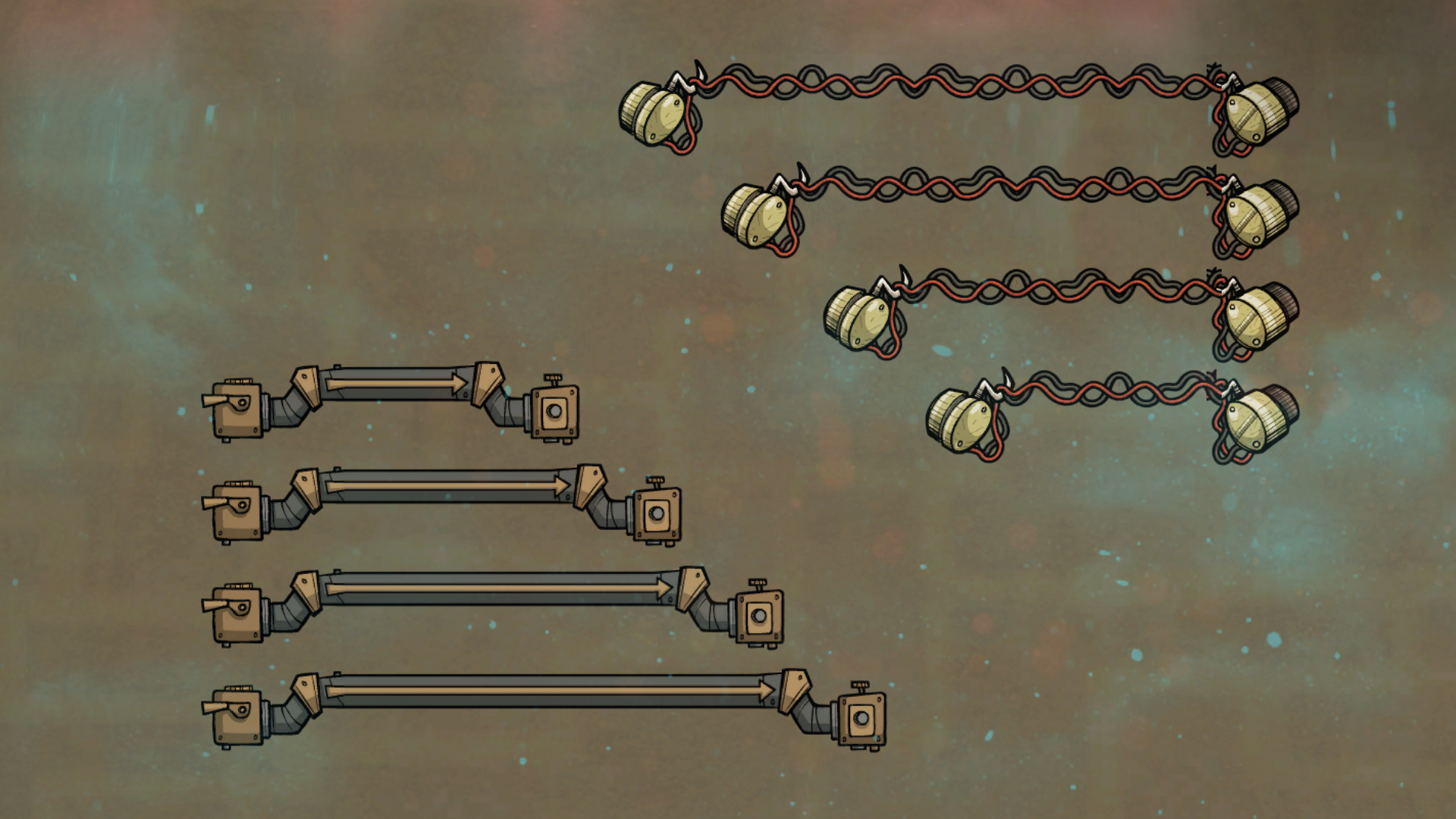
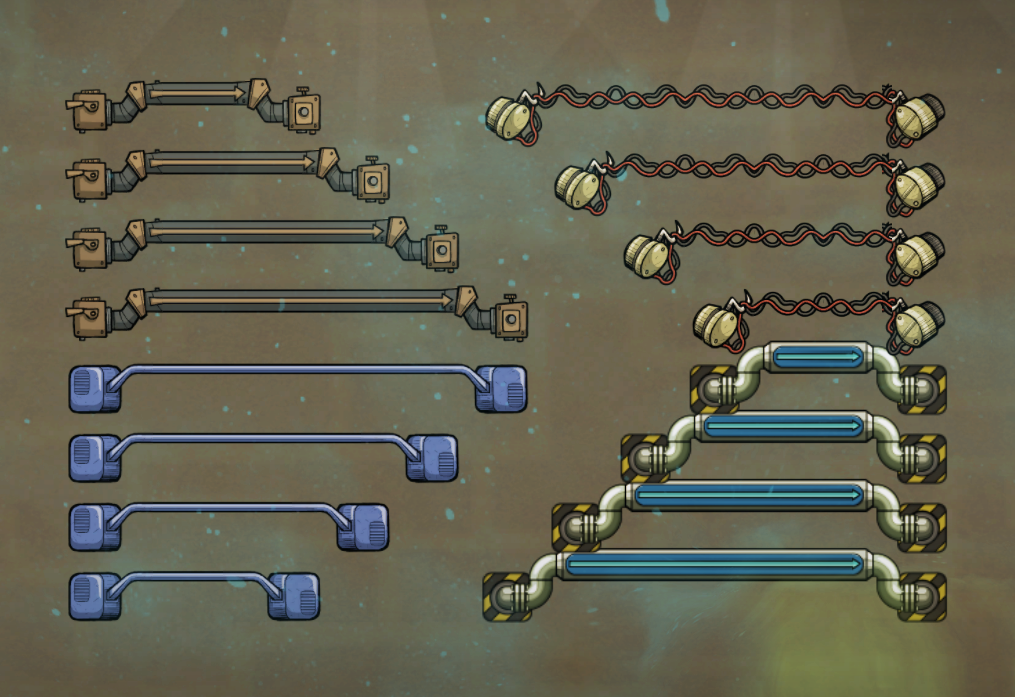
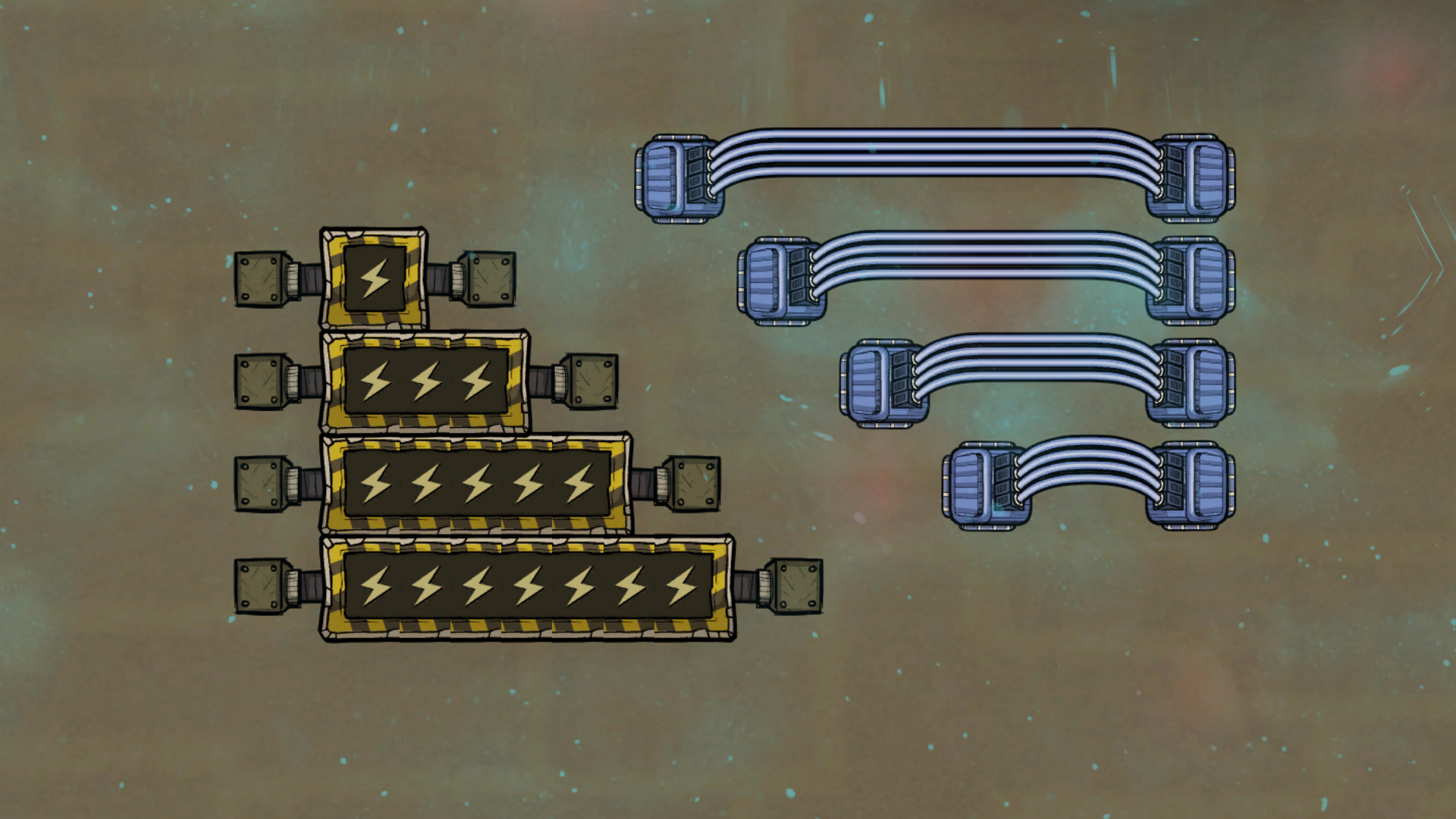
Expand Your Reach with Extended Building Width
Tired of the limitations of standard building dimensions in Oxygen Not Included? The Extended Building Width mod is here to shatter those constraints, offering unparalleled flexibility in constructing your asteroid bases. This powerful tool allows you to resize certain essential buildings beyond their default limits, opening up new possibilities for efficient layouts and creative designs.
Unlocking Greater Design Freedom
Imagine building longer, more intricate gas or liquid bridges to optimize your resource transportation networks. With Extended Building Width, this becomes a reality. The mod provides intuitive controls that allow you to adjust the size of compatible buildings with simple hotkey combinations. Say goodbye to awkward routing and hello to streamlined infrastructure.
How to Use Extended Building Width
Integrating this mod into your gameplay is straightforward:
- Access the Build menu and select the desired building.
- A white silhouette will appear, showcasing its standard width.
- Use the designated hotkeys (defaulted to ALT+X to decrease and ALT+C to increase width) to resize the building.
- Place your newly sized building to enhance your base’s functionality.
For those who prefer a more tailored experience, the hotkeys can be customized within the game’s Options menu, with a recommendation to set them to CTRL+Mouse Scroll Up/Down for enhanced ease of use.
Customizing Building Compatibility
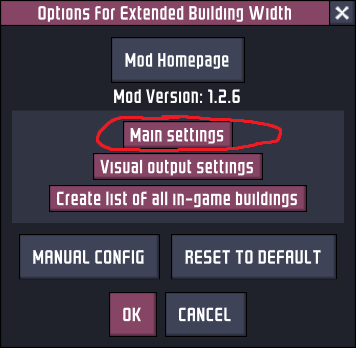
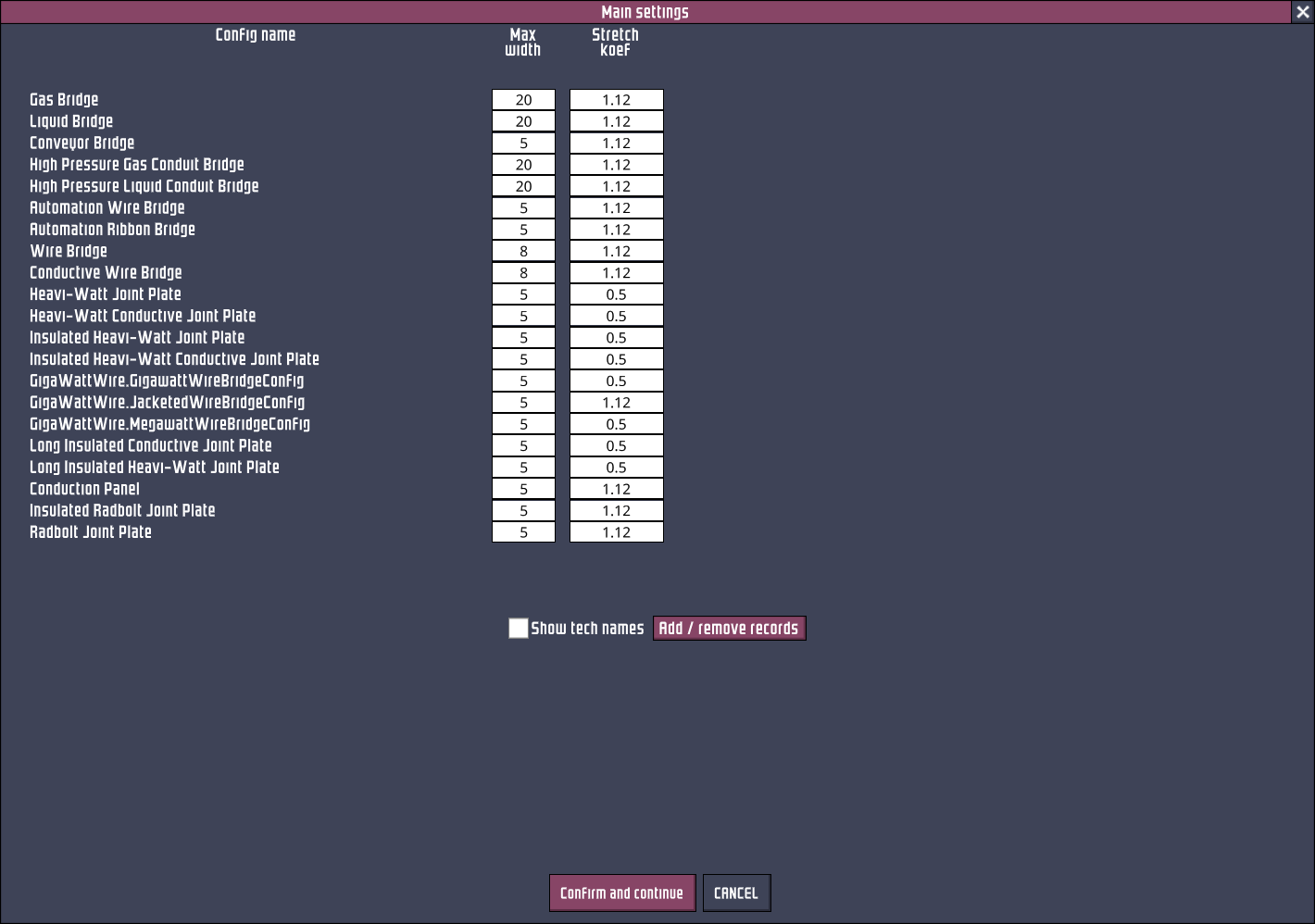
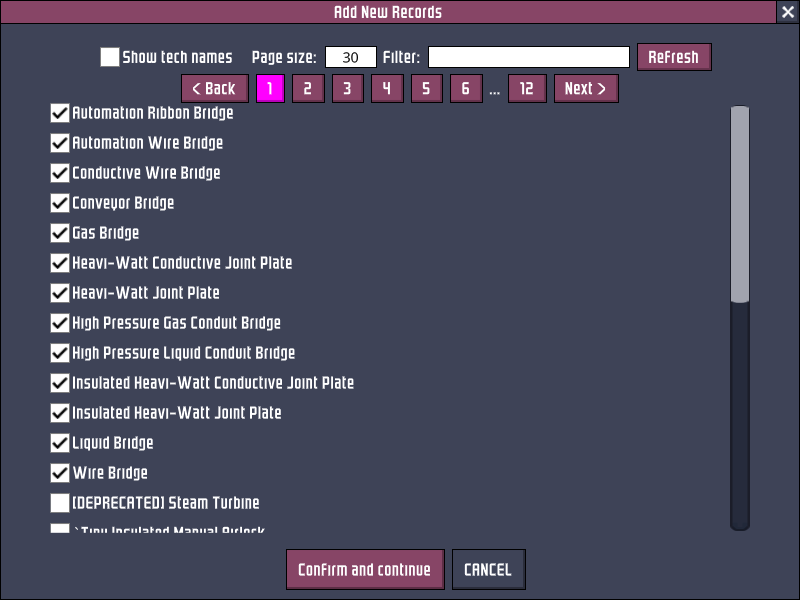
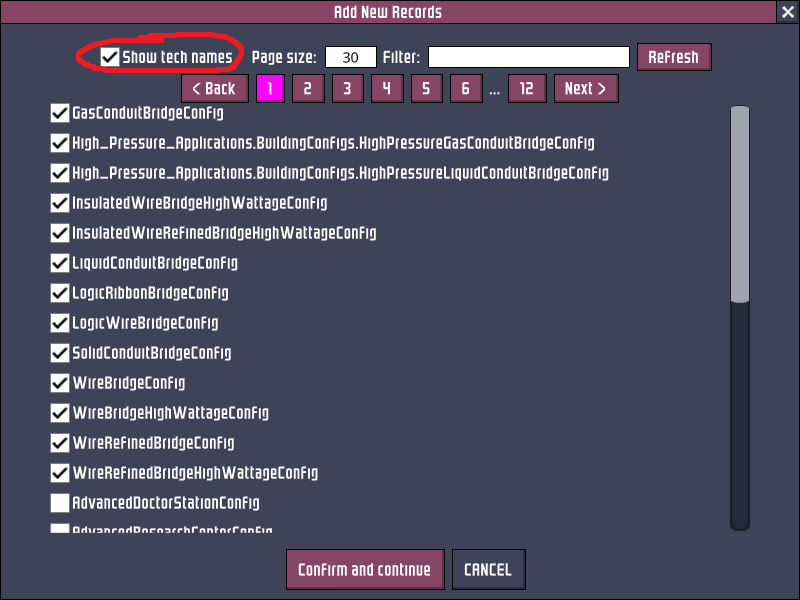
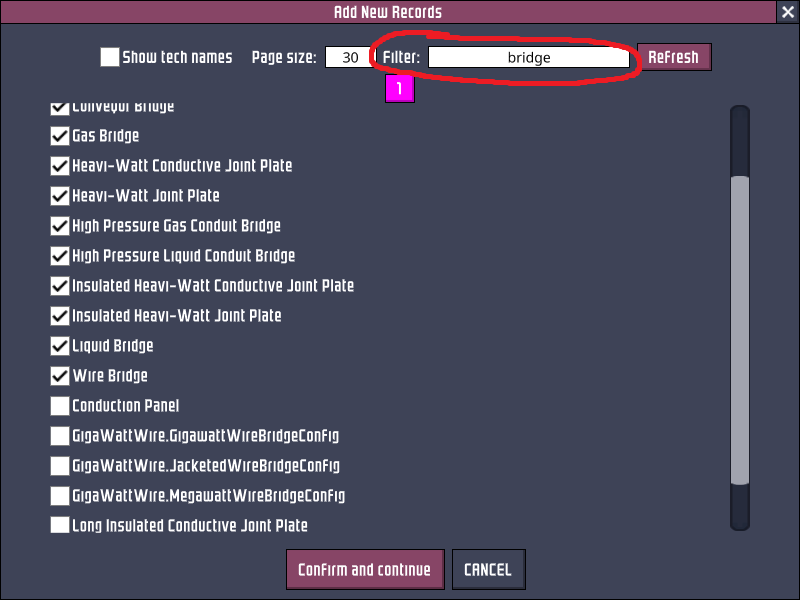
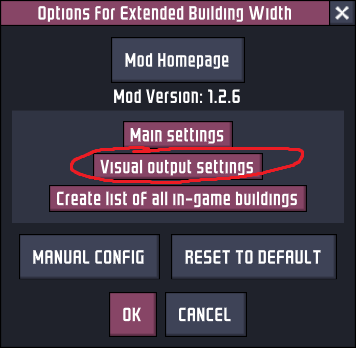
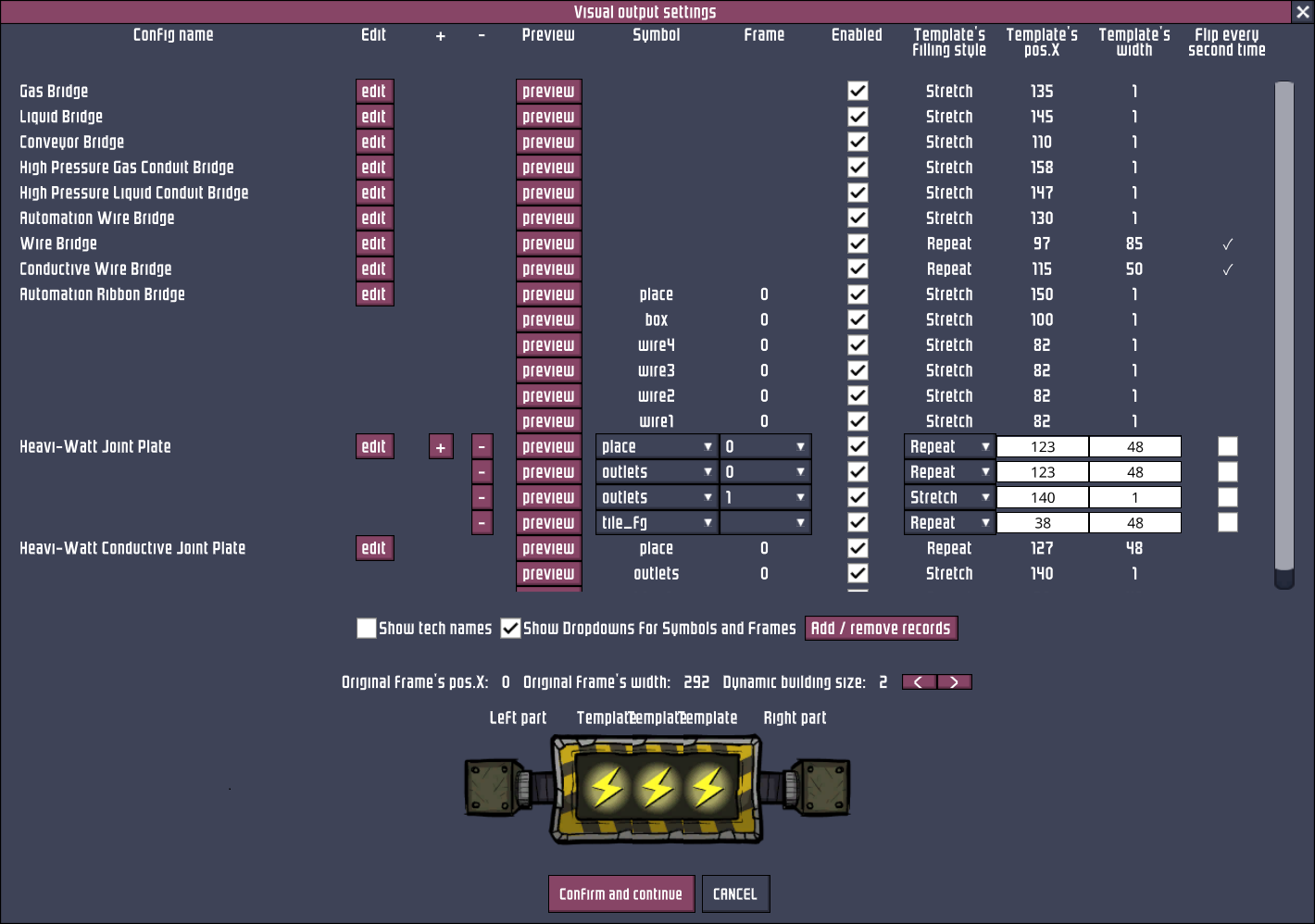
While the mod initially supports key conduit buildings like Gas, Liquid, and Solid bridges, its flexibility extends further. You can manually add compatibility for almost any building by accessing the mod’s in-game options. Navigate to the “Main settings” within the Extended Building Width mod menu, and utilize the “Add / remove records” feature. Here, you can browse or filter for specific buildings, check the box to enable wider construction, and confirm your selections to apply the changes.
Troubleshooting and Support
Should you encounter any issues, the mod provides clear guidance. For in-game problems, such as a building not extending as expected, consult the detailed instructions on adding custom building records. The mod authors also offer comprehensive troubleshooting steps for game crashes, guiding you through a process of elimination to identify conflicting mods. For persistent issues or to report bugs, a dedicated GitHub issues page is available, ensuring prompt assistance from the development team.