
Custom Generators
Expand Your Power Options with Custom Generators for Oxygen Not Included
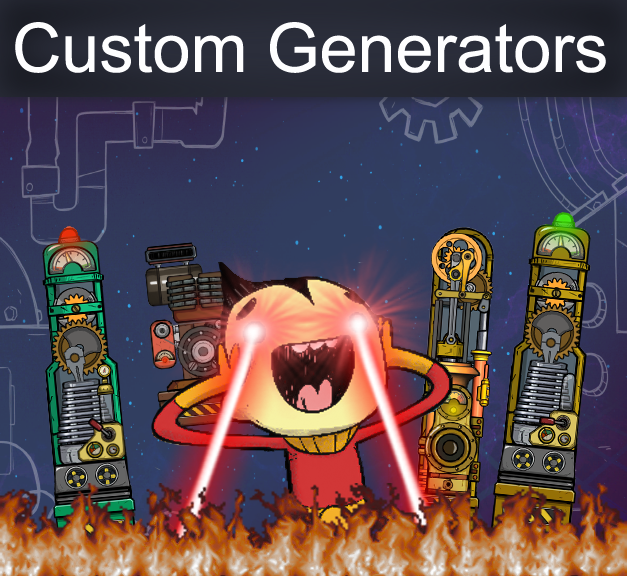
For dedicated duplicants who crave more control over their power infrastructure in Oxygen Not Included, the Custom Generators mod offers a compelling suite of new buildings designed to enhance your colony’s energy production capabilities. Developed with a focus on modularity and efficient resource management, this mod introduces four distinct generators, each with unique characteristics and applications.
Introducing the New Generators
This mod brings a fresh approach to power generation, allowing for more streamlined and visually appealing setups. Whether you’re looking to replace existing power sources or integrate new ones into your existing designs, these custom generators provide valuable alternatives. The mod’s creator aimed to maintain a balance with existing in-game power generation capacities, ensuring that these new additions feel like natural extensions of the core gameplay mechanics.
Key Features and Benefits
The Custom Generators mod introduces the following new buildings:
- Custom Petroleum Generator: A versatile option for petroleum-based power.
- Custom Gas Generator: Efficiently converts various gases into usable power.
- Steam Engine Generator: A compact, single-tile alternative to the standard Steam Turbine, offering a scaled-down but equally functional steam-powered solution.
- Custom Coal Generator: A new take on solid fuel power, offering a different approach to coal-based energy.
A significant design goal of this mod was to create generators that could be neatly arranged in rows, facilitating easier automation and piping of their outputs. This allows for more organized and aesthetically pleasing power plants within your base.
Technical Considerations and Support
The creator has kindly made the source code and art assets available for those interested in delving deeper into the mod’s construction. If you encounter any issues, such as game crashes, it is recommended to first ensure your mod version matches the latest release. Utilizing a mod updater tool can help synchronize versions. Testing for mod conflicts by running the game with only this mod enabled is also a crucial troubleshooting step. If problems persist, providing specific details about your game version, the conditions under which the crash occurs, and any available crash log information will greatly assist in resolving the issue.