
484114 한글 언어팩
Enhance Your Oxygen Not Included Experience with the Korean Language Pack
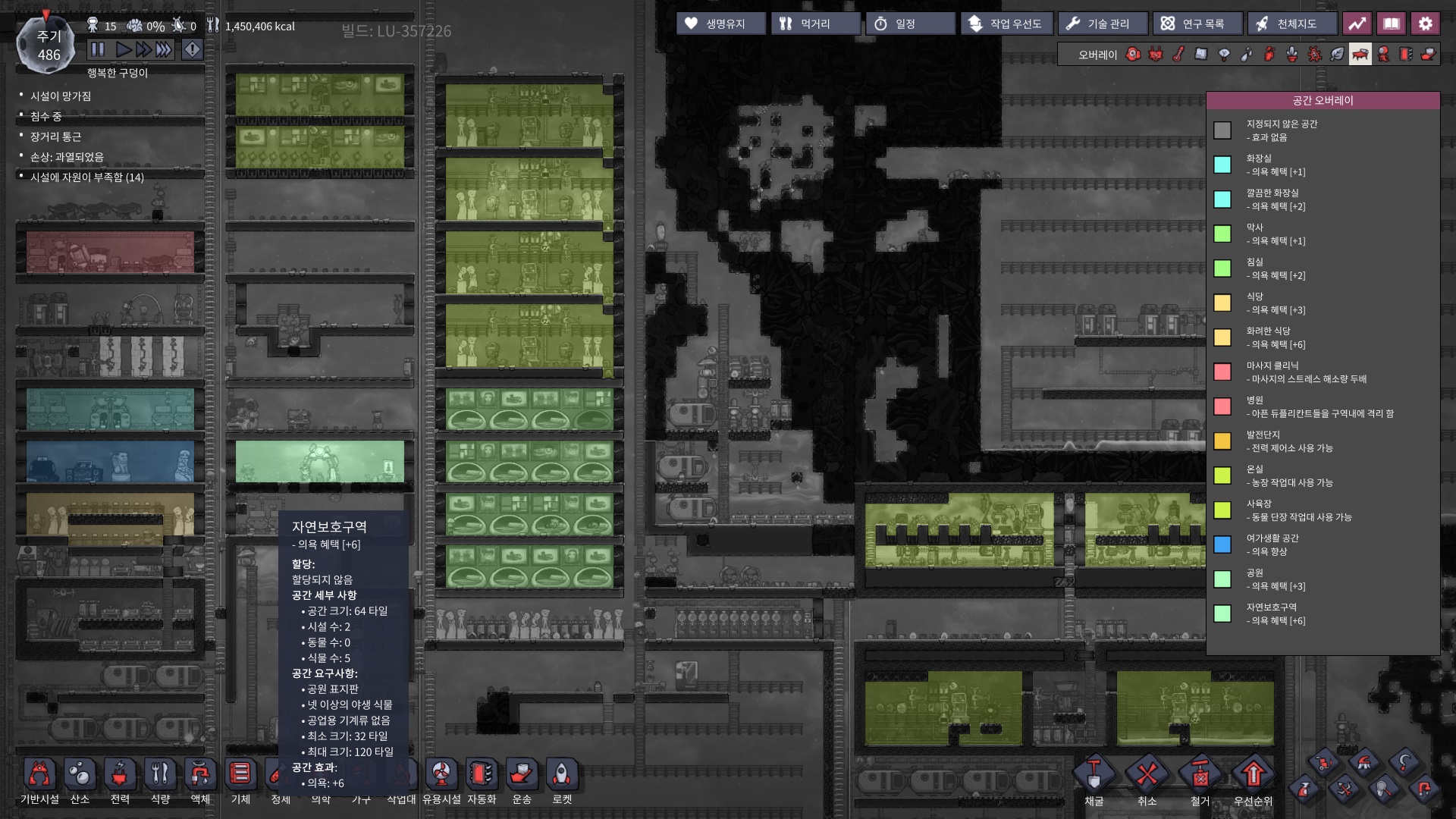
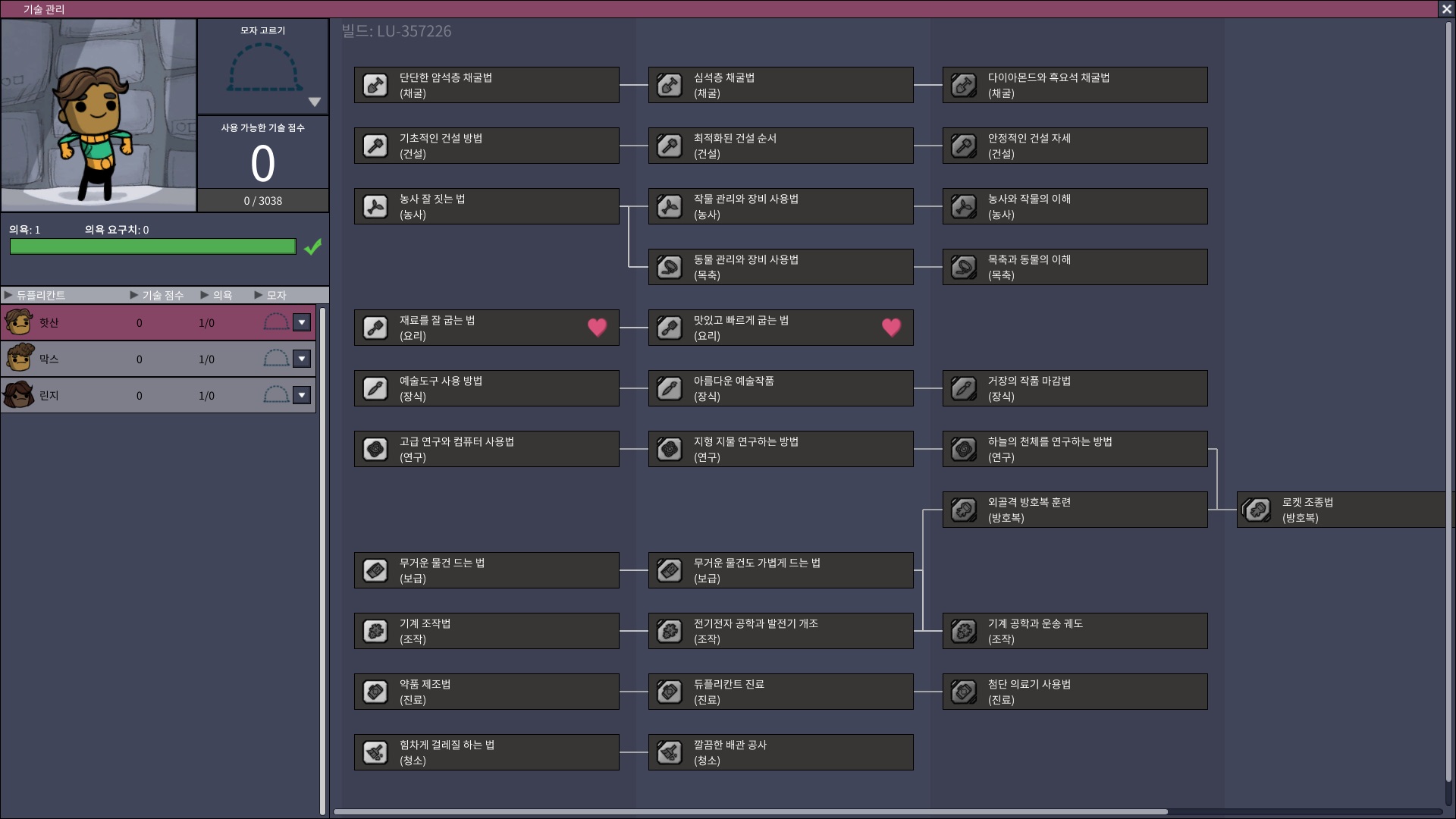
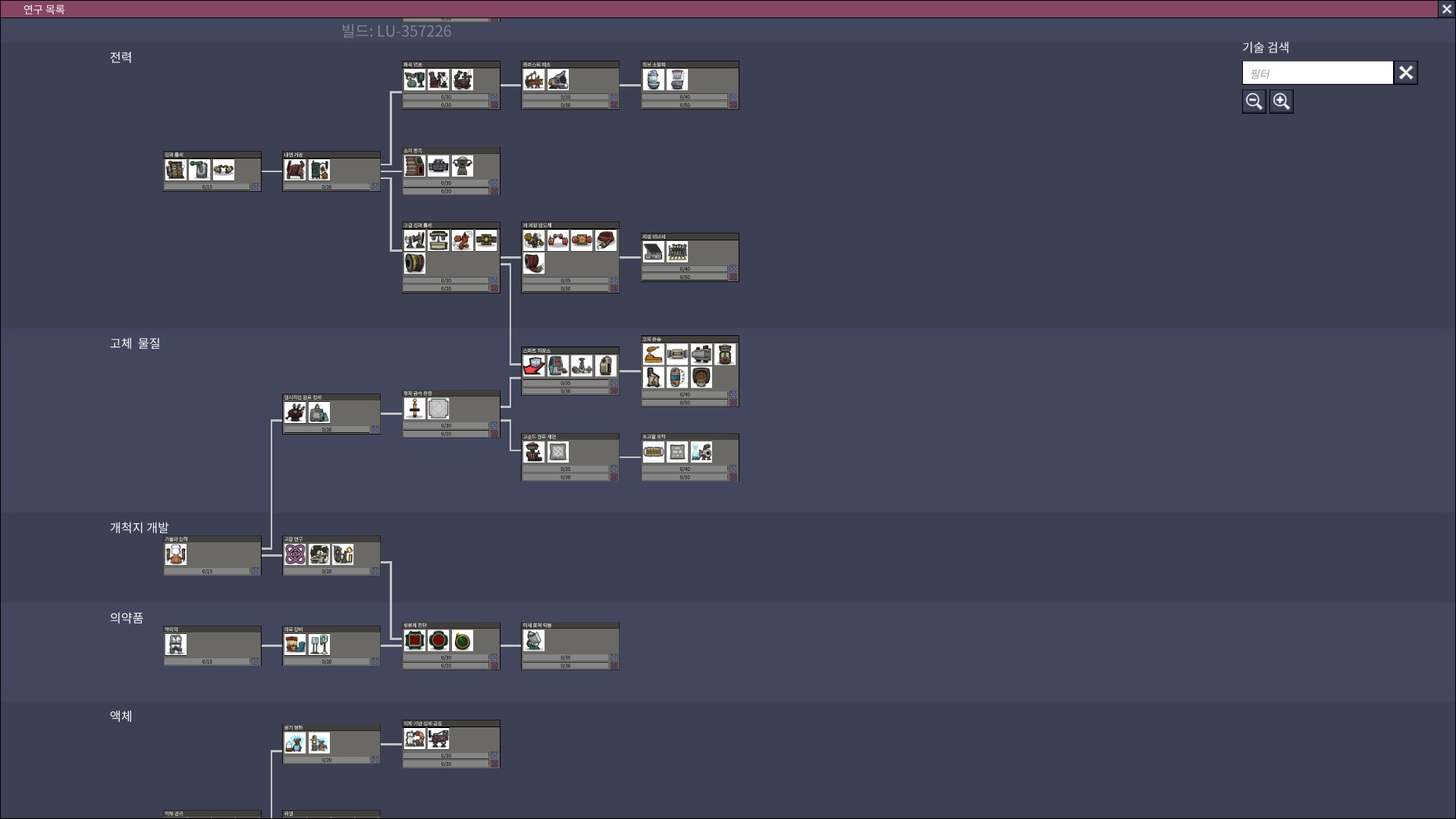
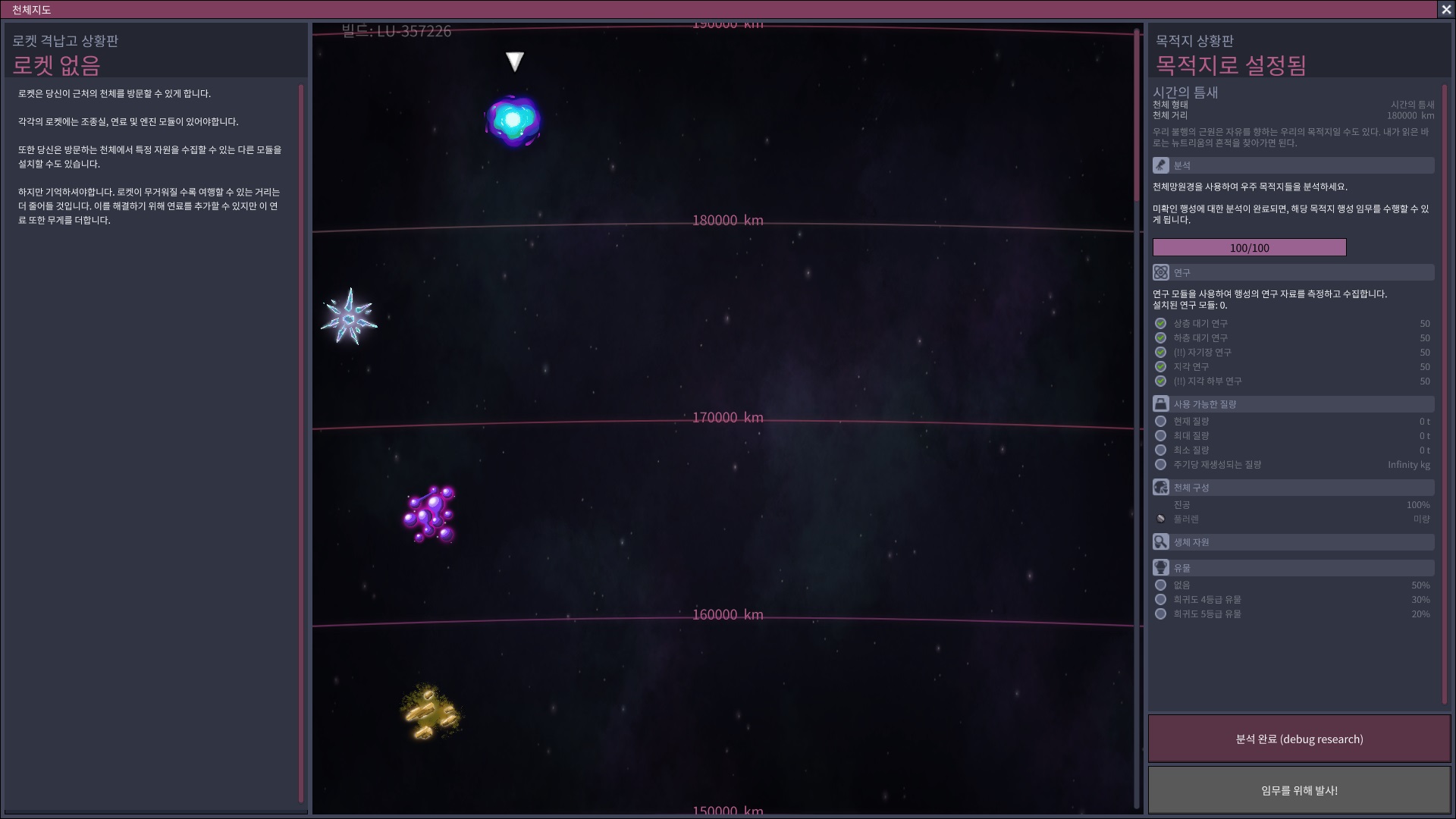
Dive into the intricate world of Oxygen Not Included with a vibrant and comprehensive Korean language pack. This mod aims to provide a seamless and immersive experience for Korean-speaking players, ensuring that every aspect of your asteroid colony management is accessible and understandable.
A Dedicated Korean Translation
This language pack offers a full Korean localization for Oxygen Not Included. While striving for a high-quality translation, the creators have taken creative liberties with proper nouns, which may feel unfamiliar to those accustomed to the original English terms. However, for new players, this offers a fresh perspective and a potentially more intuitive introduction to the game’s complex systems. This approach is particularly beneficial given that official translations can sometimes lag behind game updates and may contain inaccuracies.
Key Features and Benefits
- Full Korean localization for a more accessible gameplay experience.
- Aims to provide a more up-to-date and accurate translation compared to delayed official patches.
- Thoughtful translation choices designed to be clear and understandable for new players.
- Reduces reliance on English text, making complex game mechanics easier to grasp.
Installation and Troubleshooting
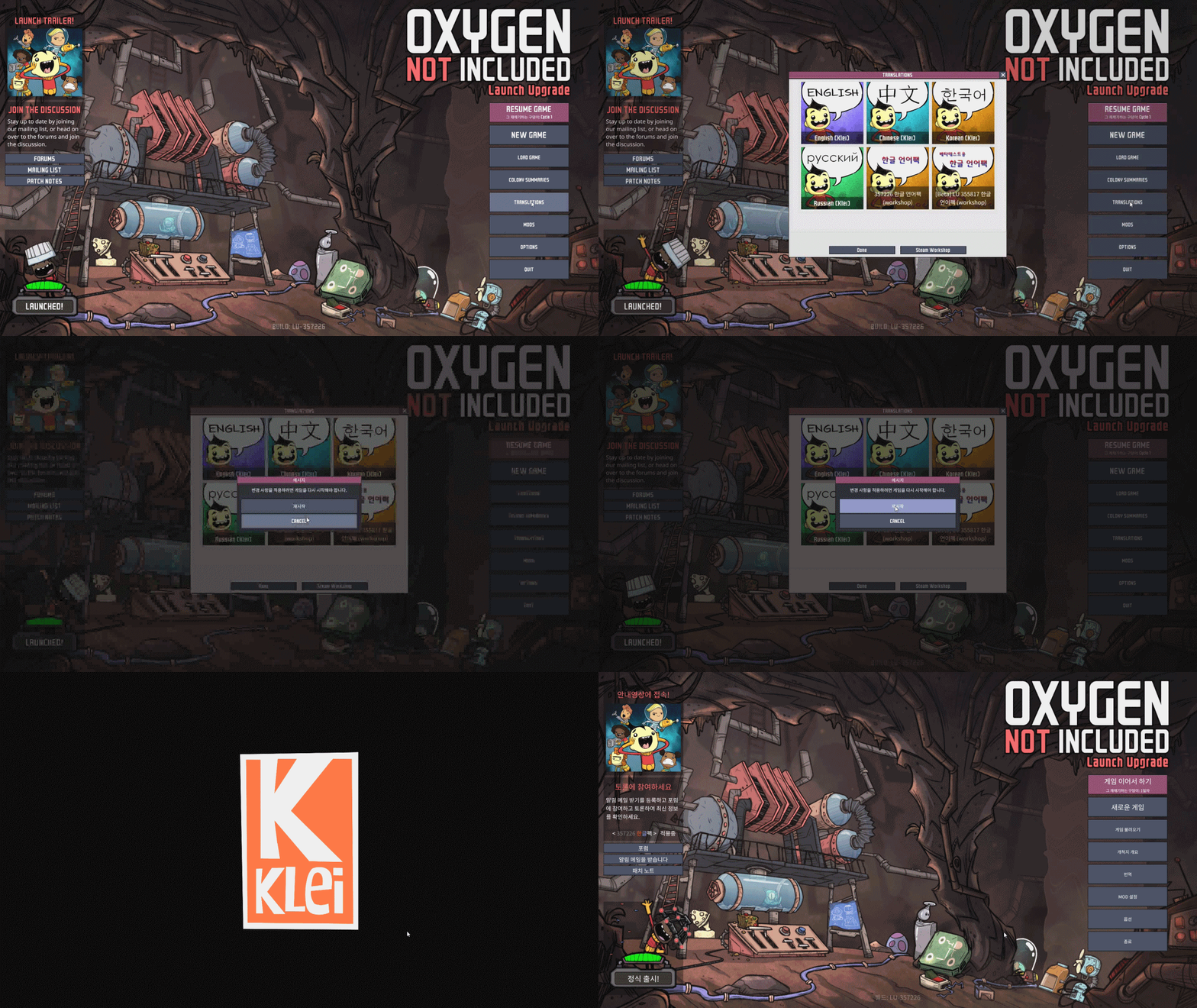
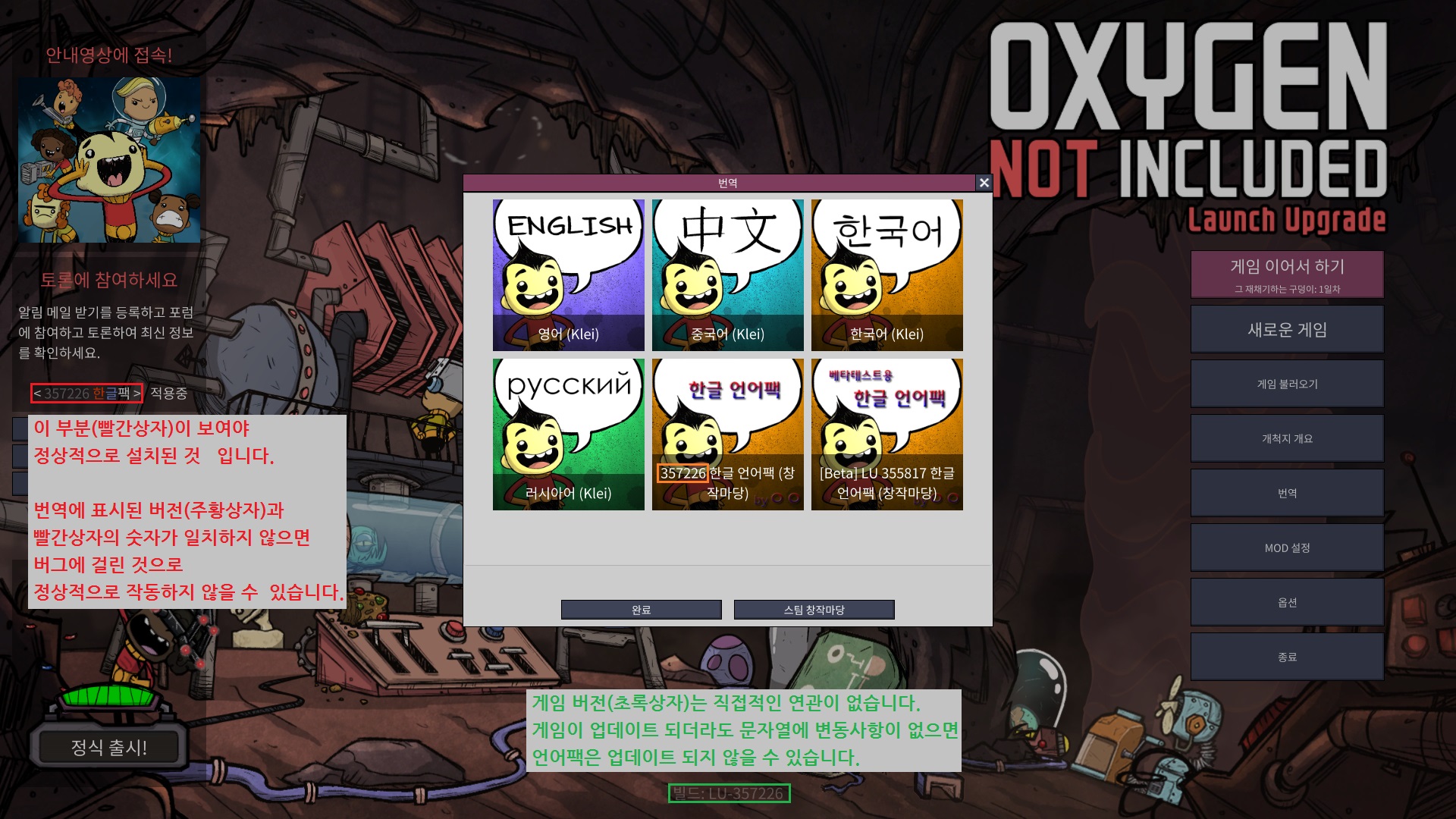
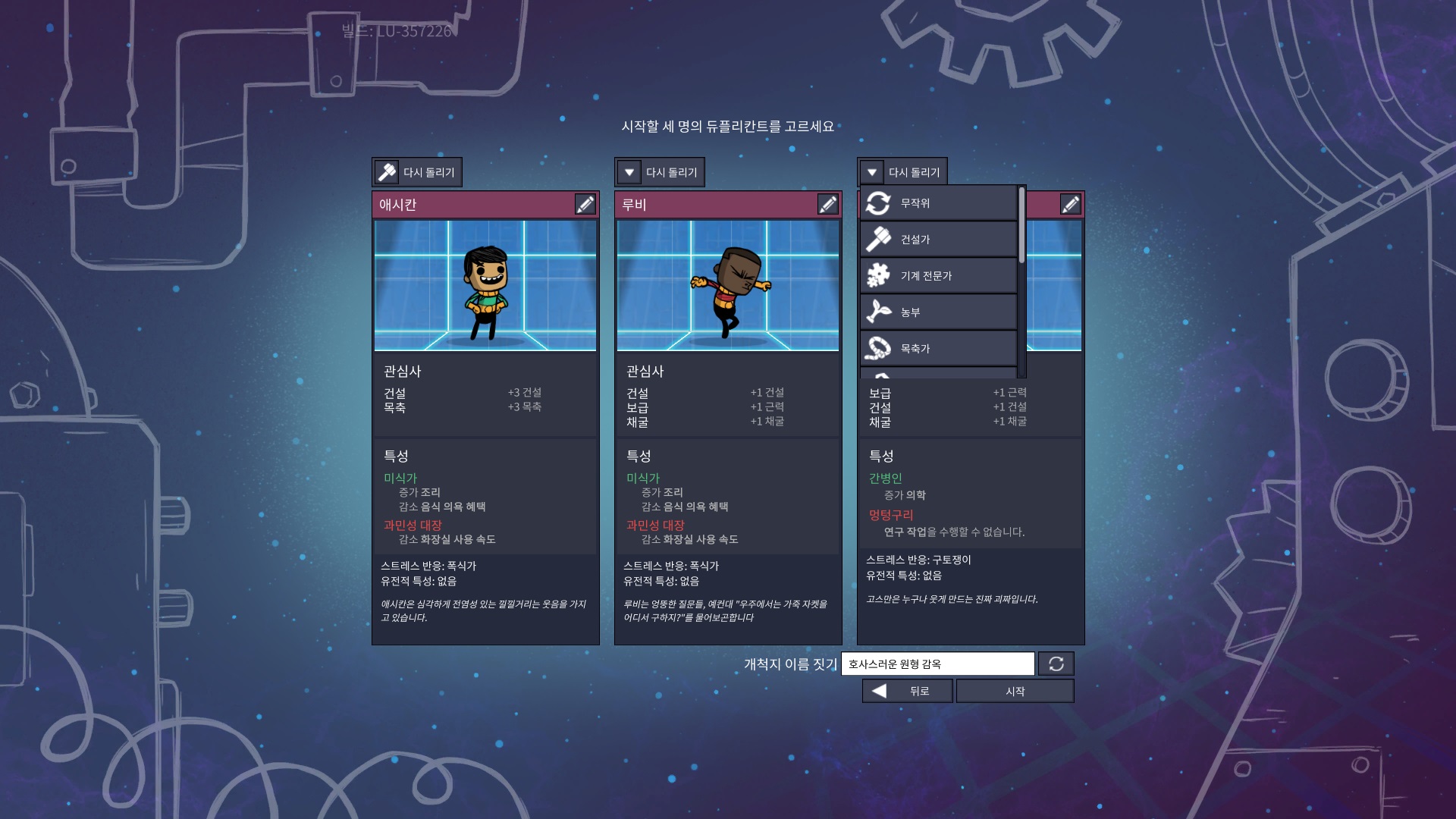
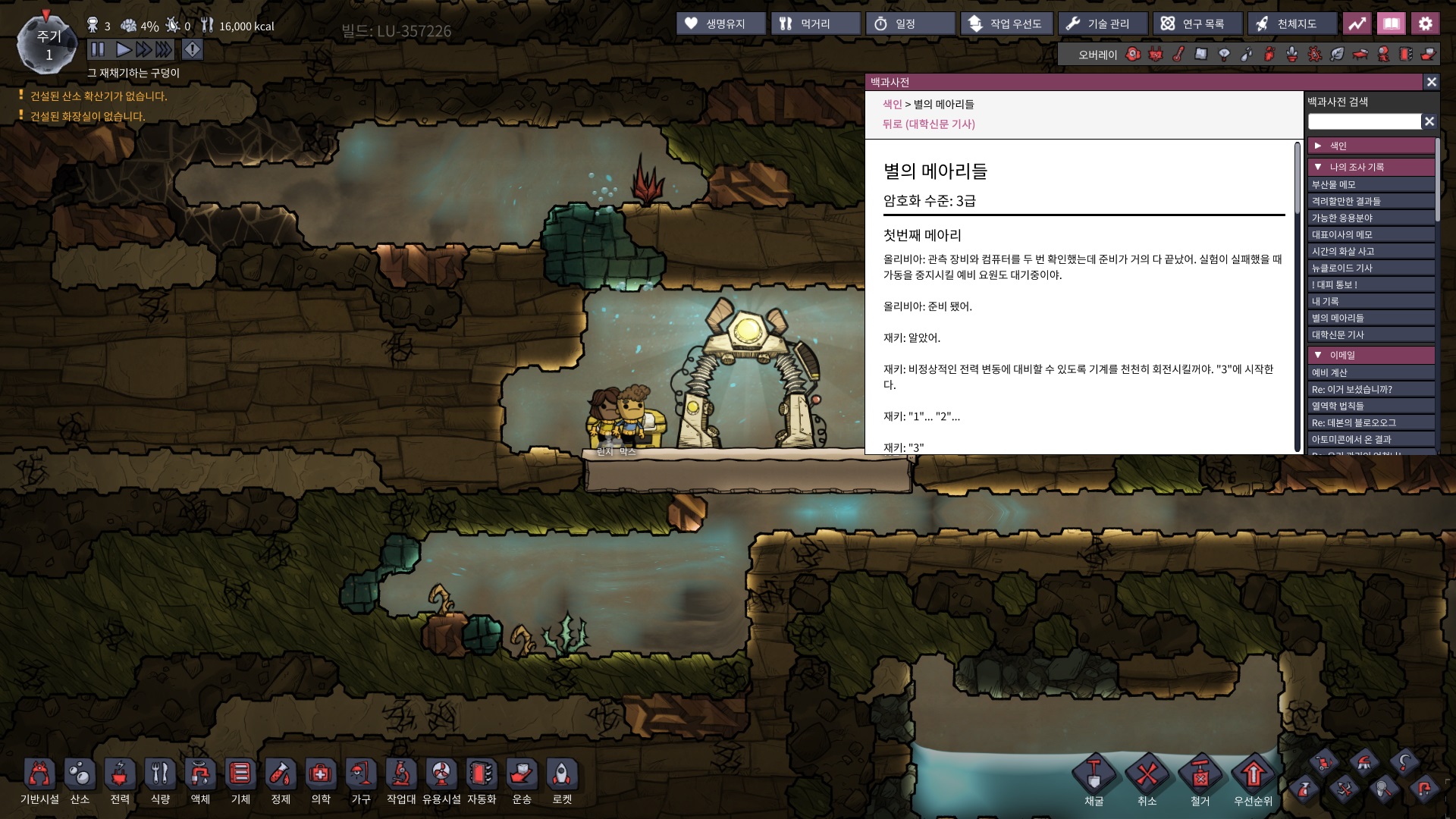
Installing the Korean Language Pack is straightforward. Simply subscribe to the mod, launch Oxygen Not Included, navigate to the ‘TRANSLATIONS’ menu on the main screen, select the newly added Korean Language Pack, and restart your game. Upon successful installation, you should observe that nearly all in-game text will be displayed in Korean, with very few exceptions for strings not yet localized or during specific patch timing.
While conflicts with other language mods are rare, they can occasionally occur due to shared language files. If you encounter issues where the Korean text doesn’t appear correctly, a simple solution is to switch back to the English language pack within the ‘TRANSLATIONS’ menu, restart the game, and then re-select the Korean pack. In persistent cases, a game reinstallation might be necessary.
Keeping Your Language Pack Updated
To ensure you’re always playing with the latest translation, periodically check the ‘TRANSLATIONS’ menu after game updates. Selecting the Korean Language Pack and restarting the game should apply any available updates. If automatic updates do not seem to function as expected, follow the troubleshooting steps outlined above.