
Tesmio Clock
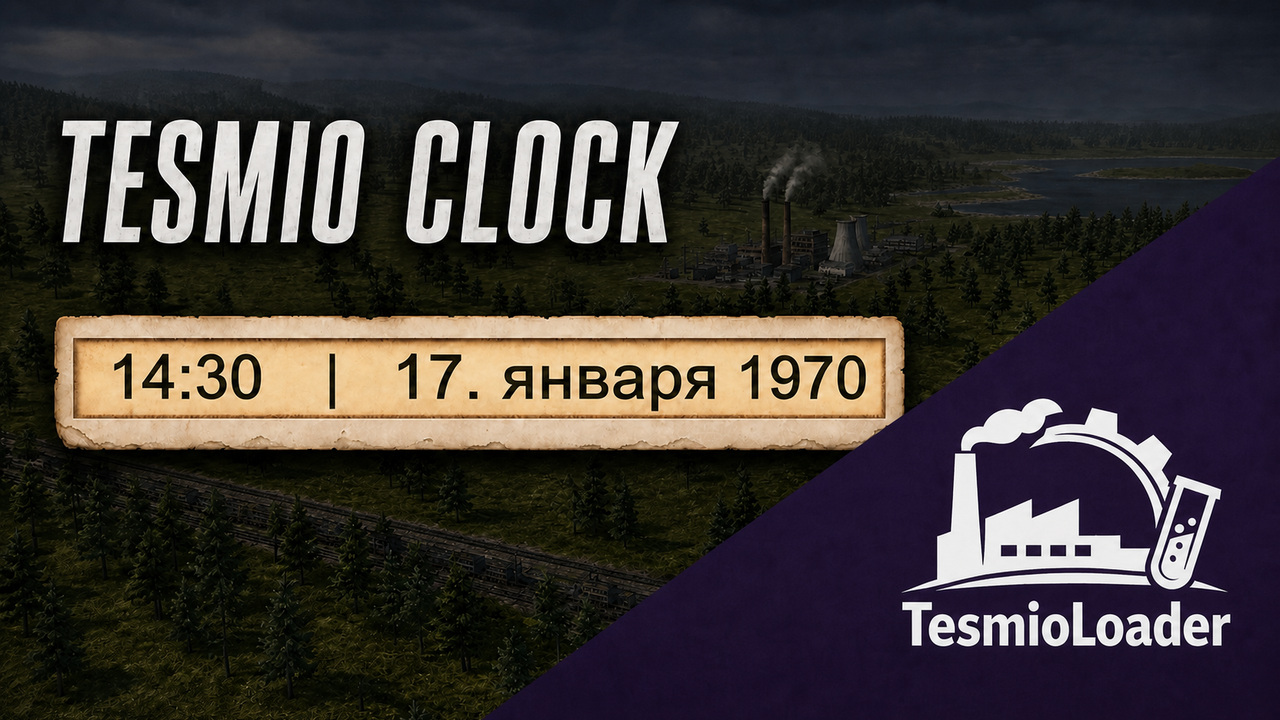
Enhance Your Soviet Republic with the Tesmio Clock Mod
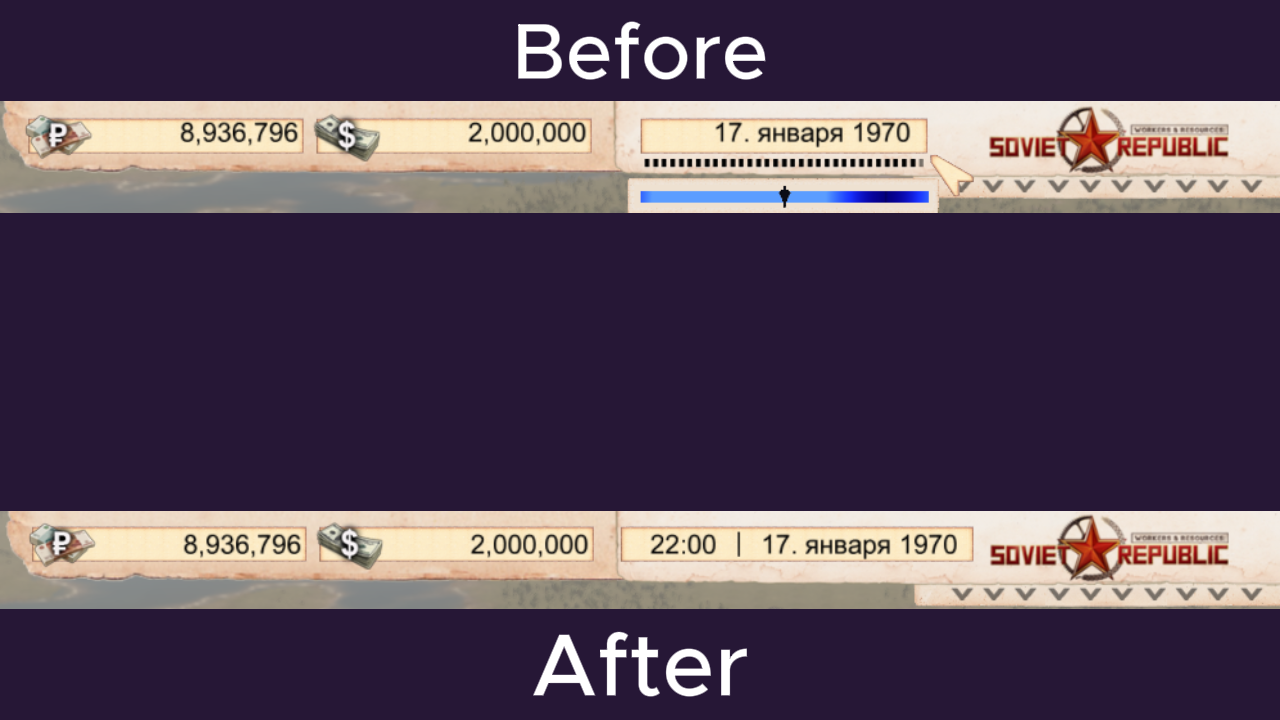
For players of Workers & Resources: Soviet Republic looking to add a touch of refined detail to their gameplay experience, the Tesmio Clock mod offers a neat and functional enhancement. This modification introduces a clear, digital clock directly onto the game’s top interface panel, keeping you precisely informed of the in-game time alongside the date. It seamlessly integrates with the game’s day and night cycle, providing a constant visual reference for your republic’s progress.
Key Features for a Better Interface
The Tesmio Clock mod is designed with usability and aesthetic integration in mind. Its core features ensure it’s more than just a simple timepiece:
- Digital time display integrated into the main game interface.
- Choice between two display formats: a standard 24-hour clock or a 12-hour AM/PM format.
- Time updates in 30-minute increments, mirroring the game’s progression.
- Time and date are presented together in a single, easily readable field.
- The clock dynamically adjusts its position to accommodate various screen resolutions and interface scaling options, including ultrawide displays and 4K.
- An intuitive installer allows you to select your preferred time format during setup, and this can be changed at any time by simply rerunning the installer.
Essential Dependencies and Installation
It’s important to note that the Tesmio Clock mod is not a standalone modification. It functions as an add-on and requires the prior installation of the TesmioLoader and the Calendar Synchronizer mod. Ensure you have subscribed to and installed both of these essential components before proceeding with the Tesmio Clock installation. The mod includes a straightforward installation batch file that automates many of the setup processes, including the crucial adjustment for vehicle speed, ensuring your transport operates at its intended pace.
Troubleshooting Vehicle Speed
In the event that your vehicles appear to be moving too quickly after installation, this is typically related to a specific setting within the Calendar Synchronizer. The Tesmio Clock installer is designed to automatically correct this by setting the `vehicle_scale` parameter to 1. If the issue persists after an update or reinstallation, rerunning the Tesmio Clock installer batch file should resolve the problem and restore normal vehicle speeds without disrupting the calendar synchronization.
The Tesmio Clock mod provides a practical and unobtrusive way to keep track of time within your Workers & Resources: Soviet Republic playthrough, adding a polished touch to the user interface. Remember to consult the mod’s documentation for detailed installation steps and compatibility information.