
Whys My Game Lagging?
Troubleshoot tModLoader Performance Issues with “Why’s My Game Lagging?”
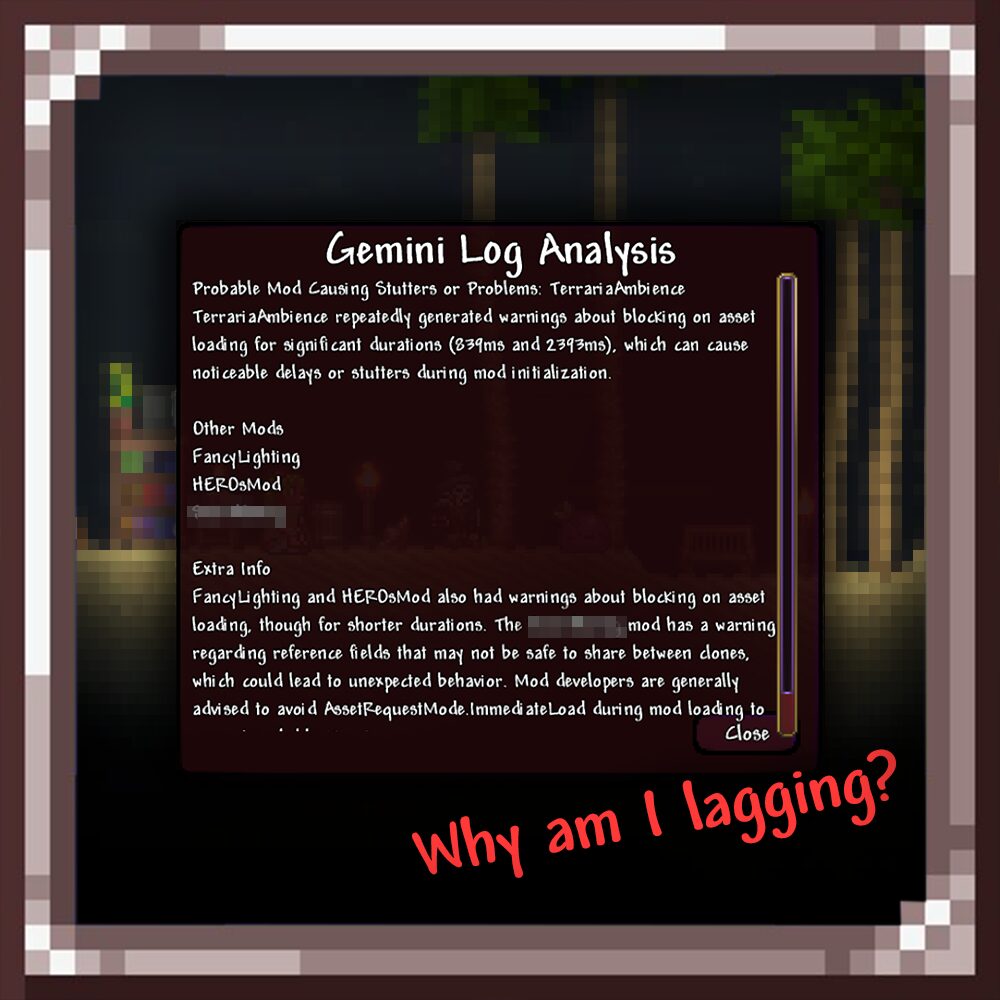
Encountering frustrating lag, stuttering, or mysterious crashes in tModLoader? The culprit is often buried deep within your game logs, a dense file that can be incredibly challenging to decipher. The “Why’s My Game Lagging?” mod offers an elegant and powerful solution, leveraging cutting-edge AI to diagnose your performance woes without ever forcing you to leave the game.
Instant AI-Powered Analysis
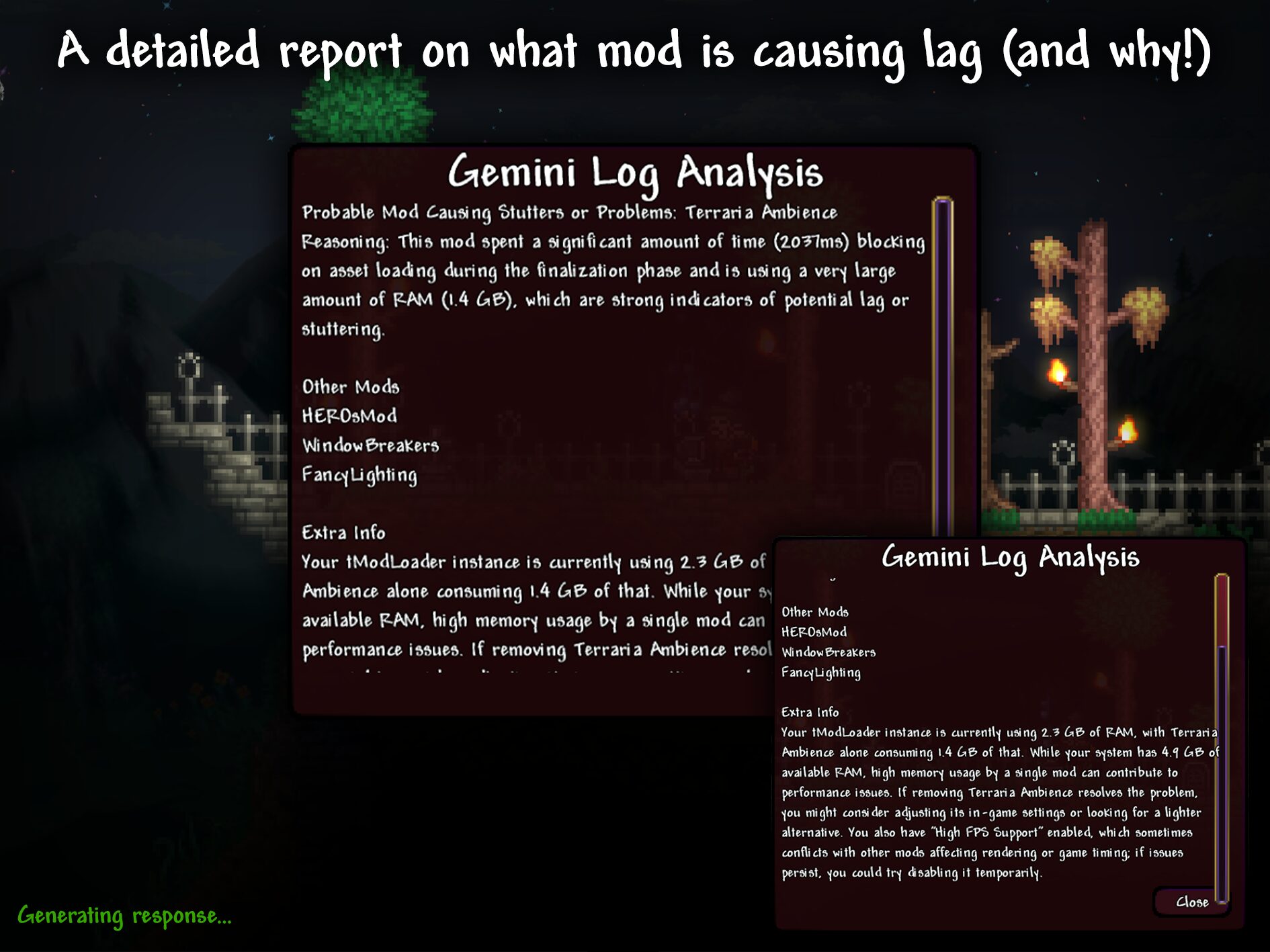
Forget sifting through endless lines of text. This innovative mod integrates directly with Google’s Gemini AI. With a simple key press, it intelligently extracts the most relevant recent entries from your live tModLoader log file. These critical snippets are then sent to Gemini for processing, providing you with a clear, actionable report directly within the game.
Identify Problematic Mods and Errors
The AI doesn’t just present raw data; it synthesizes it into an easy-to-understand format. A custom in-game UI window will display a summarized analysis, pinpointing the most likely sources of your performance problems. This includes identifying:
- Mods that are causing lag or stuttering.
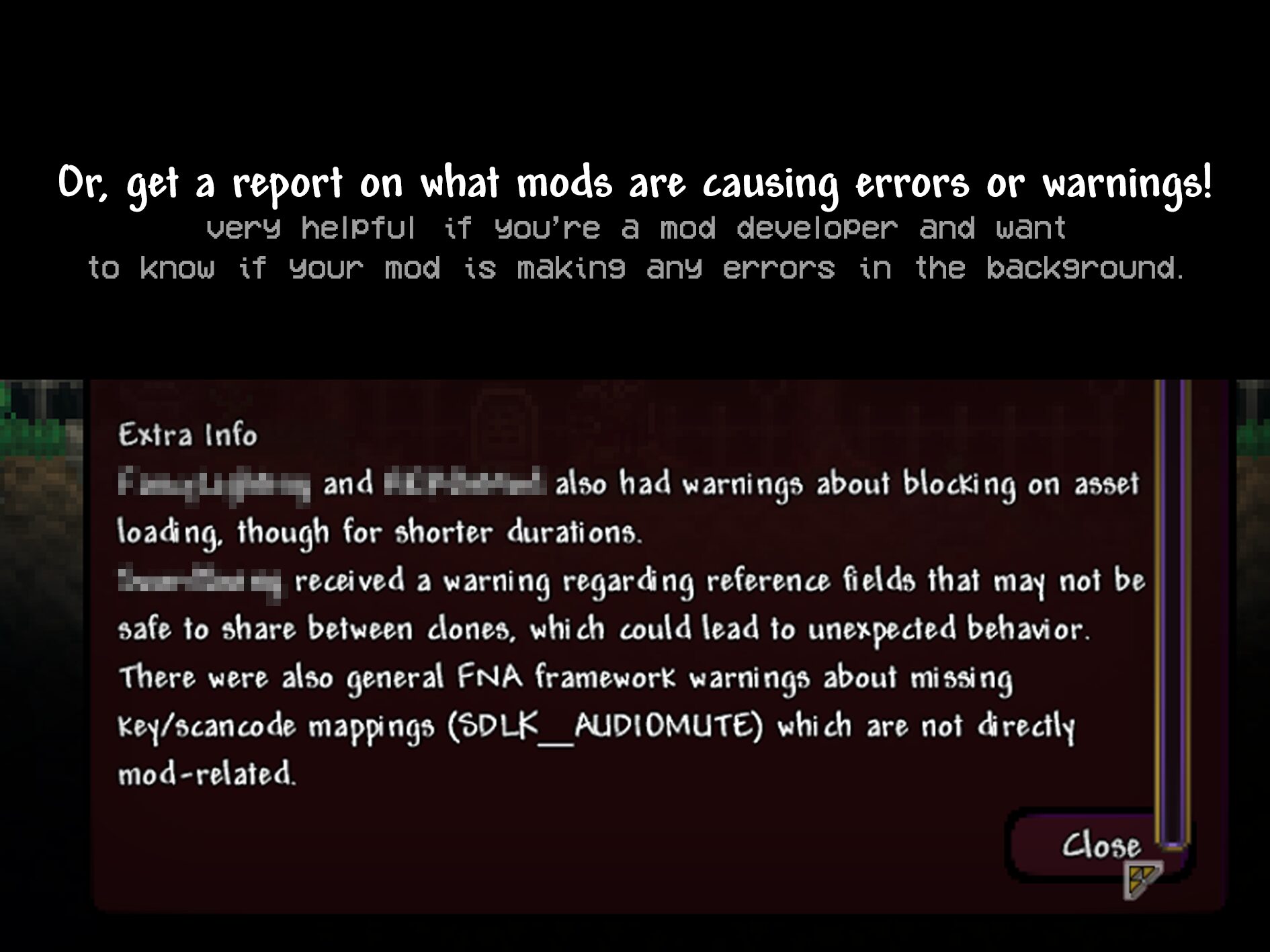
- Specific error messages and their origins.
- Potential memory-intensive mods contributing to slowdowns.
- Other critical warnings that might be affecting stability.
Seamless Keybinds for Quick Diagnostics
Accessing the diagnostic tools is effortless. The mod provides intuitive keybinds, easily customizable within the tModLoader Controls menu under the “Mods” section. You can quickly:
- Trigger a scan to identify lag and stuttering culprits.
- Initiate a log scan for specific errors and warnings.
Once activated, a brief “Generating response…” message will appear in your chat, followed by the comprehensive AI report opening in a dedicated window.
Simple Setup for Immediate Use
Getting started is straightforward. You’ll need to provide your own Gemini API key, which can be obtained from the Google AI developer site. Once you have your key, simply navigate to the mod’s configuration menu within tModLoader, paste your key, and optionally adjust the model name or response language. With “Why’s My Game Lagging?”, you can spend less time troubleshooting and more time enjoying your tModLoader adventures.