
UI Editor
Customize Your tModLoader Experience with the UI Editor Mod
Tired of the default arrangement of your tModLoader interface? Wish you could fine-tune the placement of your hotbar, inventory, or even the chat window to better suit your playstyle? The UI Editor mod for tModLoader is here to give you complete control over your game’s visual layout.
Unleash Your Inner Designer
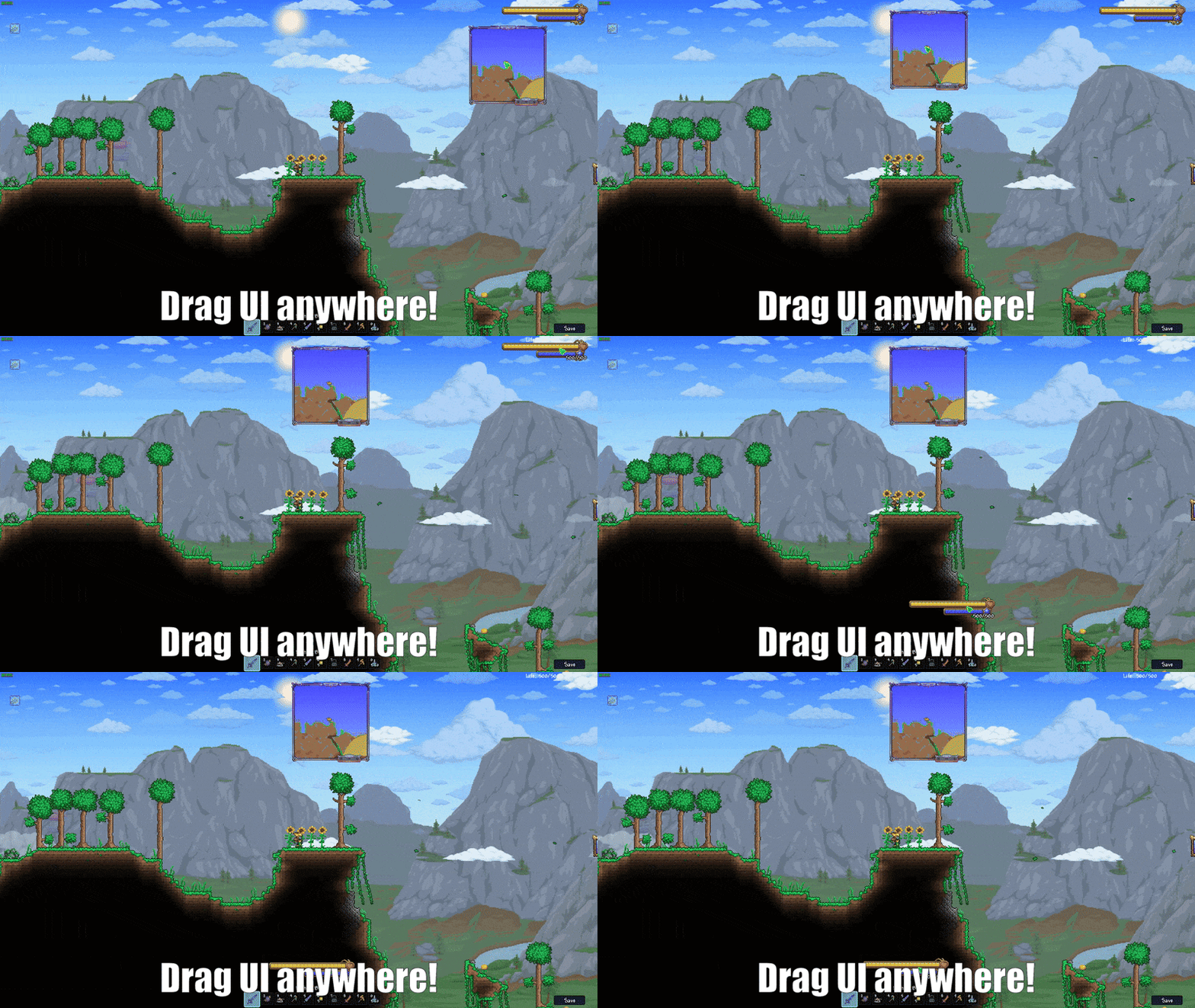
This powerful mod empowers you to take charge of every on-screen element. With an intuitive drag-and-drop system, you can reposition virtually any UI element in tModLoader. Whether you prefer your map in a different corner, your inventory closer to your action bar, or a more streamlined chat display, the UI Editor makes it possible. No more compromising with fixed layouts – tailor your game world to your exact preferences.
Key Features at Your Fingertips
- Flexible UI Manipulation: Effortlessly drag and drop elements like the chat, hotbar, inventory, map, and more to your desired positions.
- Save and Share Layouts: Create custom arrangements that work best for you, save them, and even share your personalized layouts with friends.
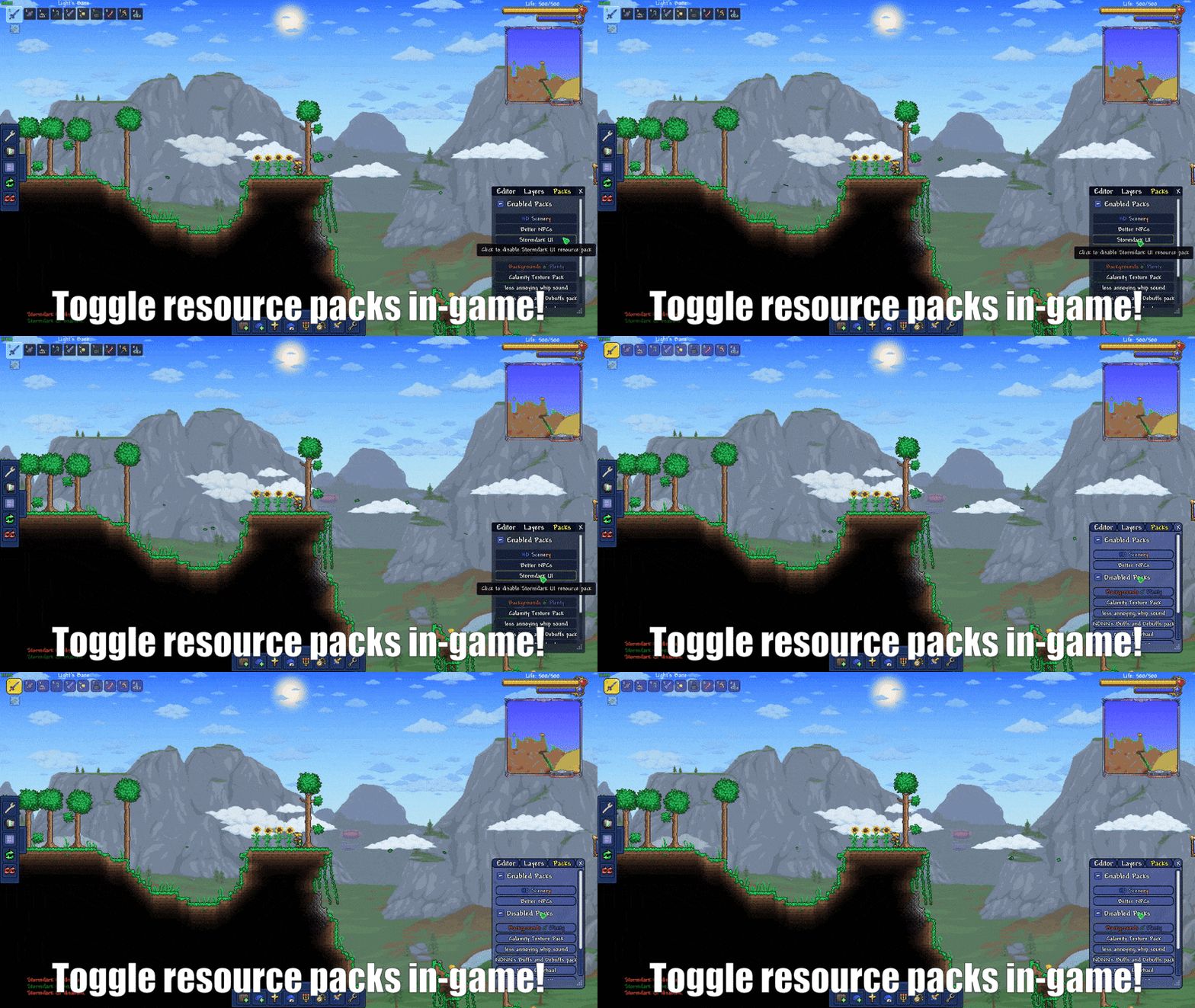
- Resource Pack Management: Toggle resource packs directly within the game for quick and easy visual customization.
- Granular Control: Hide or show specific interface layers and UI elements, both from vanilla tModLoader and any installed mods.
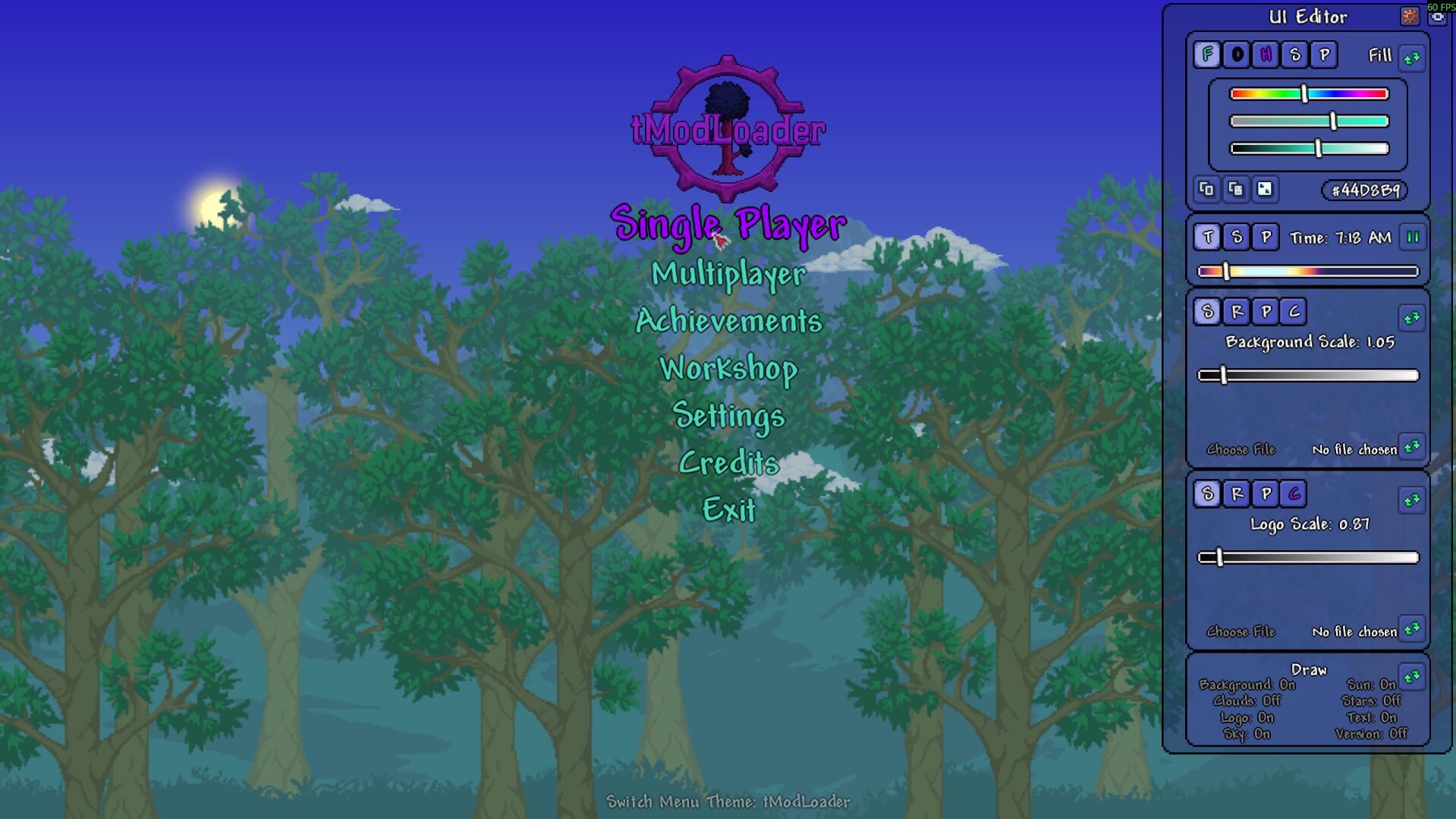
- Main Menu Customization: Personalize your game’s entry point with custom background images, color adjustments, and other enhancements.
Simple to Use, Powerful in Effect
Getting started with the UI Editor is straightforward. New tools are conveniently located below your inventory, and hotkeys are also available for quick access. If you’re using other popular mods like Mod Reloader, CheatSheet, DragonLens, or Hero’s Mod, you’ll find the UI Editor integrates seamlessly. To create your own layout, simply enter the editor, arrange the UI elements to your liking, navigate to the ‘Layouts’ tab, and select ‘Save this layout’. Your personalized interface will be ready in no time.